Watch at EaseStories. Answers. Perspective.

WATCH AT EASE · PRACTICAL GUIDE

Guides

Answers to everyday questions, checked for current relevance.

241–264 / 365

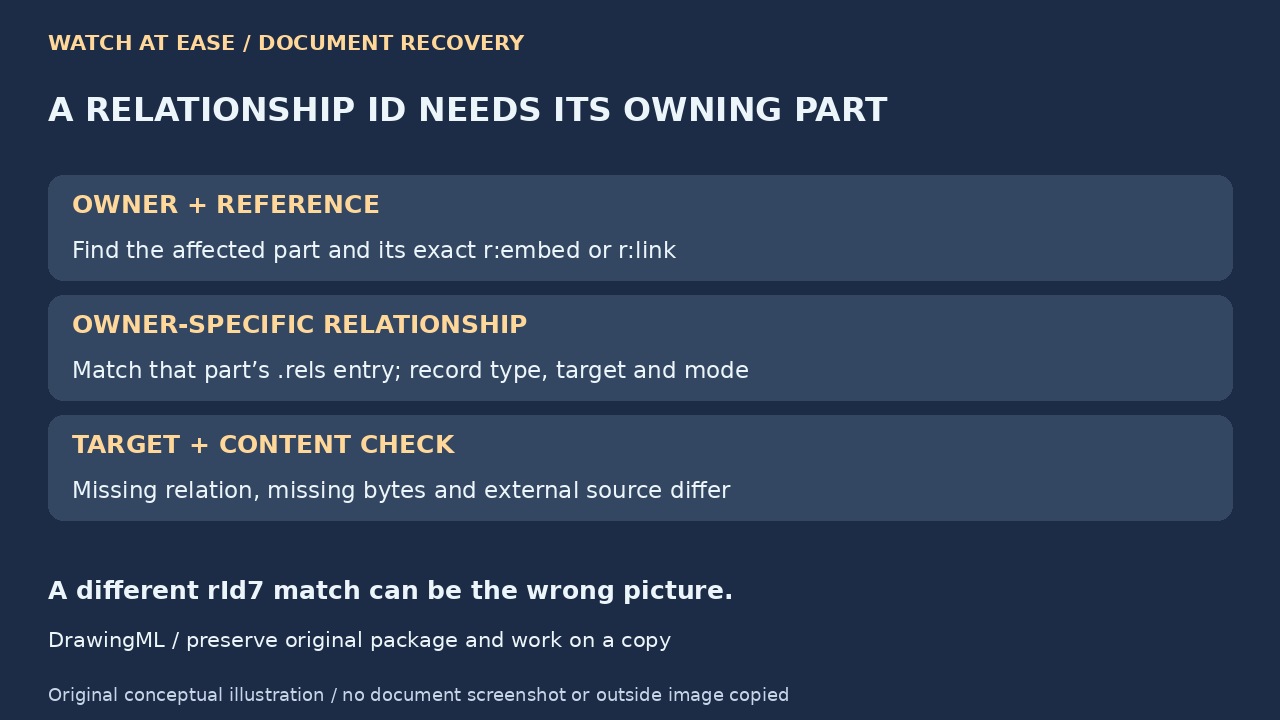
Original diagram separating owning part, its relationship and actual picture target
Original conceptual illustration: identify the picture’s owning part, match its relationship and check the actual target before attempting recovery. Watch at Ease
Technology · PRACTICAL GUIDE

Word says an image part was not found? Match the rId to its owning part before editing

A relationship ID is not a global picture filename. Preserve the DOCX, trace the correct part and distinguish a missing relationship, absent embedded bytes and an external source before attempting recovery.
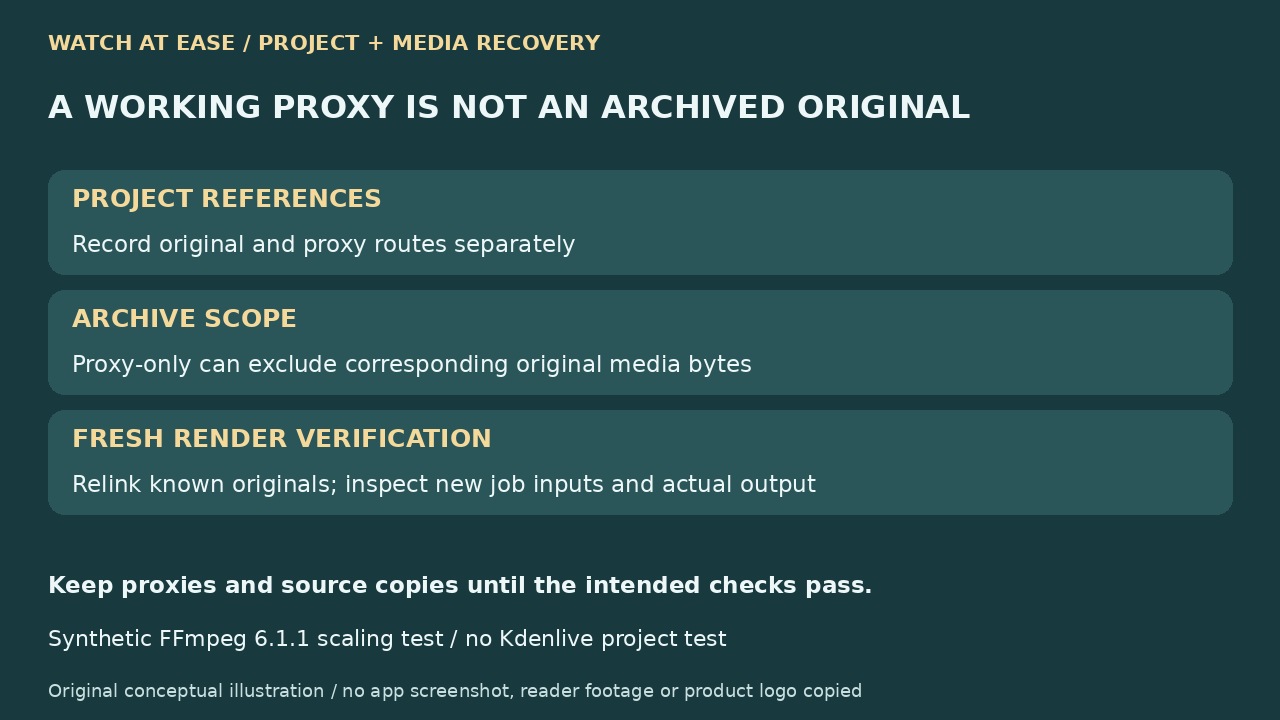
Original diagram separating project references, proxy-only archive scope and fresh render source verification
Original conceptual illustration: preserve original and proxy routes, check which bytes were archived and inspect the inputs of a fresh render before accepting recovery. Watch at Ease
Technology · PRACTICAL GUIDE

Kdenlive proxy-only archive opens? Verify original media before trusting the final render

An editable proxy preview is not proof that an archive contains the original footage. Preserve both media routes, check archive scope and verify the renderer’s real inputs before accepting full-quality recovery.

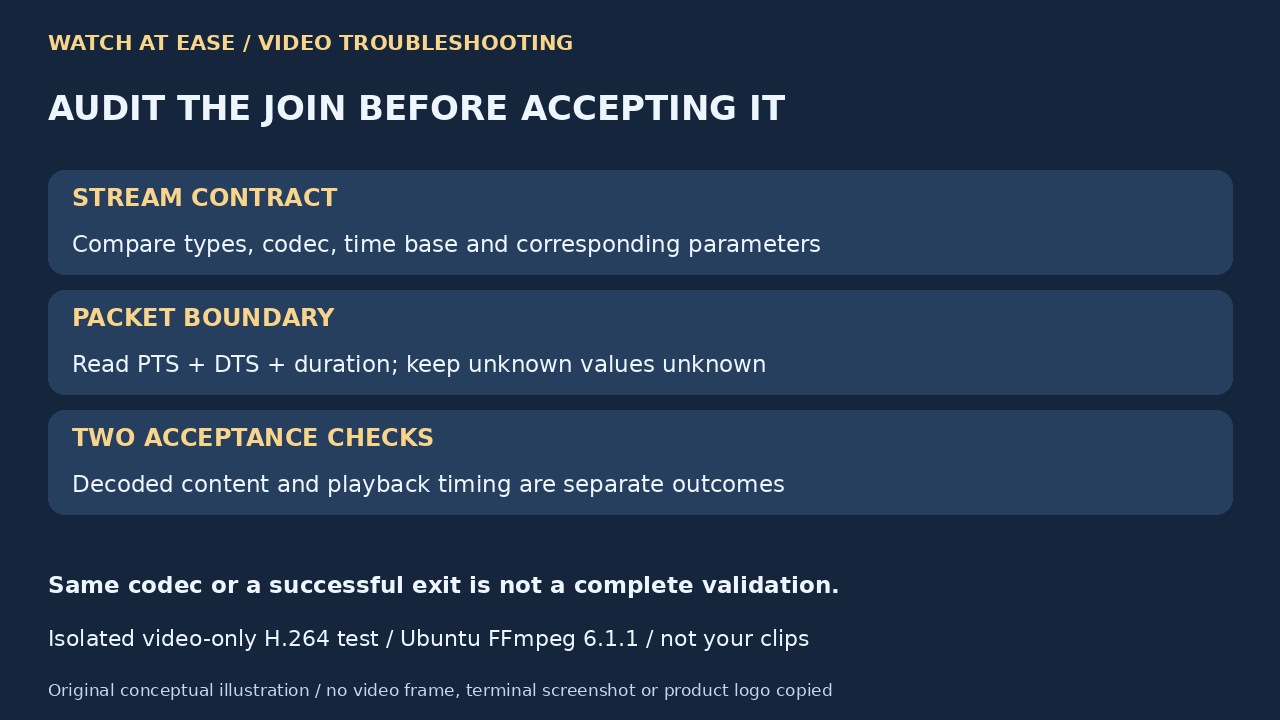
Original diagram separating stream parameter checks, PTS and DTS boundary inspection, and content versus timing validation
Original conceptual illustration: compare corresponding streams, inspect both timestamp types and validate decoded content separately from playback timing. Watch at Ease
Technology · PRACTICAL GUIDE

FFmpeg concat reports non-monotonic DTS? Audit packet timing before accepting the join

A successful stream-copy join can retain every decoded frame yet compress playback time. Compare stream contracts, segment duration and both timestamp types before choosing a repair.

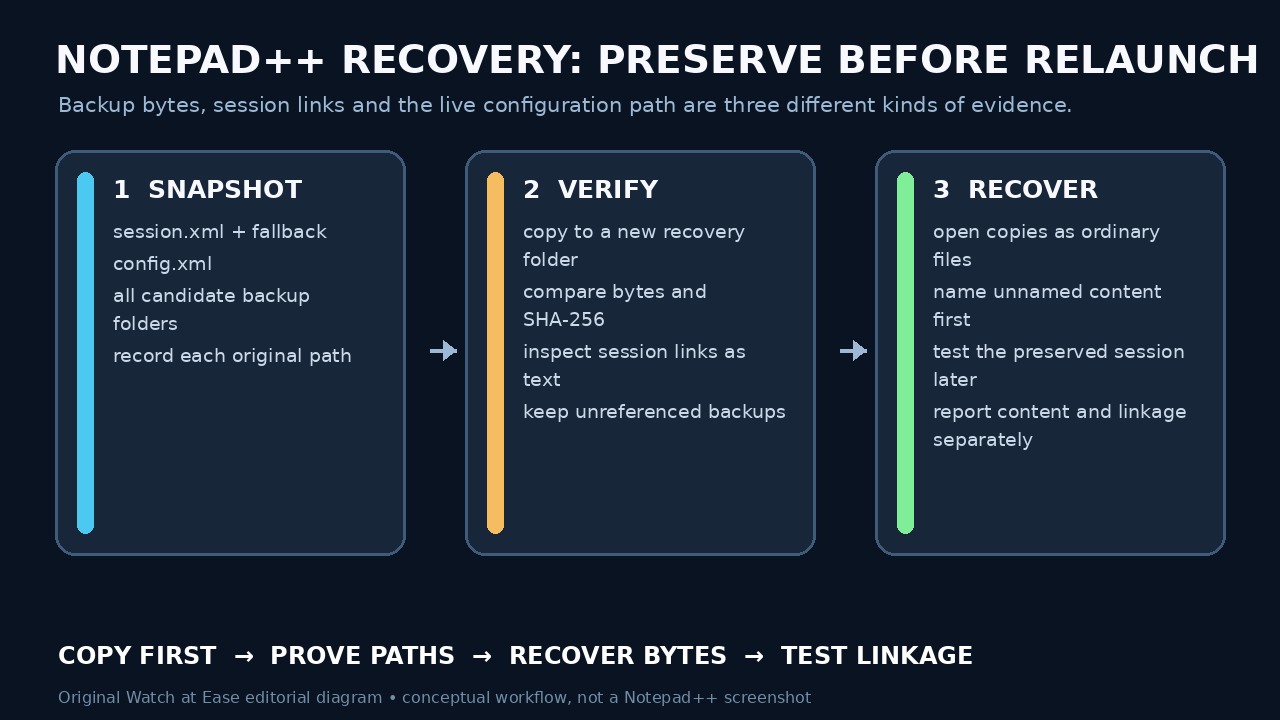
Original editorial diagram showing how to preserve Notepad++ session, configuration and backup evidence before relaunch
Original conceptual diagram: snapshot and verify session, configuration and backup copies before recovering content or testing links. Watch at Ease
Technology · PRACTICAL GUIDE

Notepad++ backups exist but tabs are gone? Preserve content and session paths before reopening

A surviving backup can hold edits even when session links are gone. Preserve both, identify the real configuration route and recover the bytes before trying to rebuild the tab list.

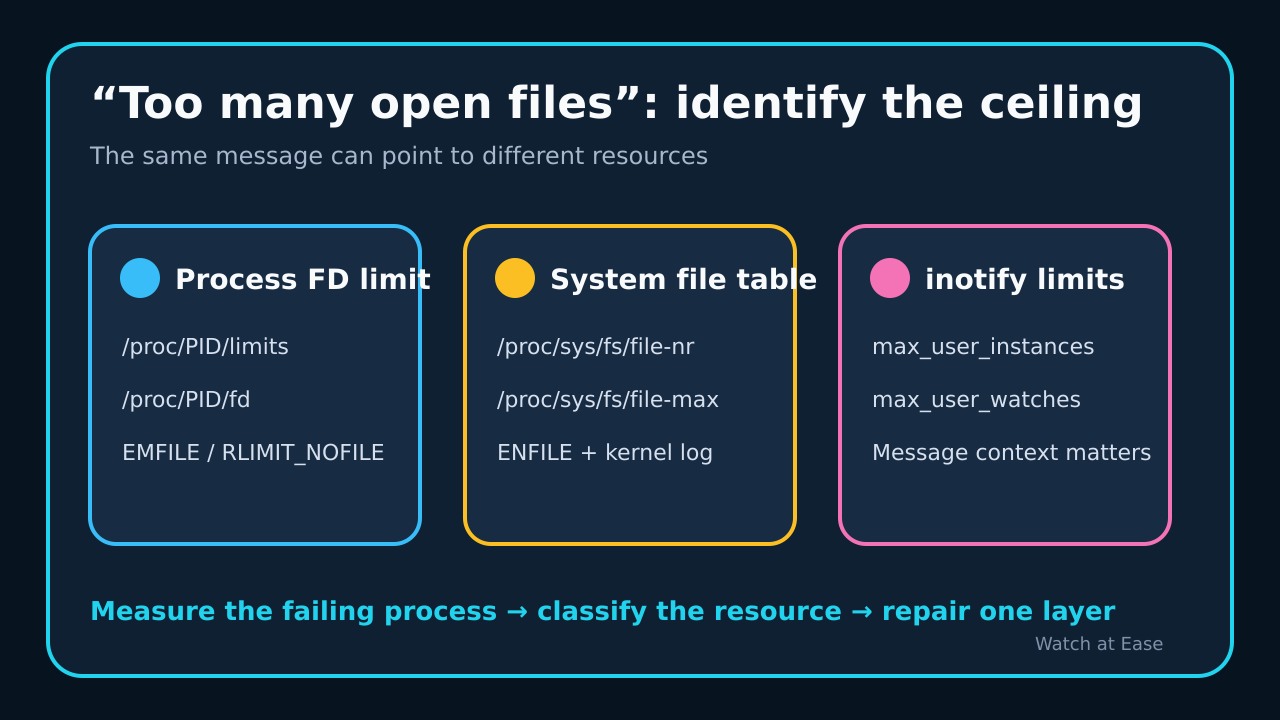
Original editorial diagram separating process file-descriptor, system file-table and inotify ceilings
Original conceptual illustration: the same message can require three different evidence paths. Watch at Ease
Technology · PRACTICAL GUIDE

Too many open files even after ulimit? Prove which Linux ceiling the service hit

A shell ulimit does not describe an existing service. Use the failing PID to separate RLIMIT_NOFILE, the system file table and inotify before changing any ceiling.

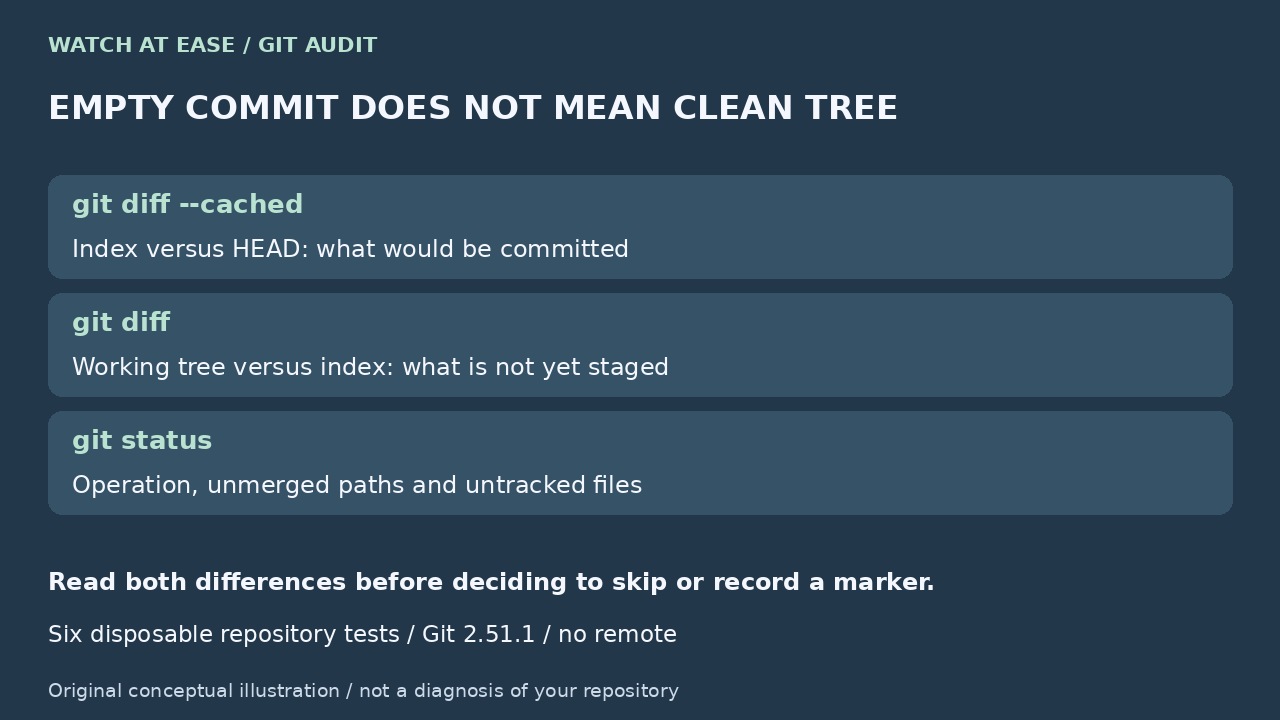
Original editorial illustration: Separate index and working-tree differences
Original conceptual illustration: An empty cached diff can coexist with wanted unstaged work; inspect both differences before choosing the policy. Watch at Ease
Technology · PRACTICAL GUIDE

Git says the cherry-pick is empty? Audit the index before skipping

An empty proposed commit is not proof that your working tree is clean or the fix is delivered. Six disposable Git tests show what to inspect before choosing skip, keep or drop.

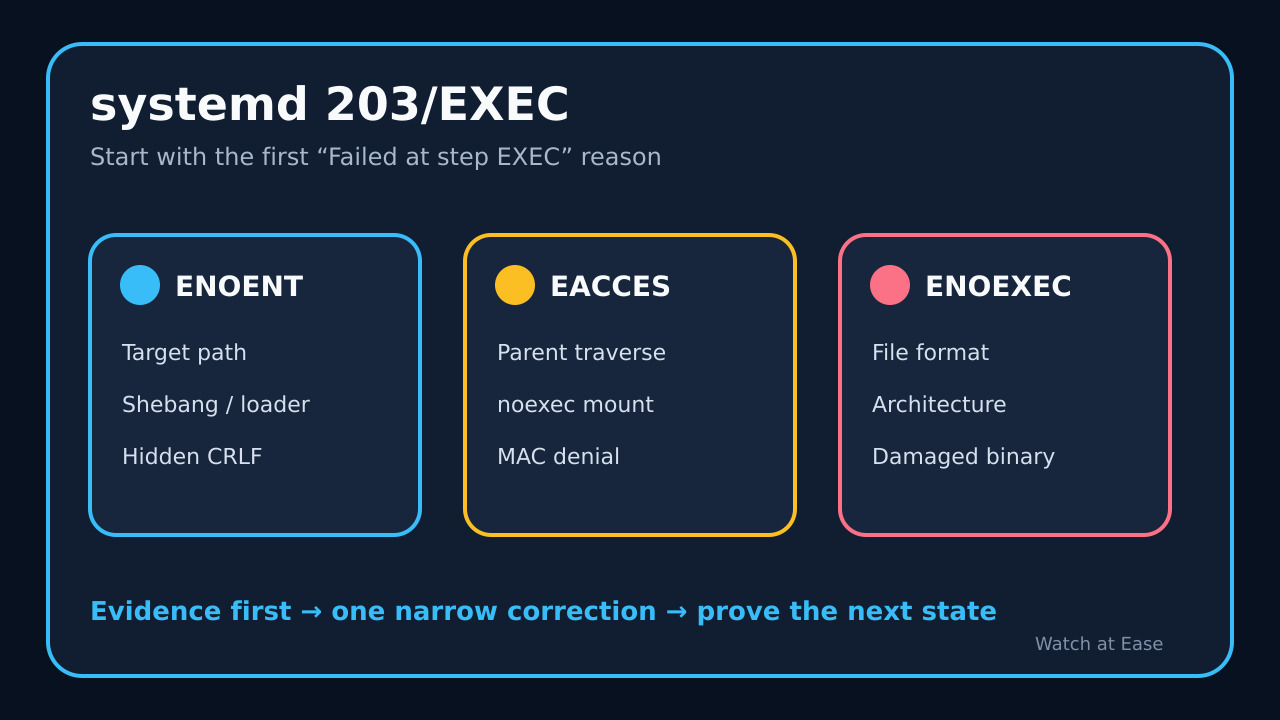
Original editorial decision tree separating systemd 203/EXEC by the journal reason
Original conceptual illustration: preserve the first EXEC line, then route ENOENT, EACCES and ENOEXEC to different evidence checks. Watch at Ease
Technology · PRACTICAL GUIDE

systemd status=203/EXEC? Audit the failed execve path before changing permissions

203/EXEC means the service manager could not execute the configured process. Use the exact journal message to separate a missing target or interpreter, invalid format, path or mount denial, and MAC policy before changing anything.

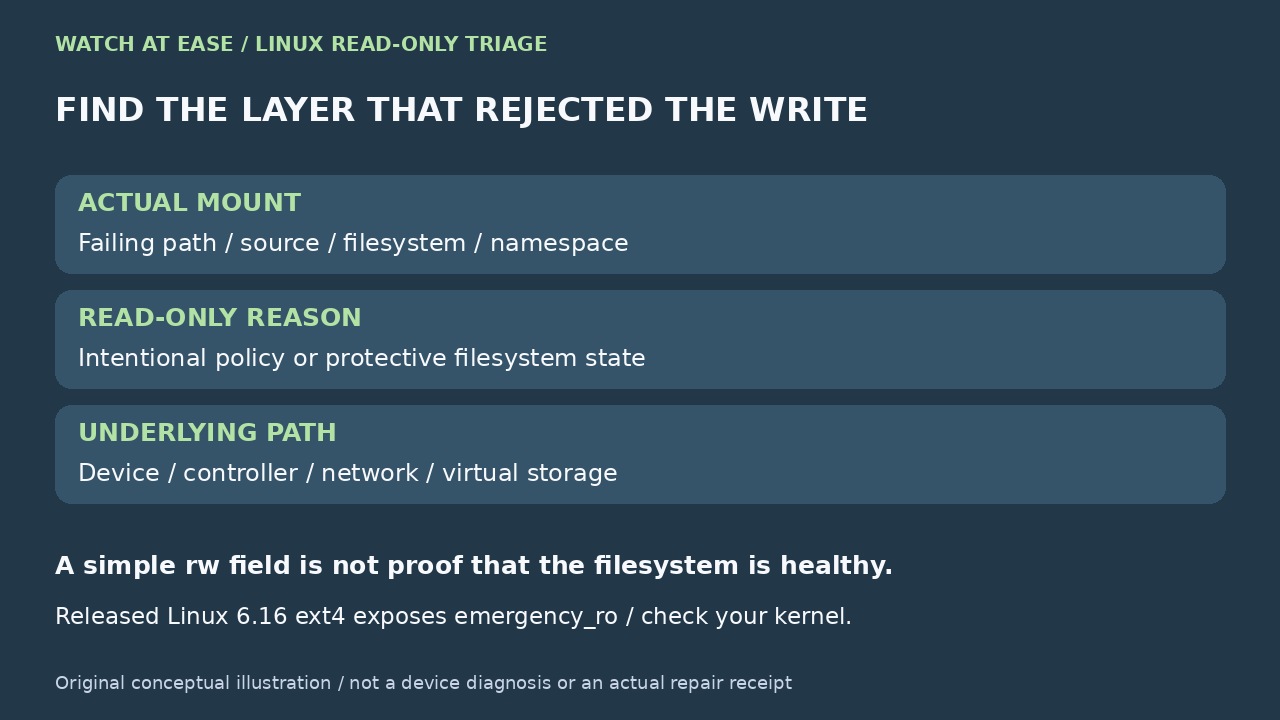
Original editorial illustration: Identify the read-only layer before attempting recovery
Original conceptual illustration: Map the real mount and distinguish policy, protective state and underlying storage; Linux 6.16 marker is version-specific, not a health guarantee. Watch at Ease
Technology · PRACTICAL GUIDE

Linux says “Read-only file system”? Diagnose the cause before you remount

The error may come from an intentional mount rule, a protective filesystem state, or a failing storage path. Identify the exact mount and preserve the evidence before you try to make it writable.

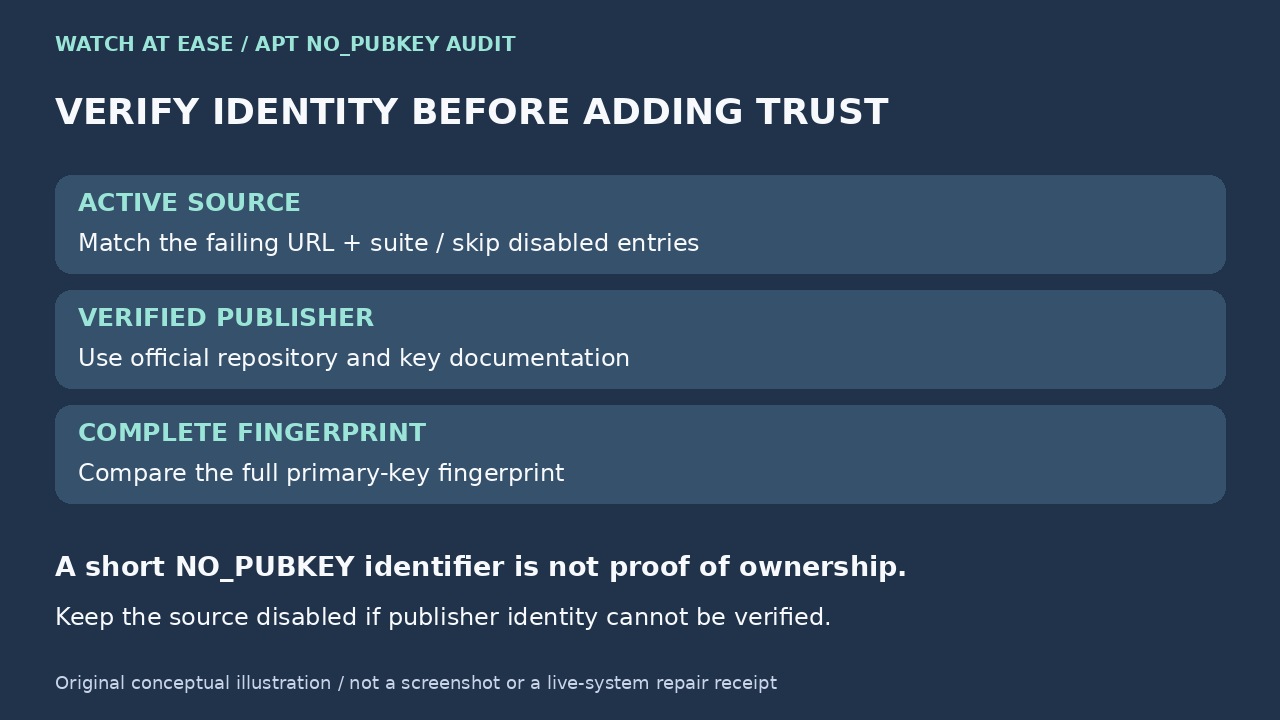
Original editorial illustration: Verify repository identity before trusting a key
Original conceptual illustration: Map the active source, verify the publisher, and compare the complete primary-key fingerprint; a short identifier is not ownership proof. Watch at Ease
Technology · PRACTICAL GUIDE

APT says NO_PUBKEY? Verify the repository and migrate its key without apt-key

Treat NO_PUBKEY as an identity and configuration failure, not a prompt to trust the first key you find. Map the error to one source, verify the publisher and full fingerprint, make the keyring readable to _apt, bind it with Signed-By, and prove that exact repository now verifies.

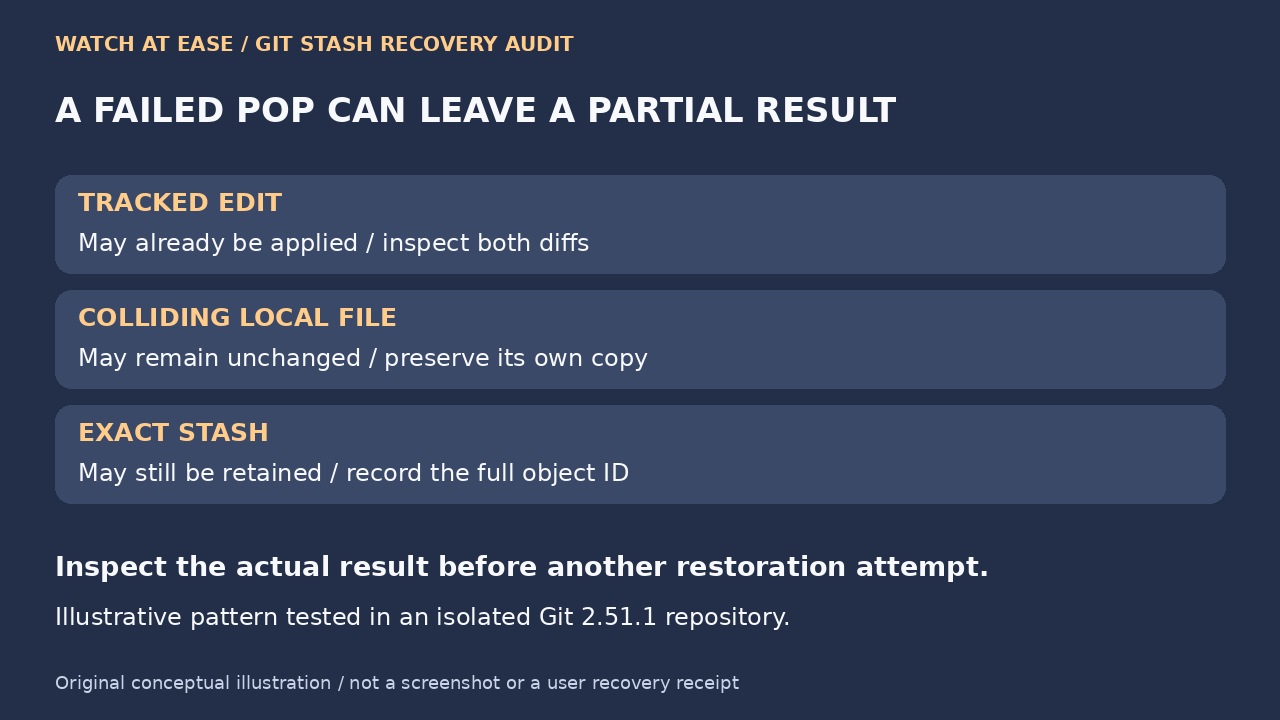
Original editorial illustration: A failed stash pop can leave a partial result
Original conceptual illustration: Tracked edits may already be applied while a colliding local file and the exact stash remain; inspect the actual result before retrying. Watch at Ease
Technology · PRACTICAL GUIDE

Git stash pop failed? Audit partial restoration before cleanup

A colliding file can block untracked restoration after tracked edits have already applied. Preserve both versions, identify the exact stash and compare the recovered result before deleting anything.

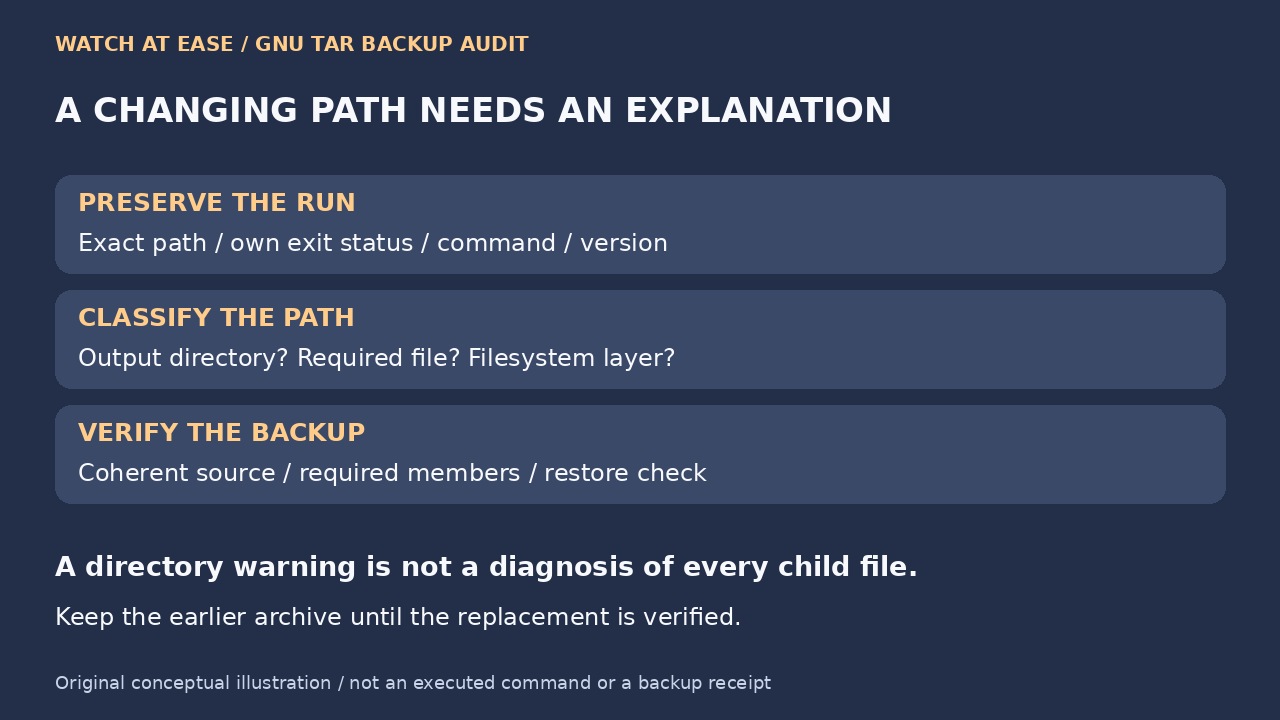
Original editorial illustration: GNU tar changing-path audit before backup acceptance.
Original conceptual illustration: The original diagram preserves the reported path and original status, classifies output/content/filesystem causes and checks coherent source, required members and restore use. Watch at Ease
Technology · PRACTICAL GUIDE

tar says “file changed as we read it”? Audit the changing path before suppressing the warning

Identify the exact path, preserve the original status and separate a changing directory from changing application data. A readable archive and a hidden warning are different from a backup you can restore.

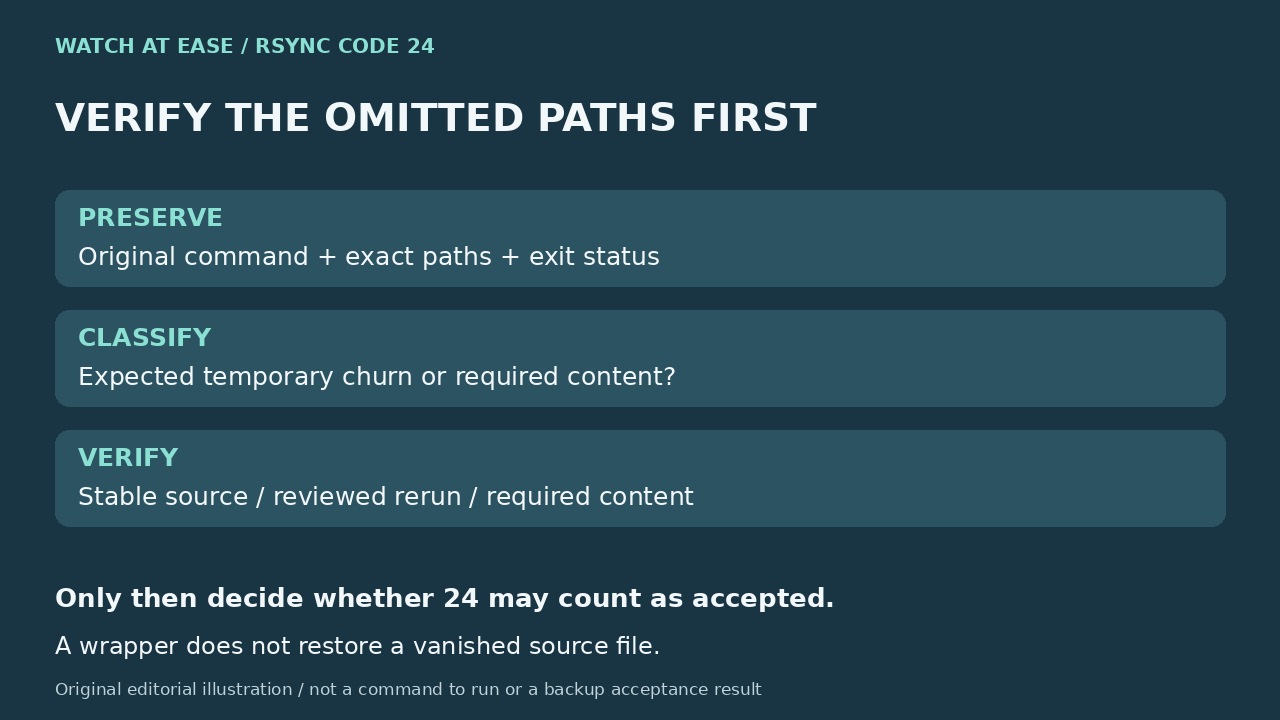
Original editorial illustration: Rsync code24 vanished-path audit before exit-code normalization.
Original editorial illustration: The original diagram preserves command/paths/status, classifies expected churn versus required content, and verifies a stable source and required data before acceptance. Watch at Ease
Technology · PRACTICAL GUIDE

Rsync code 24: audit vanished files before you ignore the warning

Exit code 24 means source files vanished during the transfer. Preserve the paths and original status, decide whether those files mattered, then verify a stable rerun before changing automation. An exit-code wrapper cannot turn omitted files into a complete backup.

Original editorial illustration of a person comparing an SSH warning fingerprint with a separate trusted server console.
Original conceptual illustration: Verify the server fingerprint through a separate trusted channel before changing the local trust record. Watch at Ease
Technology · PRACTICAL GUIDE

SSH says “REMOTE HOST IDENTIFICATION HAS CHANGED”? Verify the endpoint and fingerprint before removing the old key

Do not delete known_hosts or disable checking just to make the warning disappear. Identify the hostname, address, port, jump path and trust file SSH used; obtain the expected fingerprint through a separate trusted channel; then remove only the stale record after the fingerprints match.

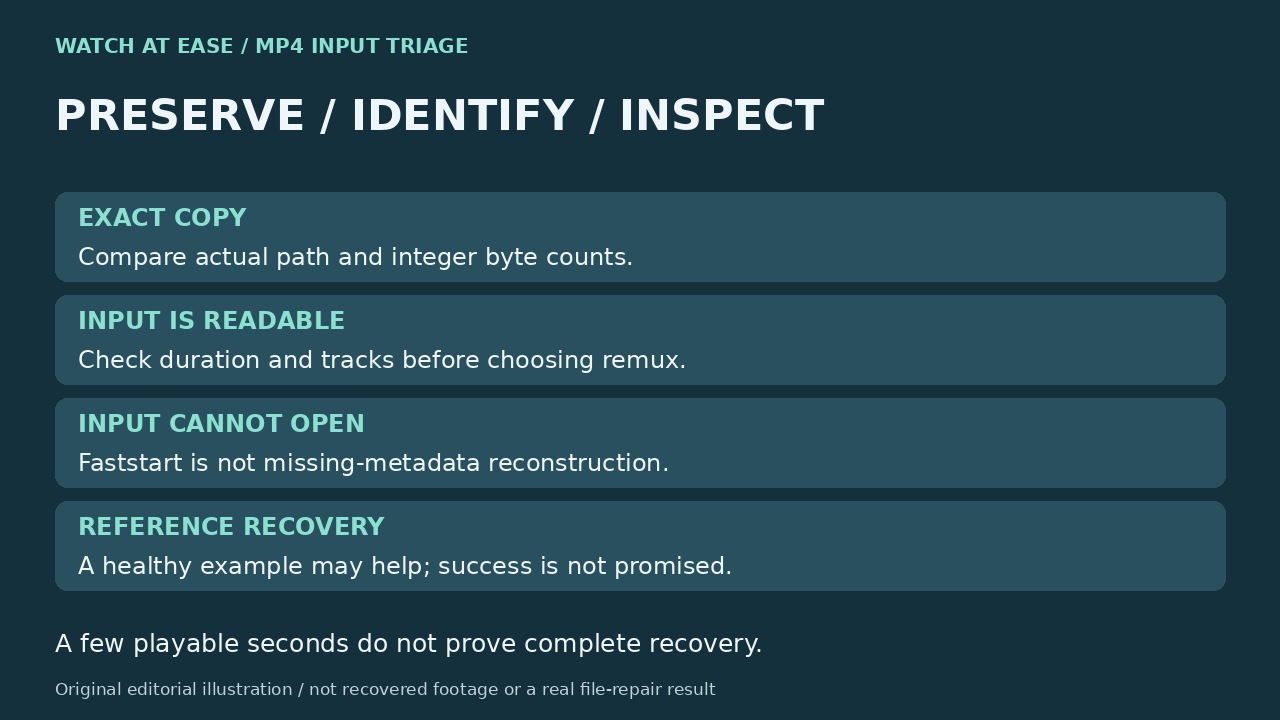
Original editorial illustration separating exact copy, readable input and missing metadata reconstruction.
Original editorial illustration: verify the copy and input first; not a recovery result. Watch at Ease
Technology · PRACTICAL GUIDE

“moov atom not found”: verify the copy before trying MP4 repair

Separate a different copy, an unfinished regular MP4 and a file that needs specialist reconstruction. Faststart moves an index; it does not restore an unreadable recording.

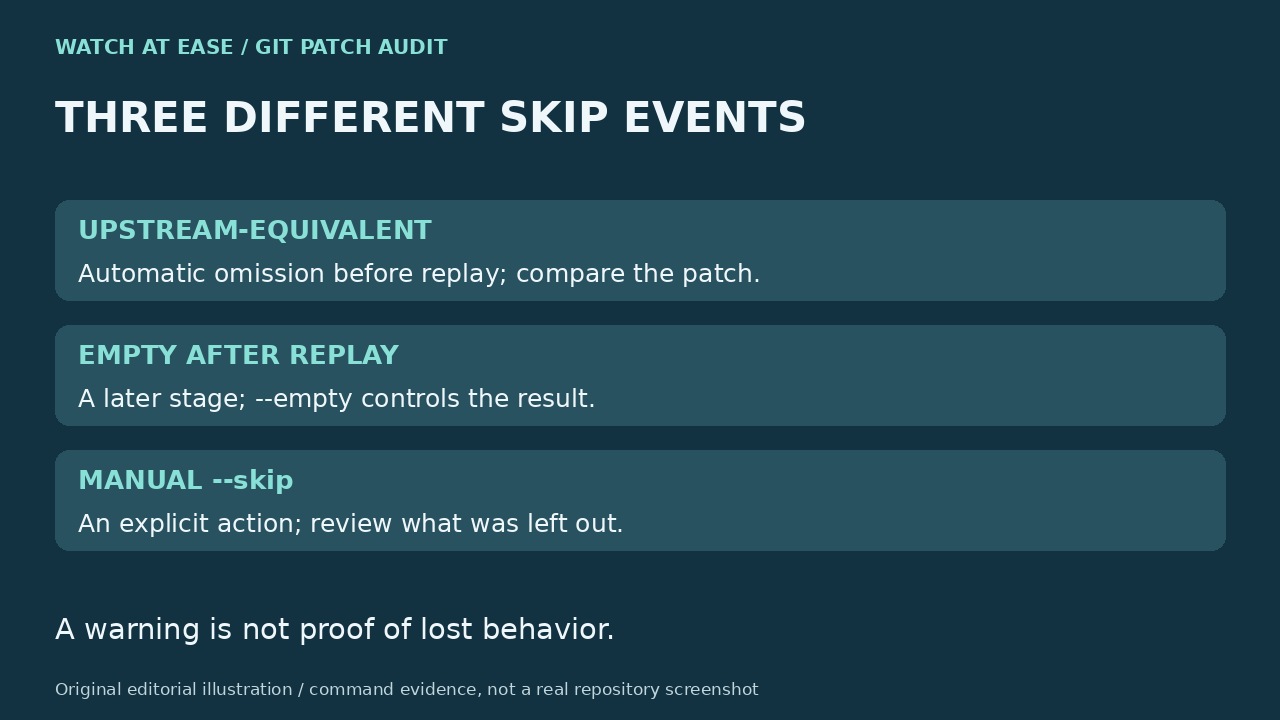
Original editorial illustration distinguishing upstream-equivalent omission, empty-after-replay and manual skip.
Original editorial illustration: inspect each stage separately; not a real repository screenshot. Watch at Ease
Technology · PRACTICAL GUIDE

Git rebase skipped a commit? Audit the patch before replaying it

A skipped commit hash does not prove lost code. Separate an upstream-equivalent patch, a commit that became empty, a manual skip and a GitHub merge restriction before rewriting history.

Original editorial illustration tracing a service unit through restart attempts to the first concrete failure.
Original editorial illustration: preserve the effective unit and earliest failure before clearing the rate counter. Watch at Ease
Technology · PRACTICAL GUIDE

systemd says “start request repeated too quickly”? Find the first failure before resetting

The final start-limit message is usually the guardrail, not the defect. Preserve the effective unit and earliest failed attempt, then repair the evidence-backed branch before clearing counters or changing retry limits.

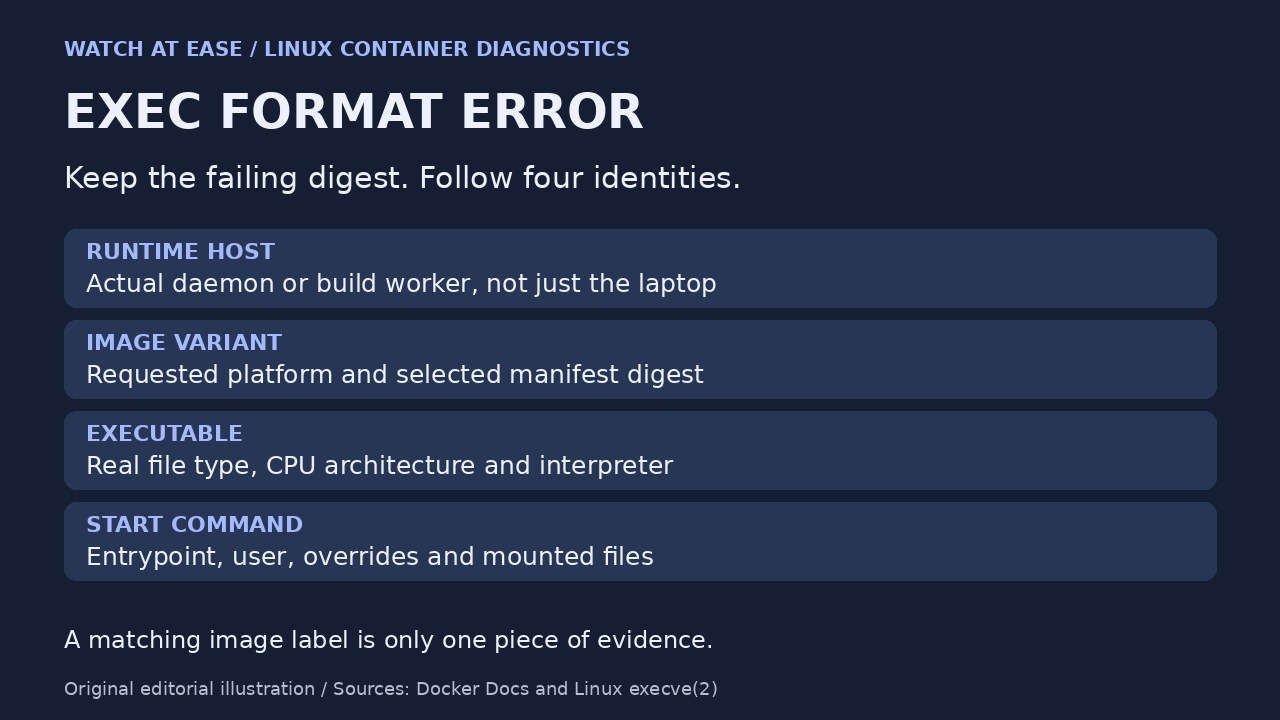
Original editorial illustration of runtime host, image variant, actual executable and start command evidence.
Original editorial illustration: preserve the failed digest and follow four linked identities; the image label is only one piece of evidence. Watch at Ease
Technology · PRACTICAL GUIDE

Docker says exec format error? Audit the image, binary and entrypoint before rebuilding

An exec format error is not a verdict that the image tag is wrong. Trace the selected manifest, final filesystem, executable architecture and entrypoint interpreter before pruning caches, adding QEMU or rebuilding blindly.

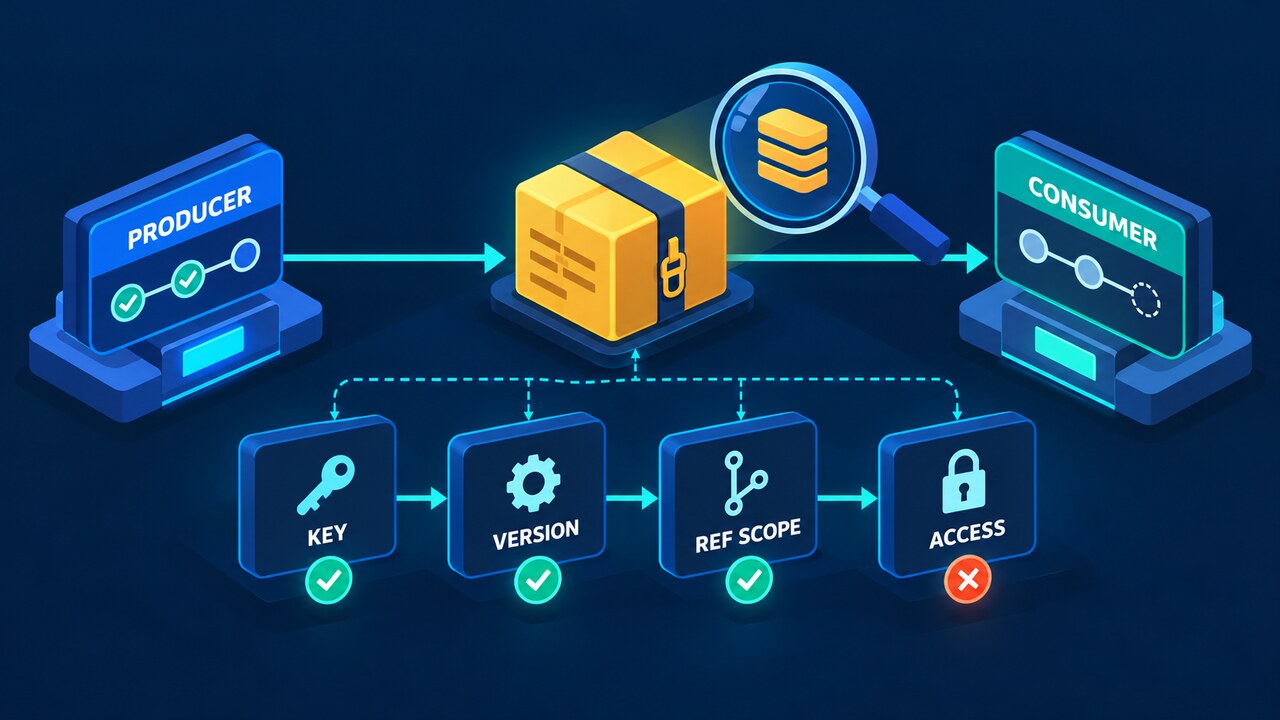
Original concept illustration comparing producer and consumer workflow runs across key, cache version, ref scope and access.
Original Watch at Ease concept illustration: a cache hit requires more than the visible key string. Watch at Ease / OpenAI-generated
Technology · PRACTICAL GUIDE

GitHub Actions cache not restoring? Audit key, version, scope and access before changing the runner

A cache entry can exist and still be invisible to the current run. Compare the producer and consumer across evaluated key, cache version, ref scope, access mode and entry state before deleting caches or changing runners.

Original concept illustration showing three filesystem scopes connected to a magnified failing npm path.
Original Watch at Ease concept illustration: classify the exact denied path before changing ownership or permissions. Watch at Ease / OpenAI-generated
Technology · PRACTICAL GUIDE

npm EACCES permission denied? Read the failing path before sudo, chown, or prefix changes

Cache, project, global prefix, and container failures look alike but need different owners. Preserve the exact path and classify the scope before any mutation.

Original concept illustration of multiple process consumers, a read-only inspection ledger and a shared inotify resource pool.
Original Watch at Ease concept illustration: record instances, marks and visibility before choosing a next step. Watch at Ease
Technology · PRACTICAL GUIDE

ENOSPC says the file-watcher limit is reached? Build an inotify consumer ledger before raising sysctl

On Linux, the same ENOSPC message can hide exhausted watch marks, exhausted inotify instances, a broad watch scope, or another process using the shared per-user pool. Inventory consumers first, then change one limit or exclusion with evidence.