Technology · PRACTICAL GUIDE
tar says “file changed as we read it”? Audit the changing path before suppressing the warning
Identify the exact path, preserve the original status and separate a changing directory from changing application data. A readable archive and a hidden warning are different from a backup you can restore.
GNU tar’s “file changed as we read it” message calls for a path-specific check, not an automatic declaration that the entire archive is unusable or harmless. During create, append or update, exit code 1 means files changed and the archive is not an exact copy of the file set. Preserve that evidence before changing how a backup job handles it.
1. Record the path and distinguish it from the output
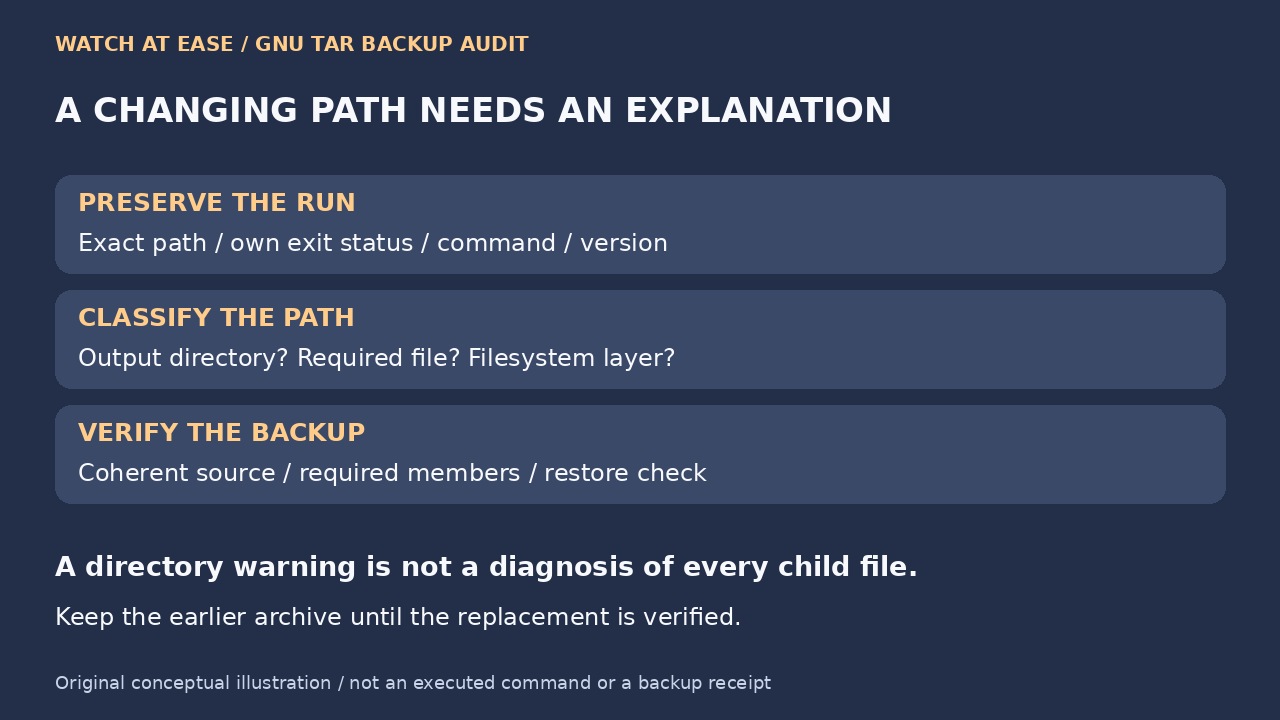
Keep the exact command, GNU tar version, working directory, source root, exclusions, archive destination, timestamp and full standard error. Capture tar’s own exit status immediately; a later command or the last process in a pipeline can obscure it. Also retain compressor or I/O failures. A file named in the warning and a directory named “.” lead to different follow-up questions.
Resolve the archive destination against the input tree. If you are creating output inside that tree, move it to a separate destination for a controlled rerun and check that the intended inputs remain included. An output file can change its parent directory even when that file is excluded. Do not replace a reviewed file set with a shell wildcard merely to silence the warning; that can change which hidden files are selected.
2. Classify data changes and filesystem behavior
Ask the data owner whether the reported path contains a disposable cache, an active log, static assets or essential application state. Do not exclude every log, lock or temporary-looking name without a policy that allows losing it. When a directory is reported, inspect its activity and the filesystem or container layer instead of assuming all child files were modified. Preserve versions and a small reproducible example if the warning persists on a source believed to be stable.
The original fuse-overlayfs issue384 provides a concrete limit to simplistic diagnosis. Its reporter showed a warning for the root directory with child entries excluded, then reduced it to a small program whose filesystem calls changed the observed directory timestamp. The issue remains open in the retrieved record. That historical case supports checking the filesystem layer; it does not prove that your current container has the same cause or supply a universal fix.
3. Obtain a coherent source before accepting a rerun
For static assets, arrange a quiet, reviewed staging source and do not update it while tar reads it. For a running database, use its documented backup procedure rather than assuming a copied directory is sufficient. PostgreSQL’s current file-backup guide requires shutdown for ordinary copying, or a correctly consistent snapshot including required WAL. Snapshots across separate volumes need coordination; merely blocking connections or repeating a live copy is not equivalent.
Create a separately named archive from the approved source and keep the rerun’s full output and status. Inspect its member list against the required inventory, including hidden files and intended exclusions. Where appropriate, compare with that stable source and restore representative content into an isolated test location. Listing alone is not proof of application recovery. Use the application’s restore check for stateful data and retain the original archive until the replacement has passed your requirements.
4. Treat warning suppression as a separate policy
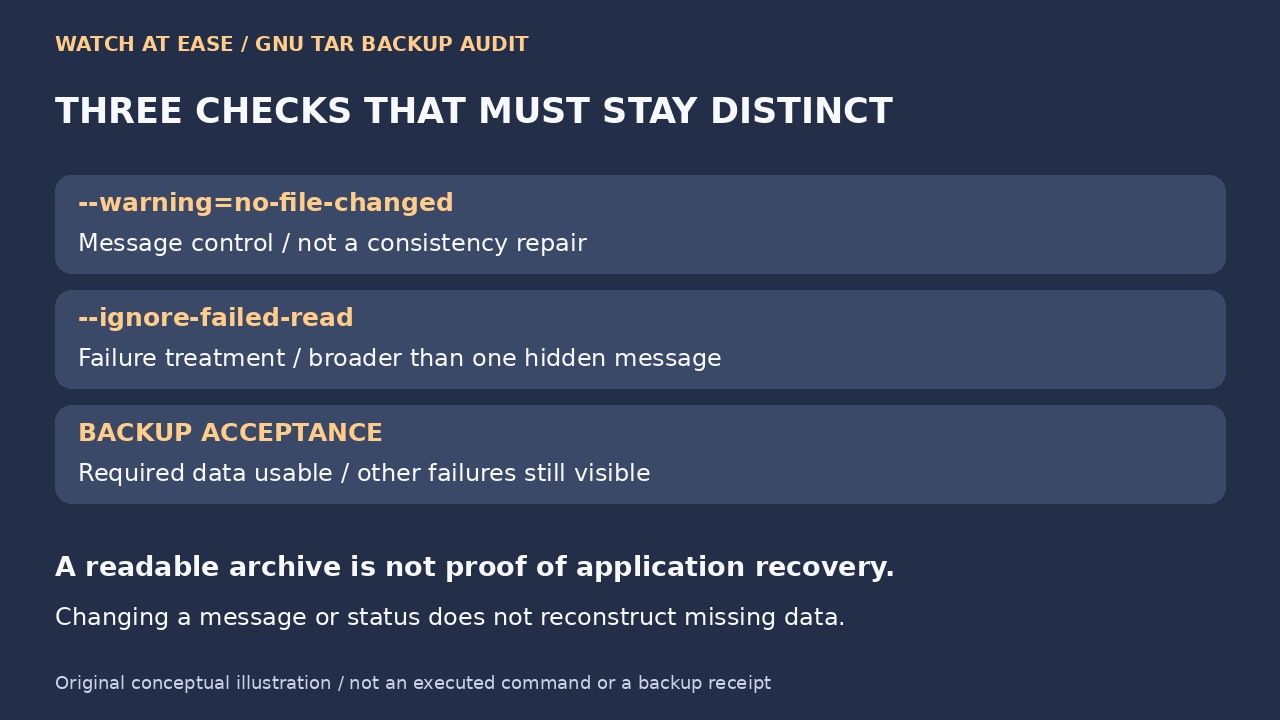
GNU tar documents --warning=no-file-changed as a message-control option. --ignore-failed-read changes how read failures affect completion; it is broader than hiding this one message. Neither makes changing data coherent or puts omitted content back. Check your installed version’s documentation and the actual exit status instead of copying a workaround from an older Windows, container or tar release.
Accept a warning only when the exact path and permitted change are understood, required content is present and usable, and other failures remain visible. Do not turn every nonzero result into success with || true, discard all stderr or assume a wrapper’s zero means restore-ready. If the data is critical, the cause remains unexplained, or the restore test fails, keep the job unresolved and escalate the source or application backup method.