Technology · PRACTICAL GUIDE
“moov atom not found”: verify the copy before trying MP4 repair
Separate a different copy, an unfinished regular MP4 and a file that needs specialist reconstruction. Faststart moves an index; it does not restore an unreadable recording.
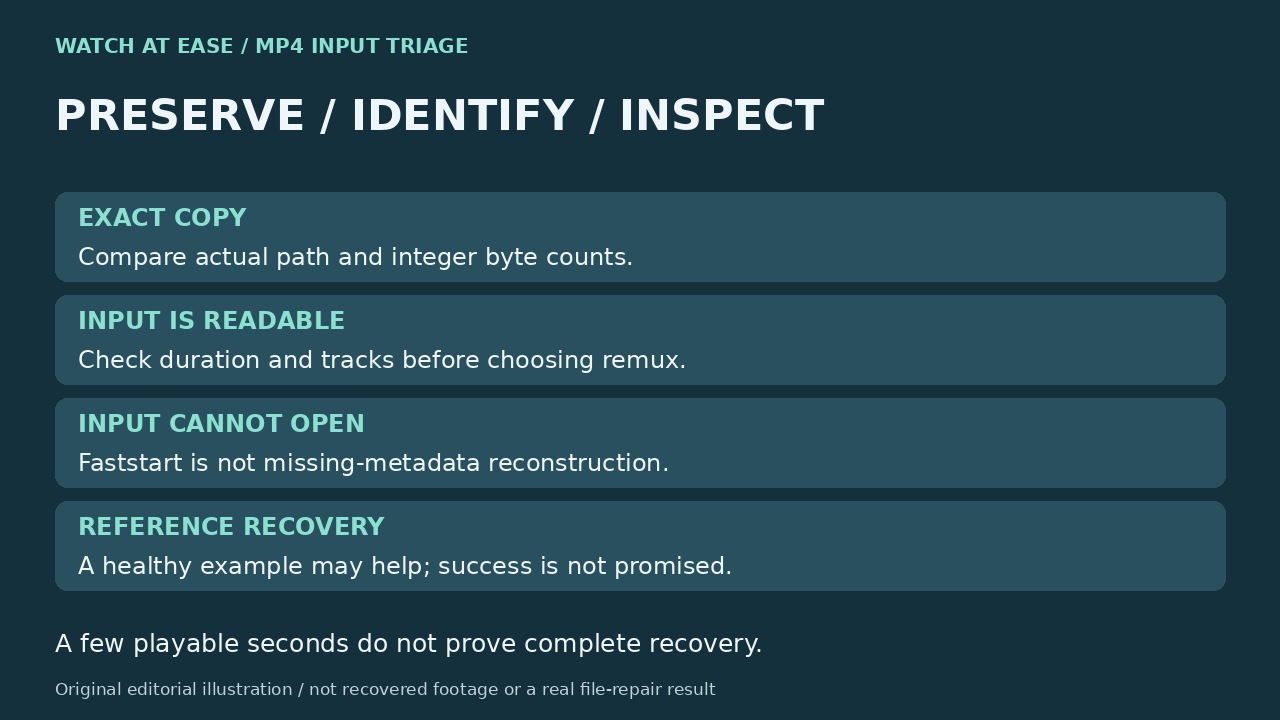
If FFmpeg reports “moov atom not found,” preserve the source and inspect a separate working copy before trying repair commands. First establish which exact file was opened, whether the copy has the expected byte count and whether recording reached finalization. The error alone does not identify how the damage happened.
A common trap is treating every large file as complete, every size difference as truncation or every remux command as recovery. This guide separates those decisions and gives a clear stopping point when an ordinary tool cannot read the input.
Verify the file and the copy before diagnosing loss
Record the source location, exact filename, recorder, recording mode, expected duration and what happened before the failure. Preserve any earlier playable copy and a healthy recording from the same device. If the storage itself reports read errors or disconnections, stop repeated whole-file scans and obtain storage-recovery help before experimenting with the video file.
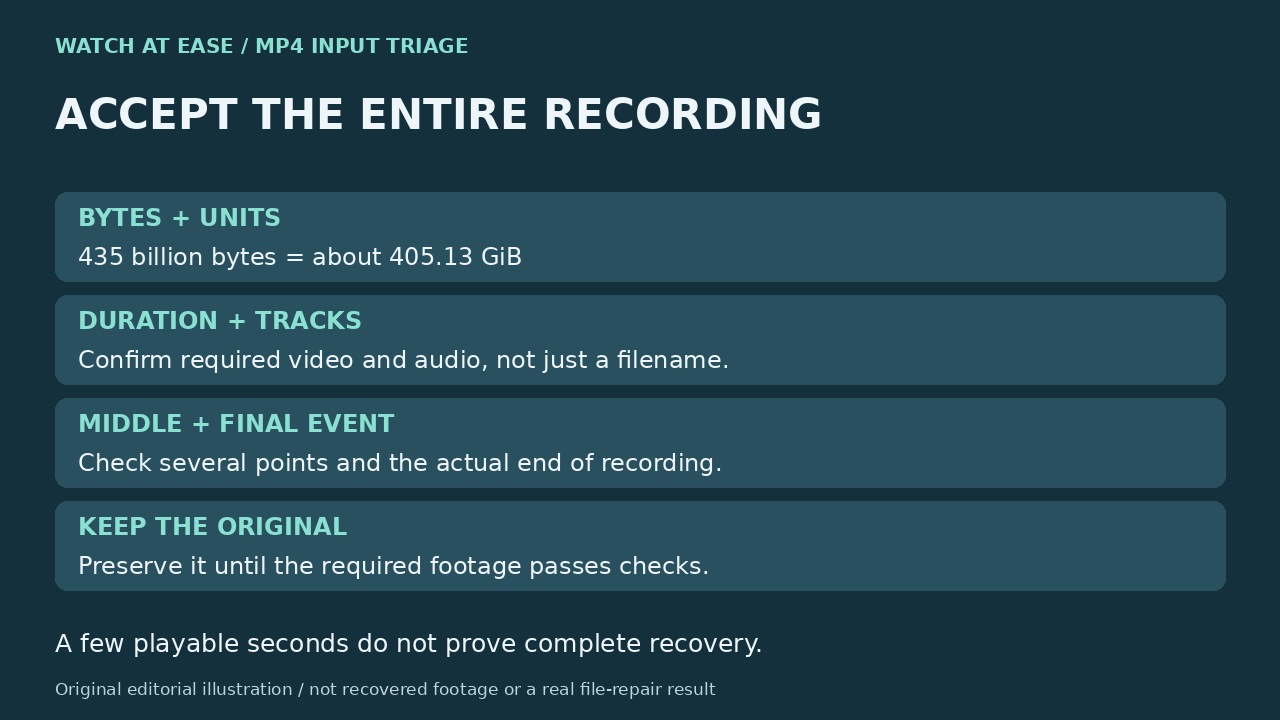
Use an integer byte count for each regular file. Python’s documented `os.stat(path).st_size` reports bytes; a graphical rounded size is not the same measurement. For example, 435,000,000,000 bytes divided by 1,073,741,824 is about 405.13GiB. A 435 GB versus 405 GiB display can therefore describe the same amount, although that arithmetic does not prove the file is intact. Compare like-for-like bytes and known copies.
Separate finalization from playback-position changes
OBS’s current formats guide distinguishes regular MP4/MOV, which require finalization, from fragmented and hybrid forms that improve interruption resilience. A file extension alone does not tell you which mode the recorder used. A crash during ordinary MP4 recording is a plausible explanation, but a file that played earlier needs a wider copy/storage investigation rather than an assumed unfinished-recording diagnosis.
FFmpeg’s current MOV/MP4 fragmentation documentation explains that regular metadata is normally collected together, while fragments keep packet metadata with groups of packets. Its faststart option relocates the index to the beginning in a second pass. That is a playback-layout operation, not a command to regenerate missing sample metadata. Do not append faststart to repeated failing input commands and call the resulting error a repair attempt that must eventually work.
Use one inspection result to choose the next branch
On a healthy local working copy, run `ffprobe -v error -show_format -show_streams "WORKING_COPY.mp4"`, replacing the quoted placeholder with the actual path. Keep the full error and tool version. If format and streams are readable, you have a different branch from an input that stops at moov atom not found: check reported duration, tracks and playback before choosing a compatible remux. Do not overwrite the source.
We generated an isolated one-second MP4, removed its valid top-level moov box and tested the truncated copy. ffprobe could not open it; adding faststart to a stream-copy command also failed while opening the input. This narrow test supports the input-versus-output distinction; it does not determine whether your footage is reconstructable. A readable stream list or a few playable seconds also does not prove the entire recording survived.
Know when reference-based recovery is a separate project
The original untrunc project README requires a healthy example recording, ideally from the same camera, and explicitly does not guarantee success. That makes reference-based reconstruction a separate option to evaluate after preservation, not a promise that copying any moov box from another file will repair the recording. Compatibility, recorder settings and actual output still need checking. We have not tested untrunc on a reader file or endorsed a paid repair service.
Accept a result only after checking the expected duration, relevant video and audio tracks, several points throughout the file and the final recorded event. Preserve the original until those checks pass. If ordinary inspection cannot read the copy and there is no suitable reference, or important content is missing from a proposed output, keep the evidence for a video-recovery specialist. For future recordings, test the recorder’s supported fragmented, hybrid or MKV workflow with the intended editor; a format choice is prevention, not recovery of already lost data.