Technology · PRACTICAL GUIDE
Git rebase skipped a commit? Audit the patch before replaying it
A skipped commit hash does not prove lost code. Separate an upstream-equivalent patch, a commit that became empty, a manual skip and a GitHub merge restriction before rewriting history.
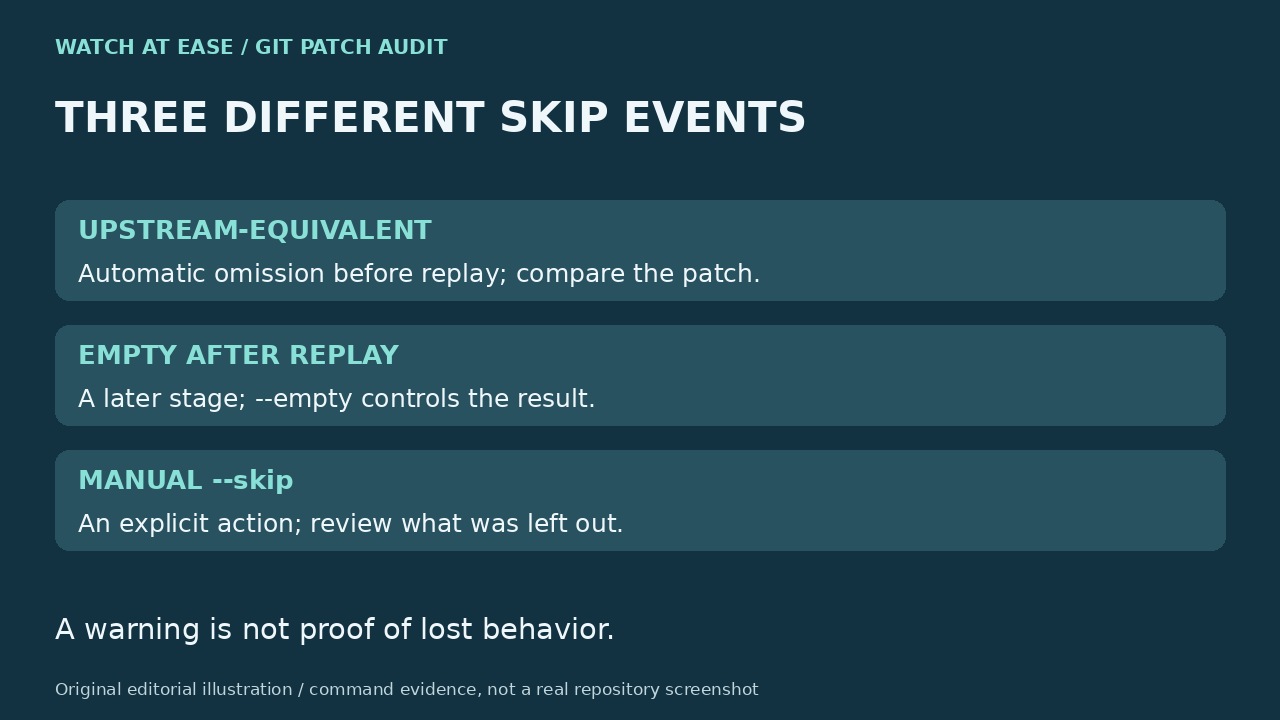
When Git reports a previously applied commit was skipped, first compare its change with the upstream you actually rebased onto. The default rebase can omit a clean cherry-pick already represented upstream even when the commit IDs differ. Do not rerun with extra flags merely to restore the old commit count.
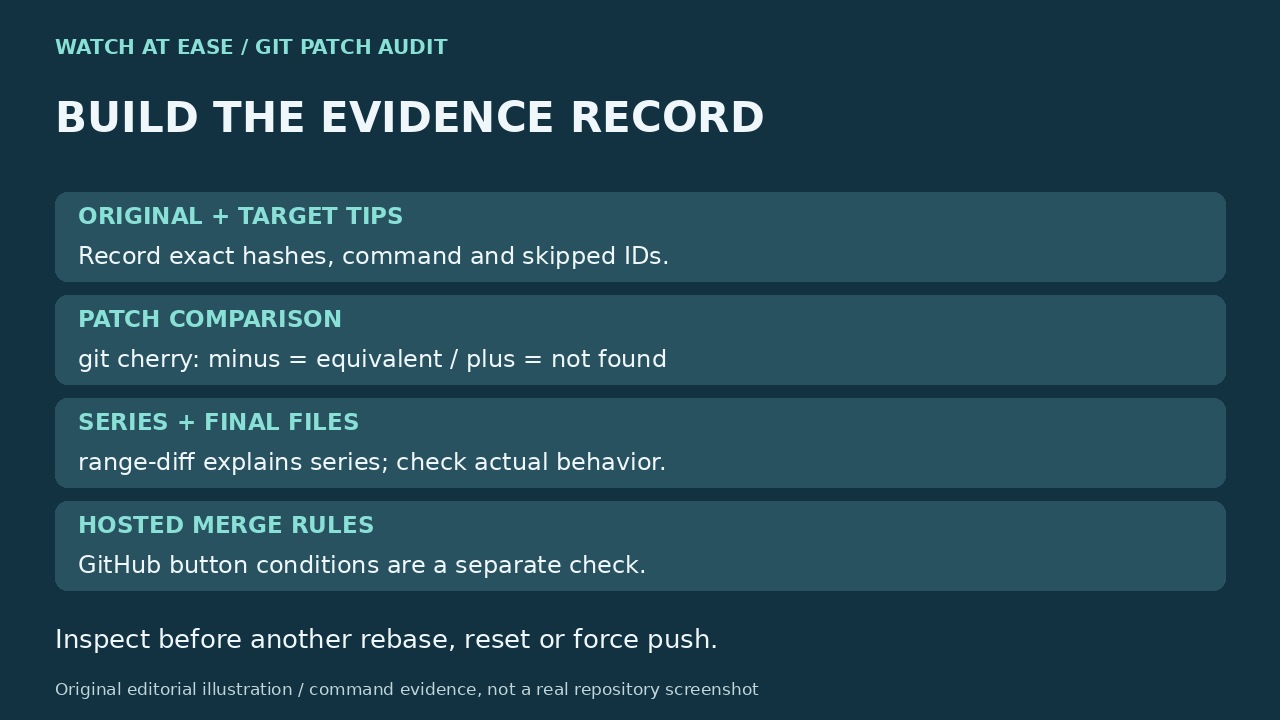
This guide builds an evidence record around the original tip, target tip and exact skipped patch. It also separates local Git behavior from a GitHub pull-request button; those are different checks, and a warning alone does not diagnose a hosted merge restriction.
Record the exact operation and recover the original tip
Keep the complete warning, skipped IDs, original command, Git version and target branch. Run `git status` to determine whether a rebase is still in progress. An automatic previously-applied warning, an empty-after-replay message and a conflict you manually skipped are different events; record which happened rather than combining them into one lost-commit diagnosis.
After a completed rebase, inspect `git reflog show --date=iso YOUR_BRANCH` and identify the original tip from the operation sequence. Replace YOUR_BRANCH with the actual branch name. Copy the exact old and target hashes into your notes instead of assuming a fixed reflog index always names the desired state. Reflogs are local and can expire; if the original objects are unavailable, stop and find another preserved source.
Check patch equivalence against the correct upstream
With the recorded upstream and original branch tip, run `git cherry -v UPSTREAM_HASH OLD_TIP_HASH`, replacing both names with verified hashes. A minus prefix means Git found an equivalent patch upstream; a plus means it did not. Git’s documented comparison removes whitespace and line numbers, so matching messages or old commit IDs are not the test. Read the exact skipped patch as well; the marker is evidence of equivalence, not proof of every intended outcome.
This command inspects committed patches. It does not include uncommitted edits, and it cannot prove the current file still contains a change that a later commit reversed. Check the affected files and the behavior the change was meant to provide. In an isolated synthetic Git 2.51.1 repository, we confirmed that a cherry-picked feature was marked minus, omitted during rebase, and remained in the final file; a separate unmatched commit was retained. That limited example is not a test of your repository.
Compare the series, then decide whether replay is necessary
For a completed operation with known bases and tips, inspect `git range-diff OLD_BASE_HASH..OLD_TIP_HASH NEW_BASE_HASH..NEW_TIP_HASH`. Replace all four placeholders with the actual ranges. Review unmatched and changed entries together with the upstream patch comparison. A patch absent from the new topic range may already live in the new base; its absence there alone is not lost code. range-diff is human-readable comparison output, not a recovery command or a stable machine acceptance format.
Git documents `--reapply-cherry-picks` as changing the preliminary omission of clean upstream equivalents. A replayed commit can still become empty, with the `--empty` option deciding that stage. Neither flag guarantees restoration of missing behavior. If inspection reveals a real missing change, preserve current work and agree on the intended history before performing a recovery; do not use another rebase, hard reset or force push as the diagnostic step.
Treat the GitHub button as a separate branch
If local rebase completes but GitHub refuses Rebase and merge, collect the pull-request base/head hashes, commit count and exact hosted message. Current GitHub repository-limit documentation caps that method at 100 commits. Exceeding that limit is a concrete separate check; being under it does not prove that every other merge requirement is satisfied. Do not treat a local skip warning as the cause of a hosted refusal without evidence.
Finish only after every intended change has an explanation: already represented upstream, deliberately removed, or still requiring reviewed recovery. Verify the relevant final files and project checks, then handle any hosted restrictions through the repository’s permitted merge policy. Keep the old/new tips, exact command, skipped IDs, patch comparison and unexplained changes for a maintainer. Silencing the advice message or restoring the number of commits is not an acceptance test.