Technology · PRACTICAL GUIDE
Docker says exec format error? Audit the image, binary and entrypoint before rebuilding
An exec format error is not a verdict that the image tag is wrong. Trace the selected manifest, final filesystem, executable architecture and entrypoint interpreter before pruning caches, adding QEMU or rebuilding blindly.
For Linux containers, an “exec format error” means the kernel could not execute the file presented to it. CPU architecture is one possible cause; a script without a usable interpreter header or another invalid executable format can also fail. First identify the exact file and the stage that failed, then choose a repair.
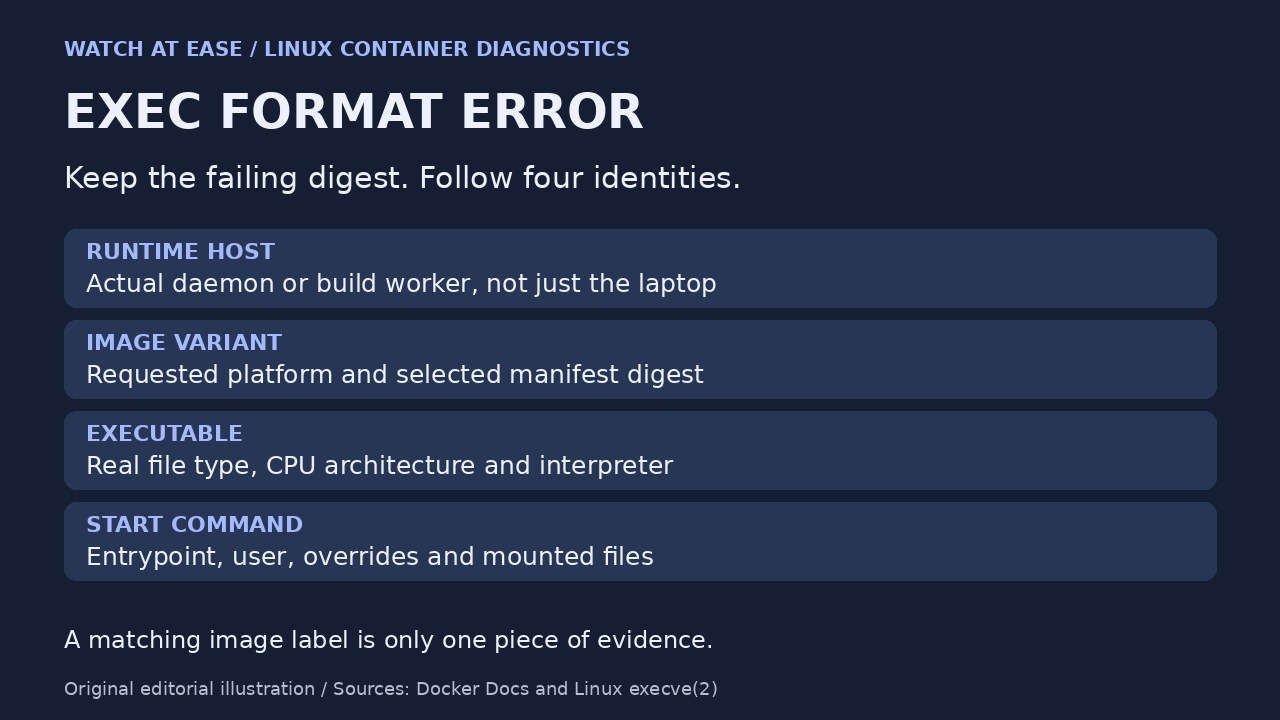
Keep the failing image and error output. A useful incident record follows four links: the runtime host, the selected image manifest, the actual executable inside the final filesystem, and the command that tried to start it. A matching architecture label proves less than checking all four.
1. Record the failed run before rebuilding
Save the full error, image reference and digest, container ID if one exists, requested platform, and the Docker context used. Inspect the failed container’s configuration and mounts rather than relying only on its Dockerfile: runtime entrypoint overrides or mounted scripts can change the file that actually runs. Use docker container inspect CONTAINER to capture that configuration and docker image inspect IMAGE for the local image metadata.
The relevant host is the Docker daemon or build worker executing the process, which may be remote or inside Docker Desktop’s Linux VM. Your laptop’s processor alone does not identify it. Also separate failure during a Dockerfile RUN instruction from failure when the finished container starts. A RUN error naming /bin/sh belongs to the build-stage environment; an application entrypoint failure needs the final runtime filesystem.
2. Compare the registry variant with the local image
Use docker buildx imagetools inspect IMAGE_REFERENCE to examine the registry reference’s manifests and platform variants. Compare that with the exact local image and the platform requested by the failed run. A mutable tag can point to a newer image after the failure, so retain the original digest instead of treating today’s tag as historical evidence.
If the required platform variant is absent, select or build the correct variant. If it is present but a different one was selected, investigate the explicit platform setting and deployment configuration. Requesting --platform=linux/amd64 selects a target; it does not convert arbitrary arm64 files already copied into an image. A missing compatible manifest may produce a selection error before execution, which is a different stage from ENOEXEC.
3. Inspect the file without starting the failing command
If a stopped failed container exists, docker cp CONTAINER:/path/to/file ./artifact-to-inspect can copy the suspect artifact for inspection. Docker documents copying from stopped containers. If only an image exists, docker create IMAGE creates a container without starting it; record its returned ID and inspect that temporary container. Check mounts separately because files supplied at runtime may differ from image contents.
Use a trusted file-inspection tool such as file on the copied artifact; for an ELF binary, readelf -h shows its machine type and readelf -l can reveal its requested program interpreter. Inspect the file; do not run it just to discover its architecture. If these tools are unavailable locally, use your existing trusted analysis environment. Do not assume a minimal or distroless image contains a shell, file or readelf.
4. Trace copied binaries back through build stages
List every stage that creates or downloads an executable copied into the final image. BUILDPLATFORM describes the BuildKit worker, while TARGETPLATFORM describes the requested output. A stage pinned to the builder platform can intentionally run native compilers, but its compiler settings must still produce the target artifact.
Docker’s predefined target arguments are globally available but must be declared with ARG inside a stage before use there. Check TARGETOS, TARGETARCH and any required TARGETVARIANT, then check the language toolchain’s actual output. Merely declaring them does not make every compiler cross-compile automatically. Likewise, switching the final FROM to a target-compatible base does not transform an incompatible executable copied from another stage.
5. Separate scripts, missing interpreters and permissions
For a script executed directly, inspect its first bytes and interpreter line: the #! header must identify the intended interpreter, and that interpreter must exist in the runtime filesystem. Check for unexpected bytes before the header and Windows-style line endings. An explicit shell command changes how a script is launched; it is not evidence that the original direct-execution path is fixed.
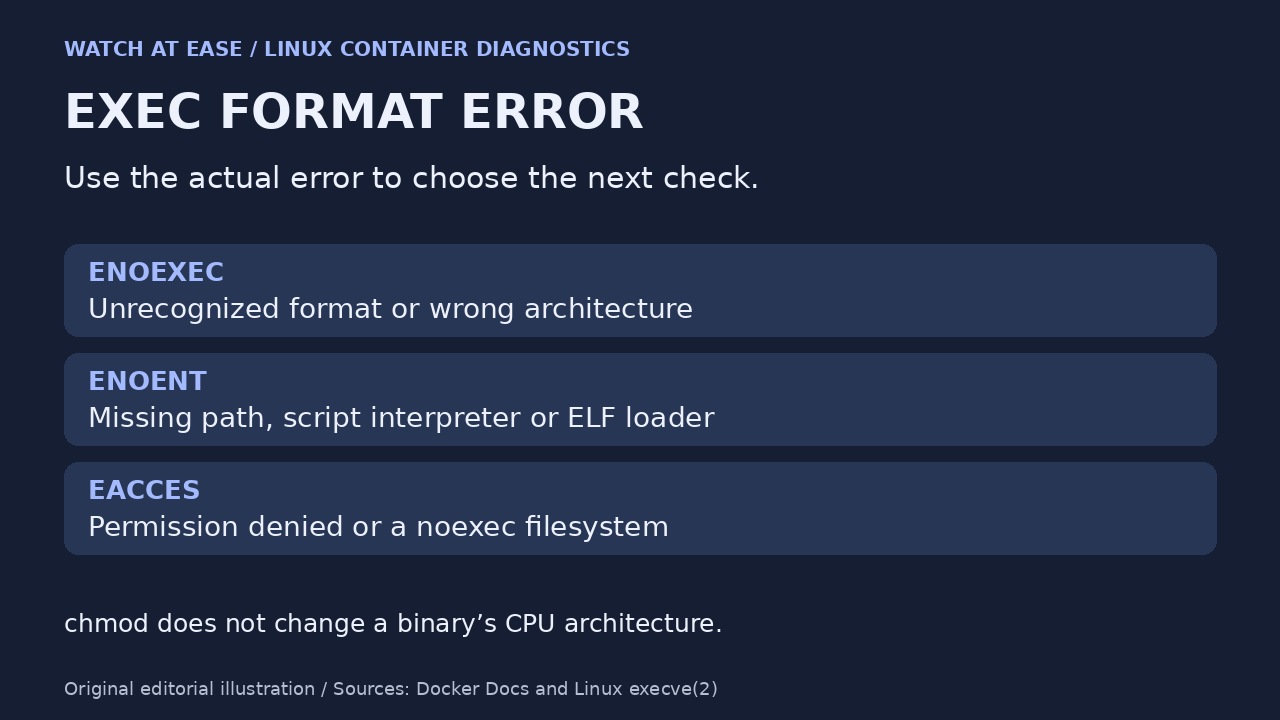
Keep the exact error category. Linux documents ENOEXEC for an unrecognized format or wrong architecture, ENOENT when a path or script/ELF interpreter is missing, and EACCES for permission-related failures such as denied execute permission or a noexec mount. A visible file can therefore still fail because its interpreter is absent. chmod does not repair the wrong CPU architecture, and adding emulation does not install a missing interpreter.
6. Change one cause, then prove the original path works
Choose the branch supported by evidence: missing variant means fix the image selection or build output; wrong embedded binary means rebuild or replace that artifact; malformed script means repair its header or encoding; absent interpreter means supply the required compatible runtime; permission denial means inspect the user, file mode and mount policy. Do not use image pruning as a substitute for identifying the branch.
Emulation is a deliberate alternative for non-native execution. Verify the actual worker’s support before changing host-wide binfmt registration; Docker Desktop and official BuildKit can already provide emulation. After a repair, test the same intended command, platform, user and relevant mounts in a disposable non-production environment. Record the new digest and the specific check that changed. If it still fails, retain the new error and continue from that failing layer instead of repeating the same rebuild.