Technology · PRACTICAL GUIDE
systemd status=203/EXEC? Audit the failed execve path before changing permissions
203/EXEC means the service manager could not execute the configured process. Use the exact journal message to separate a missing target or interpreter, invalid format, path or mount denial, and MAC policy before changing anything.
A systemd unit that ends with code=exited, status=203/EXEC has not reached your application logic. systemd documents 203 as EXIT_EXEC: the execve system call itself failed. That narrows the investigation, but it does not identify which pathname, interpreter, mount rule or security decision caused the failure.
Do not start with chmod 777, a shell wrapper, or disabling SELinux. Preserve the effective unit and the first “Failed at step EXEC” journal line, then audit the exact command through the same execution boundary the service must cross.
1. Preserve the real failing command
Run systemctl cat UNIT and systemctl show -p ExecStart -p User -p Group -p RootDirectory -p RootImage UNIT. Read journalctl -b -u UNIT --no-pager around the first failure. Copy the exact “Failed at step EXEC spawning …” line and its trailing reason. If you edited a unit, compare the loaded definition before using daemon-reload; do not reload merely to troubleshoot an unchanged file.
Treat ExecStart as systemd syntax, not an interactive shell. Pipes, redirects and shell expansions need an explicit shell only when they are genuinely required. The systemd project issue #23235 reproduces a 203 failure when ${APP} is used as the executable token: argument expansion support does not make the first token a shell-style variable command.
2. Map the journal reason to an execve branch
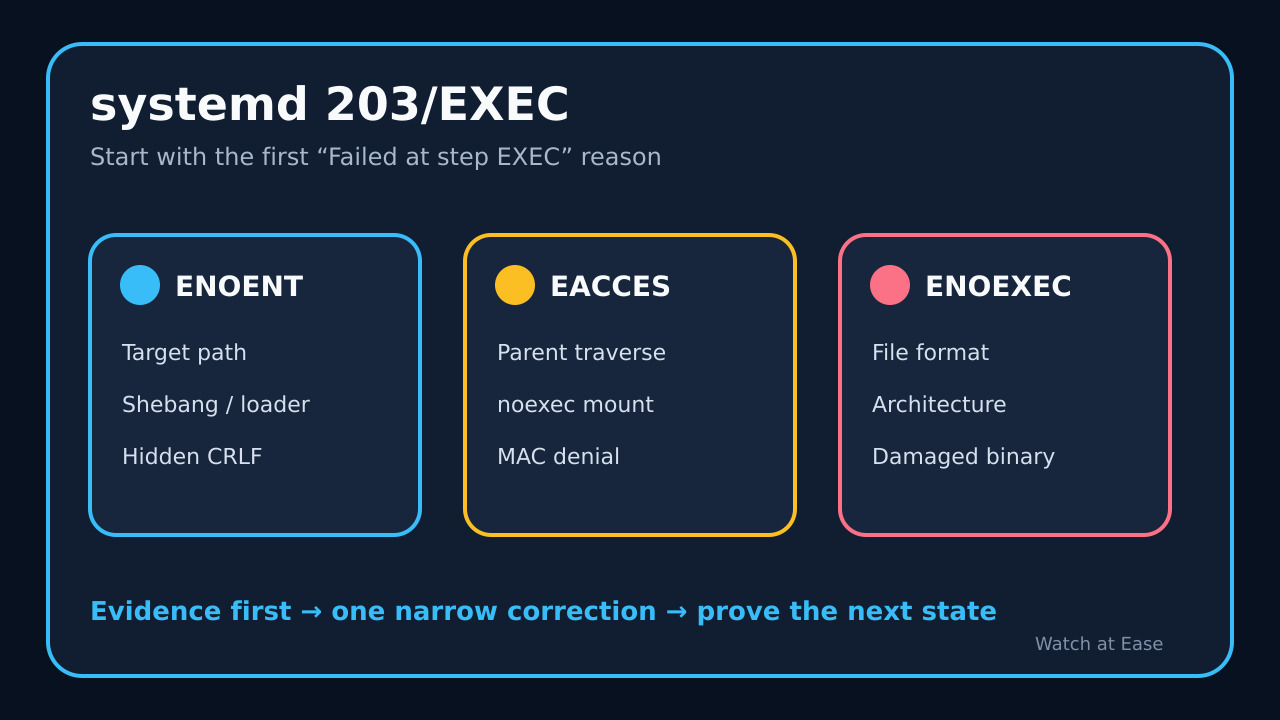
For “No such file or directory,” verify the target with readlink -f and stat, then inspect scripts with head -n1 and binaries with readelf -l. The Linux execve manual states that ENOENT also covers a missing script interpreter or ELF interpreter. A file can visibly exist while its CRLF-contaminated shebang names a nonexistent interpreter ending in a hidden carriage return.
For “Permission denied,” use namei -l on the executable and interpreter, and findmnt -T PATH -o TARGET,FSTYPE,OPTIONS to expose directory traversal and noexec restrictions. For “Exec format error,” use file and readelf -h to check format and architecture. These commands collect evidence; they do not authorize changing ownership, labels or mount policy.
3. Check the service context, not only your shell
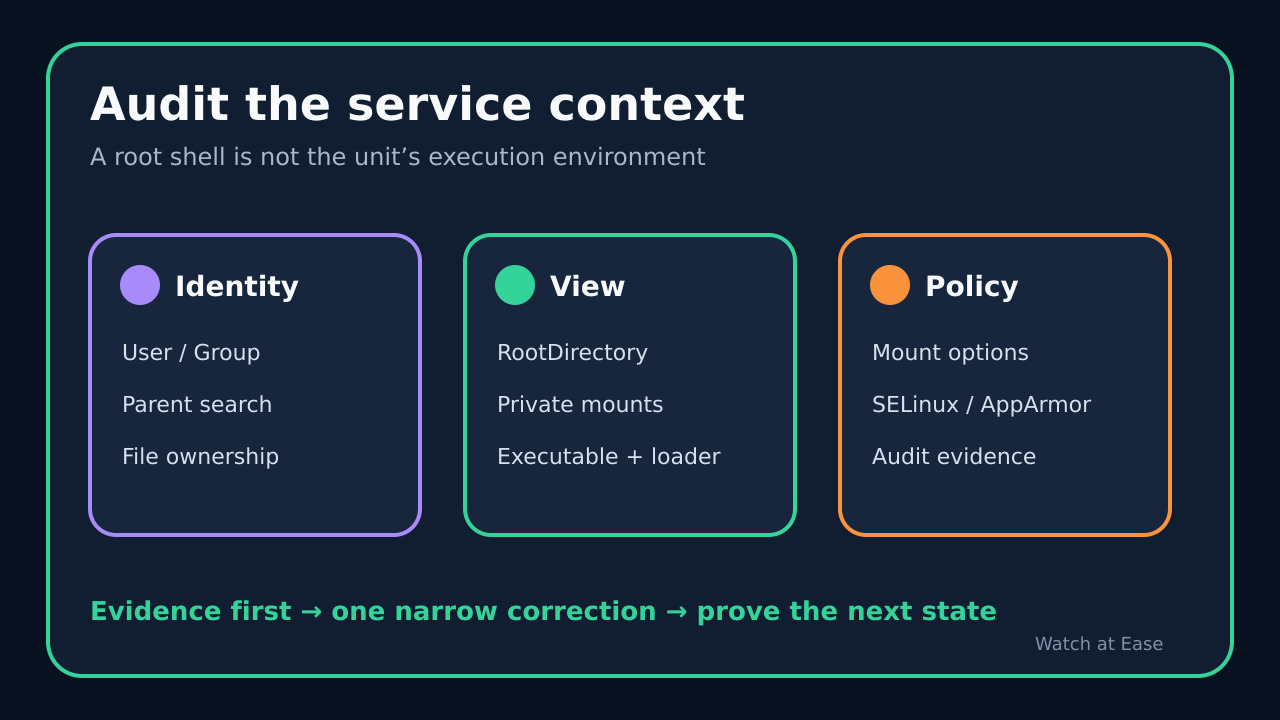
Confirm the effective User and Group, then test only a harmless identity and path check under that account. If RootDirectory or RootImage is set, systemd requires the binary and its auxiliary files inside that root. Private or protective filesystem settings can also change what the unit sees even though the host shell sees the path.
If the journal reports EACCES and ordinary path permissions are sound, inspect recent policy records with the platform’s supported audit tools. Red Hat documents RHEL 8 cases where 203/EXEC accompanies AVC denials for init_t executing files labeled default_t, user_home_t, nfs_t or cifs_t. An AVC is evidence to correct labels or policy deliberately, not a reason to disable enforcement globally.
4. Repair only the proven cause
Correct an exact path typo, interpreter path, line ending, executable bit, parent-directory search permission, mount placement, architecture mismatch, unit sandbox path, or policy label only after that branch is proven. Avoid chmod 777: it changes more permissions than execution needs and cannot repair a missing interpreter, wrong architecture, noexec mount or policy transition.
Prefer a direct absolute executable in ExecStart. Adding /bin/bash can bypass one script-execution branch while hiding the real shebang defect, and it changes which file execve starts. If a shell is truly required, make that design explicit and quote it as shell syntax rather than treating it as a generic cure.
5. Prove the service crossed the execution boundary
After the narrow correction, run daemon-reload only if the unit definition changed, start the unit once, and read the new journal entries. A successful exec removes the 203/EXEC branch, but the application can still fail later with its own exit code. Verify ActiveState, SubState, ExecMainCode and ExecMainStatus rather than stopping at a green start command.
Record the original journal reason, the single changed cause and the post-change state. If 203 remains, return to the new first EXEC line instead of stacking more changes. Stop and escalate when the path or policy belongs to a packaged service, the executable provenance is uncertain, or the proposed fix weakens a security boundary.