Technology · PRACTICAL GUIDE
Rsync code 24: audit vanished files before you ignore the warning
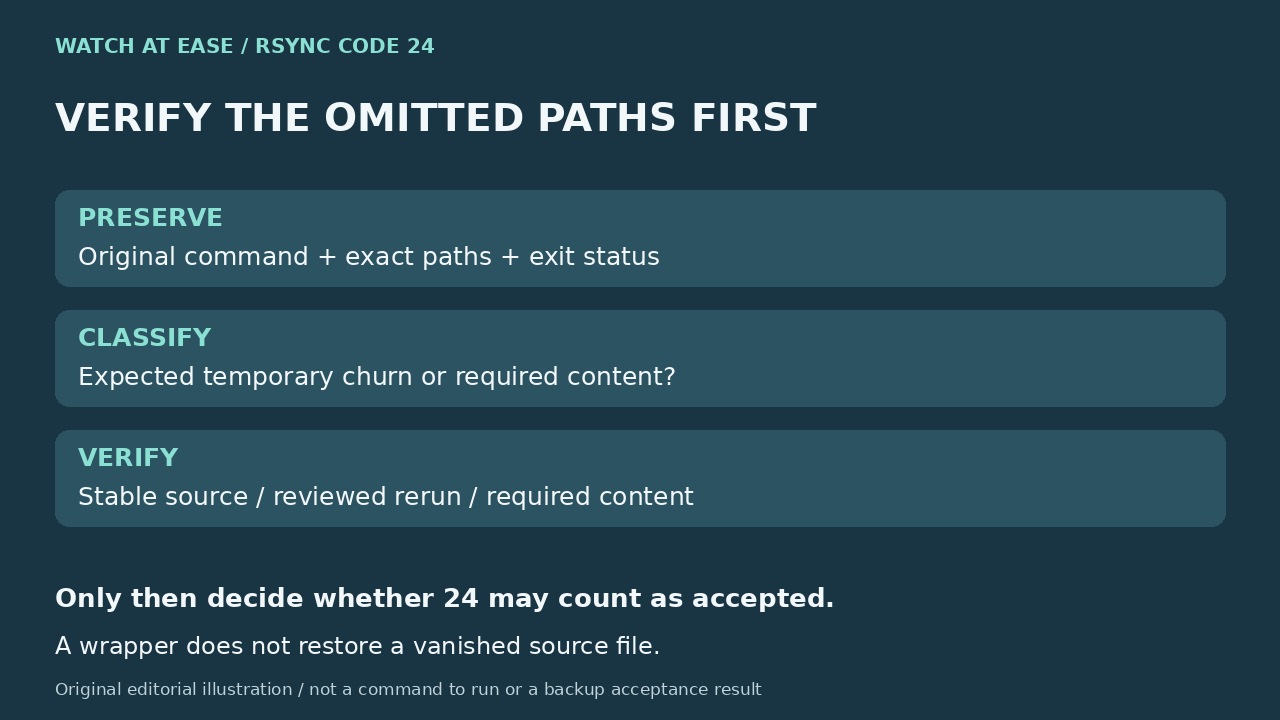
Exit code 24 means source files vanished during the transfer. Preserve the paths and original status, decide whether those files mattered, then verify a stable rerun before changing automation. An exit-code wrapper cannot turn omitted files into a complete backup.
Rsync exit code 24 is a partial-transfer result caused by vanished source files. It is different from code 23, which reports a partial transfer due to other errors. A file disappearing after it was discovered can be ordinary live churn, but the status alone cannot tell you whether the omitted file was a disposable lock or the only copy of important data.
1. Preserve the run before filtering its warning
Save stdout and stderr, the timestamp, both rsync versions, exact source and destination roots, trailing-slash convention, filters and deletion options. Capture the actual rsync exit status immediately after it returns; another command or a pipeline can otherwise give you the status of the logger instead. Keep the vanished-path list together with the backup identifier.
For the next controlled attempt, --itemize-changes can show planned or actual file changes, and --log-file=FILE can preserve transfer activity. Do not assume that an activity log replaces captured stderr. Start with one specific vanished path: was it removed, renamed, inaccessible, or still present through a different view of the source? Do not erase the only useful evidence with a broad warning filter.
2. Decide which missing paths are acceptable
Ask the application or data owner what the paths contain. A known disposable lock or temporary file may be outside the intended backup; a message, document or essential application state is not disposable just because its directory is busy. Record a narrow, reviewed exclusion only when losing that content is part of the backup policy. A blanket exclusion of every tmp folder or lock suffix can hide real requirements.
A 2023 Back In Time issue includes a real snapshot cancelled after rsync returned 24. Its maintainer reported merging a change that logs 24 as informational, while other error codes remain errors. That is a product-specific policy decision, not proof that every user's omissions are harmless. If stable important paths repeatedly vanish, or mount and I/O errors accompany them, investigate that source path before normalizing the status.
3. Rerun against a source you can verify
Before repeating a deletion-enabled command, use its same reviewed roots and filters with --dry-run --itemize-changes to inspect planned changes, especially deletions. A dry run does not copy files or repair the earlier omission. Reduce source churn through a planned quiet window or an application-supported snapshot procedure; a live rsync pass is not by itself a point-in-time backup of a changing application.
After an approved real rerun, compare the required content and record what happened to each important vanished path. The default quick check uses size and modification time; --checksum changes file-selection comparison to content checksums at the cost of reading file data. It does not make a changing source stable, and it is distinct from rsync's normal reconstruction check on transferred files. Verify representative restored content or the application's documented restore test, not only a zero status.
4. Change only the policy you have justified
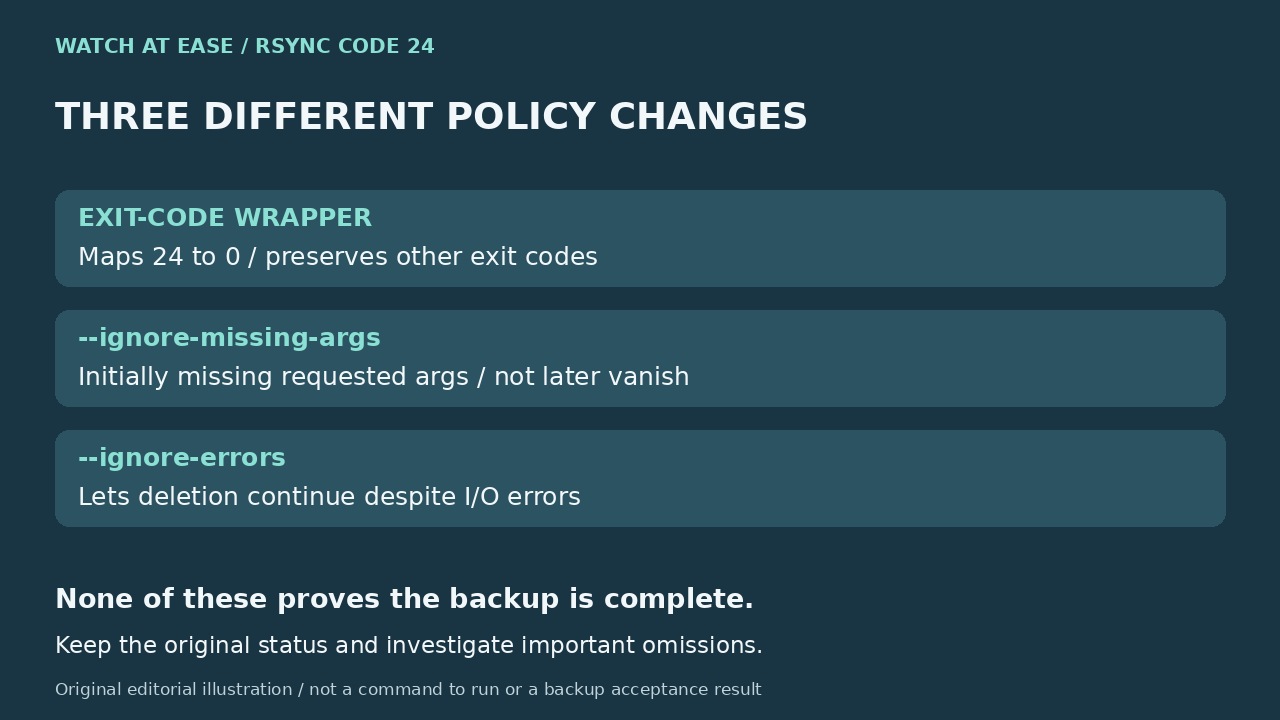
The official FAQ shows a wrapper that maps exactly 24 to 0 and preserves other statuses. Use that policy only after documenting expected omissions and acceptable backup results, and keep the original 24 visible in the log or monitoring record. Do not replace all failures with success using || true. If a critical omission remains unexplained, the run is still incomplete for your purpose even when a wrapper returns zero.
Two similarly named options do something else. --ignore-missing-args suppresses an error for a requested source argument absent at the initial lookup; the manual explicitly says it does not suppress files found first and vanished later. --ignore-errors allows --delete to continue despite I/O errors. Neither restores an omitted file. Completion means the required data is present and usable, all omissions are explained, and other failures remain visible—not merely that the warning disappeared.