Technology · PRACTICAL GUIDE
FFmpeg concat reports non-monotonic DTS? Audit packet timing before accepting the join
A successful stream-copy join can retain every decoded frame yet compress playback time. Compare stream contracts, segment duration and both timestamp types before choosing a repair.
FFmpeg’s non-monotonic DTS warning does not, by itself, prove that frames were deleted. It also does not prove that the output is safe because the command exited successfully. A concat job can preserve decoded picture content while assigning it the wrong playback timeline.
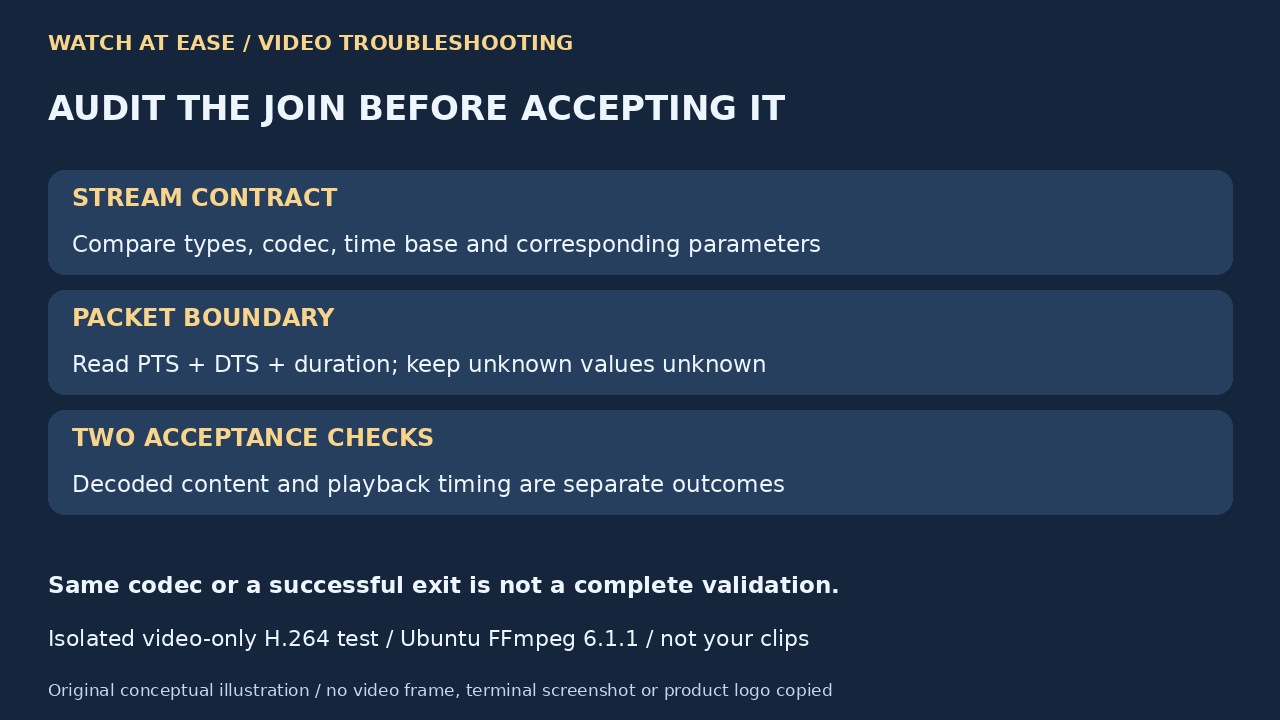
Start by preserving the inputs, concat list, full command and log. Check the stream identified in the warning, then separate incompatible stream parameters, incorrect segment duration and genuinely missing timestamps. Validate content and timing as two different outcomes before replacing your working copy.
Preserve the evidence and identify the actual stream
Keep original clips unchanged and write experiments to new output names. Save the complete FFmpeg version, concat list, command, stderr and stream mapping. The warning’s output index follows that mapping; do not assume 0:1 is always audio or troubleshoot only the first video stream.
Run ffprobe -v error -show_streams -show_format -of json input.mp4 for each input, substituting its real path. Compare corresponding stream counts and types, codecs, time_base, geometry, pixel format, sample rate and channel layout. Preserve extra audio, subtitles or data deliberately; a successful command with automatic selection is not proof that every needed stream was included.
Find the boundary before adding timestamp flags
For the affected video stream, collect ffprobe -v error -select_streams v:0 -show_packets -show_entries packet=pts_time,dts_time,duration_time -of json input.mp4; inspect a:0 or the appropriate stream separately. JSON can omit unavailable values. Record them as unknown, not zero, and compare time-valued fields rather than raw ticks from different time bases.
Check the last relevant packets and any concat duration, inpoint or outpoint directives. The demuxer offsets subsequent files using duration; a guessed duration can move the next file too early even when its stream parameters match. Non-intra-frame cuts can also emit packets around the requested boundary. Do not assume a nominal container duration equals an exact editorial cut.
Distinguish missing timestamps from an existing wrong timeline
The current format reference defines +genpts as generating missing presentation timestamps when decoding timestamps are available. Inspect PTS and DTS independently. A DTS-only report showing N/A cannot prove that PTS is absent, and neither a missing field nor an existing backward jump supplies a universal repair command.
Likewise, avoid_negative_ts shifts timestamps; it does not establish compatible time bases or a correct join duration. Hiding warnings with a lower log level changes visibility, not evidence. If you test a flag, retain the original log and compare the resulting packet times, duration and required content against the baseline.
Use a measured repair and verify its scope
If measured evidence shows only an incorrect concat duration, test a corrected duration on copies; do not invent a number merely to remove the warning. If streams are incompatible, prepare compatible copies or use the decoded concat filter and re-encode. The filter requires corresponding streams and zero-start segment timestamps, and resolution must be normalized explicitly.
Keep synchronized video and audio together. The filter uses each nonfinal segment’s longest stream and may pad shorter audio with silence; different frame rates can produce variable-frame-rate output. Select the intended result deliberately. One historical user’s success with MKV is evidence about that case, not a guarantee that changing containers fixes any input.
Validate content and playback time separately
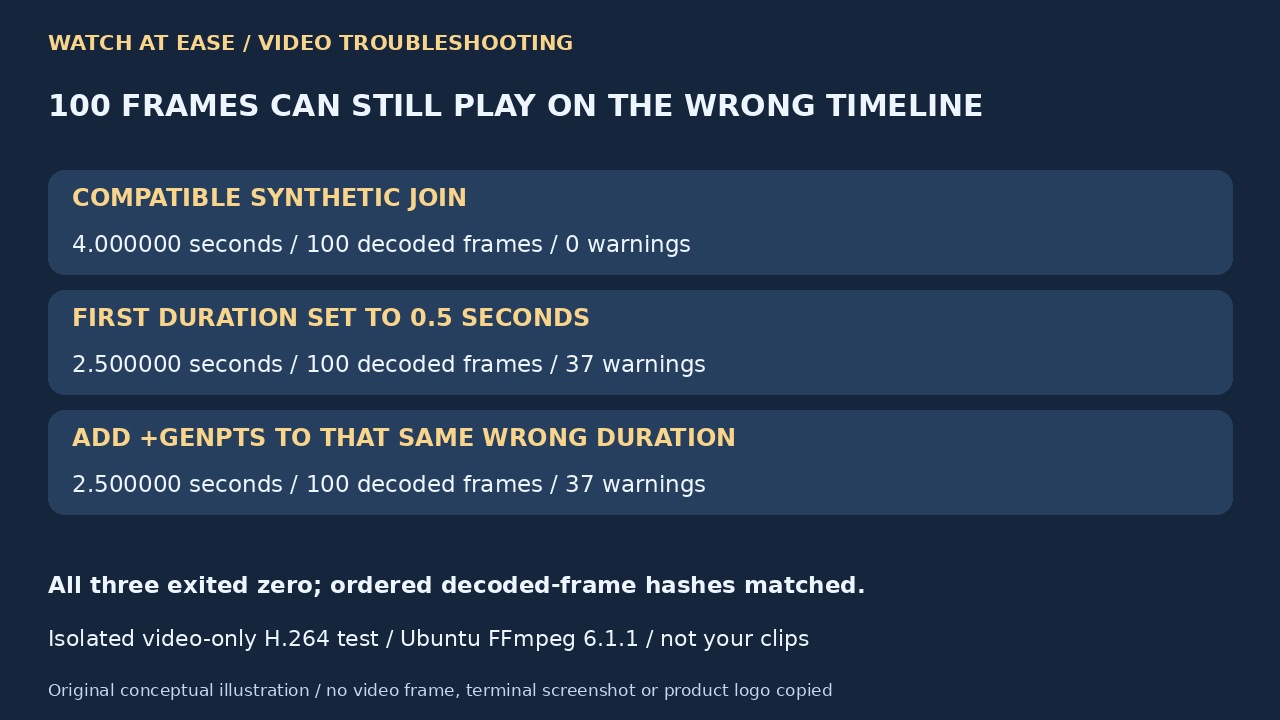
We tested four isolated video-only cases with Ubuntu FFmpeg 6.1.1: two two-second H.264 clips joined cleanly into four seconds. Setting the first concat duration to 0.5 seconds produced 37 warnings and a 2.5-second output; adding +genpts did not change that result. A separate time-base mismatch produced 50 warnings and a 1.967031-second output. All cases exited zero and retained the same ordered 100 decoded-frame hashes.
Those synthetic results do not reproduce your clips, audio or missing-content failure. SWGDE describes decoded-frame and sample hashing as a content check; timing columns require a separate comparison. Inspect the seams, recognizable start/end content, synchronization and total intended duration in the actual result. Hash agreement or a warning-free encode alone cannot certify playback timing or restore bytes absent from the source.