Technology · PRACTICAL GUIDE
Git stash pop failed? Audit partial restoration before cleanup
A colliding file can block untracked restoration after tracked edits have already applied. Preserve both versions, identify the exact stash and compare the recovered result before deleting anything.
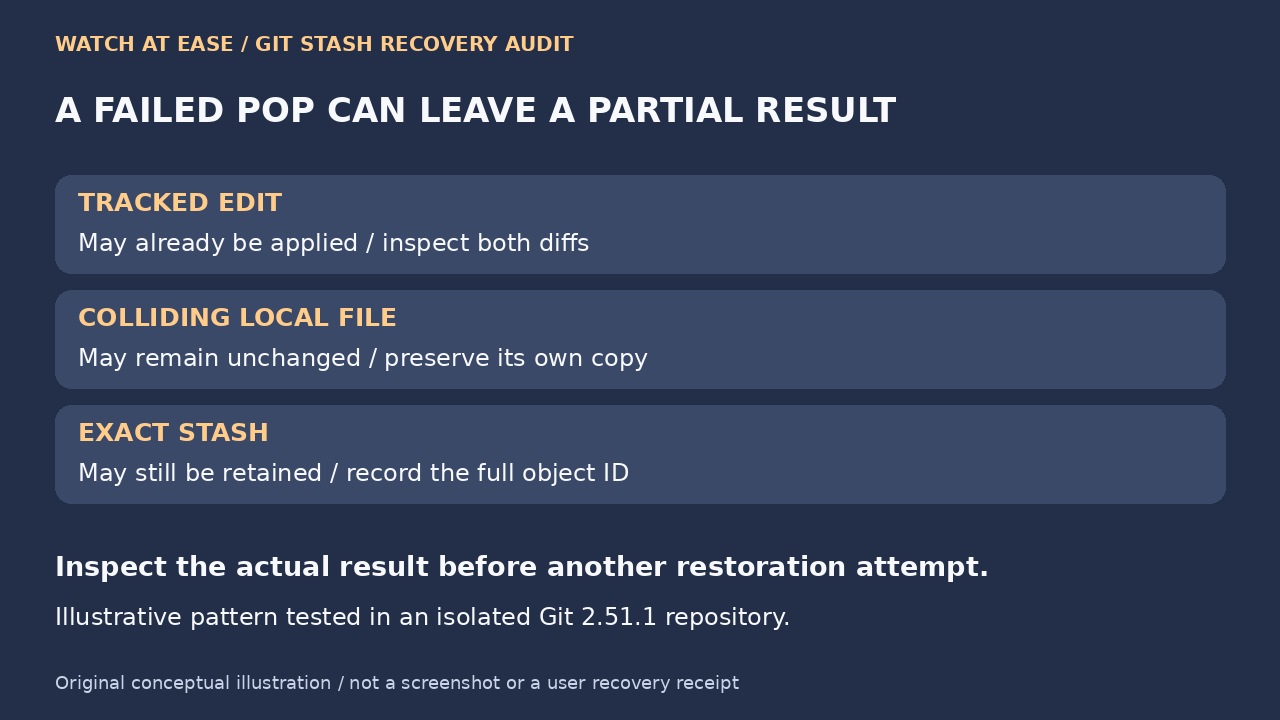
A Git stash restoration error is not evidence that the working tree stayed unchanged. The immediate goal is to preserve what exists now and establish what the failed operation already did. Treat the current file and its stashed counterpart as separate versions until you have compared them.
1. Freeze the evidence before another attempt
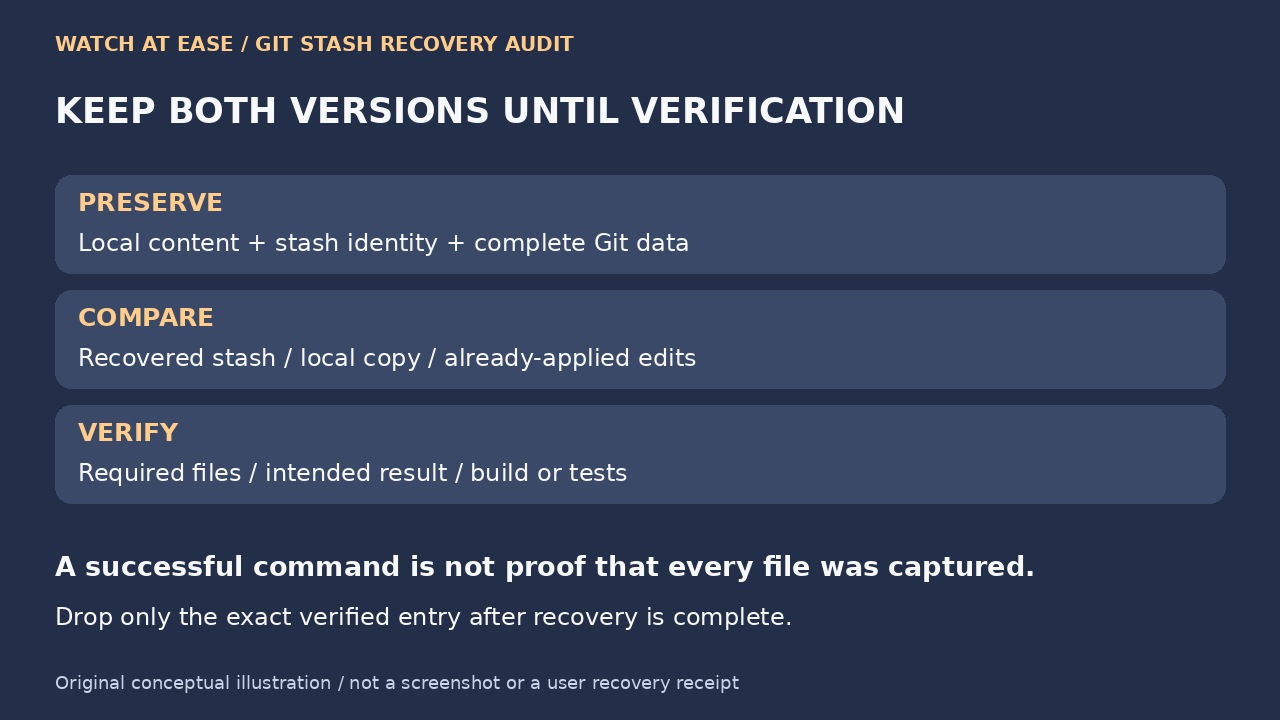
Keep the full error, command, Git version, branch, stash list and current status. Review git status --short --untracked-files=all --ignored, plus both unstaged and staged diffs. The ignored listing matters: an ordinary clean-looking status does not prove that an ignored collision is absent. Preserve a separate copy of valuable local files and the complete Git data before changing paths. A normal clone or exported diff does not automatically preserve every stash and untracked file.
In an isolated synthetic repository using Git 2.51.1, we stashed a tracked edit and an untracked file with -u, then created different local content at the same untracked path. Pop returned code 1: the tracked edit had already applied, the local collision remained, and the exact stash was retained. This demonstrates a possible partial result, not what happened in your repository or a guarantee across every version.
2. Identify the stash and classify each collision
Select the intended entry from git stash list and record its full object ID using git rev-parse --verify with the selected stash reference and the ^{commit} suffix. Substitute your actual selection, rather than assuming the newest stash is correct. Inspect that recorded ID with git stash show --include-untracked --patch and, where supported, --only-untracked --name-only. Keep the original entry; its numeric position can change later.
Compare each reported path with the current index and files. Is it currently untracked, ignored, or tracked on this branch? Was it included when the stash was created? A path can have changed classification since then. Atlassian explains that captured untracked content is stored separately in the stash structure; not every stash has that component. Avoid a blanket third-parent command or an overwrite recipe before establishing which content you actually have.
3. Recover into a controlled location and compare
After verifying independent preservation, move a valuable local collision to a clearly labeled location outside the recovery path instead of deleting it. Account for tracked changes already applied before trying the stash again: moving the collision alone does not roll back that partial result. If the working tree is now uncertain, recover in an independent repository copy with complete relevant Git objects and a clean checkout, keeping the original untouched.
Git stash branch can reconstruct work from the stash’s original base, which helps when the current branch has moved. Follow installed documentation and use a distinct recovery branch in the prepared copy. A dirty checkout may block the operation. Successful branch recovery using a stash@{n} name can drop that entry; preserve the original repository and exact identity beforehand. Compare recovered files with both saved local copies and the already-applied tracked diff, then reconcile deliberately.
4. Make deletion a separate, verified decision
Confirm required tracked, untracked and ignored content, the staged state if it mattered, and the intended build or tests. Record where each preserved version lives and which differences you kept. Successful application alone does not prove that every desired file was captured originally. Apply leaves the stash in place; do not infer that a remaining stash means nothing was restored.
Only drop the entry whose current name you have matched to the recorded object ID after recovery is verified. Avoid broad git clean -xfd or forceful checkout as a first response: they can erase content needed for comparison. A scoped clean dry run previews candidates but does not back them up. If a required version cannot be located or the partial result remains unexplained, retain the evidence and stash rather than declaring recovery complete.