Technology · PRACTICAL GUIDE
Word says an image part was not found? Match the rId to its owning part before editing
A relationship ID is not a global picture filename. Preserve the DOCX, trace the correct part and distinguish a missing relationship, absent embedded bytes and an external source before attempting recovery.
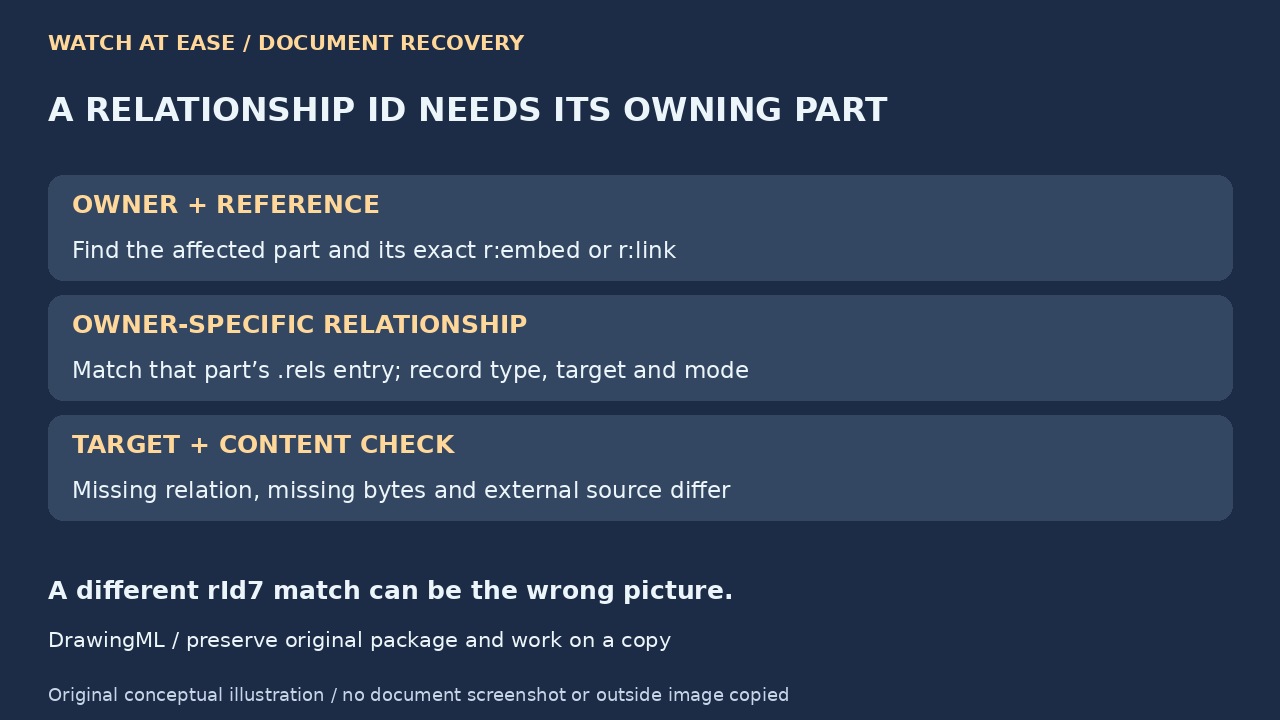
Word’s “image part with relationship ID was not found” message identifies a broken picture reference, not a universal cause or a global image filename. Finding rId7 somewhere in a DOCX, or finding several files in word/media, does not establish that you found the missing picture.
Keep the damaged document and any surviving versions unchanged. On a copy, trace the picture from its owning XML part to the matching relationship and actual target. Separate missing pointers, missing internal bytes and external sources before deciding whether to restore a document or reconstruct a picture.
Preserve the package and define the missing occurrence
Close the editing application and retain the original file, backups and any working versions. Inspect a duplicate in read-only mode or with an archive viewer. If it is not a readable ZIP-based DOCX, stop this package route; renaming a legacy DOC or encrypted file does not convert it.
Record the error’s exact ID and the picture’s surrounding text, page region and expected subject. A header, footer or other document part can own its own references. Define which occurrence is missing before searching: a document-wide match on the ID alone may point to another picture.
Trace the owning part to its own relationship
For a DrawingML picture, inspect the relevant a:blip and its r:embed or r:link value. A picture in word/document.xml uses word/_rels/document.xml.rels; one in word/header1.xml uses word/_rels/header1.xml.rels. Match the ID exactly within that owner’s relationship file, not every .rels file at once.
Record the relationship type, Target and TargetMode. Resolve an internal relative target from the owning part’s location, not from the _rels directory. An image relationship whose internal target is media/image1.png from word/document.xml points to word/media/image1.png. Preserve both raw reference and resolved package path; do not bulk-replace IDs or guess from numeric order.
Classify the failure before calling it recovered
If the owner has no matching relationship, the reference is incomplete even when unrelated media files survive. If a matching internal relationship exists but its target entry is absent, the package lacks those target bytes. If the target exists, copy it out unchanged and check whether it decodes into the expected image.
For an external target, record the source location separately. A linked reference is not an embedded image that ZIP extraction can manufacture. Locate a preserved source or authorized accessible original before reinserting it. An empty familiar media folder alone is not a complete package inventory or proof that every possible source is permanently lost.
Use a known version or reconstruct the right picture
Existing troubleshooting answers already recommend copying packages, inspecting media and restoring backups. Prefer a known working version when it preserves the complete document. If only a verified original picture remains, rebuild the affected occurrence in a document copy through the application’s normal insertion workflow, then save under a new name.
Do not substitute an arbitrary surviving image merely because its filename or ID looks plausible. Compare the expected subject, dimensions and document context; retain each candidate’s path and bytes. Package images may already have been resized or recompressed before saving, and recovered files may differ from Word’s cropped, rotated or composed page appearance.
Verify the result beyond a disappearing error
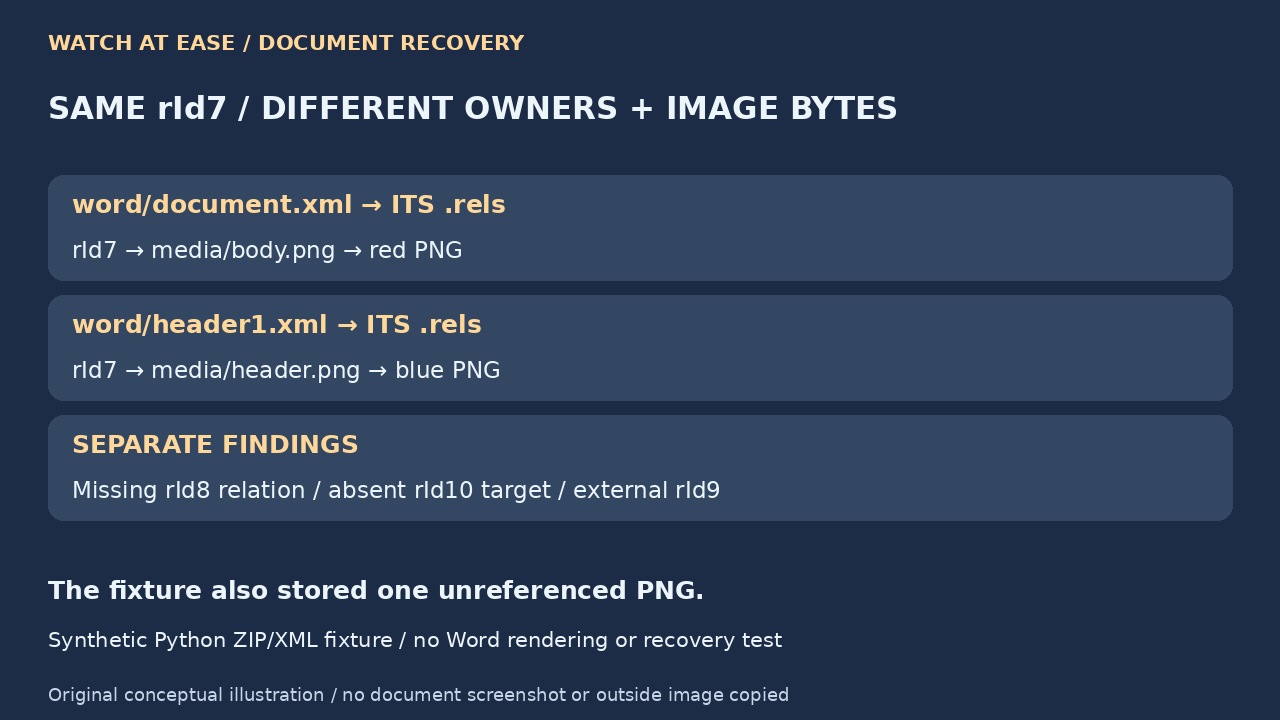
In a Python 3.12.14 ZIP/XML fixture, the main part’s rId7 resolved to a red PNG while a header’s rId7 resolved to a different blue PNG. We also identified a missing rId8 relationship, an absent internal target for rId10, an external rId9 that we did not fetch, and a stored PNG unused by the fixture references.
That fixture was not a complete valid Word document, a rendering test or recovery of a reader’s file. It demonstrates why global IDs and media counts are insufficient. Reopen the reconstructed copy in the intended application, inspect every affected region and compare the actual picture and layout with a trusted version. Preserve the source evidence until those checks succeed.