Technology · PRACTICAL GUIDE
APT says NO_PUBKEY? Verify the repository and migrate its key without apt-key
Treat NO_PUBKEY as an identity and configuration failure, not a prompt to trust the first key you find. Map the error to one source, verify the publisher and full fingerprint, make the keyring readable to _apt, bind it with Signed-By, and prove that exact repository now verifies.
An APT NO_PUBKEY error means the repository metadata was signed with a key that APT could not use for that source. It does not tell you that a key copied from a forum or keyserver is the right one, and it is not a reason to disable signature checks.
The safe repair is repository-specific. Preserve the failing output, identify the exact source entry, verify the repository owner and complete fingerprint through the publisher's official channel, place a correctly formatted key in a dedicated keyring, reference it with Signed-By, and rerun the same update without any trust bypass.
1. Preserve the failure before changing trust
Run the ordinary update again and save the complete output. Record the NO_PUBKEY identifier, repository URL, suite or codename, and whether the error names InRelease or Release.gpg. Do not add a key yet. A system with several third-party repositories can show unrelated warnings in the same run, so the hostname and suite—not the order of the messages—identify the source you must repair.
Inspect `/etc/apt/sources.list` and the recognized `.list` and `.sources` files under `/etc/apt/sources.list.d`. Read the whole matching line or deb822 stanza, including `URIs`, `Suites`, `Signed-By` and `Enabled`. A commented `.list` line and a stanza with `Enabled: no` are disabled; backup files with other extensions are not active source entries. Match the failing URL and suite, and note every active duplicate. A recursive text search is only an orientation aid, not proof that APT loads an entry.
2. Decide whether this is a distribution archive or a third-party repository
Default Debian and Ubuntu installations already carry their archive keys in distribution-managed keyring packages. A missing key for an official archive can point to a stale keyring package, an unsupported release, an incorrect distribution entry, or a damaged installation. Confirm the operating-system release and the official repository URL before considering any manual key download.
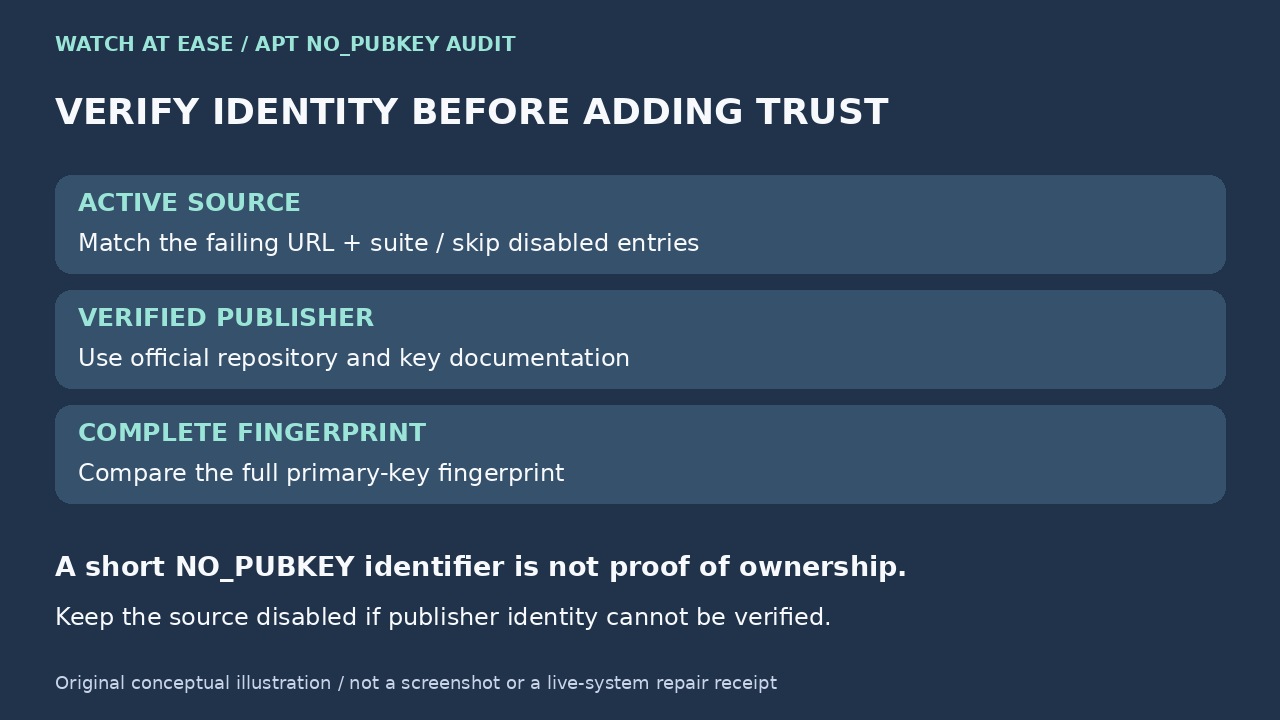
For a third-party repository, use the vendor's official repository setup page or key-distribution documentation. If you cannot independently connect the repository URL, publisher identity, and published full fingerprint, disable that source and stop. Importing an arbitrary key only changes the error; it does not establish who controls the repository.
3. Verify the full fingerprint before installation
Download the candidate public key only from the verified publisher channel to a temporary file. Inspect it without adding it to any trusted keyring: `gpg --show-keys --with-fingerprint --with-subkey-fingerprint /path/to/candidate-key`. Compare the complete primary-key fingerprint, character for character, with the fingerprint published by the repository owner through an independent official page.
Do not approve a key because the final eight or sixteen characters match the NO_PUBKEY identifier. Do not treat a keyserver result, a forum command, a redirect, or a familiar-looking user ID as publisher verification. If the official documentation announces a rotation, record both the retired and replacement fingerprints and the effective instructions before proceeding.
4. Create a dedicated keyring in the correct format
Create `/etc/apt/keyrings` if needed with root ownership and traversable permissions. For an ASCII-armored public key, keep a `.asc` file; for an exported binary OpenPGP keyring, use `.gpg`. Debian's APT documentation warns that a modern GnuPG keybox is not the same as an APT keyring, so do not copy a private GnuPG home or keybox file into this directory.
After the fingerprint is verified, install only the public key material. Give the file a repository-specific name, root ownership, and mode 0644. Confirm what APT will see with `file`, `gpg --show-keys --with-fingerprint`, `stat`, and `sudo -u _apt test -r /etc/apt/keyrings/vendor-archive-keyring.asc`. If that final command fails, inspect every parent directory with `namei -l`; a readable file inside an untraversable directory is still unavailable to _apt.
5. Bind the key to one repository with Signed-By
For a deb822 `.sources` stanza, add `Signed-By: /etc/apt/keyrings/vendor-archive-keyring.asc` to the stanza containing the verified URI and suite. For the older one-line `.list` format, place `signed-by=/etc/apt/keyrings/vendor-archive-keyring.asc` inside the option brackets immediately after `deb`. Use the actual `.asc` or `.gpg` filename you installed; the extension must match the key representation.
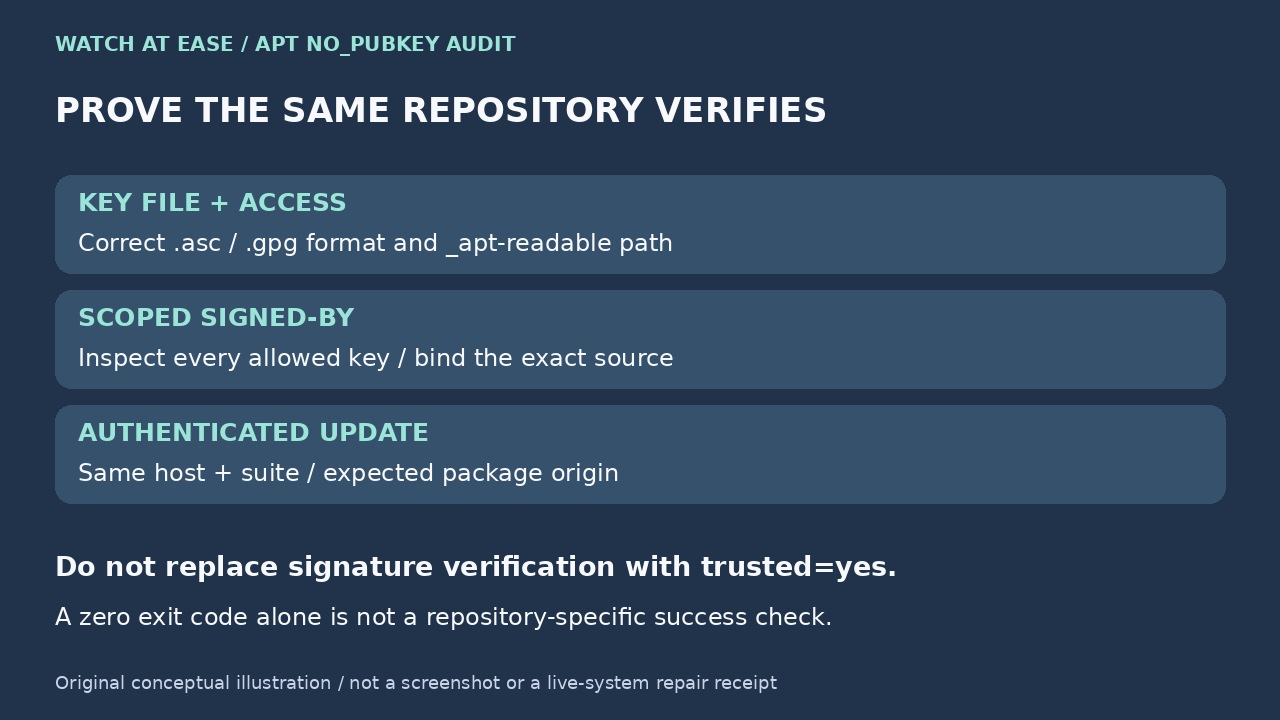
Signed-By narrows which configured key or keys may authenticate that repository. It is safer than placing every third-party key in global trust, but it does not certify that the publisher's packages are benign. Migrate one repository at a time, keep a copy of the original source entry, and do not remove an old global key until the scoped entry has passed the verification step. If the referenced file contains several public keys, Signed-By without a fingerprint selector allows all of them; inspect the complete file and follow the publisher's documented key selection rather than trusting an unexplained bundle.
6. Rerun APT and verify the repository, not just the exit code
Run `sudo apt-get update` again with no insecure options. The target repository should fetch and authenticate without NO_PUBKEY, invalid-signature, or unreadable-keyring messages. Check that the hostname and suite in the successful output are the ones you mapped at the start; a clean message for a different mirror does not prove the failing entry was repaired.
For a package you expect from that repository, inspect `apt-cache policy PACKAGE_NAME` and verify the candidate and origin are expected. Record the source-file path, repository URI and suite, verified full fingerprint, installed keyring path and SHA-256, file mode, update result, and package-origin check. That ledger makes later key rotations and incident review much safer than an undocumented import command.
7. Use the failure branch instead of weakening authentication
If the fingerprint differs, the official page is unavailable, the key is expired or revoked without a documented replacement, or the repository suddenly changed identity, stop using the source and contact the publisher. If the key matches but APT still reports NO_PUBKEY, recheck the Signed-By path, key format, `_apt` readability, duplicated source entries, and whether the repository actually signed the Release metadata with that key.
Options such as `trusted=yes`, `allow-insecure=yes`, `Acquire::AllowInsecureRepositories`, or unauthenticated installation suppress the control that surfaced the problem. Debian documents these bypasses as security-reducing exceptions, not key-repair steps. Keep the repository disabled until its owner, key and signed metadata form a verifiable chain.