Technology · PRACTICAL GUIDE
Git says the cherry-pick is empty? Audit the index before skipping
An empty proposed commit is not proof that your working tree is clean or the fix is delivered. Six disposable Git tests show what to inspect before choosing skip, keep or drop.
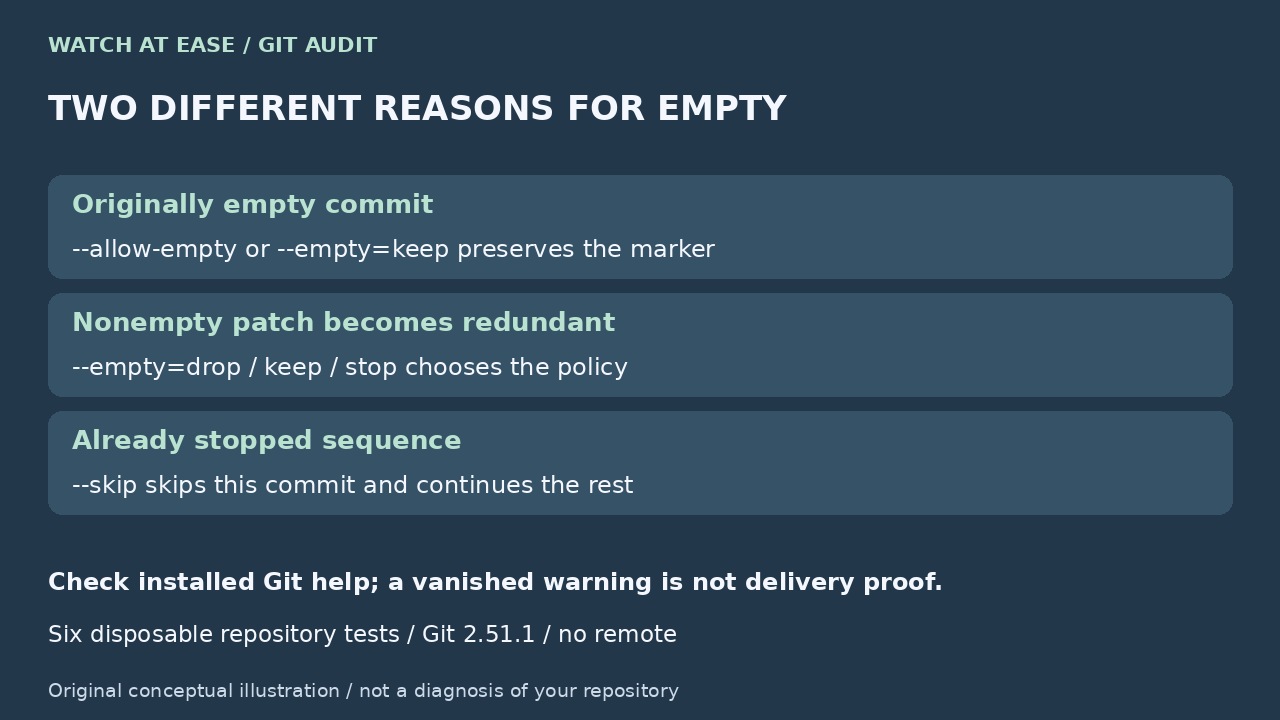
An empty cherry-pick can mean a change is already represented, an intentionally empty marker was selected, or your conflict resolution leaves no staged difference. The error message alone does not prove which case you have.
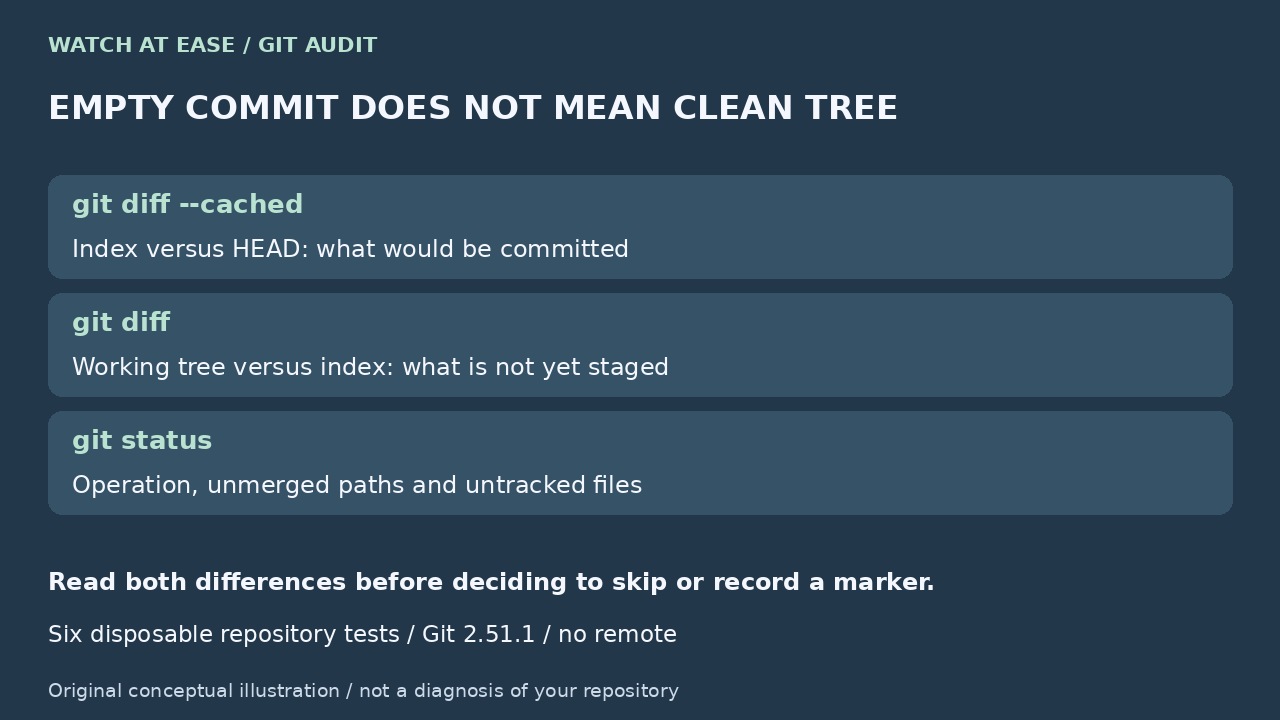
Our Git 2.51.1 experiment also produced the message while a wanted edit remained unstaged. Start by separating the proposed commit from the working tree, then decide whether the current change should be skipped or recorded.
Read the operation and both differences
Run git status, git --version, git diff --cached and git diff. The cached diff compares the proposed commit with HEAD; the plain diff compares the working tree with the index. Inspect untracked files too. An empty cached diff does not erase a nonempty plain diff.
Confirm whether status reports cherry-picking or rebasing. Rebase can replay commits and show cherry-pick wording internally; use the commands for the actual operation. Do not delete sequencer files or issue reset --hard to suppress a message.
Identify why the proposed change is empty
For a normal single-parent commit, inspect git show COMMIT and compare its change with the destination and your intended resolution. Already-present content and resolving a conflict entirely to the destination can both produce no staged difference; they do not prove the same intent. Merge commits need a deliberately chosen mainline parent.
Tower’s tutorial explains that cherry-pick applies a commit’s diff, rather than copying its entire snapshot. Its conflict workflow also requires staging the resolved files before continuing. If your wanted resolution is only in the working tree, review it and stage the exact paths, then inspect the cached diff again.
Choose a policy for this state
For a stopped cherry-pick, --skip skips the current commit and continues the remaining sequence. Use it only after confirming that discarding that proposed commit is intended. If an empty historical marker is required, inspect the index first, use the suggested git commit --allow-empty, then follow status to resume any remaining sequence.
For a new invocation, --empty=drop handles changes that become redundant; --empty=keep preserves them and implies --allow-empty. --allow-empty alone preserves originally empty commits, not every redundant pick. Conversely, --empty=drop does not by itself accept an originally empty marker. Check your installed help before relying on these options on older Git.
What six disposable tests actually showed
We used separate temporary repositories with Git 2.51.1, no remote and no user repository. For an already-applied nonempty patch, drop succeeded without moving HEAD; keep created an empty commit; --allow-empty alone still stopped. An originally empty commit also stopped with --empty=drop. These observations confirm distinctions already documented by Git.
In a two-commit sequence, skipping the redundant first commit applied the later file and cleared CHERRY_PICK_HEAD. In the conflict case, we staged the destination version, then made a wanted unstaged edit. --continue reported an empty pick. --skip succeeded and preserved that edit as unstaged work; it did not deliver it in a commit. This is one synthetic case, not a promise that every skip preserves arbitrary local changes.
Verify delivery rather than a vanished warning
After the chosen action, reread status, the relevant log and both diffs. Confirm the intended fix in the resulting files, run its meaningful test, and check that any remaining sequence finished. A clean tree, an empty marker and a passing command each answer different questions. Do not push merely because the warning disappeared.
The reviewed current manual and updated community answers already explain keep/drop/stop. Our addition is the executed two-diff audit that exposes an unstaged resolution beneath the empty message. A historical Fork GUI report was closed in 2022 and has a 2026 recurrence comment with no version; it supports qualitative demand, not a claim that all current Fork releases are broken.