Technology · PRACTICAL GUIDE
Python says 'externally-managed-environment'? Identify the interpreter before overriding it
Prove which Python pip targets, classify the install as a library, CLI app or OS component, and verify the resulting path before considering --break-system-packages.
The 'externally-managed-environment' error is not a missing-permission prompt. It means the Python interpreter that pip selected carries an EXTERNALLY-MANAGED marker, so its distributor expects an outside package manager to own that default environment.
Do not delete the marker or add --break-system-packages first. Prove which Python and pip you are using, decide whether you need a project library, command-line application or operating-system component, then choose an install target whose update owner is clear.
Freeze the failure and prove the interpreter
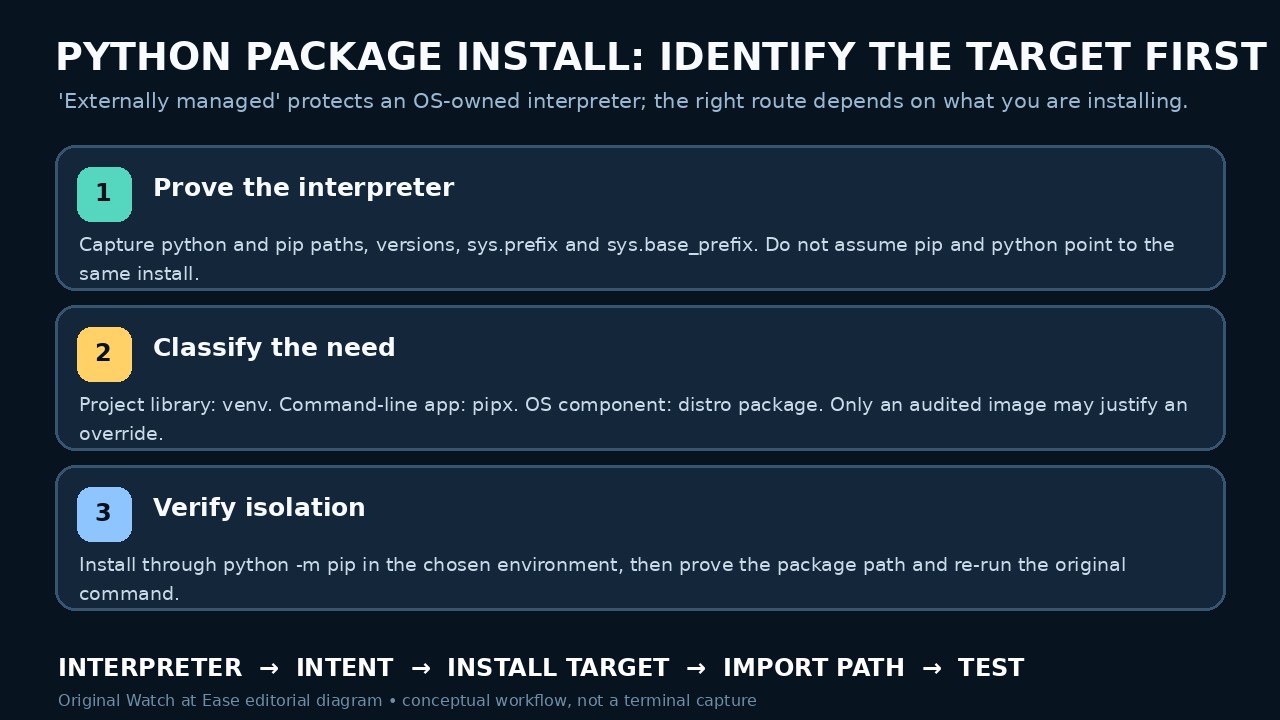
Save the complete error and original command. Record command -v or type -a for python, python3, pip and pip3; capture versions; then run the intended interpreter to print sys.executable, sys.prefix and sys.base_prefix. Do not use sudo while gathering this evidence.
Use python -m pip --version from that same interpreter and note the reported pip path. If pip and python resolve to different installations, stop and repair PATH, shell aliases, an activated environment or the calling tool before installing anything.
Read the marker as ownership evidence
The specification tells installers to refuse the default environment only when they are outside a virtual environment and the interpreter's standard-library directory contains EXTERNALLY-MANAGED. The marker is a distributor decision, not proof that every pip operation is impossible.
Read the error's own distro instructions and the relevant release notes. Debian, for example, documents pipx for non-packaged applications and venv for libraries. Do not assume another distro or Homebrew uses identical package names or paths.
Choose the route by what you are installing
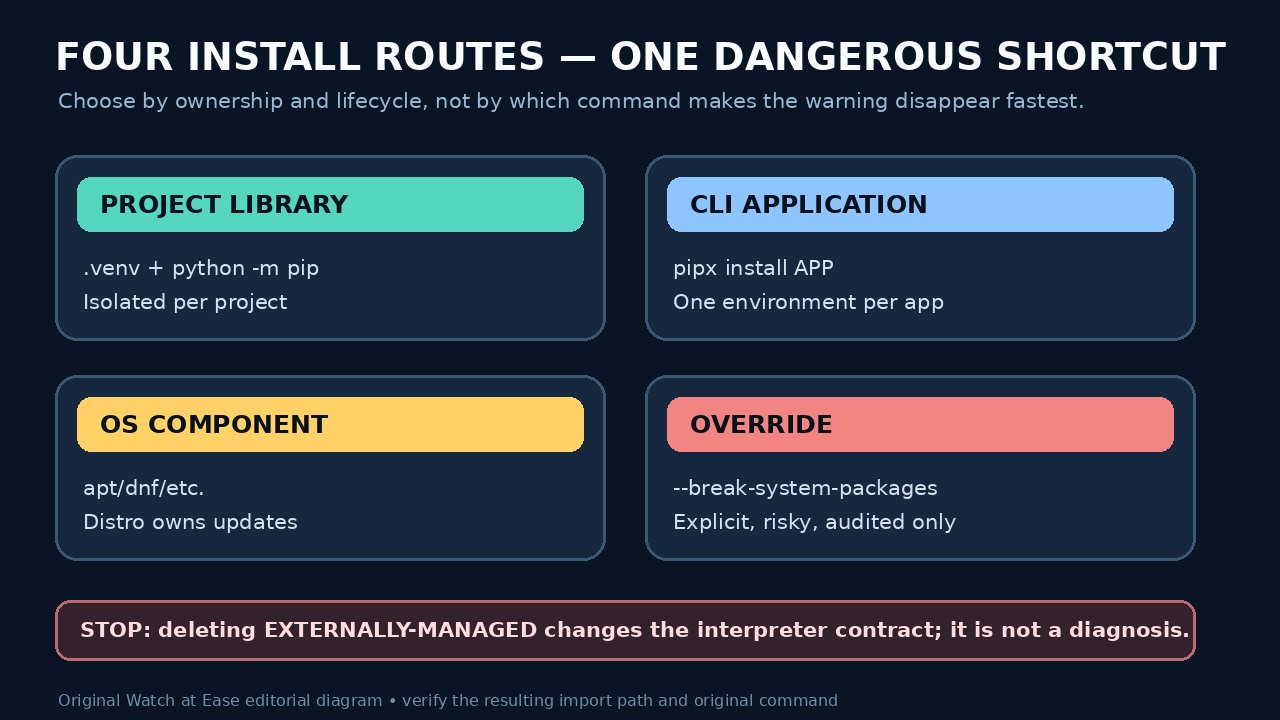
For a library imported by one project, create a venv in or beside that project and install with its interpreter: python -m venv .venv, then .venv/bin/python -m pip install PACKAGE. On Windows, use the Scripts interpreter path. Activation is convenient, but the explicit interpreter proves the target.
For an end-user command such as a formatter, use pipx when available; it creates a separate environment for each application and exposes the command. For a library or tool needed by the operating system, automation agent or managed host, prefer the distributor's package or the platform owner's documented deployment path.
Keep the override exceptional and reversible
pip documents --break-system-packages as permission to modify an EXTERNALLY-MANAGED installation. Use it only when you control the image or interpreter lifecycle, have confirmed no distro component depends on the affected import set, and can rebuild or roll back the environment. Record the exact command and target.
Do not delete EXTERNALLY-MANAGED, replace distro pip, or add a permanent global override merely to make one install succeed. In containers, prefer an explicit venv or a purpose-built base image; in managed hosts, hand the required package and interpreter evidence to the owner.
Verify the path, import and original outcome
After installing, run the chosen interpreter to print the package's __file__ or importlib metadata location, and use command -v for an application. Confirm the path is inside the intended venv or pipx environment—not the distro library tree or an unrelated user site.
Repeat the original command without changing users. Record interpreter, pip path, package/executable path and result. If the command still fails, roll back the new environment or package and diagnose version constraints, entry-point PATH or the calling tool instead of widening the install target.