Technology · PRACTICAL GUIDE
Voice Memos missing on a new iPhone? Preserve the old phone before changing sync
Separate iCloud sync from iCloud Backup, prove which recordings still play, and make an independent copy before erasing the source iPhone.
If a new iPhone shows fewer Voice Memos than the old one, do not erase, trade in or repeatedly change sync settings on the source phone. First prove which recordings still play there and preserve the ones you cannot replace.
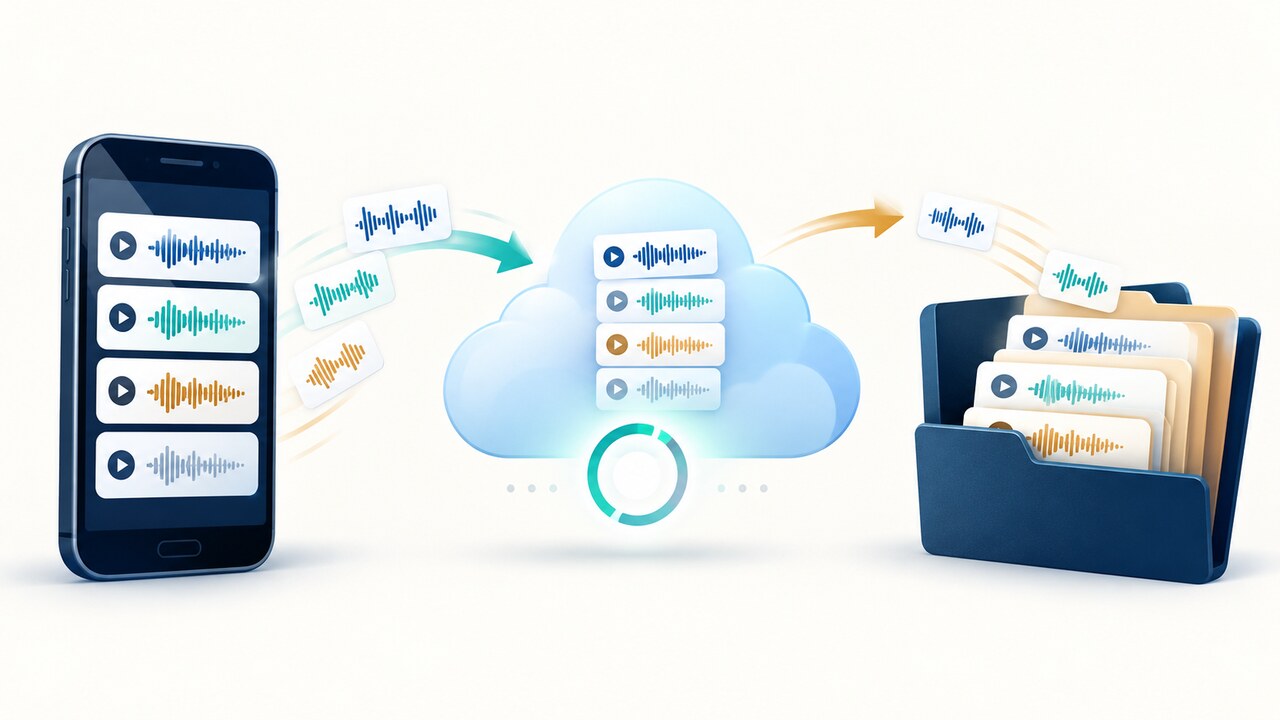
Apple documents Voice Memos in iCloud as a sync service, not part of an ordinary iCloud Backup when that service is enabled. A successful Quick Start or backup restore therefore does not prove every recording reached iCloud or can play on the new phone.
1. Freeze the source phone and build a small evidence list
Keep the old iPhone powered, unlocked when needed and off the trade-in path. Do not delete recordings, empty Recently Deleted, sign out of the Apple Account or toggle Voice Memos off and on while you are still determining where the only playable copy lives. Record the old and new device models, iOS versions, Apple Account shown on each device, and whether Settings > [your name] > iCloud > See All > Voice Memos is enabled.
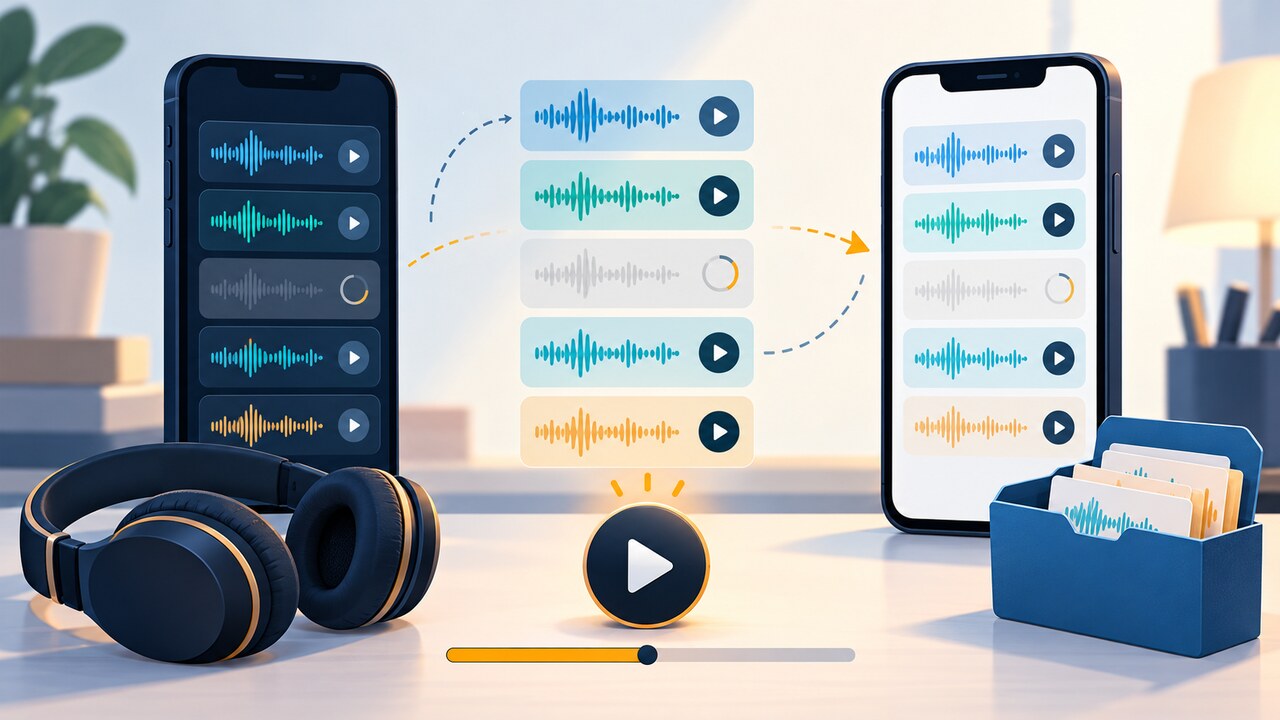
On the old phone, note the total count only as a rough comparison. Choose a small set that matters: an old recording, a recent one, a long one and any item missing on the new phone. Play enough of each to confirm that the recording is accessible and playable; online playback alone does not prove an offline copy. Write down its title, recording date and duration. A community report of 38 out of 60 items after Quick Start shows why a transfer banner is not an acceptance test.
2. Identify the storage path before trying a repair
If both phones use the same Apple Account and Voice Memos is enabled in iCloud, Apple says recordings should appear across supported devices. Leave both devices on stable Wi-Fi and power while the new phone completes its restore and sync. Also check Voice Memos on a signed-in Mac or iPad if one is already available; a third device can help distinguish a new-phone download problem from an account-wide absence.
Do not assume an iCloud Backup contains the missing audio. Apple says recordings using Voice Memos in iCloud upload separately and download over Wi-Fi after a restore. Repeating that cloud download cannot retrieve audio that never uploaded. This does not rule out a usable older computer or iCloud backup: Apple recommends checking other backups and preserving current data before restoring. An iPad backup restored to an iPhone can also omit Voice Memos.
3. Preserve irreplaceable recordings before changing sync
For every important recording that plays only on the old phone, use Voice Memos’ Share control to place a separate copy in a location you can open independently, such as Files on local or cloud storage, AirDrop to a Mac, or another destination you control. Open the copied audio outside Voice Memos and compare its duration. Do this for the irreplaceable set before experimenting with account sign-out, app deletion, device reset or sync toggles.
Different Apple Accounts require sharing rather than automatic same-account sync. Apple's current guide also supports selecting several recordings and sharing them together. Check the output option: Rendered mixes effects and layers into one .m4a; Editable needs compatible software. A playable export preserves listening access but may not preserve editable layers. Verify the important exported files individually before erasing the old phone; a destination folder alone is not proof.
4. Check deletion separately from a stalled download
Open Voice Memos’ Recently Deleted folder on every still-available source device. Apple says deleted recordings are kept there for 30 days by default, although Settings > Apps > Voice Memos > Clear Deleted can use a different retention choice. Recover only the recordings you recognize; do not empty the folder while investigating.
A recording that appears on the new phone but remains stuck at Downloading is not yet recovered. Keep the device online, verify the Apple Account and iCloud switch, and test whether the same item plays on another signed-in Apple device. Do not delete the placeholder in an attempt to force a refresh while no independent playable copy exists.
5. Accept the migration only after playback verification
Compare the evidence list, not just totals. On the new phone, open and play each selected recording, confirm its expected duration, and make sure at least one older and one recent item work after restarting Voice Memos. Keep the independent copies until the old phone is erased and the new device still passes the same test.
If an important recording plays only on the old phone, preservation is incomplete. If it appears nowhere, is absent from Recently Deleted and no independent copy exists, stop changing devices or sync settings and contact Apple Support with the two device models, software versions, Apple Account status, iCloud Voice Memos setting, recording title/date/duration, and what each device actually shows. This guide cannot promise recovery of audio that no longer exists on any available device or cloud copy.