Technology · PRACTICAL GUIDE
tar says “Unexpected EOF”? Prove archive completeness before retrying extraction
Preserve the bytes, test the compression and tar layers separately, compare size and a trusted checksum with the producer, then replace or salvage only in quarantine.
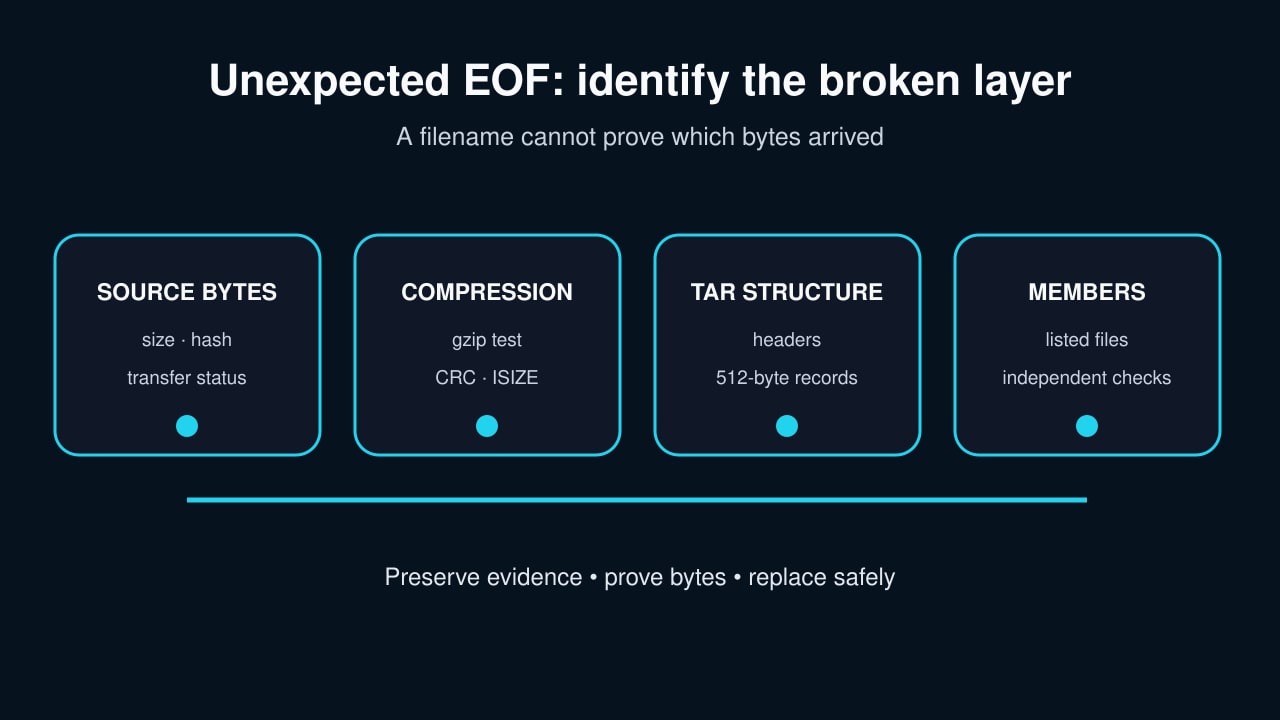
“Unexpected EOF” means an archive reader exhausted the bytes it received before the current structure or member was complete. Repeating extraction cannot manufacture the missing suffix.
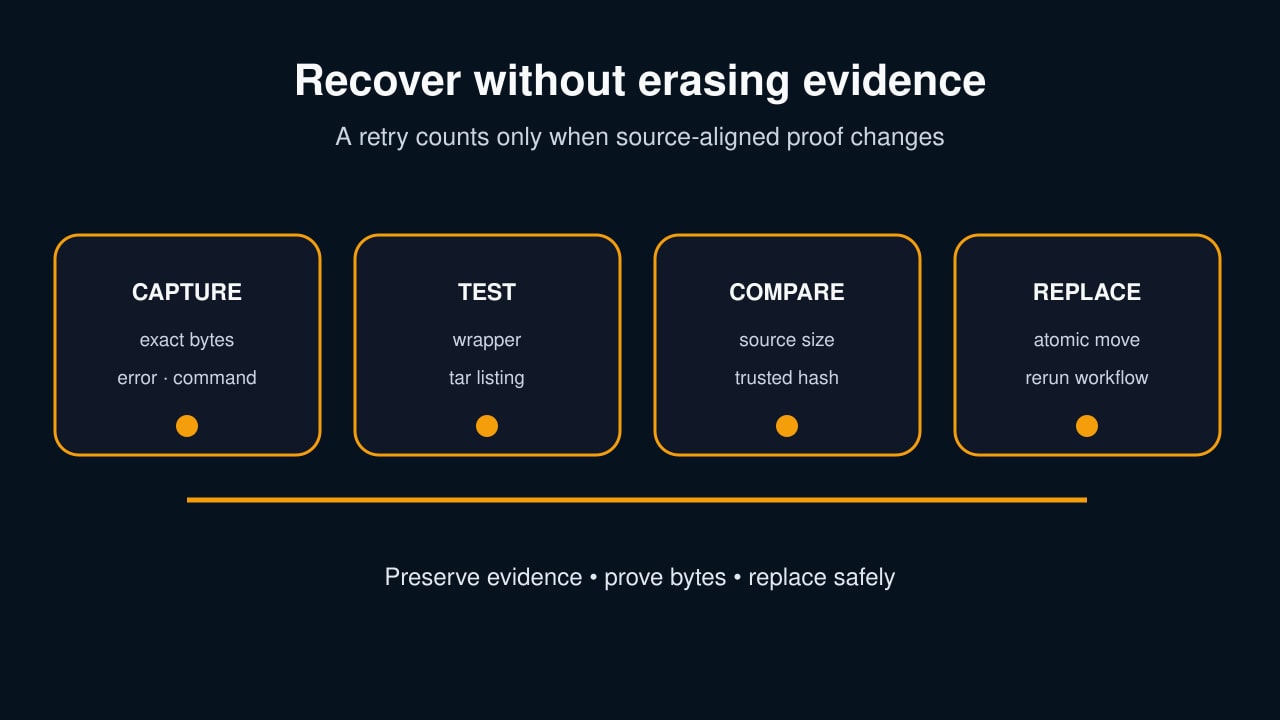
Preserve the exact file, identify the compression and archive layers, compare size and a trusted checksum with the source, then replace or safely salvage on a copy. A file that exists—or even yields some members—is not proof of a complete archive.
Quarantine the exact bytes before another retry
Copy or rename the suspect archive to an evidence path and record byte count, checksum, source URL or producer, acquisition command, timestamp and the complete error. Do not extract again over a real destination.
If the archive came from a pipeline, retain both commands and both exit statuses. Without pipefail or an equivalent status ledger, a successful downstream command can hide an upstream disconnect.
Identify each layer from evidence, not the filename
Inspect the file type and initial bytes, then test the claimed compression wrapper separately. Use gzip -t only when the bytes are gzip; use the equivalent integrity test for another wrapper.
After the wrapper test, run tar -tf on a copy or through the correct decompressor. This separates a damaged gzip member from a readable wrapper whose inner tar structure ends early.
Prove completeness against the producer
Obtain an expected byte count and a checksum from a trusted source or from the producer side of the transfer. Compare both before treating a second download as a repair.
For streamed copies, capture sender and receiver status, source and destination size, and hashes at both endpoints. A transport command that exited zero is weaker evidence than matching bytes.
Separate end-marker quirks from missing payload
Tar archives use 512-byte records and normally end with zero blocks. A missing conventional end marker is different from EOF while a header or member payload still declares more bytes.
The --ignore-zeros option tells tar to continue past zero blocks; it cannot invent an absent payload. If listing or extraction stops inside a member, treat every later member as missing and every emitted file as provisional.
Replace or recapture without overwriting evidence
Download or stream into a new temporary filename, verify the correct layer, expected size and trusted checksum, and only then atomically replace the suspect archive.
If the producer is a live filesystem, freeze or snapshot it when possible. A changing source can produce a logically inconsistent archive even when the transfer itself is complete.
Salvage only on a copy—and define the exit test
When the source no longer exists, work on a duplicate in a quarantine directory. List recoverable members first, extract only into a new destination, and validate each output against independent manifests or source records.
Call the incident complete only when the replacement passes its wrapper and tar tests, matches source-aligned size or checksum evidence, and the original consuming workflow succeeds. Label salvage incomplete; never promote it as the original archive.