Technology · PRACTICAL GUIDE
systemd status=219/CGROUP? Read the failed cgroup operation before changing delegation
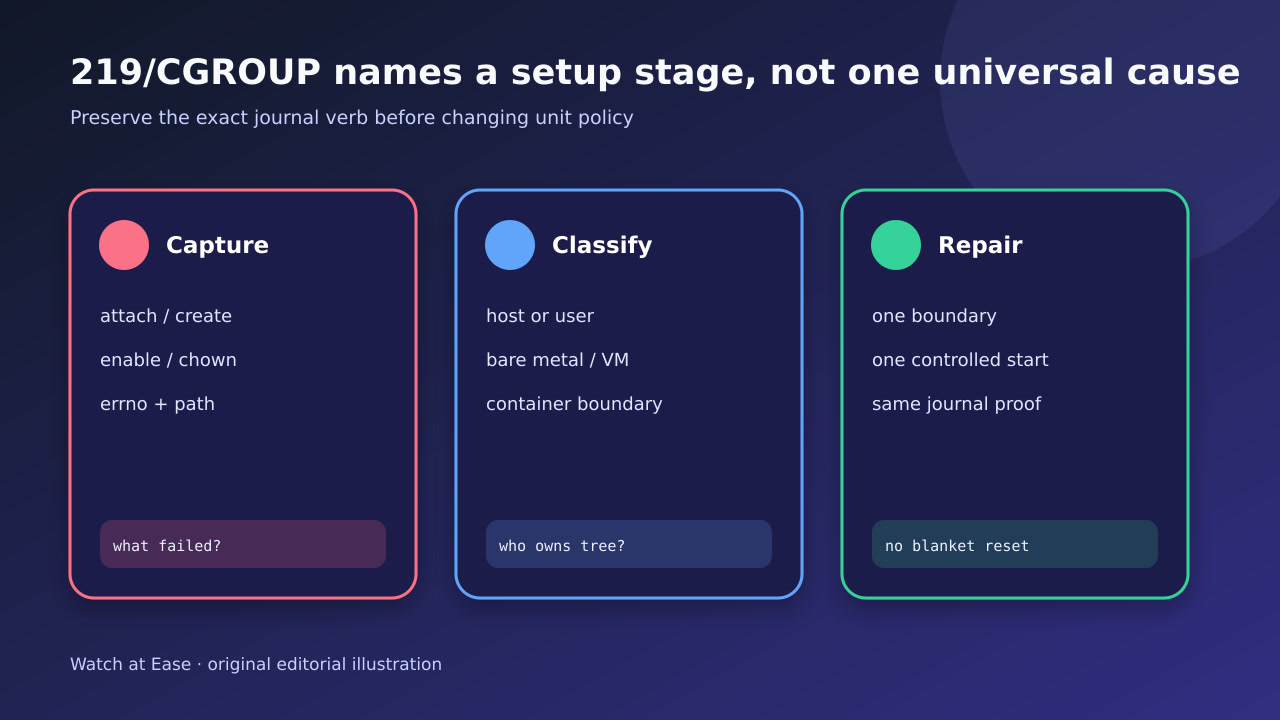
The code names a setup stage, not one fix. Preserve the journal verb, errno and path; map the manager and hierarchy; repair one ownership boundary; then prove one clean start.
The code names a setup stage, not one fix. Preserve the journal verb, errno and path; map the manager and hierarchy; repair one ownership boundary; then prove one clean start.
Status 219 means systemd failed while setting up the service control group; it does not identify one universal cause.
1. Freeze the first CGROUP line
Save systemctl status and the full journal around the first failure before reset-failed, restart, reboot or permission changes. Keep the exact wording: failed to create, attach, enable, migrate or change ownership are different branches.
Record the errno and complete cgroup path. A final status=219/CGROUP line only names the setup stage; the preceding manager message supplies the object and operation that a repair must explain.
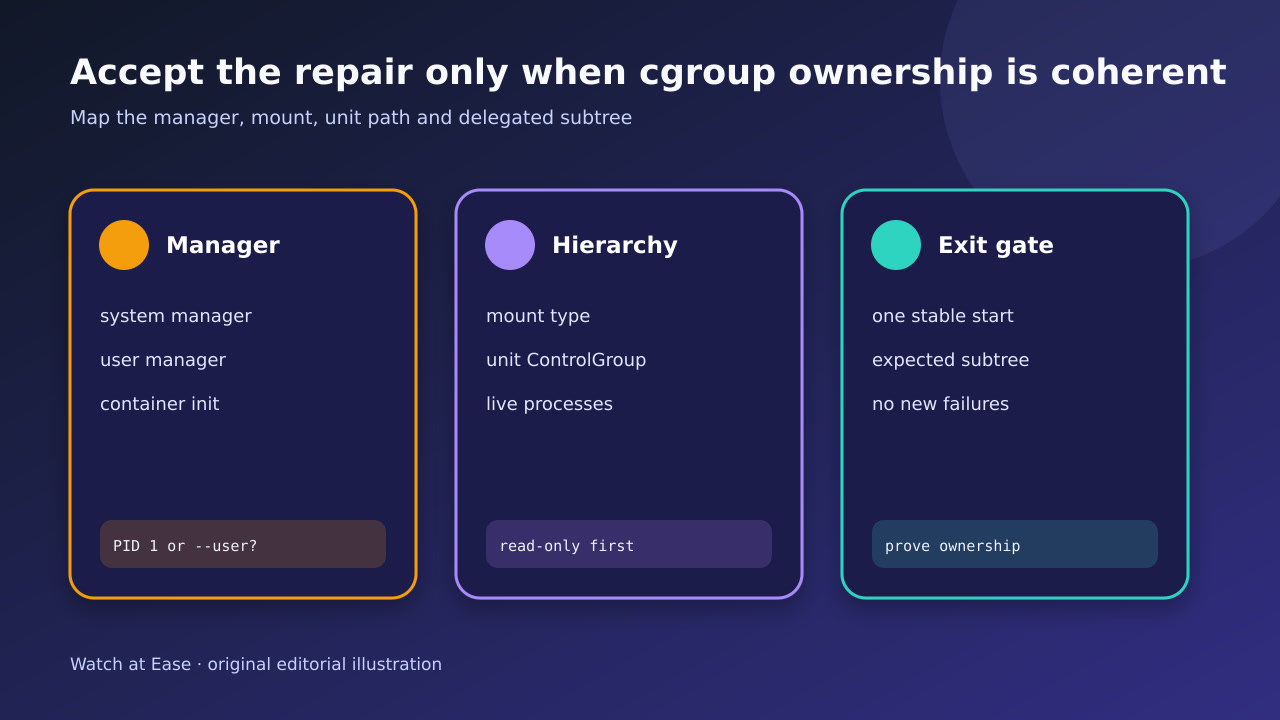
2. Identify the responsible manager
Determine whether the failing unit belongs to PID 1, systemctl --user, a container init or a nested manager. Record the manager version, kernel, virtualization and whether the same UID or unit works outside that boundary.
Do not assume the service process caused the error: it may not have executed. Compare the unit ControlGroup property with the manager that tried to create or attach it.
3. Map the live hierarchy read-only
Read mountinfo or findmnt for /sys/fs/cgroup, the cgroup type, relevant controllers, systemctl show properties and systemd-cgls. List live processes beneath the affected unit or parent without moving or killing them.
Build an ownership ledger: host manager owns the tree above a delegated unit; the delegatee owns only its subtree. In cgroup v2, inner-node and controller rules can make a surviving process or manual subtree change block the next start.
4. Classify the repair branch
Branch on evidence. ENOENT can indicate a missing hierarchy or container mount; EROFS a read-only boundary; EACCES/EPERM an ownership or delegation mismatch; EBUSY live processes or an incompatible subtree state. Validate vendor and container constraints before editing.
Change one boundary only. Avoid recursive chmod/chown, blanket Delegate=yes, disabling resource controls or deleting cgroup directories. If a unit owns subgroups, stop and account for every process before changing controller state or restart policy.
5. Prove one controlled start
Start once under observation and re-read status, journal, ControlGroup and systemd-cgls. Verify the expected path and ownership, the intended controllers, the service health check and absence of a new 219 line.
If the repair depends on a reboot, container-host change or vendor update, state that explicitly and retain the before/after evidence. Do not call a temporary successful retry a permanent repair without explaining the original failed operation.