Technology · PRACTICAL GUIDE
systemd status=216/GROUP? Audit the manager and identity before deleting Group=
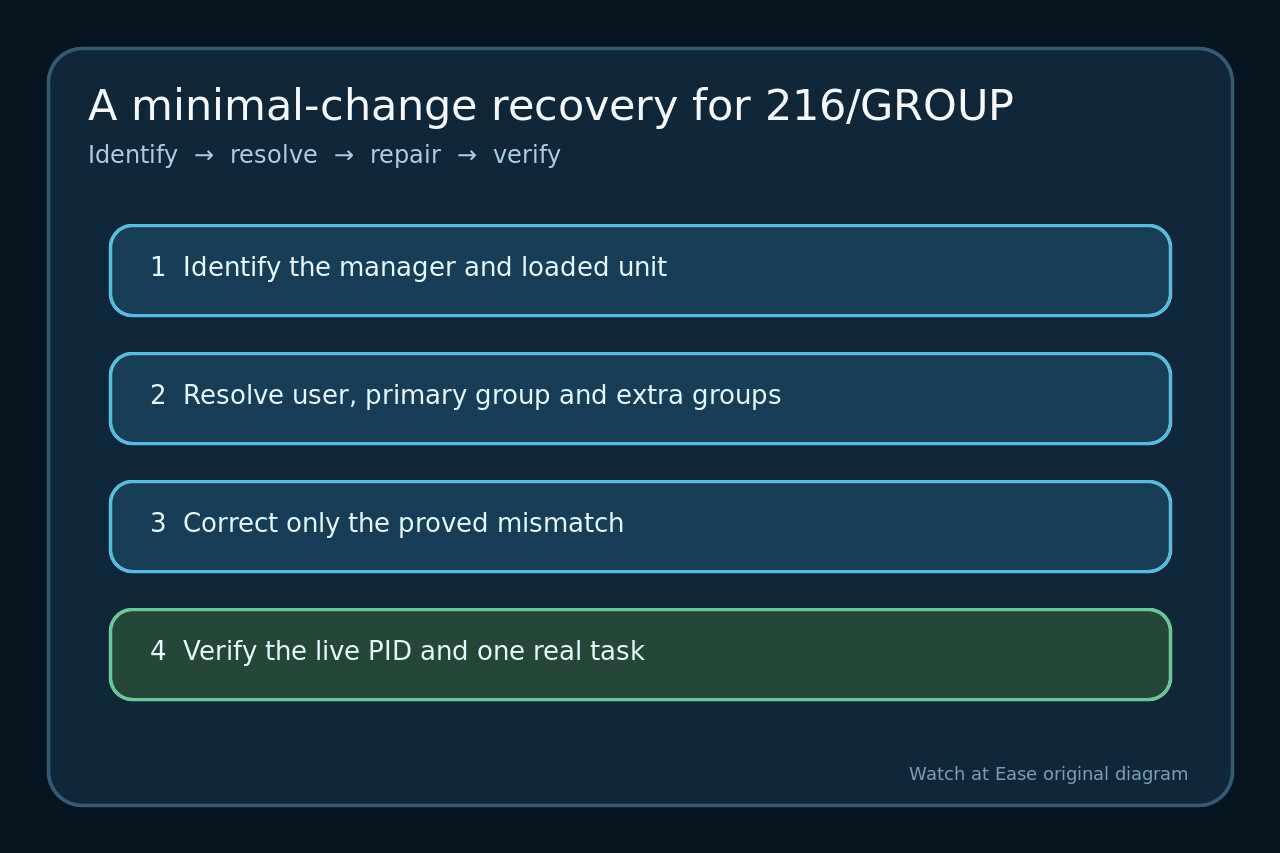
216/GROUP happens before the program runs: systemd could not determine or change group credentials. Identify the manager, inspect the effective unit, prove NSS resolution, fix only the mismatch, then verify the live process identity.
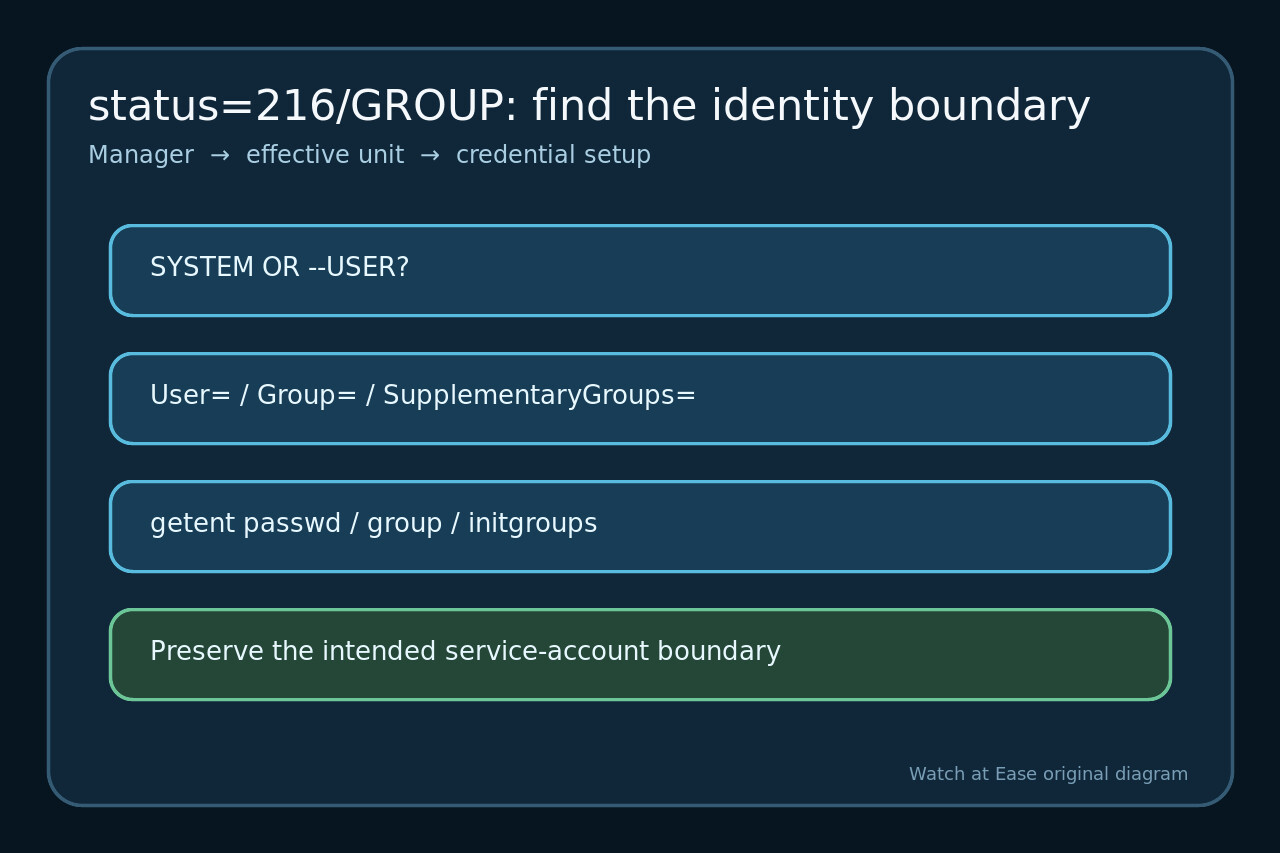
systemd assigns exit status 216/GROUP when service startup fails while determining or changing group credentials. The application may never have executed, so debugging its flags or working directory first can send the investigation down the wrong branch.
Do not treat deleting User= or Group= as a universal repair. That edit may only remove the security boundary. Establish whether PID 1 or a per-user manager loaded the unit, read every effective identity directive, and test the same identity data the manager must resolve.
Freeze the manager, unit path and exact failure
Capture systemctl status, the journal for the failed invocation, and the unit’s FragmentPath and DropInPaths. Record whether the command used systemctl or systemctl --user; those managers enforce different identity rules.
Confirm that status=216/GROUP is the first credential-stage failure, not merely followed by start-limit-hit after repeated retries. Save the precise unit name and loaded path so a stale copy or unexpected drop-in cannot masquerade as the file you edited.
Read every effective identity directive
Inspect the effective User=, Group=, SupplementaryGroups=, DynamicUser= and any identity-related sandbox settings. Use the manager’s effective properties rather than reading one unit file in isolation.
For a system service, User= and Group= select the process identity. For an ordinary per-user manager, switching to another user is not permitted; a copied system-unit recipe may therefore be invalid even when those names exist.
Prove what NSS can resolve before editing
Query the relevant host with getent passwd for the configured user, getent group for the primary and supplementary groups, and getent initgroups for the user. Treat a missing key as evidence, not as permission to invent a numeric ID.
Check provisioning order and scope. A static account must exist before startup unless DynamicUser= deliberately supplies it; remote NSS, containers, chroots or images may expose a different identity database than the interactive shell.
Apply the smallest correction that preserves isolation
Correct only the proved mismatch: create or provision the intended service account, fix a misspelled group, remove an invalid supplementary group, move the unit to the correct manager, or intentionally redesign it for DynamicUser=.
Do not delete identity directives solely to make the error disappear. If you choose the manager’s default identity, document that as a security decision and re-evaluate file ownership, sockets, credentials and writable directories.
Reload, start once and verify the live credentials
Run daemon-reload on the same manager, clear any rate-limit state only if repeated failures created it, and perform one controlled start. Re-read status and the new journal instead of assuming the absence of 216/GROUP proves success.
Inspect the live main PID’s UID, primary GID and supplementary groups and compare them with the intended service boundary. Finally complete one real request, connection or scheduled job without broadening permissions.