Technology · PRACTICAL GUIDE
Python works in a shell but ModuleNotFoundError in systemd? Prove the interpreter and sys.path first
Capture the service interpreter, prefixes, user, working directory and module search path before reinstalling anything. Then fix one proven boundary and repeat the same import probe.
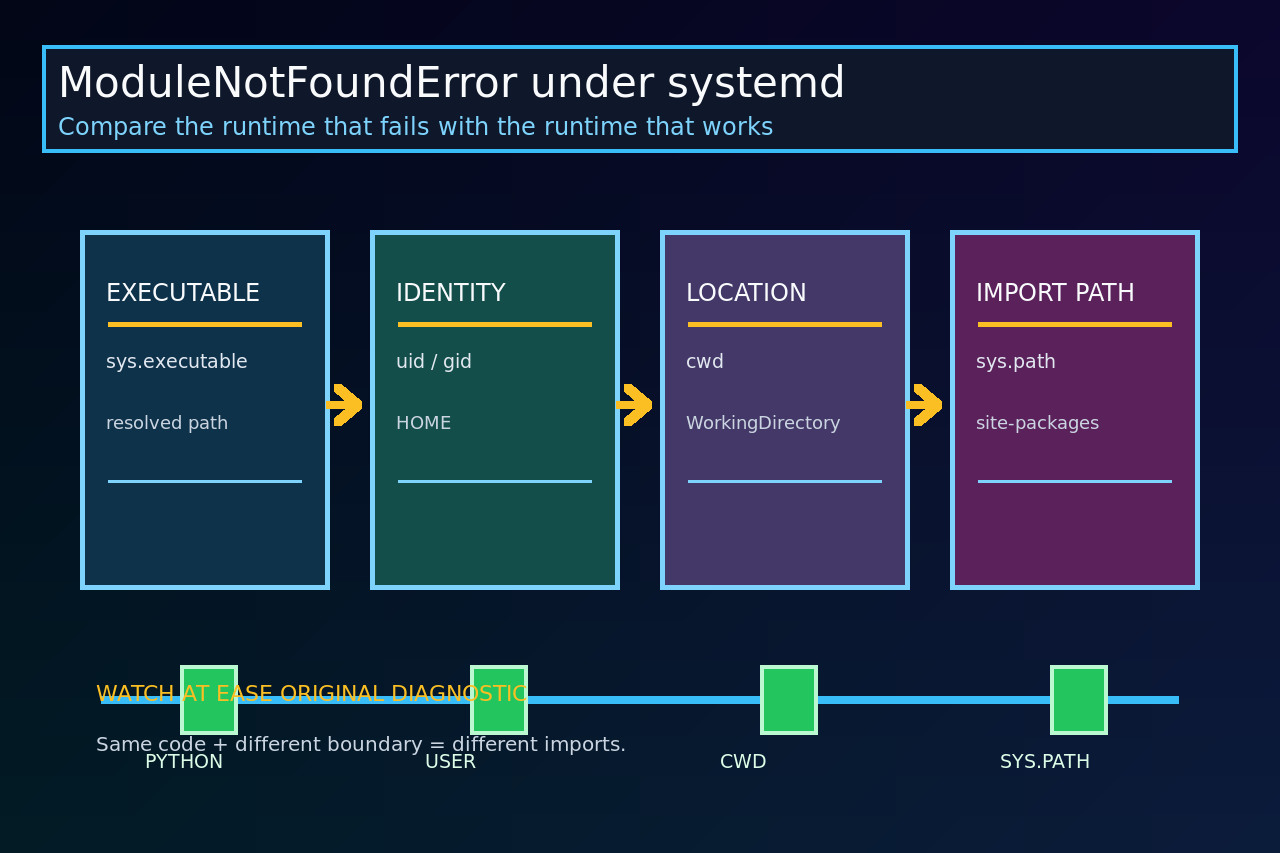
A ModuleNotFoundError that appears only under systemd is a runtime-boundary problem until evidence proves otherwise. The service may use a different Python executable, virtual environment, user, home directory, working directory or import path than the shell where the program succeeds.
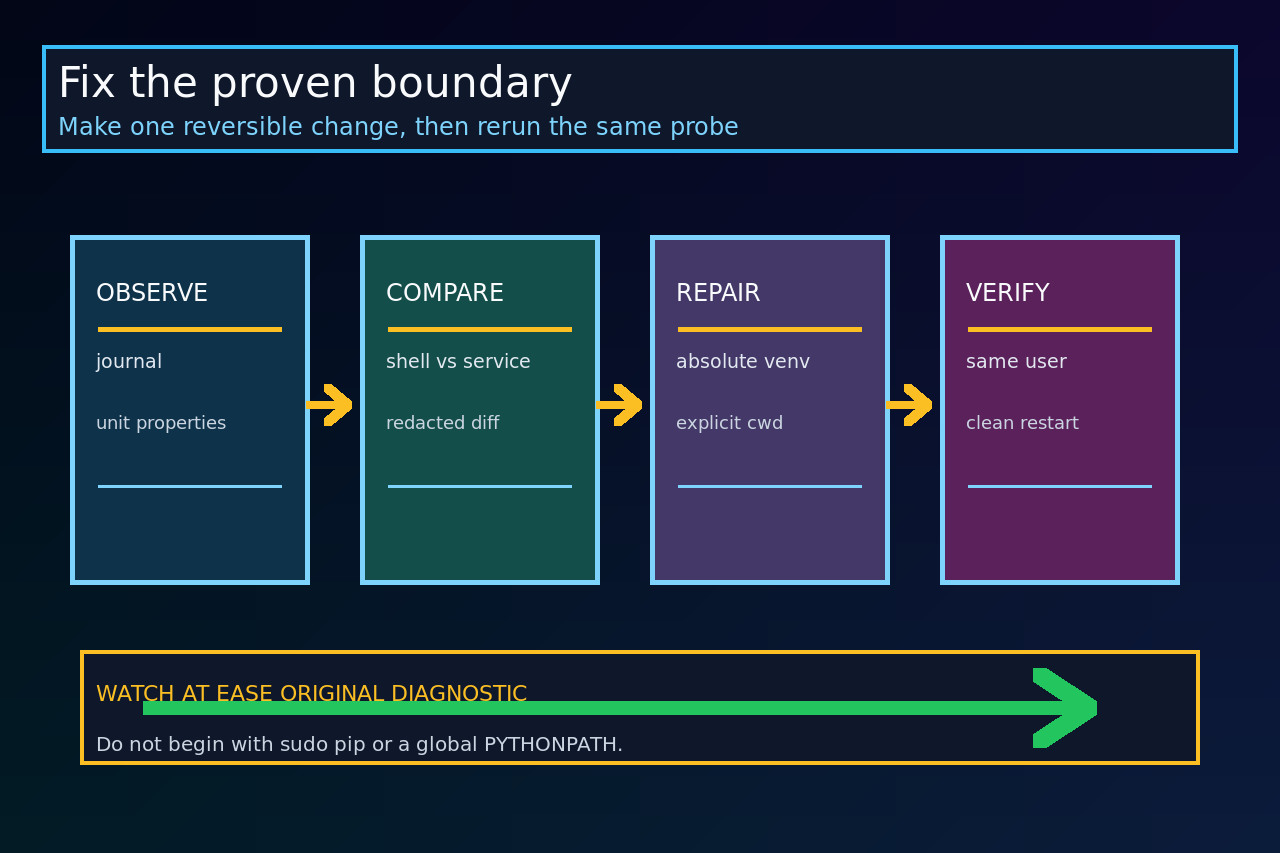
Do not begin with sudo pip, chmod, a global PYTHONPATH or an interactive activate command. Capture the same small, redacted probe in both contexts, compare it, and make one reversible unit-file or packaging change.
Freeze the failing service and the successful shell
Save systemctl cat, systemctl show for User, Group, WorkingDirectory, Environment and ExecStart, plus the exact journal traceback. Do not copy secrets from EnvironmentFile; record only variable names and redacted path facts.
In the successful shell, record id, pwd, command -v python, python -m pip --version and the probe below. Run the same probe through a temporary ExecStartPre or a controlled diagnostic invocation under the service identity; remove it after comparison.
Capture one import-boundary ledger
Record sys.executable, its resolved path, sys.prefix, sys.base_prefix, the current directory, uid/gid, HOME, sys.path and importlib.util.find_spec for the missing module. Do not dump tokens, passwords or the whole environment into the journal.
Also record python -m pip show for the distribution using that exact interpreter. A package name shown by one pip executable does not prove that the service interpreter can import it.
Classify the first difference
If executables or prefixes differ, point ExecStart directly at the intended virtual-environment Python. Activation is a shell convenience, not a requirement for running that interpreter. If the service user differs, decide whether the dependency belongs in a service-owned environment instead of a personal user site.
If only cwd differs, set an absolute WorkingDirectory or package the project so imports do not depend on where the command started. If sys.path differs, explain which documented input creates the missing entry before adding any path.
Repair the package boundary, not the symptom
Prefer a reproducible virtual environment or installed application owned and readable by the intended service account. Use that environment’s python -m pip, not an unrelated pip on PATH. For project imports, install the project as a package or invoke a module with -m when its package layout requires it.
Use Environment= only for explicit non-secret configuration. A narrow PYTHONPATH can be a temporary test, but Python warns that global use changes module lookup across environments. Do not make root execution the default merely because it can see another installation.
Reload, restart and repeat the same probe
After editing the unit, run daemon-reload when required and restart the unit. Re-run the identical ledger and confirm the intended executable, prefix, user, cwd and module spec. Compare the before-and-after evidence rather than relying on a green status alone.
Then test one real request or job and inspect the journal. Close the incident only when the service imports from the intended environment after reboot-equivalent startup, without a global path hack or broader privilege than the application needs.
Use the failure branch to avoid false fixes
If find_spec remains empty but pip show succeeds under the same interpreter, check whether the distribution exposes a different import name, whether optional build components failed, or whether an editable install points to a missing path. If the spec exists but import fails inside package code, preserve the nested traceback: that is a dependency or application error, not the original top-level lookup failure.
If the service exits with 200/CHDIR, repair WorkingDirectory or path access first. If ExecStart cannot be found, repair the executable boundary first. Those systemd failures happen before Python can prove anything about the missing module.