Technology · PRACTICAL GUIDE
pg_dump says “server version mismatch”? Prove the client path and restore target first
The server may be healthy; an older pg_dump often ran from a shell, GUI, wrapper or container. Record the exact executable and endpoint, choose a compatible client, and prove a restore before accepting the backup.
The server may be healthy; an older pg_dump often ran from a shell, GUI, wrapper or container. Record the exact executable and endpoint, choose a compatible client, and prove a restore before accepting the backup.
pg_dump can dump supported older PostgreSQL servers, but refuses a server newer than its own major version. A shell version check does not prove that a GUI, CI job, wrapper or container invoked the same executable.
1. Capture the failing caller and exact binary
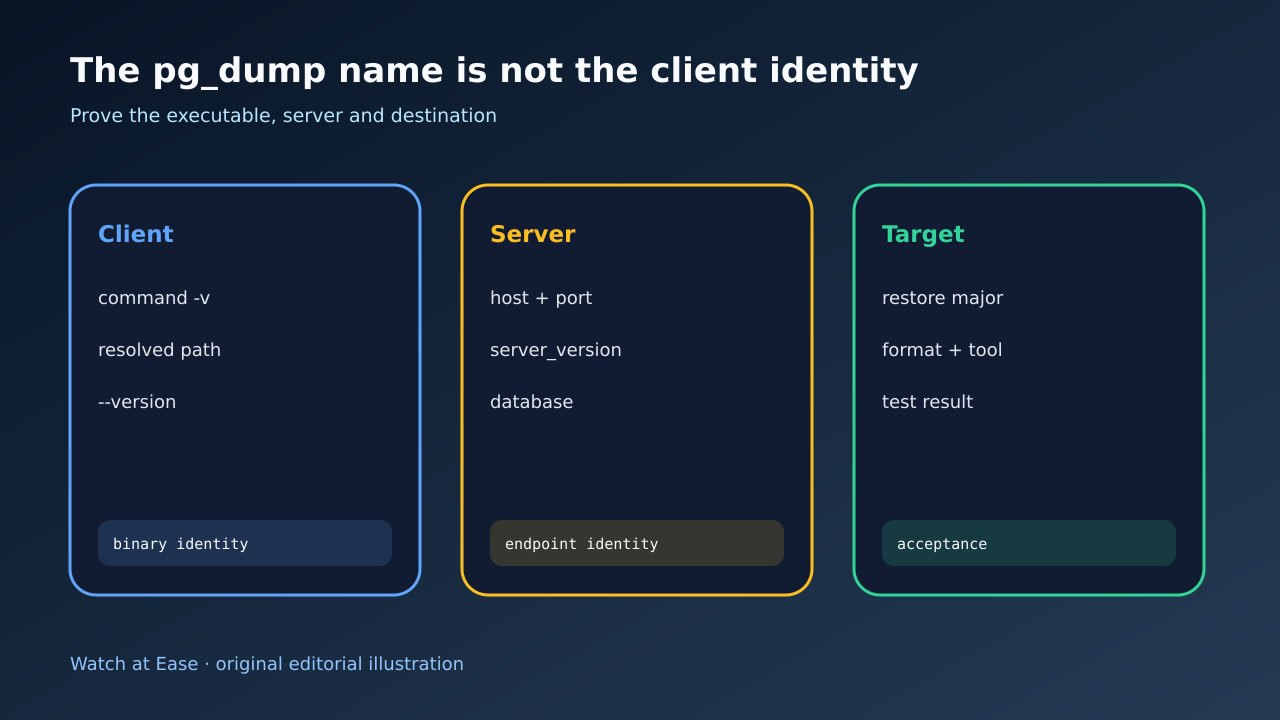
Save the wrapper, GUI profile, container image or CI step that launched the backup. Capture stderr, exit status, command -v or the configured executable path, a resolved path, file ownership and pg_dump --version.
Run the same evidence inside the same execution context. Your interactive shell can find version 18 while a service, desktop application or image still calls version 17.
2. Prove the server endpoint and major version
Record host, port, database and user without exposing secrets. Check relevant PGHOST, PGPORT and service-file settings, then query SHOW server_version and server_version_num through the intended endpoint.
Do not infer the server major from a local package or socket name. A remote or managed endpoint can be upgraded while the backup runner remains pinned.
3. Choose a compatible client without changing production
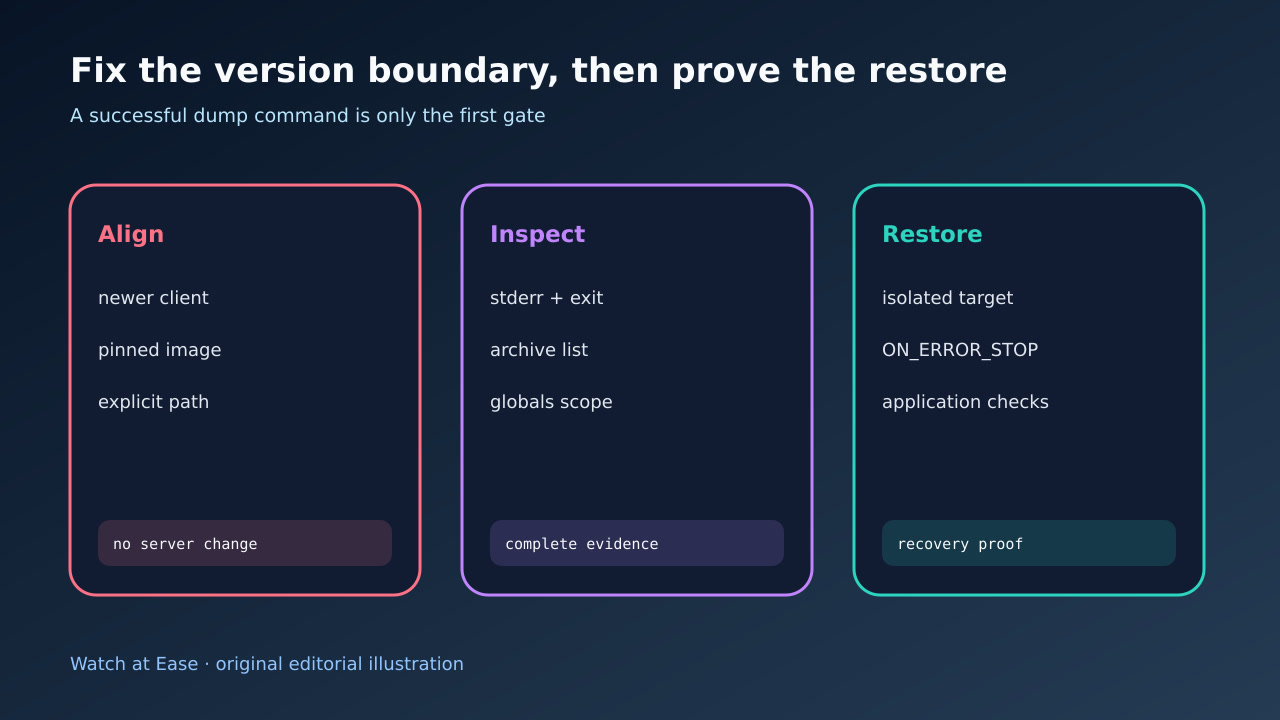
Use a pg_dump major that is at least as new as the source server and still supports it. Point the wrapper to an explicit packaged binary or pinned client image, rather than replacing server files or changing a generic symlink blindly.
Changing the client does not upgrade the database. Preserve the old runner until the new command, connection and output are proven.
4. Preserve the dump contract and inspect the output
Choose plain, custom or directory format deliberately. Capture warnings on stderr and a zero exit status; include pg_dumpall when roles or tablespaces are part of the recovery contract.
For an archive, use pg_restore --list as an inspection gate. For plain SQL, inspect the header and restore with psql -X and ON_ERROR_STOP so an early SQL error cannot hide behind later successful statements.
5. Restore into an isolated target before acceptance
Restore into an isolated server matching the intended target major. Create the empty database correctly, apply required globals, and record every restore error rather than editing unfamiliar statements until they disappear.
Validate schemas, extensions, ownership, row counts, constraints and a safe application check. Only that evidence turns a successful dump command into a recoverable backup.