Technology · PRACTICAL GUIDE
PostgreSQL relation does not exist? Fingerprint the failing session before changing search_path
SQLSTATE 42P01 often means the application and your admin shell are resolving names in different databases, schemas or sessions. Run read-only probes on the failing connection, compare the migration session, then fix only the proven branch.
A table can appear in pgAdmin or psql while the application still raises relation does not exist. The useful question is not whether someone can see the table; it is which server, database, role, search path and identifier spelling the failing session actually used.
Do not start by creating the table again, changing a global search_path or granting broad rights. First capture a read-only fingerprint in the exact application connection and preserve the error text and SQLSTATE.
Capture the exact failing session
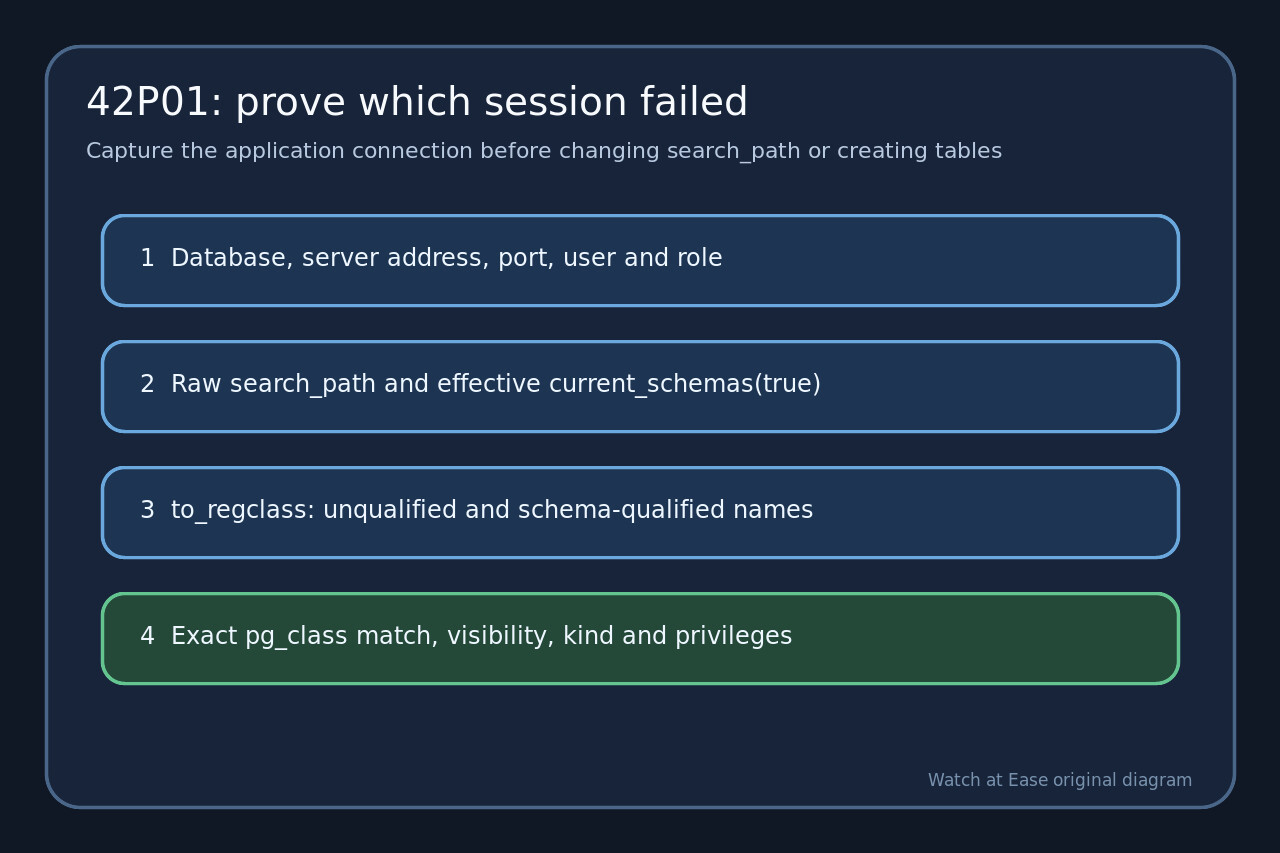
Run the fingerprint through the same pool, transaction and role that produced 42P01. Record current_database(), inet_server_addr(), inet_server_port(), current_user, session_user, current_role, SHOW search_path and current_schemas(true).
Preserve the original relation token exactly, including quotes, schema qualification and SQLSTATE. If psql or an admin UI works, collect the same fingerprint there instead of assuming the sessions are identical.
Resolve the name without changing state
Call to_regclass for the exact unqualified token and for the expected schema-qualified token. Then query pg_class joined to pg_namespace for an exact relname match and record relkind, persistence and pg_table_is_visible.
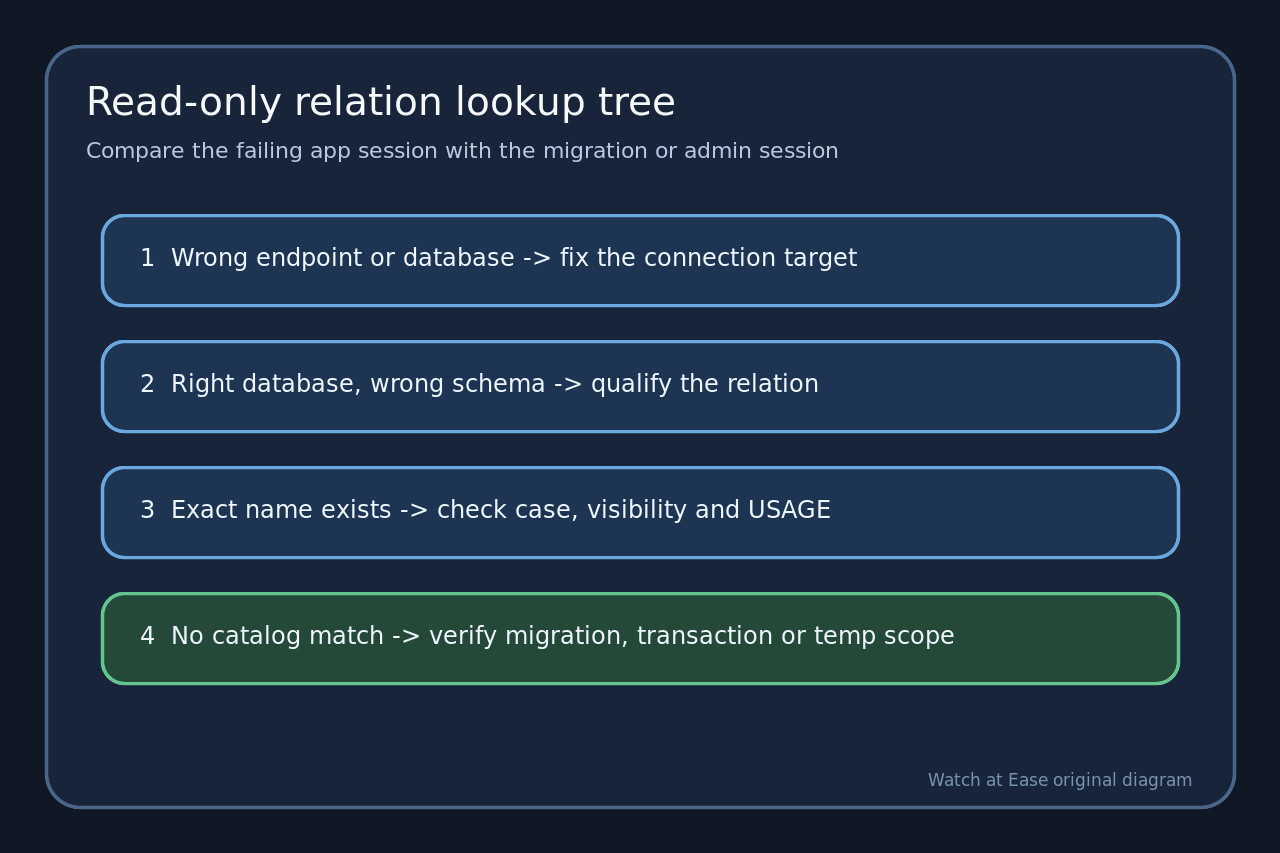
NULL for both forms and no catalog match points to the wrong database, an unapplied or rolled-back migration, a dropped object, or a temporary relation from another session. A qualified match with an unqualified miss points to name resolution.
Separate case, visibility and privilege branches
Compare the catalog spelling with the SQL token. A relation created as "Orders" requires the quoted spelling; writing Orders without quotes becomes orders.
If the qualified name exists but access fails, check has_schema_privilege and has_table_privilege. Do not turn a lookup problem into a broad grant: missing USAGE, missing table rights and an API schema exposure rule are different fixes.
Compare the migration or admin session
Run the same fingerprint inside the migration tool or transaction that created the relation. Compare host, port, database, role and effective schemas with the application.
Check migration history and commit state. A CREATE in an uncommitted transaction, a failed migration, a different tenant schema, or a temporary table cannot be repaired by changing the application search path.
Apply one narrow fix and prove it
Use a schema-qualified name when the application should target one stable object. If unqualified lookup is intentional, set a reviewed role or connection initialization path and reconnect the pool so every session receives it.
Rename mixed-case objects only with a coordinated migration, grant only required privileges, and never recreate a missing table until the migration target is proven. Re-run the fingerprint and the original statement from a fresh application connection.