Guides · PRACTICAL GUIDE
Copy selected Obsidian notes and attachments with a checked file list
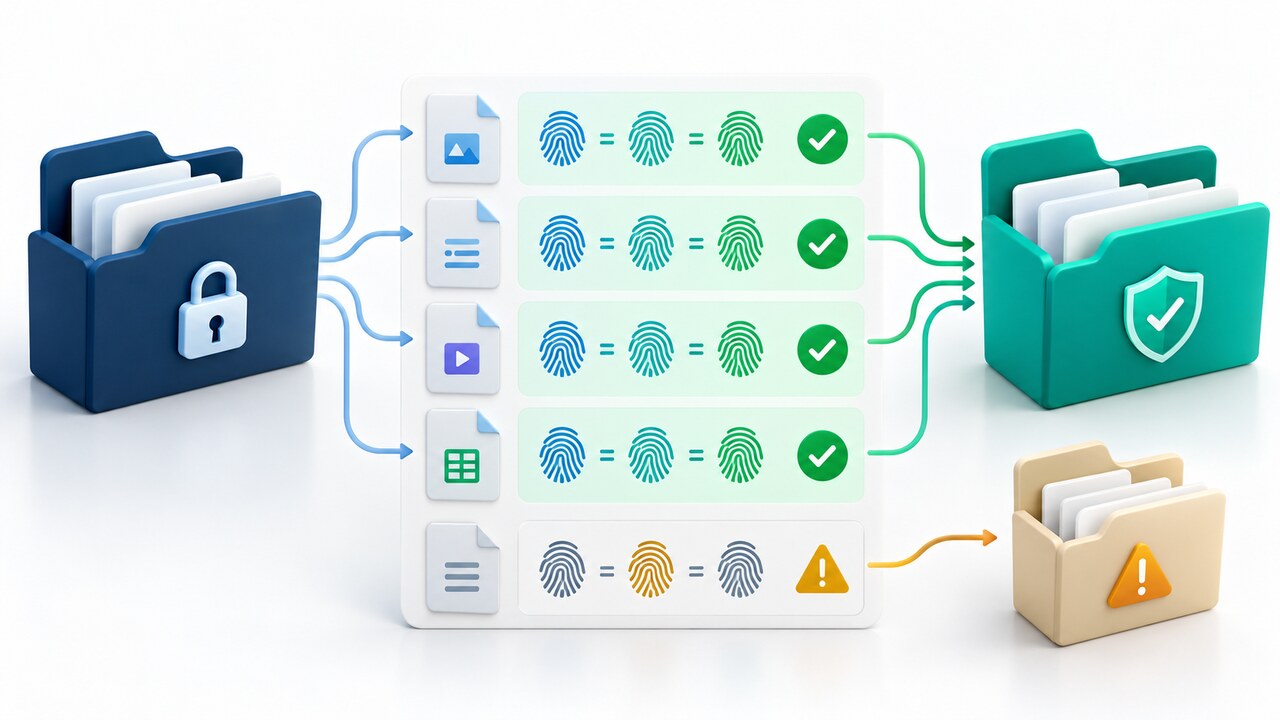
For a small, manually verified batch, use a literal vault-relative manifest, preview every destination, copy only into a new folder and verify each file’s SHA-256 before opening the result as another vault.
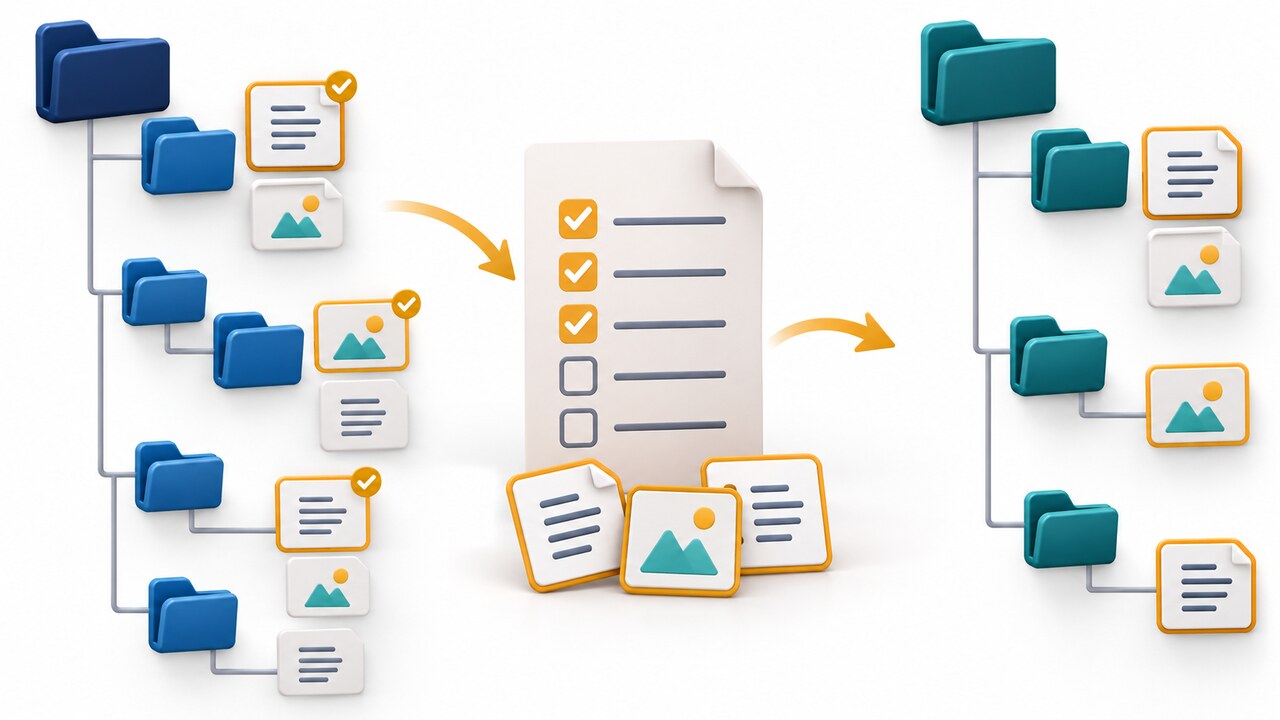
Moving an entire Obsidian vault is easy because a vault is an ordinary folder. Moving only a few notes with the exact attachments they use is harder: link styles and configurable attachment folders make guessed filename searches unsafe.
This guide is deliberately narrow. You manually resolve the direct local files, list exact vault-relative paths, preview the plan, copy only into a new target and verify every listed file by SHA-256. It does not parse Markdown or promise dependency completeness.
1. Use this only for a small set you can inventory manually
Keep the source vault idle. Inspect every embedded file and local link in the selected notes. Obsidian documents attachments as ordinary vault files whose location can depend on vault and folder settings. Resolve the actual file on disk instead of inferring a path from displayed link text.
This is not an automatic exporter: it does not follow Wiki links, recurse through linked notes, decode every URL form or discover omitted assets. Use a current plugin or purpose-built exporter when automatic dependency closure is required.
2. Build a literal manifest and source inventory
Create a UTF-8 text file outside the vault. Put one exact relative path on each line with forward slashes, for example Notes/Project brief.md, Assets/diagram.png and Other/diagram.png on separate lines. Directories preserve same-basename files. Blank lines, dot segments, traversal, absolute paths, backslashes and duplicate or case-fold-equivalent entries are rejected.
Record the source vault, new target, manifest SHA-256 and file count, and keep a source backup. The proof compares content hashes, not access times, extended attributes or all filesystem metadata.
3. Run a zero-write plan first
Download the script using “Download the copy script (.py)” below, or open https://watchatease.com/news/tools/manifest-copy-1a2d9dca.py and save the raw file as manifest_copy.py. This walkthrough was tested on Linux with Python 3.12.14. In the download folder run: sha256sum manifest_copy.py. Its result must be 1a2d9dca3bc1e66feb55e3f639d9b32318084266ba76494f5a2f079b4a0773e2; stop if it differs. Then run: python3 manifest_copy.py --source '/path/to/source-vault' --manifest '/path/to/paths.txt' --target '/path/to/new-vault'. Replace those three example paths with your own. Without --apply, it prints the exact paths, byte counts and hashes with writesPerformed:false.
Read the complete plan and verify every destination. The tool scans the entire source tree for symlinks and NFC-plus-casefold collisions, so an unrelated symlink or Assets/A.PNG versus Assets/a.png also blocks the run. Do not bypass that refusal.
4. Apply once to a fresh target
After the plan is correct, rerun with --apply. The target must not exist, its parent must already exist, and it cannot be inside the source vault. Exclusive file creation turns an existing destination into an error instead of an overwrite. Only listed files are copied.
Read the apply result before opening the new vault. It should report ok:true and allListedFilesVerified:true; each listed file should show verified:true with matching original, copied and post-copy source SHA-256 values. This verifies only the listed bytes. It neither checks that your list includes every attachment nor tests whether Obsidian displays the copied notes correctly.
5. Verify before opening or deleting anything
Treat the receipt as a filesystem check, not an Obsidian acceptance test. Confirm count and paths, independently compare target hashes, then open the new folder as a separate vault and review notes and attachments. GUI rendering was not tested by the fixtures.
Keep the source unchanged until the new vault passes review and has its own backup. For an omitted file, correct the manual list and use another new target rather than merging into a partial directory.
6. Treat refusals as safety boundaries
A failed apply can leave a partial target. Retain the error, inspect it and choose another absent target. Missing files, directories, traversal, absolute paths, duplicates, symlinks, an existing target and case/Unicode collisions are deliberate refusals.
The 26 fixtures ran only on Linux Python 3.12.14 and assumed no concurrent changes. Windows path behavior, macOS normalization, Obsidian GUI rendering and sync clients were not tested. For those conditions or a large batch, review a maintained exporter or plugin and back up both vaults.