Technology · PRACTICAL GUIDE
OBS remux finished but audio is missing? Audit each source and output track
A finish message, an audio-stream count and a playable first track answer different questions. Preserve the source, distinguish missing from silent or undecodable tracks, and verify every required sound before accepting a remux.
An OBS remux that finishes while microphone audio is missing needs more than a different player setting. Preserve the original recording and check each required audio stream in both files. A stream can be absent, present but silent, or present with content that an editor cannot decode.
Existing guides correctly explain single-track playback, source routing and codec compatibility. The remaining trap is treating a finish message or one successful playback as proof of complete preservation. Diagnose the recorded bytes before changing future recording settings or deleting the only source.
Preserve the source and inventory both files
Keep the original MKV, remuxed MP4, OBS version and complete remux log. Write diagnostics to new filenames. Record which sounds must survive—microphone, game, commentary or another source—and whether you need separate tracks or a finished mix.
Run ffprobe -v error -show_streams -show_format -of json recording.mkv, substituting the real source and then the output. Compare audio-stream indices, codecs, channel layouts, sample rates and durations. A stereo stream contains two channels; it is not two separately recorded sources. Preserve unknown values rather than interpreting them as zero.
Decode each required source track independently
Select each audio stream explicitly. For example, ffmpeg -v error -i recording.mkv -map 0:a:1 -c:a pcm_f32le second-audio-audit.wav decodes the second audio stream into a new diagnostic file. The a:1 ordinal is not guaranteed to be OBS’s track 2; match the inventory and recognizable content first.
Listen to the required beginning, middle and end, and inspect decoded waveform or astats measurements where useful. Separate a nonexistent stream, decoding failure, digital silence and the expected recorded sound. Nonzero samples alone do not prove the microphone was captured correctly. A failed decoder leaves an uncertainty, not evidence of silence or permanent loss.
Read the remux log even when the job finishes
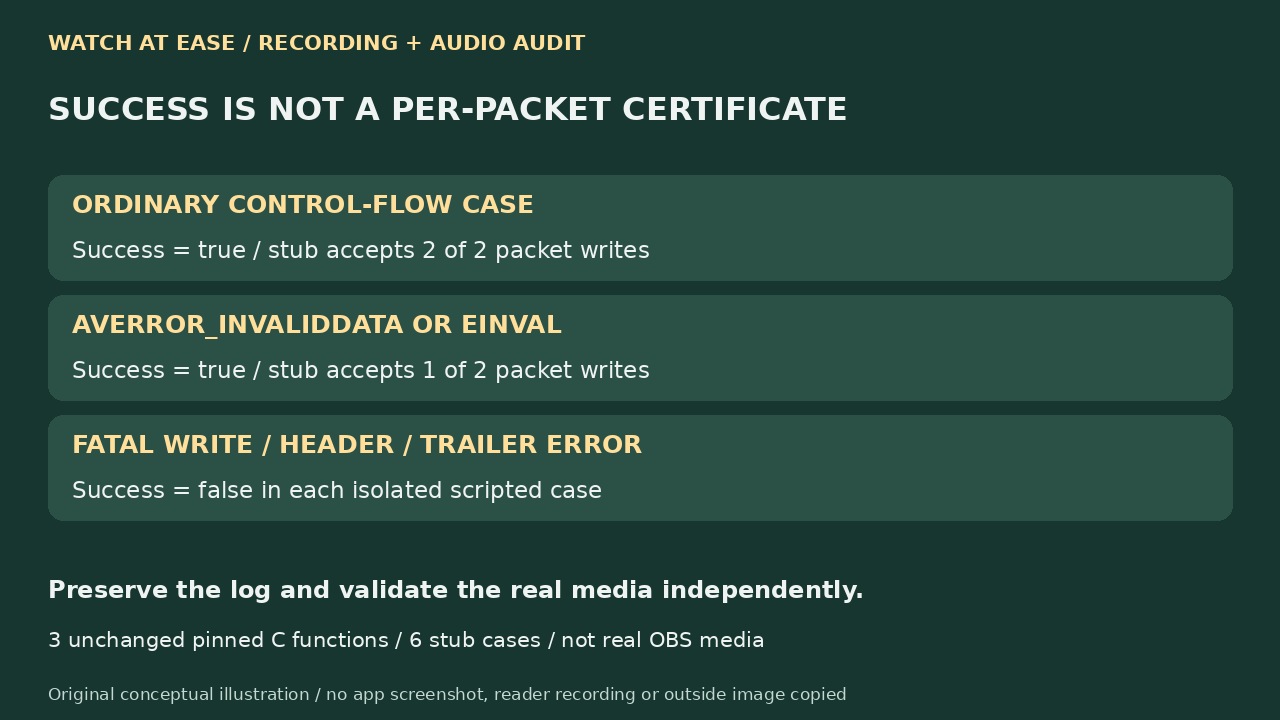
The pinned upstream OBS implementation creates an output stream for each input stream and copies codec parameters. Its packet loop nevertheless continues after AVERROR_INVALIDDATA or EINVAL write errors. Eventual end-of-input plus a successful trailer can still yield success. This is a code-scope finding, not proof that your installed OBS skipped audio.
We compiled three unchanged control-flow functions with scripted stubs in six cases. The two specified write-error cases each reported success while the stub accepted only one of two attempted packet writes; ordinary success accepted both. Fatal write, header and trailer failures reported false. No OBS app, real codec failure or reader recording was reproduced.
Choose the repair from the source-versus-output finding
If the wanted sound decodes from the source but is absent from the output, preserve both and test a deliberately mapped conversion to a compatible destination. FFmpeg’s automatic selection can choose only one audio stream; -c copy does not change that. If the output contains the sound but the editor cannot play it, inspect that editor’s codec and track-import support instead of assuming deleted audio.
If the recorded source is silent or lacks the required track, changing current OBS routing will not fill the old file. Search independent source recordings or backups. For future sessions, both assign sources in Advanced Audio Properties and enable the intended recording tracks; test the actual output. A mixed playback track is useful, but does not replace isolated tracks required for editing.
Validate every required track before discarding evidence
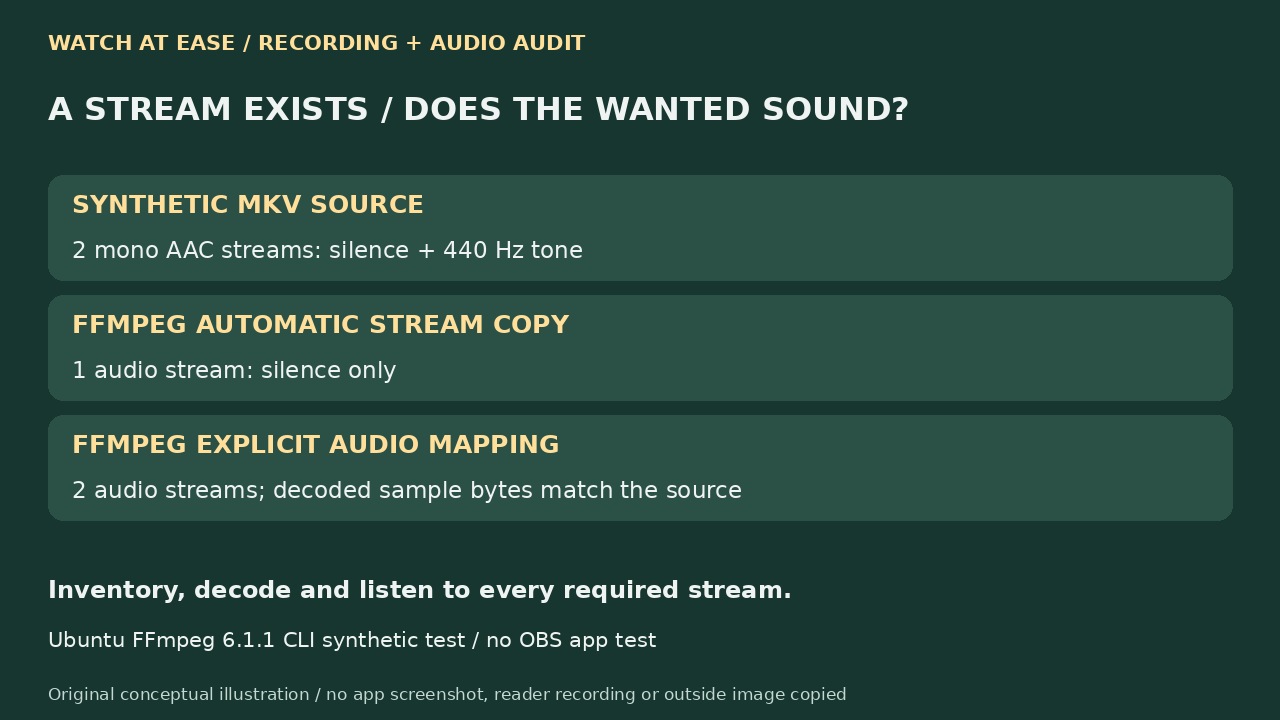
In a separate Ubuntu FFmpeg 6.1.1 synthetic test, an MKV contained H.264 video and two mono AAC streams: silence and a 440 Hz tone. Automatic stream-copy selection produced an MP4 with only the silent stream. Explicitly mapping both audio streams retained both, with matching decoded sample bytes in this test. That CLI selection behavior is not an OBS remux reproduction.
Finally compare recognizable sound, stream coverage, end-of-file content, duration and synchronization in the intended player or editor. Current OBS documentation also warns that PCM in MP4 is not supported by every application; container support alone is insufficient. A completed job, a matching stream count or a playable first track cannot certify every required sound. Keep the source until the complete checks pass.