Technology · PRACTICAL GUIDE
NFS says “Stale file handle”? Prove which server identity changed before remounting
ESTALE means a stored reference no longer names a valid object. Separate mount-time export failure from operation-time object failure, fix the server boundary, then reconnect one client and verify the workload.
ESTALE means a stored reference no longer names a valid object. Separate mount-time export failure from operation-time object failure, fix the server boundary, then reconnect one client and verify the workload.
Linux defines ESTALE as “Stale file handle”; it can occur on NFS and other filesystems. NFSv4 persistent handles become stale when the referenced object is removed or its filesystem is unavailable.
1. Freeze the incident and protect writers
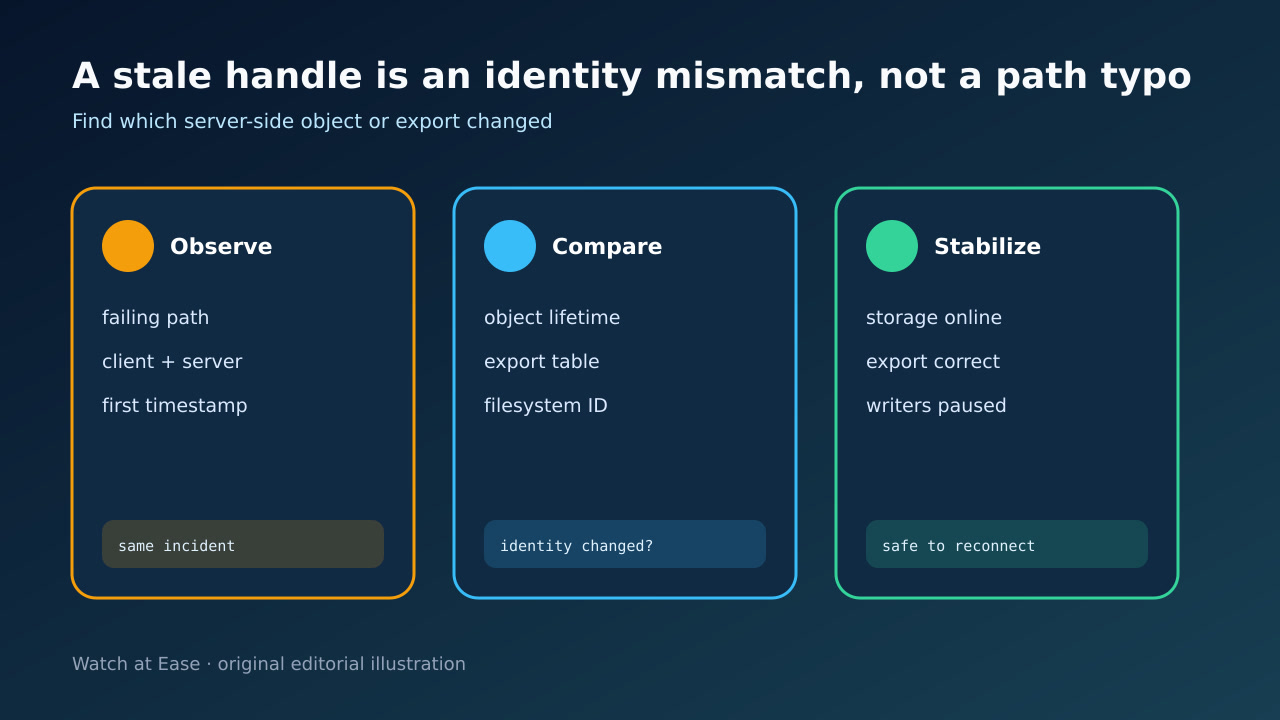
Record the exact failing command, path, client, server, NFS version, first timestamp and kernel or service messages. Pause jobs that write through the affected mount; do not start with a broad lazy unmount or export flush.
On the client, capture findmnt for the path and compare a known-good peer. On the server, capture the backing mount, exportfs -v output and relevant storage and NFS logs before changing state.
2. Classify where ESTALE appears
If mount itself returns ESTALE, investigate the requested export and live export table. If ls, open, chdir or an application fails on an already mounted share, identify the first path and whether sibling objects still work.
A same-name file or directory can be a new object after delete-and-recreate, restore, dataset replacement or storage failover. A cached client reference can therefore be invalid even though the path looks unchanged.
3. Prove which server identity changed
Verify that the exported path resolves to the intended backing filesystem, not the empty directory beneath a missing mount. Compare filesystem UUID or device identity, fsid settings, export options and recent rename, restore, mover or migration events.
RFC 7530 requires stale errors for deleted objects and permits staleness when a filesystem disappears from the server namespace. Treat a server restart as a time marker, not proof of cause.
4. Repair the narrow server boundary
Restore the backing storage first, correct the intended export path or identity, and synchronize the live export table only when the evidence points there. exportfs -r reconciles configured exports; a broad unexport or flush can affect every client and NFSv4 state.
Do not change subtree_check, fsid, protocol version or mount options merely because another incident did. Record one hypothesis and one controlled change, then re-check the server view.
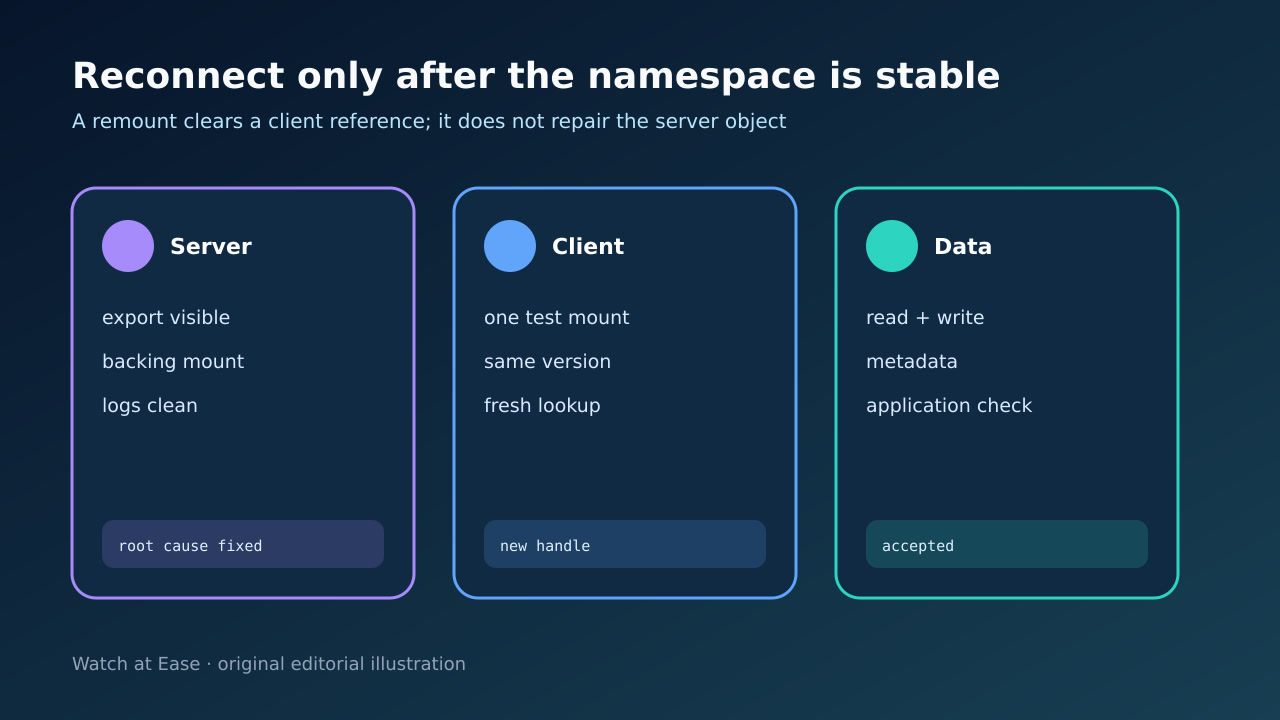
5. Reconnect one client and accept the workload
After the server namespace is stable, quiesce one client, leave stale working directories, unmount the exact mount safely and mount it again. If a process cannot be stopped, escalate deliberately instead of hiding it with a lazy detach.
Acceptance requires a fresh pathname lookup, representative read, controlled write where allowed, metadata check and one application transaction. Compare another client, monitor logs, then reconnect the remaining clients.