Technology · PRACTICAL GUIDE
rsync says “Broken pipe (32)”? Find the first failing endpoint before tuning SSH
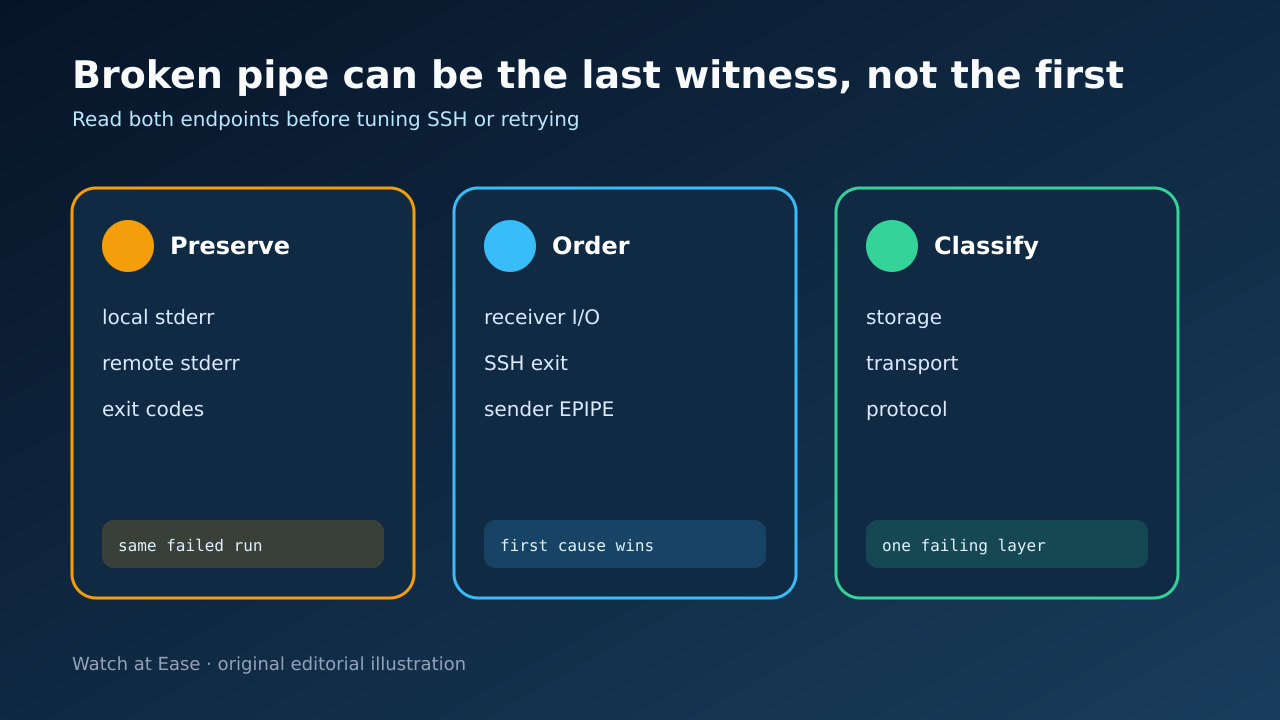
The sender message often arrives after the receiver or remote shell has already failed. Preserve both logs, order the errors, repair the first boundary, then verify the resumed copy.
The sender message often arrives after the receiver or remote shell has already failed. Preserve both logs, order the errors, repair the first boundary, then verify the resumed copy.
EPIPE means the writer found a pipe or socket whose reader was already closed. Rsync distinguishes socket I/O, file I/O, protocol-stream and timeout exits.
1. Capture both sides of one failure
Save the full local command, rsync --version on both hosts, local stderr, remote service or kernel logs, timestamps and every process exit code. Redact host credentials, not error order.
Keep the remote-shell path and daemon path distinct. A single-colon target launches remote rsync through a shell such as SSH; double colon or rsync:// reaches a daemon.
2. Order the first error, not the loudest
Broken pipe on the sender means its reader disappeared; it does not identify why. Align timestamps and find whether the receiver first logged ENOSPC, EIO, a permission error, a killed process or a mount problem.
Use the rsync exit value as another clue: 10 is socket I/O, 11 file I/O, 12 protocol stream and 30 data timeout. Code 255 often belongs to the remote shell, so capture its diagnostic too.
3. Classify storage, transport or protocol
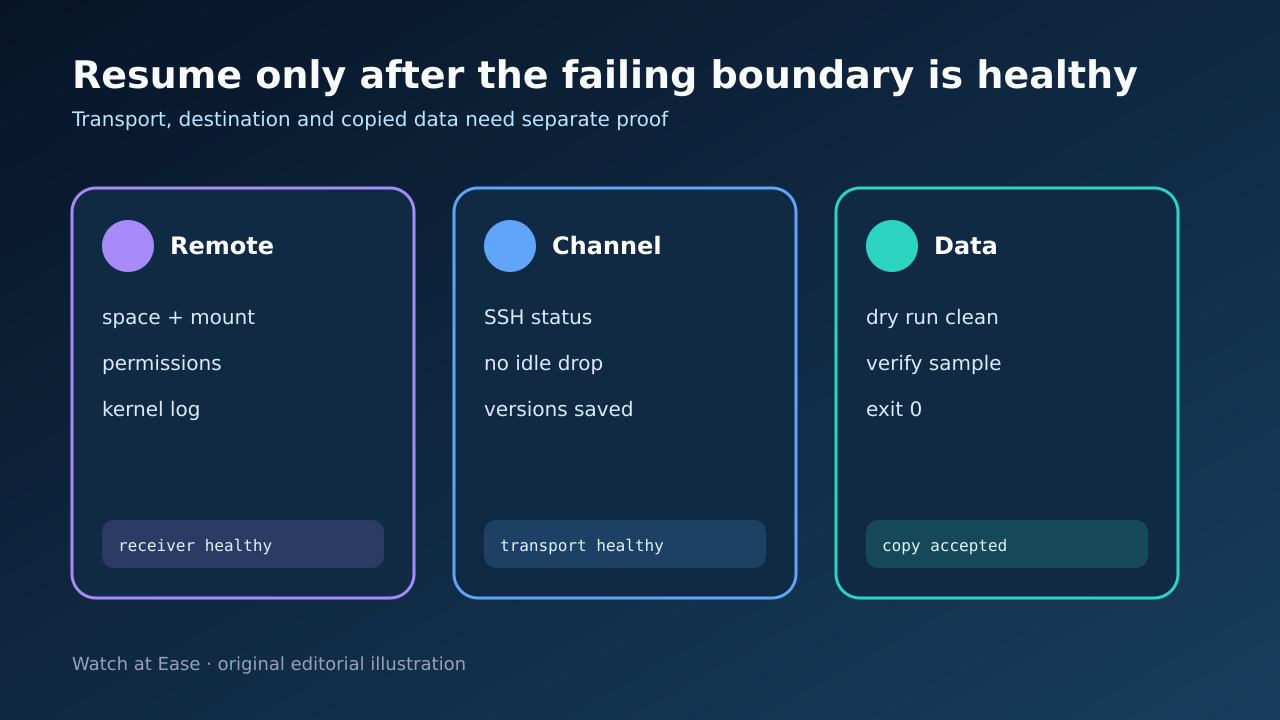
For storage, inspect the destination filesystem, mount state, free blocks and inodes, permissions, quotas and kernel I/O messages. For transport, test SSH independently and review middleboxes and idle policies.
ServerAliveInterval and ServerAliveCountMax can expose an unresponsive SSH peer, but adding them blindly cannot fix a disk error. Likewise --timeout defines an rsync I/O silence limit; it is evidence policy, not a universal cure.
4. Repair and resume deliberately
Correct the proved first boundary. Preserve partial files only with an intentional --partial or --partial-dir policy, and rerun the exact source/destination semantics without changing trailing slashes accidentally.
Do not assume same versions prove compatibility, nor that compression caused every disconnect. Record the version and negotiated path, then change one variable per controlled retry.
5. Verify the completed tree
Require exit 0 from the final run, then run an itemized dry run against the same source and destination. Investigate every remaining difference instead of treating transferred-byte totals as completeness.
Verify representative large files and critical metadata using application-appropriate hashes or checks, and retain the paired logs and correction as the acceptance record.