Technology · PRACTICAL GUIDE
Cron job works manually but not from crontab? Recreate the scheduled context before changing the script
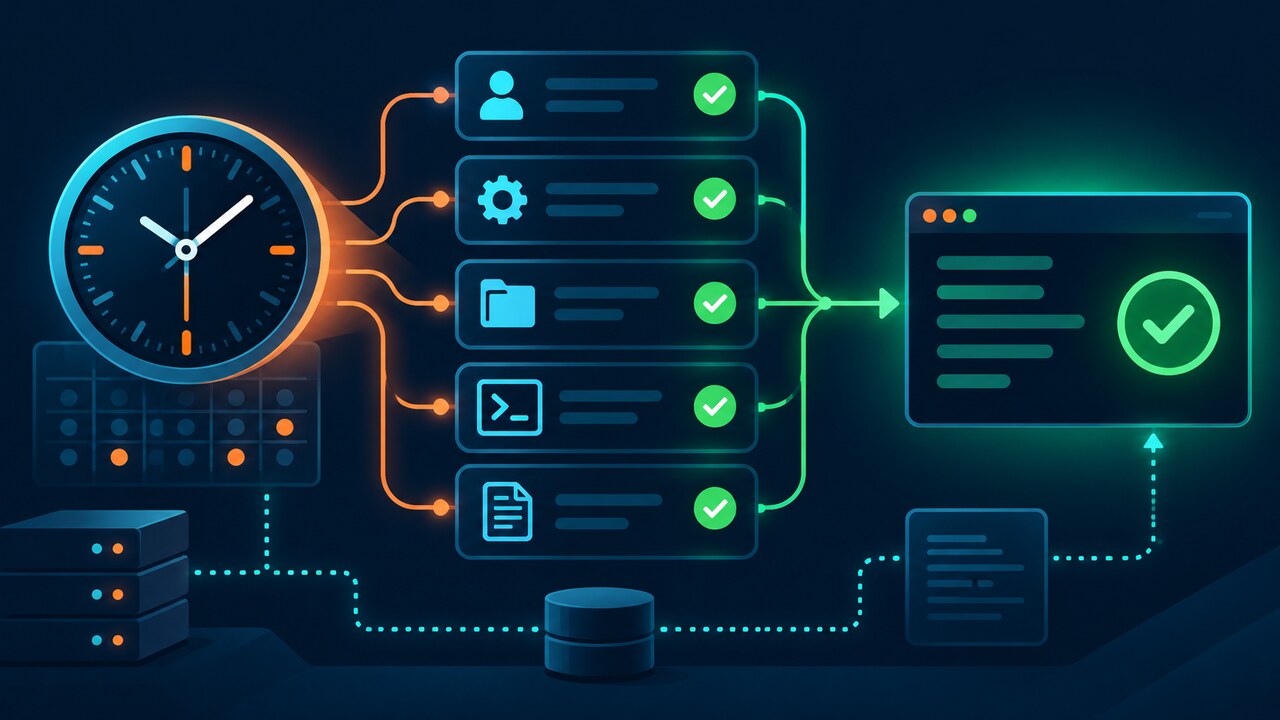
First prove cron launched the line. Then diff the real user, shell, environment, working directory and output path against the successful terminal run, and verify one scheduled execution.

A command that succeeds in an interactive terminal can fail under cron because the scheduler launches a different process context. The effective user, shell, PATH, HOME, working directory, secret sources and output handling may all differ.
Do not begin by widening permissions or sourcing an entire login profile. Prove whether cron attempted the line, capture one run, reproduce the minimal scheduled context and add only the missing dependency.
1. Prove cron attempted the line
Read the installed crontab, cron or crond service state and the system log for the scheduled minute before editing anything. A missing scheduler event, a launched shell and a program that returned nonzero are three different failures.
For one controlled run, redirect stdout and stderr to an absolute, protected path and append the numeric exit status plus a timestamp. If the implementation normally mails output, verify delivery separately instead of assuming silence means success.
2. Identify the exact crontab and user
Record whether the line came from the user’s crontab, root’s crontab, /etc/crontab or a file under /etc/cron.d. System tables include an explicit user field; copying the same line between formats can change parsing.
Capture id, groups, HOME, SHELL and the exact crontab as the scheduled account. Do not assume the administrator who edited a file is the identity that runs the command.
3. Capture a context-diff ledger
Compare only reviewed variables required by the job: PATH, locale, proxy, application configuration and credential-file locations. The current crontab manual says cron sets SHELL, HOME and LOGNAME, while crontab assignments can override some values.
Avoid dumping the complete environment into public logs because tokens can be present. Record variable names and redacted presence, then use absolute interpreter and executable paths to prove each lookup.
4. Make paths and the working directory explicit
Cron does not promise to start in the script’s directory. Use an explicit cd -- /absolute/project && command, or make every input, output, lockfile and temporary path absolute.
Check directory search permission for the scheduled user and verify the intended file exists in that namespace. A root terminal test does not prove a user cron job can traverse the same path.
5. Reproduce the failure without waiting
Run a one-shot test as the scheduled user with env -i and only the intended HOME, PATH, SHELL and reviewed application variables. This recreates the boundary quickly without waiting for the next clock tick.
Use the same interpreter and working directory as the crontab entry. If the reduced test fails, the error belongs to context or program assumptions; if it succeeds, return to schedule, daemon or policy evidence.
6. Repair one dependency and verify one run
Add only the missing path, variable, directory change, credential file or service dependency. Do not source an entire interactive profile unless every side effect is understood, and never place secrets in a world-readable crontab or debug log.
Schedule one short controlled run and require a start marker, finish marker, exit status and the intended artifact or downstream state. Then restore the production interval and remove temporary debug output while retaining the sanitized ledger.