Technology · PRACTICAL GUIDE
rm -rf still says “Directory not empty”? Prove which entry keeps returning
Do not repeat a destructive command until you know whether the same directory still exists, which entry remains or returns, and whether a process, mount, NFS server or FUSE driver owns it.
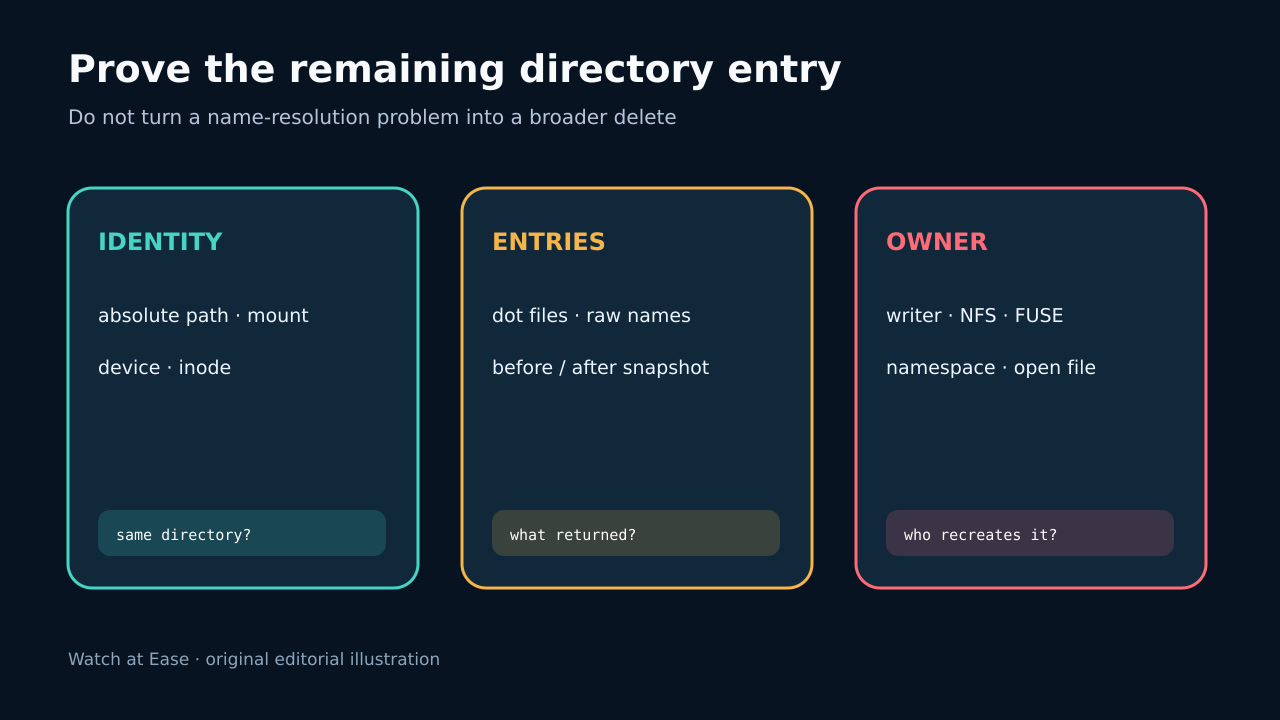
Do not repeat a destructive command until you know whether the same directory still exists, which entry remains or returns, and whether a process, mount, NFS server or FUSE driver owns it.
ENOTEMPTY means an entry remained when removal was attempted; it does not identify the owner. An empty-looking default listing can omit dotfiles and cannot prove remote or concurrent state.
1. Freeze the target identity
Save the exact command, stderr, exit status, absolute path, parent path, device, inode, filesystem type and mount source. Resolve symlinks from a non-destructive shell and confirm that the failing name still refers to the same object.
Do not infer safety from an empty-looking ls. The command may be running in a different container or mount namespace, a bind mount may hide another tree, or the name may have been replaced between attempts.
2. Capture every entry twice
List dot entries and unusual byte sequences without feeding output back into rm. Take two time-stamped snapshots of names, metadata and device/inode values so a stable child can be separated from a name that is recreated after deletion.
ENOTEMPTY means an entry remained when removal was attempted; it does not say why. Preserve the exact child name and any .nfs or .fuse_hidden pattern before another operation.
3. Classify the owner of the return
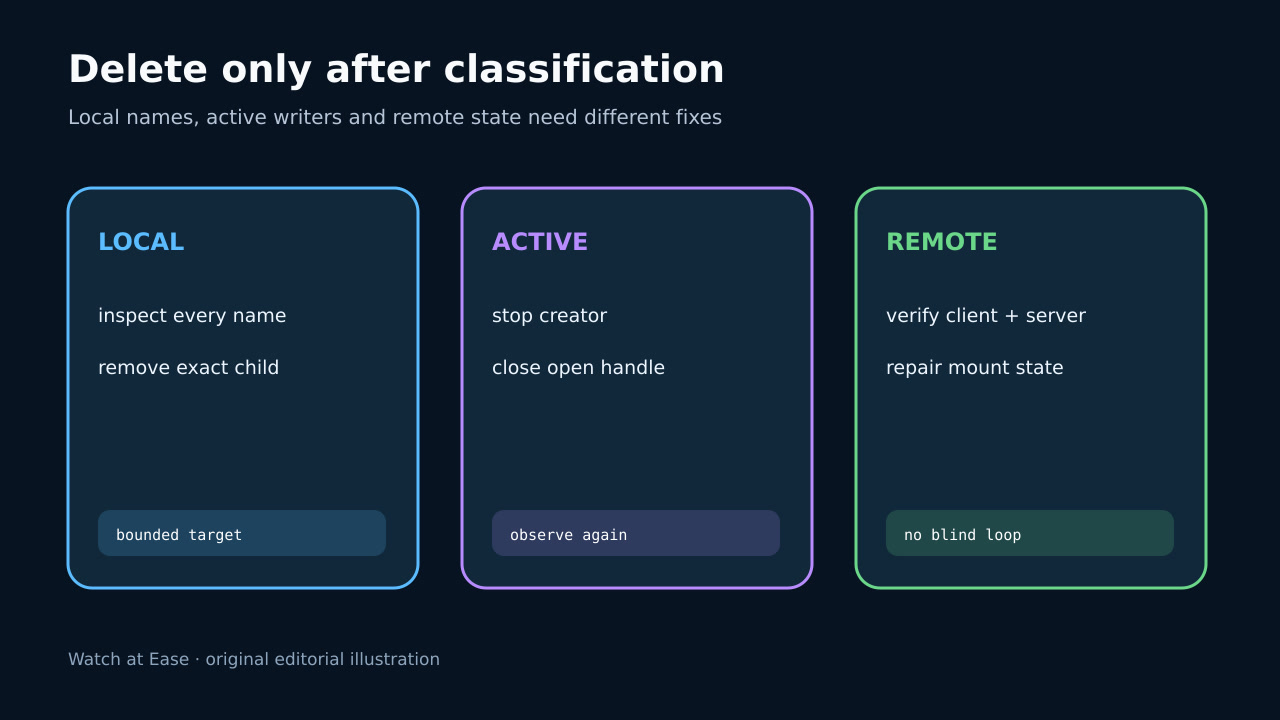
For a normal local entry, identify the application or job that creates it. For .nfs or .fuse_hidden placeholders, find the process holding the underlying file open. For NFS, compare client and server views with the storage owner.
Do not kill unrelated processes or assume sudo changes filesystem state. A creator can immediately repopulate the directory, and a remote server or userspace filesystem can retain a name the client listing did not show.
4. Apply the narrow repair
Stop or pause the proven writer, close the proven handle, or have the storage owner repair the remote or FUSE state. Then remove the exact verified child and directory; do not broaden the path, cross filesystems, or recreate a managed mount point blindly.
If replacing the directory is approved, record owner, mode, ACLs, labels, mount role and service ownership first. Recreating only the pathname is not equivalent to preserving those contracts.
5. Verify absence and preserve evidence
Repeat the raw-name and identity snapshots after removal, wait through the known writer or cache interval, and confirm the path remains absent from the same namespace and from the authoritative storage view.
Record the original errno, responsible process or storage layer, action, hashes or metadata where relevant, and rollback. Escalate recurring NFS/FUSE divergence or I/O errors instead of hiding them in a retry loop.