Technology · PRACTICAL GUIDE
Linux says “wrong fs type, bad option, bad superblock”? Prove the failing boundary first
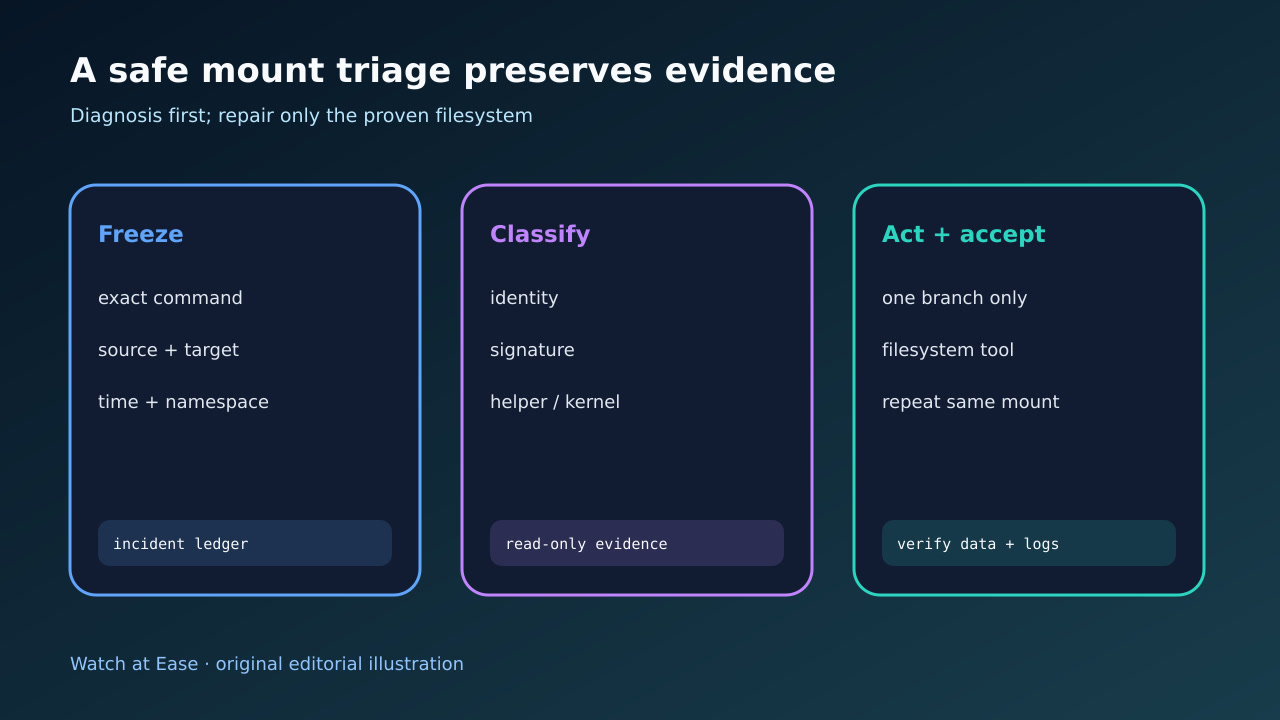
That mount message is a summary, not a diagnosis. Freeze the exact attempt, prove the source and filesystem signature, read the first kernel error, then choose a helper, option or filesystem-specific branch without formatting the wrong data.
That mount message is a summary, not a diagnosis. Freeze the exact attempt, prove the source and filesystem signature, read the first kernel error, then choose a helper, option or filesystem-specific branch without formatting the wrong data.
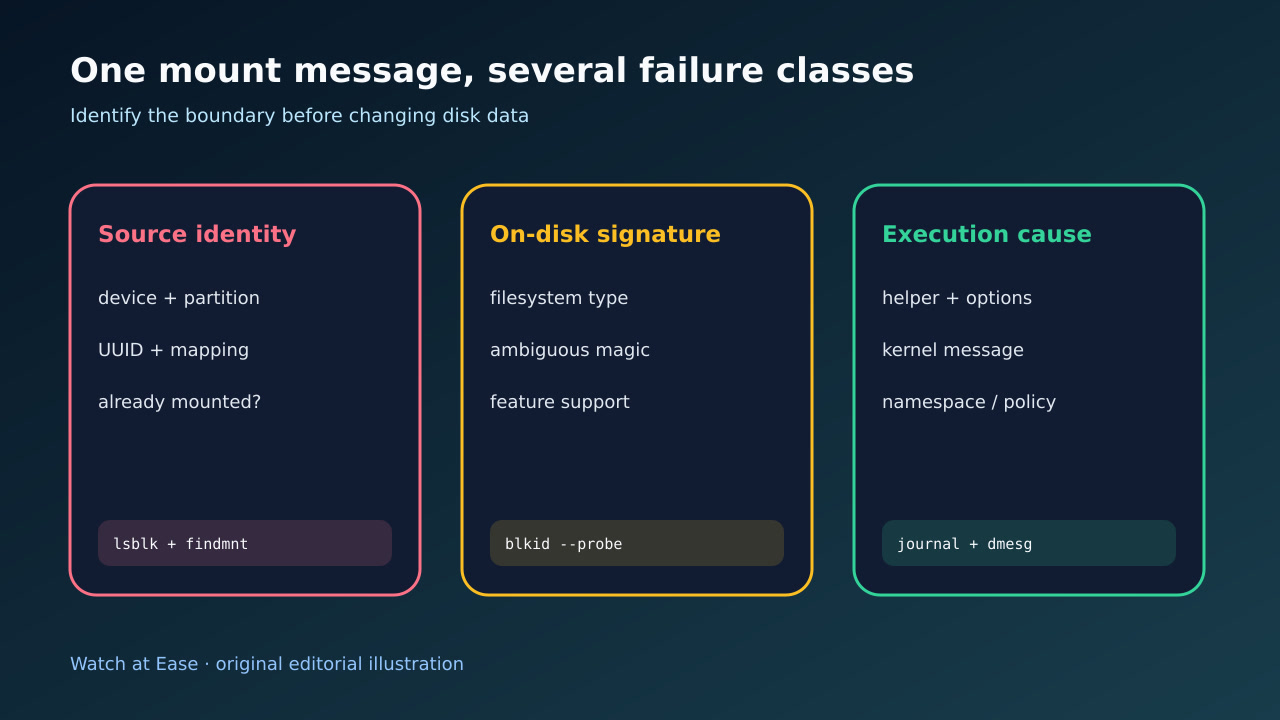
The same generic mount message can represent a missing filesystem, a wrong device or partition, an unsupported option, a missing helper, an unsupported feature or on-disk damage. lsblk and findmnt describe device topology and mounted or configured identity; blkid probes on-disk TYPE and UUID metadata.
1. Freeze the exact attempt before trying another command
Record the full command, source, target, options, shell, namespace and timestamp. Capture the immediate mount output and the first new kernel or journal lines after that attempt. Do not mix later retries into the same evidence window.
Do not start with mkfs, a force flag or a generic fsck. The message names several possibilities, and a successful destructive command can erase the only evidence that the wrong device or filesystem type was selected.
2. Prove the source, partition and existing mount identity
Use lsblk with explicit NAME,MAJ:MIN,SIZE,FSTYPE,UUID,MOUNTPOINTS columns, and query findmnt by both --source and --target. Resolve any /dev/mapper, loop, RAID, LVM or cloud alias to the exact major:minor identity seen by the failing process.
Compare that identity with /etc/fstab or the mount unit, including UUID, filesystem type, target and options. A correct-looking /dev/sdX name can change across boots; proving the current mapping prevents repairs on a different partition.
3. Probe the on-disk signature without writing
Read lsblk --fs and a privileged blkid probe for the exact device. Record TYPE, UUID and ambiguous or colliding signatures. If no filesystem signature exists, stop and determine whether the device is intentionally blank, encrypted, part of RAID/LVM or simply the wrong layer.
Do not infer an ext filesystem from a GPT partition label or from the words bad superblock. Partition metadata and filesystem metadata are separate. If signatures disagree, preserve them and investigate the stack before erasing stale magic.
4. Separate helper or option failure from filesystem failure
Check whether mount.<type> exists when a userspace helper is required, and validate the exact options for the proven type. Use findmnt --verify for fstab syntax instead of using mount -a as a linter. Compare the first kernel error for unsupported features, dirty state, permission, namespace or lower-layer I/O.
A remote or layered filesystem can emit the same summary as a local disk. If the source is NFS, CIFS, overlay, FUSE or a container volume, follow that helper and kernel path; do not run a local block-filesystem repair against it.
5. Use one matching repair branch, then repeat the same mount
Only after the type and unmounted state are proven should you use a matching checker. For ext filesystems, begin with the documented no-write path where appropriate. For XFS, use xfs_repair -n for a no-modify scan; do not use -L merely to clear the message because it can discard metadata changes.
After one justified change, mount the same source on the same target with the same intended options, then verify findmnt output, expected files and a clean kernel-log window. If it fails differently, reopen the ledger rather than stacking another guess.