Technology · PRACTICAL GUIDE
Linux says “Input/output error”? Prove the failing layer before running fsck
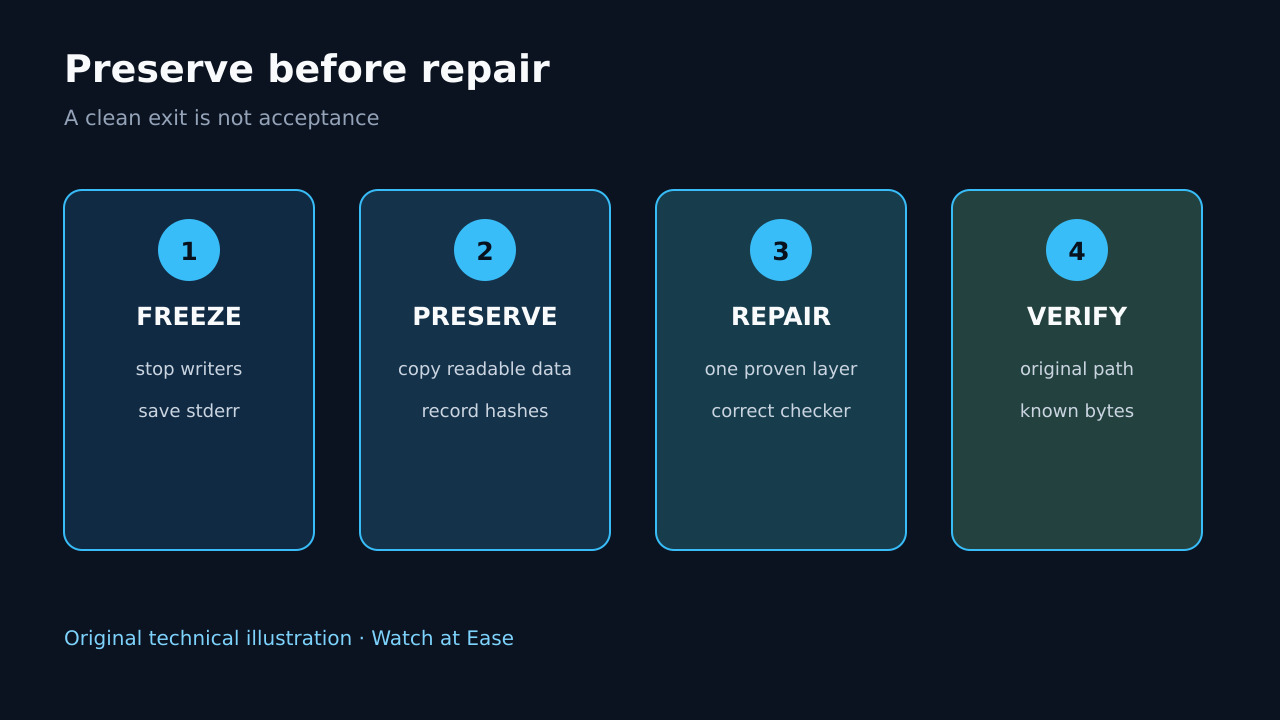
Freeze writes, map the exact path to its mount and backend, preserve the first kernel or service error, then repair only the proven layer and verify the same bytes.
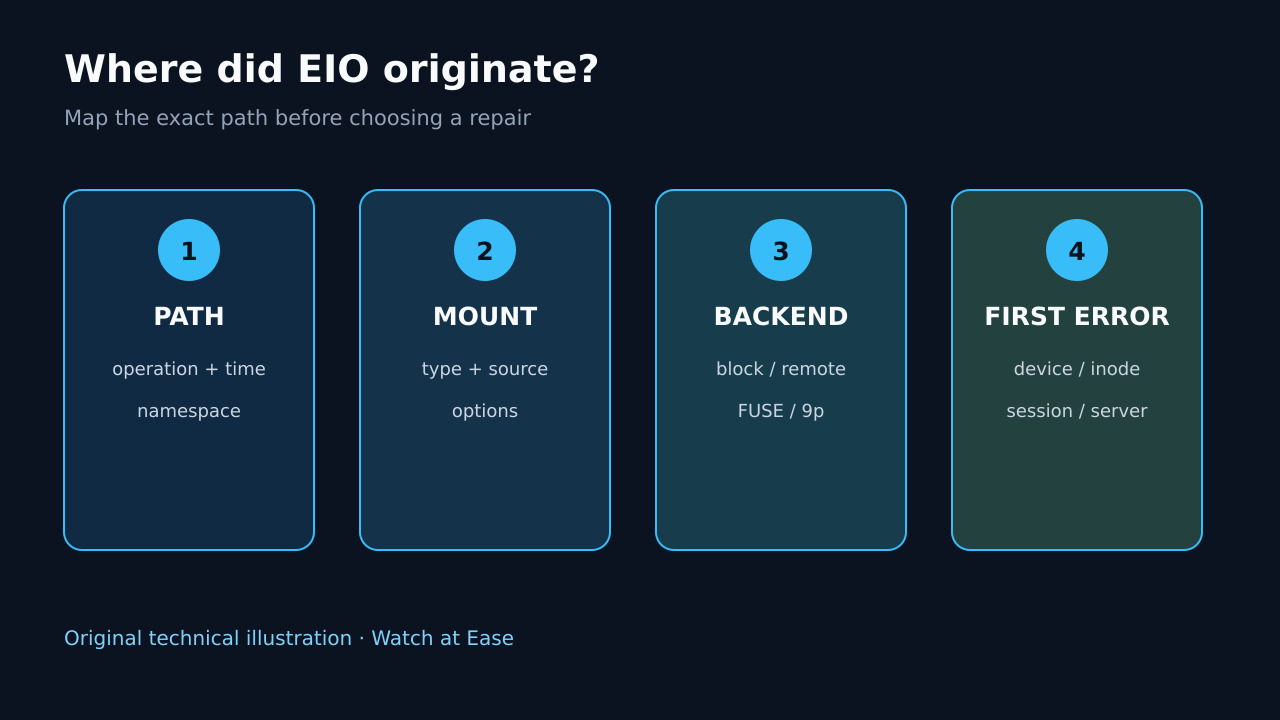
“Input/output error” is EIO, not a diagnosis. The same message can come from a local device or cable, filesystem metadata, a network transport, a dead FUSE/9p session, or the application that implements a userspace filesystem. A reboot or blind repair may erase the first useful evidence.
Stop new writes to the affected path, record the exact failing operation and time, resolve the path to its mount and backend, capture the first lower-layer error, preserve readable data, then choose one branch and verify the original path with known bytes.
1. Freeze the incident and protect the only readable copy
Record the exact command, path, timestamp, exit status and first stderr. Stop writers, scheduled jobs, database services and automatic cleanup that touch the affected mount. Do not keep running rm, cp, fsck -y or destructive SMART tests while ownership is unknown.
If any data is still readable, copy the irreplaceable subset to independent storage with a tool and options appropriate for failing media. Record skipped files and hashes; do not treat a partial copy as a verified backup.
2. Map the path to the real mount and backend
Capture the path resolution, mount namespace, filesystem type, source and mount options. Distinguish a local block device from loop, LVM, dm-crypt, RAID, NFS/SMB, FUSE, container bind mount, WSL 9p/DrvFs or another userspace backend.
Map each layer without guessing: path to mount, mount to source, source through any mapper or array, and finally to the physical or remote endpoint. A healthy unrelated disk says nothing about the device serving the failing path.
3. Preserve the first lower-layer error
Read kernel and service logs around the recorded timestamp before rebooting. Save the first I/O, transport, filesystem or controller message plus its device, block, inode, server or session identity; later cascades may be symptoms.
For remote or userspace filesystems, capture client and server/service logs and test a separate read-only mount only when documented and safe. If a second mount reads the same bytes while the original remains EIO, preserve that session-bound evidence instead of declaring the media dead.
4. Repair only the proven owner
For a local block path, check cabling, power, controller and device health before changing filesystem metadata. For an array, mapper or remote share, follow that layer’s health and recovery procedure. Replace or stabilize failing hardware before trusting filesystem repair.
Run the checker that matches the actual filesystem and platform, preferably from a verified rescue environment with the filesystem unmounted. Never run e2fsck on NTFS, XFS, Btrfs, a network mount or a generic path merely because the message says EIO.
5. Verify the original path and data contract
After repair or remount, repeat the original operation through the same namespace and service path. Read known files, compare stored hashes or application checks, and confirm the mount source, filesystem type and error counters stayed stable during the test.
Keep the incident ledger: first error, layer ownership, preservation result, repair command, tool output and acceptance evidence. If new I/O errors appear, stop and return to preservation rather than normalizing them as a successful repair.