Technology · PRACTICAL GUIDE
Linux says “getcwd() failed”? Prove the working directory was unlinked before restarting anything
A new directory with the same name is not the directory your process still holds. Capture the caller, escape the stale cwd, re-enter deliberately and trace who removed it.
A new directory with the same name is not the directory your process still holds. Capture the caller, escape the stale cwd, re-enter deliberately and trace who removed it.
Linux getcwd reports ENOENT when the current working directory has been unlinked. A process can keep a directory object after its pathname entry is removed.
1. Freeze the failing caller before changing directory
Save the exact command, complete error and process identity. Record user, PID, parent process, shell or service, container or mount namespace, and the working-directory text shown by the prompt or environment. A successful test from a new shell does not describe the original caller.
Do not restart the service or run a recursive cleanup first. Those actions destroy the evidence that distinguishes an unlinked directory object from a missing mount, inaccessible parent or unrelated application failure.
2. Prove pathname failure and object identity
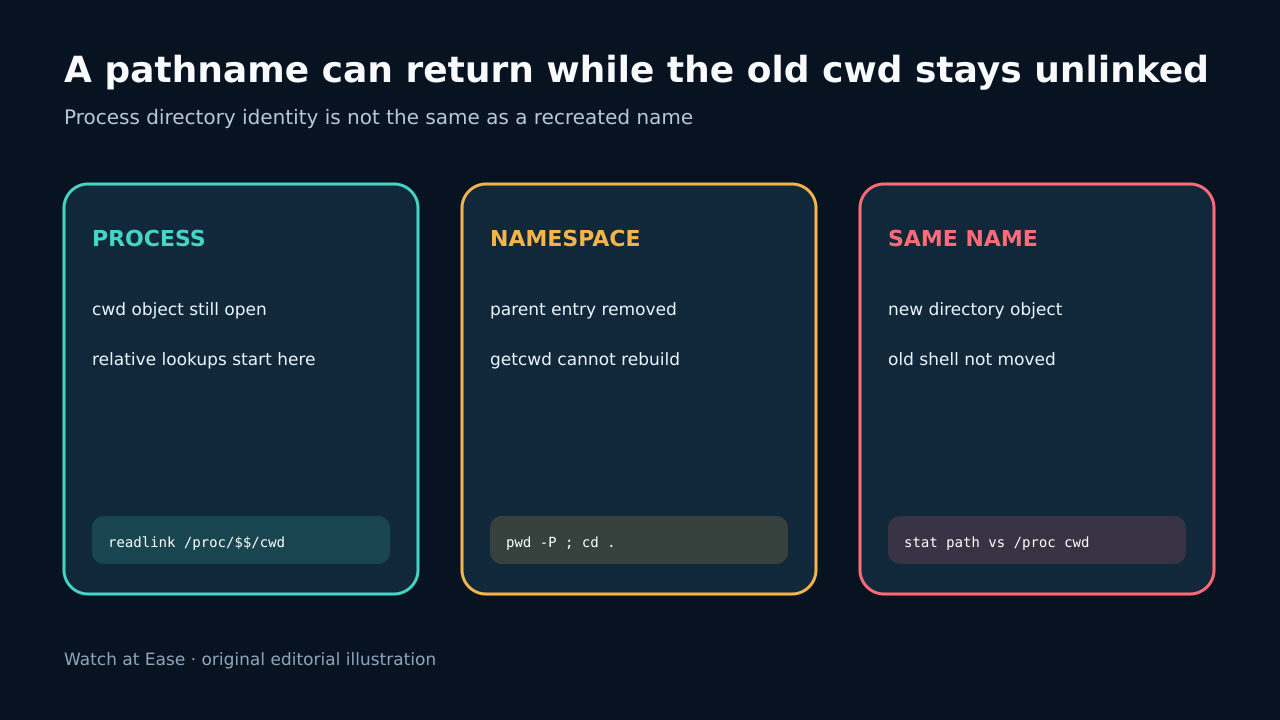
Run pwd -P and cd . in the affected shell and record both outputs. On Linux, getcwd returns ENOENT when the current working directory has been unlinked. If permitted, inspect /proc/PID/cwd without following assumptions; a deleted marker supports the stale-object case.
Compare the process view with the pathname that now exists. A directory recreated under the same text name is a different object. Record stat identifiers and mount or namespace context where available; do not infer continuity from matching path strings.
3. Recover into a known live directory
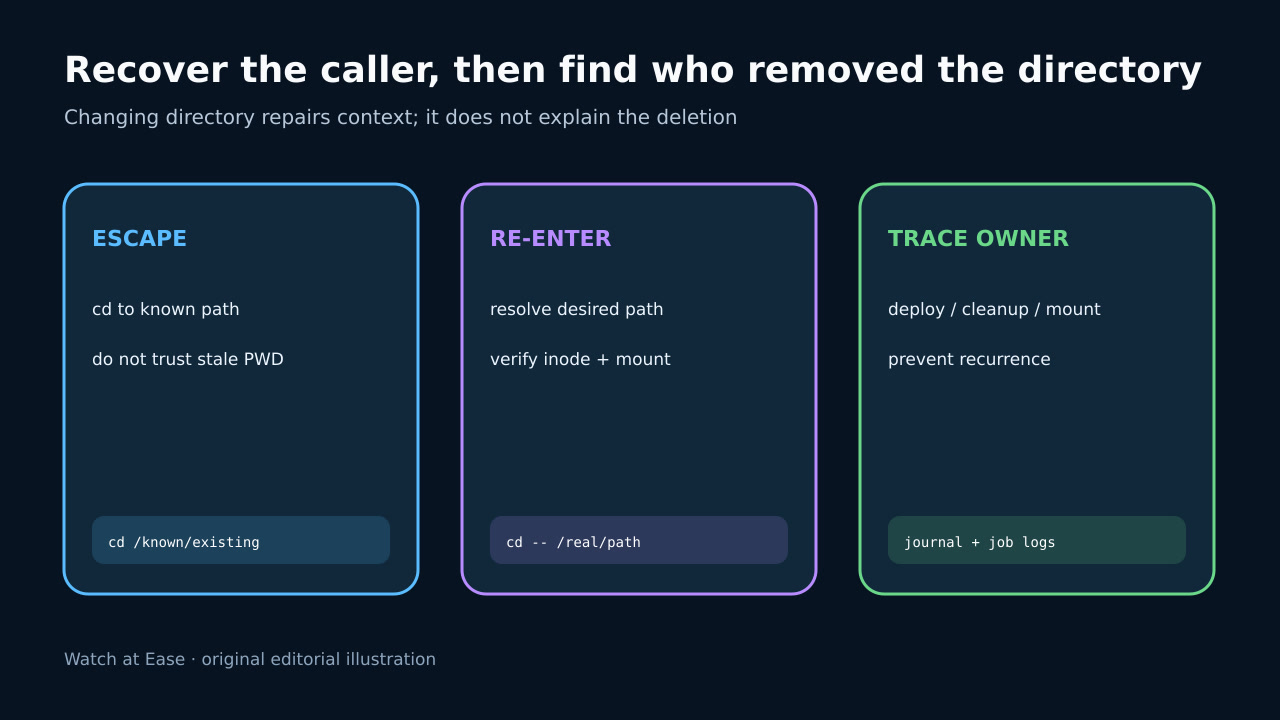
Change to a known existing absolute path such as the service account home or a verified workspace parent. Use cd -- with an explicit path and confirm pwd -P succeeds. This repairs the caller context; it does not explain why the old directory disappeared.
For a service, scheduler or build worker, change its configured working directory or restart only after preserving evidence. If the intended mount is absent, recover the mount first and verify it in the same namespace instead of creating a convenient local directory at the mountpoint.
4. Re-enter the intended path deliberately
Resolve the intended directory from an authoritative deployment or service configuration, then enter it explicitly. Verify owner, permissions, mount source and object identity before resuming writes. Do not use stale PWD or OLDPWD as proof that the target is live.
Repeat the original command in the same caller context. Test relative path creation only after confirming the destination. If a same-name replacement appeared, treat it as a separate directory and decide whether its contents and ownership are valid.
5. Trace the removal owner and prevent recurrence
Trace who removed, renamed, replaced or unmounted the directory: deployment swaps, cleanup jobs, temporary-directory policies, package hooks, container teardown and manual maintenance are common classes. Correlate job logs and filesystem or service events; do not assign a cause from the getcwd message alone.
Prevent recurrence by making deployments change callers out of a tree before replacing it, giving services stable working directories, coordinating mount lifecycles and excluding live workspaces from cleanup. Record the stale object evidence, recovery path, owner source and successful same-context verification.