Technology · PRACTICAL GUIDE
Linux says “Argument list too long”? Measure argv and environment bytes before batching
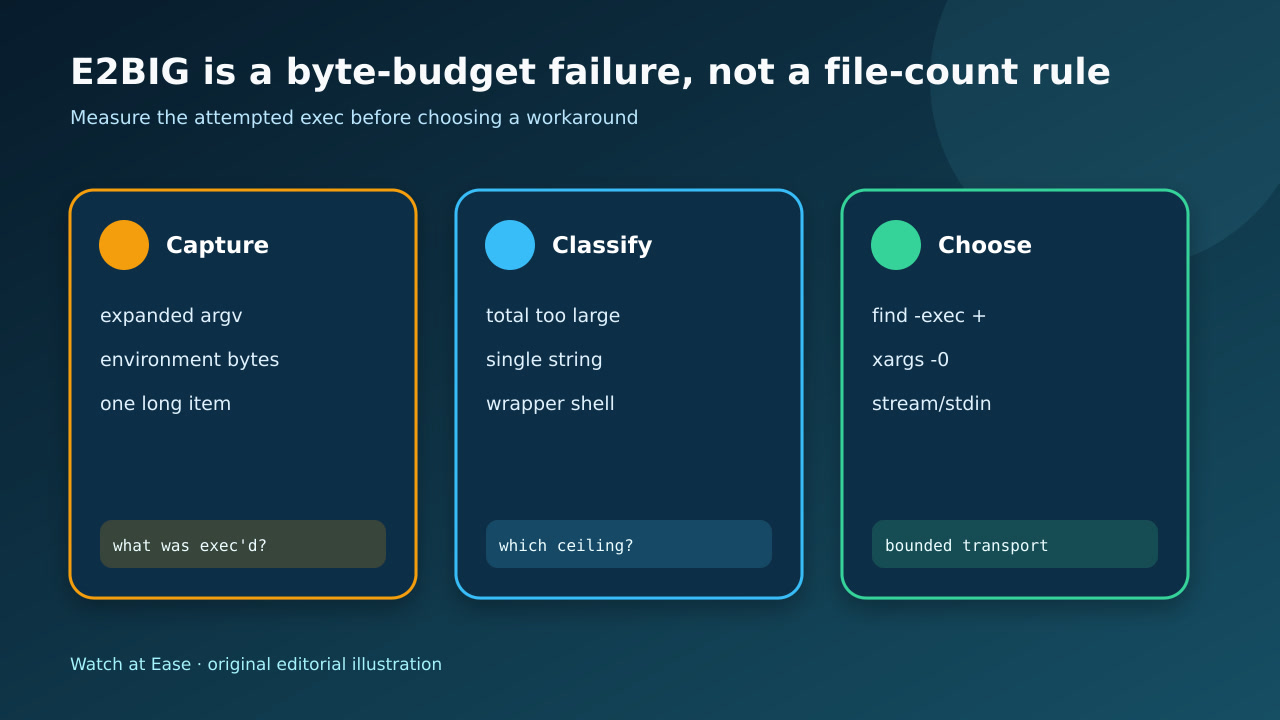
E2BIG can mean the combined argv and environment is too large, one string is too long, or a wrapper built one giant argument. Classify the boundary, then choose a filename-safe bounded transport.
E2BIG can mean the combined argv and environment is too large, one string is too long, or a wrapper built one giant argument. Classify the boundary, then choose a filename-safe bounded transport.
The error names an exec boundary. It does not prove that the target tool saw any filenames or that simply increasing a limit is the safest repair.
1. Freeze the attempted exec
Save the exact command, shell, working directory and error before replacing the glob. Capture a small representative expansion and the generating script or make recipe; do not paste a million names back into another diagnostic command.
Record whether the shell reported the error before the target program started. If no application log or process exists, the failure belongs at the exec boundary, not inside rm, cp, grep or the target binary.
2. Measure every byte budget
Record getconf ARG_MAX, the current stack limit, environment byte size, argument count, estimated argv bytes and the longest single generated string. Measure in the same service, container, CI runner or scheduler context that fails.
Treat the number as a budget, not a promise. Linux counts terminators and pointer overhead, the environment travels with the new process, and one argument can fail even when the total appears below ARG_MAX.
3. Classify the failing shape
Use three branches: many ordinary items exhaust the total; one path or generated shell command exceeds the per-string ceiling; or a wrapper placed the whole recipe into one sh -c argument. A fourth branch is an unusually large inherited environment.
Do not assume more files is the cause. Remove or shorten a test environment variable, inspect the longest item, and reproduce with a harmless command before changing the production action.
4. Choose a safe transport
For filesystem names, prefer find -exec utility … {} + when its placement fits, or find -print0 with xargs -0. Use xargs --show-limits and an explicit conservative -s when GNU xargs is available.
Do not pipe newline-delimited names into xargs, and do not use command substitution to rebuild the giant list. For APIs that accept standard input, manifests or response files, those transports may preserve one logical operation better than repeated commands.
5. Prove the batch outcome
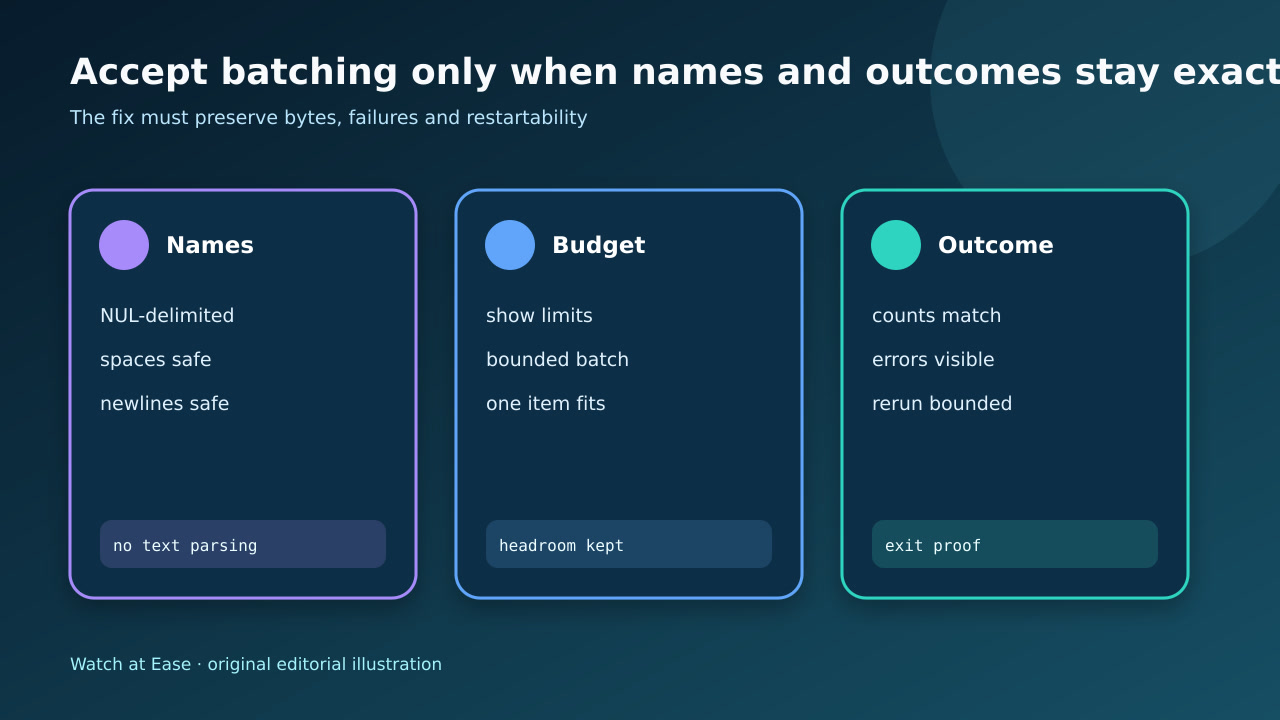
Run a non-destructive sample containing spaces, newlines, leading dashes and the longest name. Log each bounded invocation, exit status and item count without leaking sensitive paths.
Accept the change only when input and processed counts reconcile, every error is visible, no batch exceeds the measured budget, and an interrupted run can resume from a durable remainder. Destructive operations require a backup or reproducible source.