Technology · PRACTICAL GUIDE
journalctl vacuum freed 0 bytes? Audit active files and the target filesystem first
Vacuum removes archived journals, while disk usage includes active files. Map the runtime and persistent stores, inspect file state, rotate once, vacuum the intended scope, then verify retained history and free blocks.
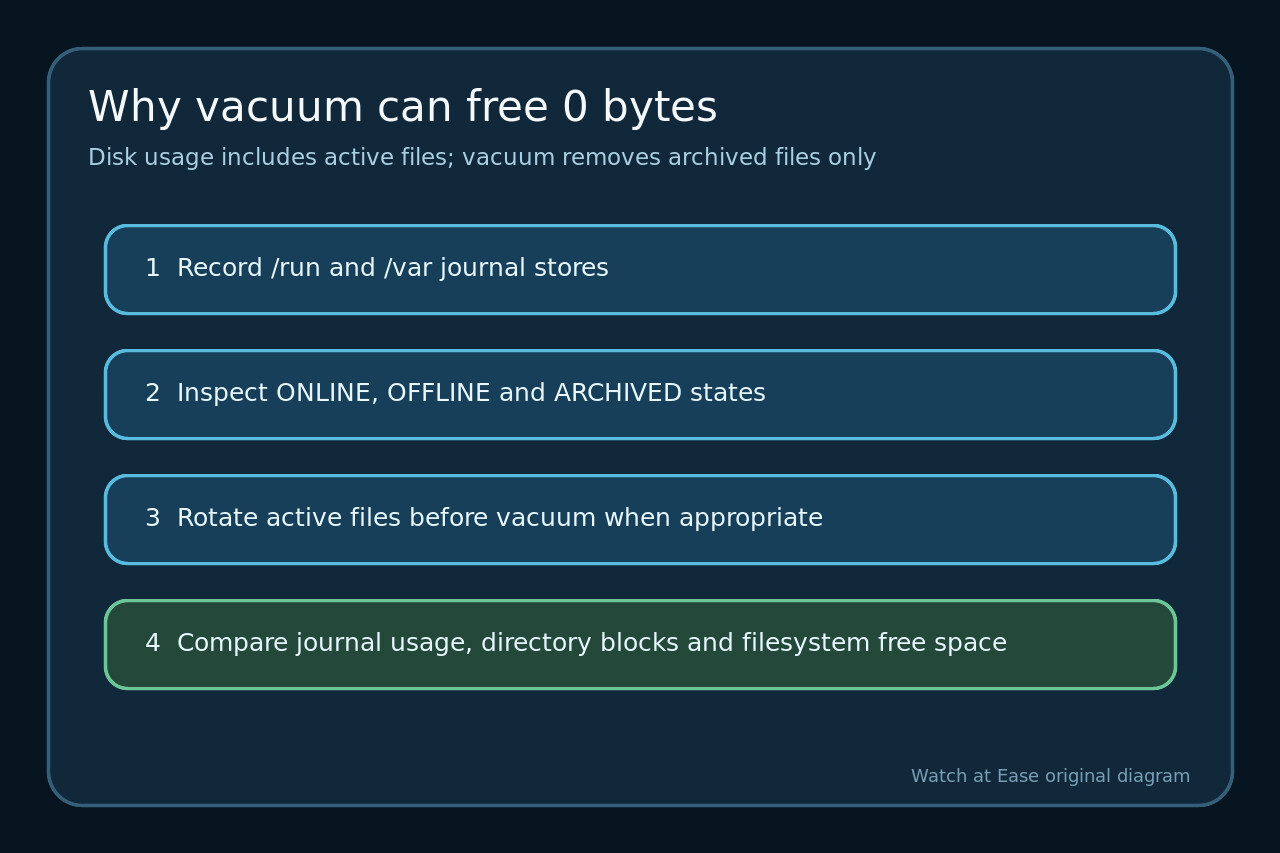
A successful journalctl vacuum can report zero bytes or leave the displayed total above the requested size without being broken. The command deletes eligible archived journal files; journalctl --disk-usage reports archived and active files together.
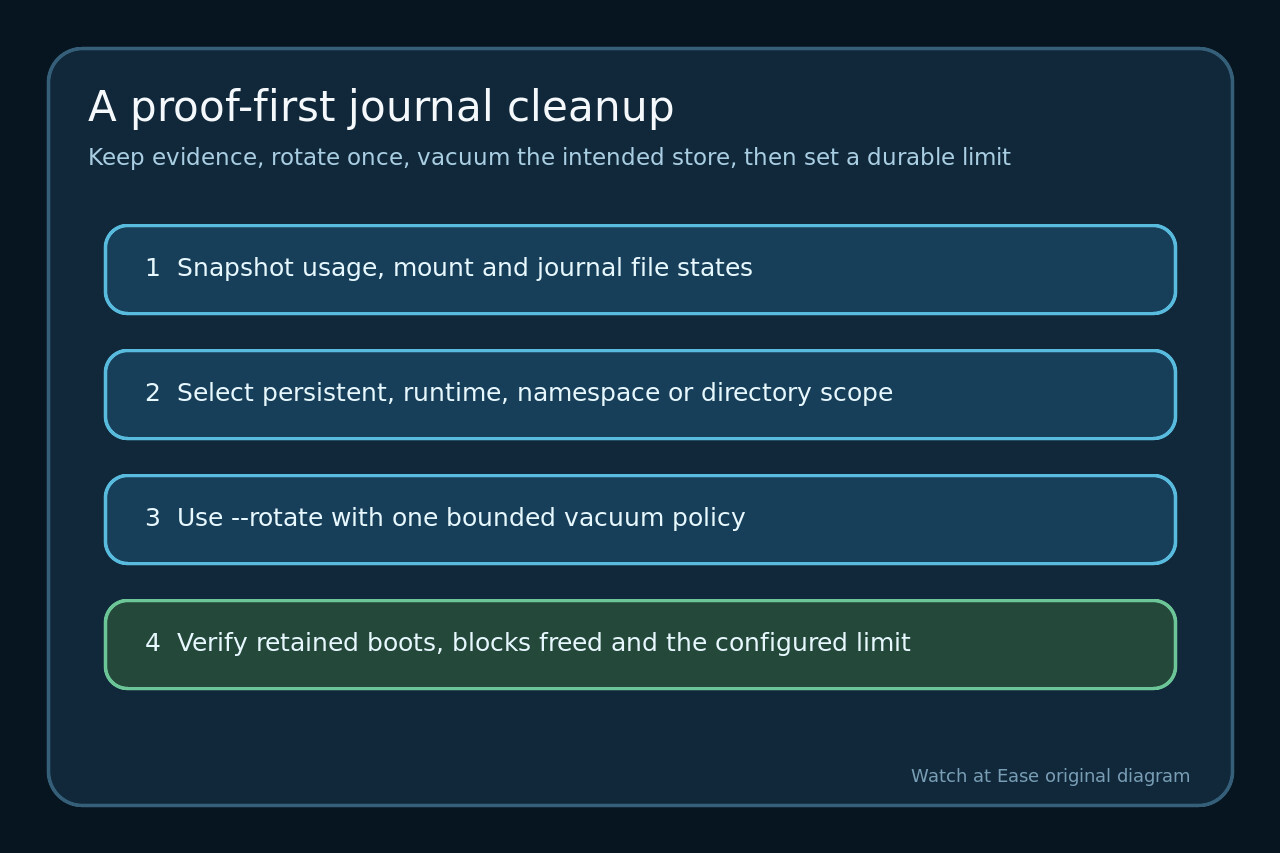
Do not jump to rm in /var/log/journal. First prove which stores are in scope, which filesystem owns their blocks and which files are still active. Then use one bounded rotate-and-vacuum operation and verify both the journal and the filesystem.
Freeze the usage, stores and filesystem boundary
Record journalctl --disk-usage, filesystem free space and directory blocks before cleanup. Use findmnt for /var/log/journal and /run/log/journal so a change in one mount is not judged by another.
List both stores and any journal namespace or explicit --directory target. Save journalctl --list-boots and the time range you must retain before deleting eligible archives.
Classify active, offline and archived files
Use journalctl --header to inspect file paths and states. ONLINE files are active; an OFFLINE file is not automatically an archived file eligible for every vacuum path.
Match machine IDs, user journals and runtime or persistent locations. If old entries remain in an active file, their timestamps do not make that entire file removable by a time vacuum.
Rotate once and vacuum the intended scope
On a normal local store, combine --rotate with one explicit vacuum bound so current active files are archived before deletion. Choose size, time or file count from the retention requirement, not from a desire to reach zero.
Scope remote, copied or alternate directories explicitly and verify that the journal files use recognized names and locations. Avoid recursive rm while journald is writing.
Explain the remaining bytes before changing anything else
Run disk usage again and compare the exact directory and filesystem. Remaining active files, replacement files, another store, a namespace or a different mount can explain the gap.
Check the retained boots and first and last timestamps. If blocks remain outside journal files, investigate that filesystem separately instead of tightening the journal vacuum blindly.
Set a durable limit and verify retained history
For persistent storage, set an intentional SystemMaxUse in a journald configuration drop-in according to the host policy and distribution guidance, then apply it through the supported service procedure.
After new logs arrive, confirm the configured ceiling, journal readability, retained history and filesystem headroom. Record the before and after evidence so future cleanup does not start with manual deletion.