Technology · PRACTICAL GUIDE
Docker daemon socket permission denied? Prove the client, socket and daemon context first
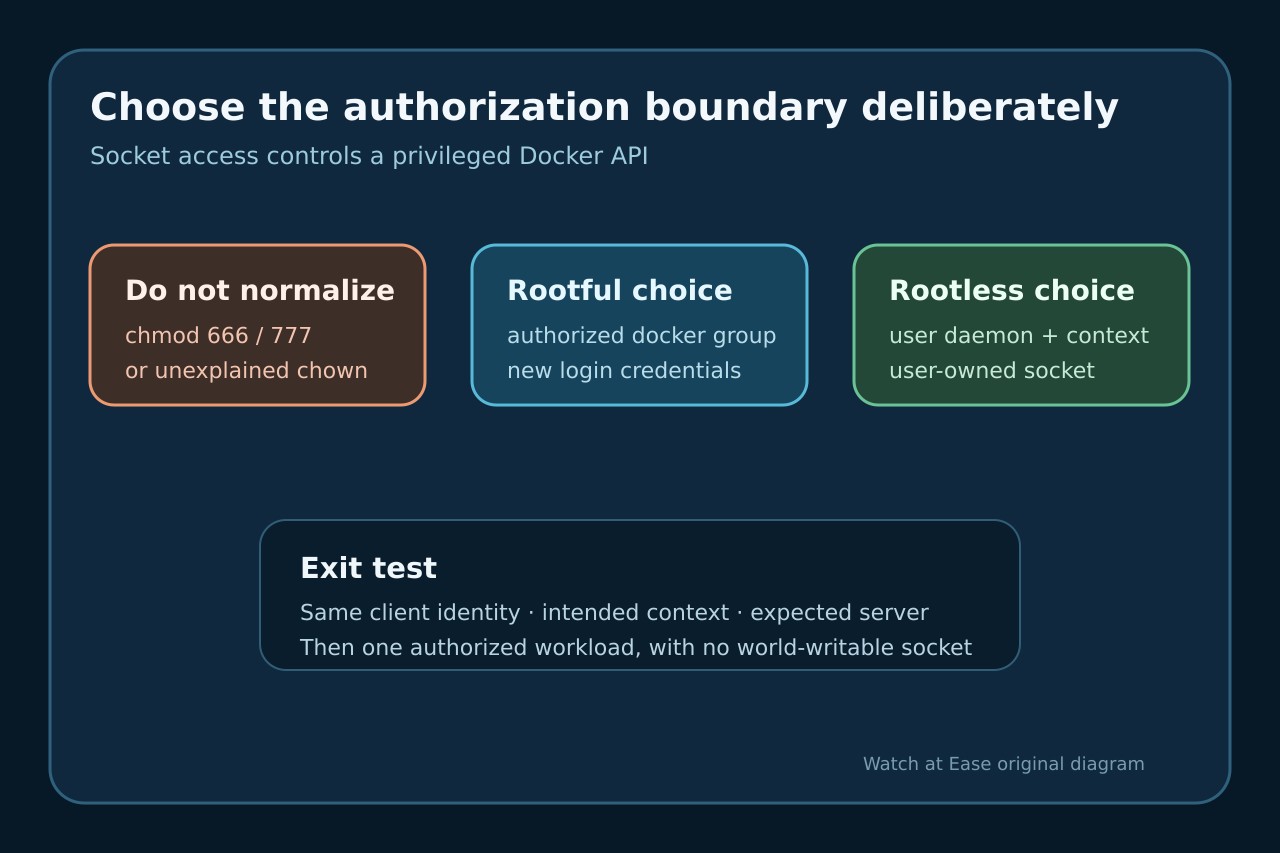
Do not normalize chmod 666 or 777 on docker.sock. Freeze the client identity, selected Docker context and exact socket; distinguish rootful, rootless and mounted-socket cases, then authorize the smallest intended principal.
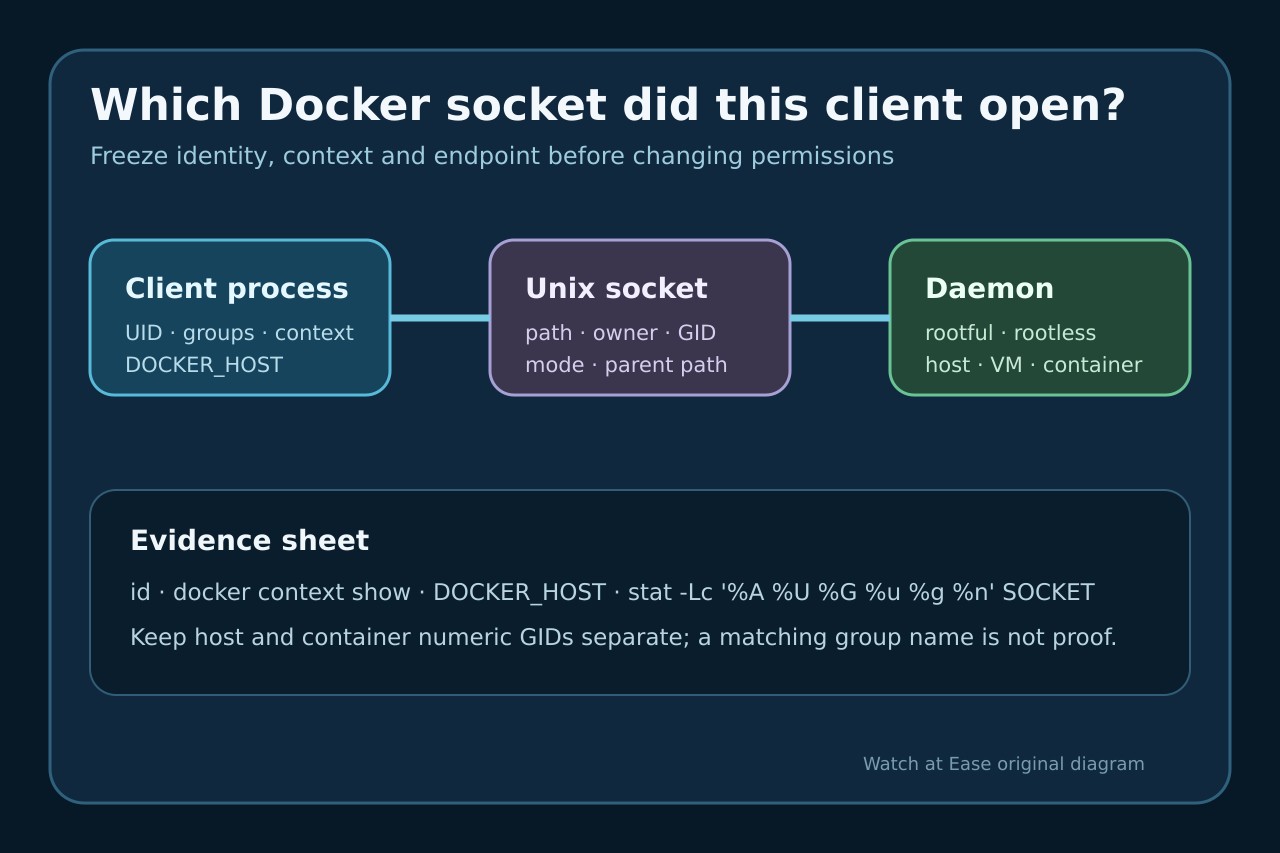
A permission-denied error at a Docker Unix socket means the client process could not cross that pathname boundary. It does not prove the daemon is stopped, that /var/run/docker.sock is the selected endpoint, or that every caller should join a privileged group.
Freeze the exact client identity, Docker context, DOCKER_HOST and socket metadata. Classify a rootful host daemon, rootless user daemon or mounted socket inside another container before changing access.
Freeze the client identity and selected endpoint
Record the exact error, command, effective UID and supplementary groups. Save docker context show, relevant DOCKER_HOST and the resolved endpoint before using sudo or editing a group; a context can point somewhere other than /var/run/docker.sock.
Inspect the exact pathname with numeric and named owner, group, mode and parent directories. If the path does not exist, the error is a different branch from permission denied and should not be repaired with chmod.
Classify rootful, rootless and mounted-socket topologies
For a rootful Linux daemon, Docker documents a root-owned Unix socket that may be available to the docker group. Treat that group as privileged administration, not as an ordinary convenience group.
For rootless mode, confirm the rootless Docker context or user socket such as /run/user/UID/docker.sock and verify the user service. Inside a CI or application container, identify the mounted host socket and keep host and container namespaces separate.
Prove current process credentials and numeric GID
Compare the socket numeric GID with the effective groups of the process that actually launches Docker. Editing /etc/group does not rewrite credentials of an existing shell, IDE, agent or daemon; refresh the correct login or restart the correct service only after authorization is approved.
For a mounted socket, matching the word docker on both sides is insufficient because group databases can assign different numbers. Map the host socket GID deliberately inside the caller boundary instead of changing the host socket owner to an application account.
Choose the smallest intended authorization boundary
If rootful docker-group access is approved, add only the intended human or service identity and refresh that identity’s session. If permanent root-equivalent access is too broad, evaluate Docker rootless mode or a separate controlled environment.
Do not use chmod 666 or 777 as a durable fix. World-write access lets unrelated local processes reach a powerful API, and a daemon restart may recreate the socket with managed ownership and mode anyway.
Verify the expected daemon without hiding the boundary
From the same caller, run docker context show and docker info or docker version; confirm the intended context, server identity and rootless security option when applicable. A sudo-only success proves a credential difference, not a finished repair.
Then run one authorized workload appropriate to that host and save the result. Close only when the intended non-world-writable socket works for the intended principal and an unrelated unprivileged identity remains excluded.