Technology · PRACTICAL GUIDE
Docker build says COPY source not found? Audit the real context before editing the Dockerfile
COPY can read only the selected build context after checkout, generation and ignore filtering. Preserve the invocation, classify the context, then repair one proven source boundary without widening access or baking secrets.
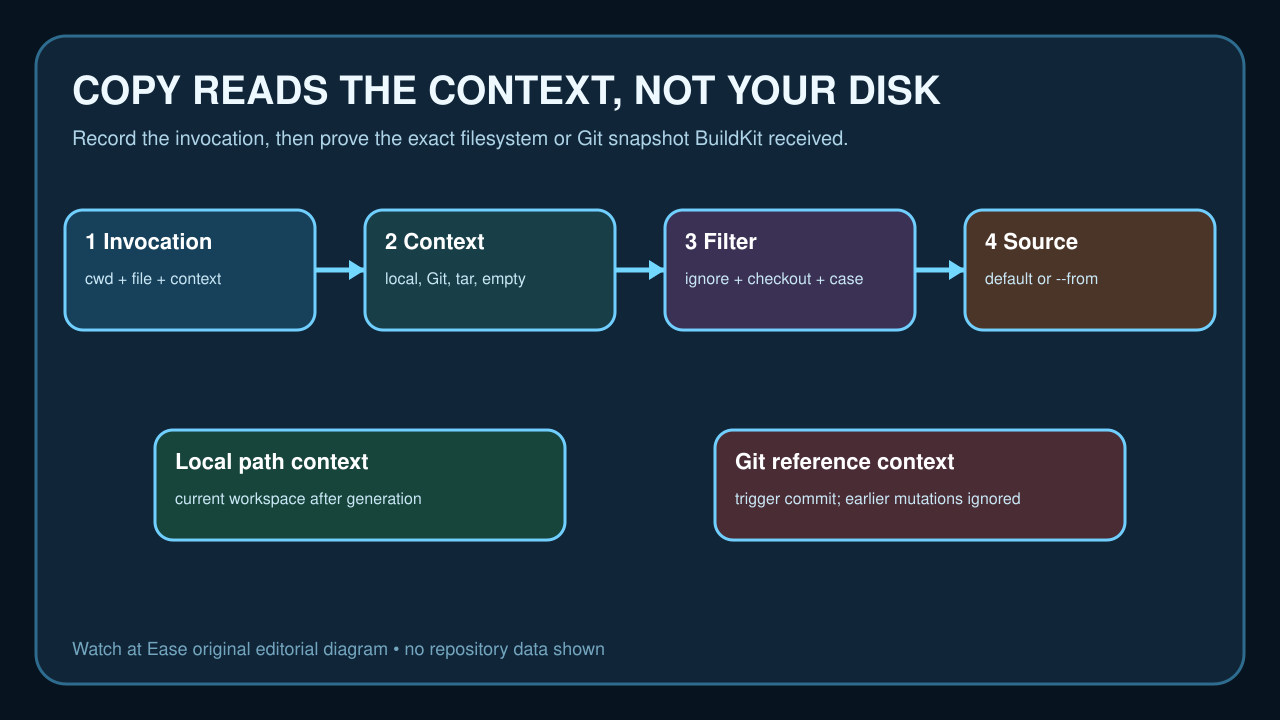
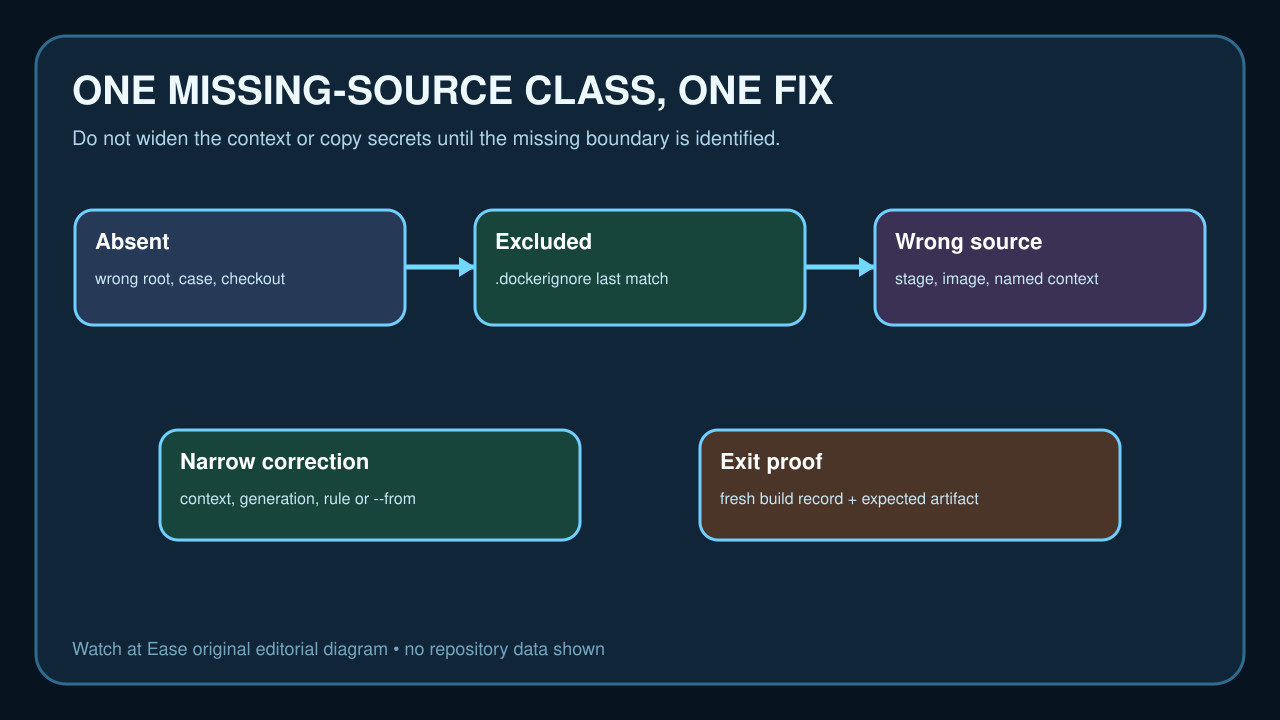
A Docker COPY failure does not mean the file is absent from your computer. It means the source is absent from the context BuildKit received after checkout, generation and ignore filtering—or that COPY is reading a different stage, image or named context.
Preserve the command and error first. Then prove the context type, checkout contents, effective ignore rules and source kind. Change one boundary and verify the exact artifact without broadening the context or baking secrets.
Capture the command and identify the real context
Save the complete error, working directory, Docker or Buildx version, builder name, Dockerfile path and the final positional context argument. In `docker build -f docker/app.Dockerfile .`, the context is `.`, not the Dockerfile directory; every ordinary COPY source is resolved from that context root.
Classify the context as a local directory, Git URL or reference, tar stream, named context or empty text context. A file visible on the laptop is irrelevant until you prove that the selected context could contain it.
Prove the source exists after checkout and generation
List the exact source path with case preserved inside the workspace or Git snapshot used by the builder. On case-sensitive runners, `WebAPI` and `webapi` differ. Check whether a sparse checkout, disabled submodule, missing Git LFS object or alternate checkout `path` left the file outside the effective context.
If an earlier step generates the file, record when and where it is created. Docker's GitHub build action uses the trigger's Git context by default, so mutations made in preceding runner steps are ignored unless the workflow deliberately uses a checked-out path context.
Evaluate the effective ignore rules
Read `.dockerignore` at the context root and any Dockerfile-specific `<Dockerfile>.dockerignore`; Docker documents that the Dockerfile-specific file takes precedence. Evaluate patterns in order because the last matching inclusion or exclusion decides the result.
Do not remove broad ignore rules or copy secret files merely to make the build pass. If a required generated artifact is excluded, add the narrowest safe exception or move generation and packaging to a controlled path that does not expose credentials or the whole repository.
Resolve default, stage and named-context sources separately
A plain `COPY src /dest` reads from the default context. `COPY --from=build /artifact /dest` reads from the filesystem root of the named stage, image or named context, not from the host path. Confirm the stage name, output path and named-context mapping before editing slashes or adding parent traversal.
Docker strips parent navigation outside the context; `../` is not a supported escape hatch. If the design needs another tree, declare a narrow named context or choose the correct common context root instead of sending an unrelated parent directory.
Apply one correction and verify the delivered artifact
Change only the proven boundary: the context argument, checkout path, sparse/submodule/LFS input, generation order, case, one ignore rule, Git-versus-path action context, or `--from` mapping. Preserve the old command and ignore file so the change is reviewable and reversible.
Run one fresh build with plain progress or download the Buildx build record, confirm the expected source is transferred, and inspect the resulting image or exported artifact. Reproduce the same context contract in CI; a local success with a broader tree is not proof that the committed workflow is fixed.