Technology · PRACTICAL GUIDE
APT says “Could not get lock”? Prove the package transaction before stopping anything
The lock is protecting one package transaction. Save the exact path and holder, prove whether it is progressing or stuck, then wait or stop the owning service safely and audit package state—never delete the lock file.
The lock is protecting one package transaction. Save the exact path and holder, prove whether it is progressing or stuck, then wait or stop the owning service safely and audit package state—never delete the lock file.
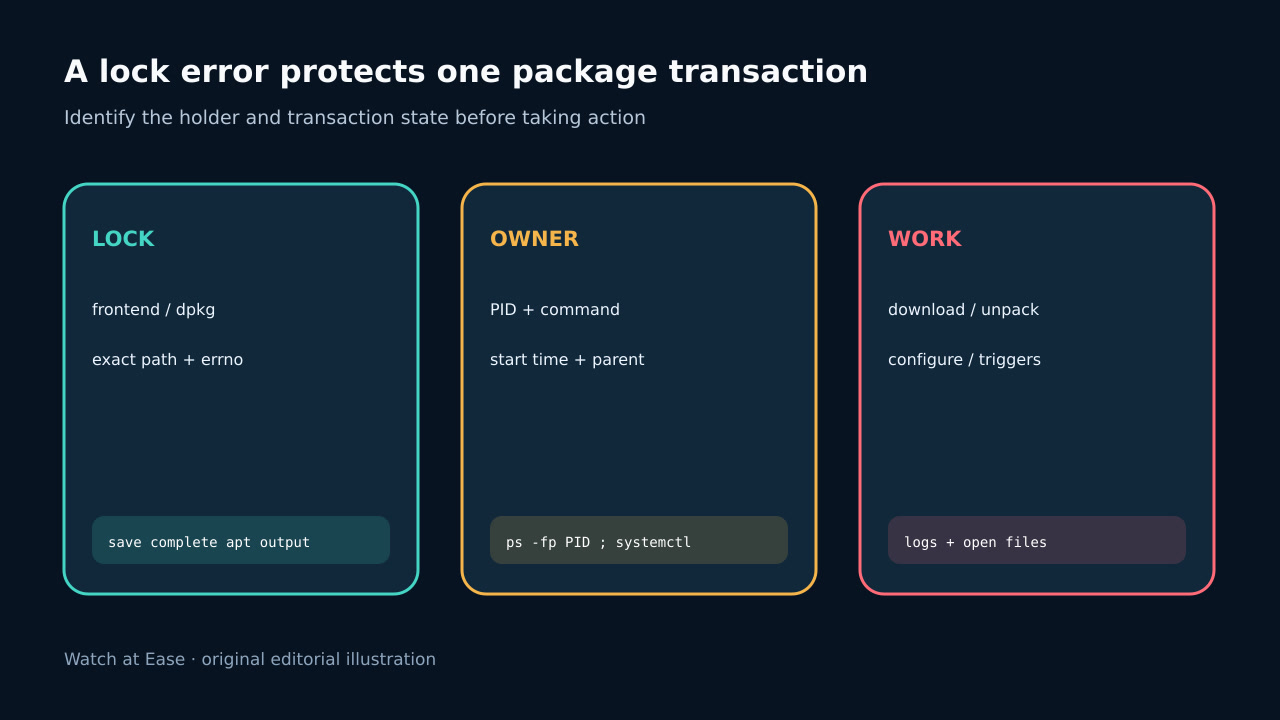
The frontend lock coordinates package-manager access to dpkg. A reported PID is evidence of the current holder, not permission to kill it.
1. Freeze the error and lock identity
Save the complete APT output, exit code, lock path, reported PID and command. Different locks guard lists, archives, the frontend and dpkg database; do not treat every path as interchangeable.
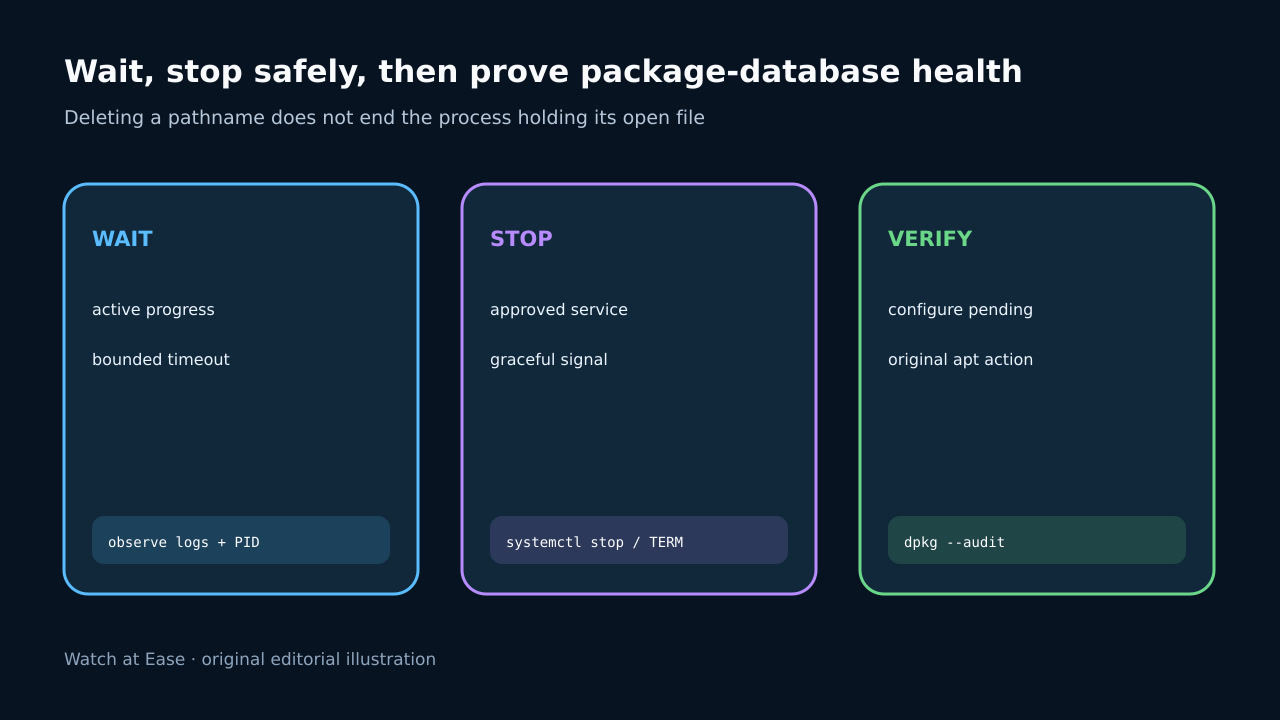
Do not remove the named file. A pathname can be unlinked while a process still holds the open object, allowing a new pathname and a second writer to appear.
2. Prove the holder and current package phase
Inspect the reported PID, parent, start time and full command. Determine whether it belongs to Software Updater, unattended-upgrades, apt, apt-get, dpkg, cloud-init, image provisioning or configuration management.
Observe bounded evidence of progress: dpkg/apt logs, child processes, open package files, CPU or I/O and timestamp changes. A long transaction is not necessarily hung; a vanished PID is different from an active holder.
3. Choose wait or an approved graceful stop
If legitimate work advances, wait with a bounded timeout and recheck the same PID. Do not stack another package command behind an unknown transaction or rely on a fixed sleep in automation.
If policy authorizes interruption and progress has stopped, stop the owning service or send a normal termination signal first. Preserve logs and wait for the process to exit; reserve force kill for a separately approved incident branch.
4. Audit and finish interrupted package state
After an interrupted operation, inspect package state with dpkg --audit and review logs. Finish pending configuration only when no package manager owns the lock and the proposed recovery matches the recorded phase.
Do not run repair commands reflexively after an ordinary contention event. dpkg --configure -a changes system state and belongs only to verified unpacked-but-unconfigured work.
5. Retest the original action and fix automation
Rerun the exact original APT action and require normal lock acquisition, expected package result and exit code zero. Confirm no background owner was disabled merely to make one run green.
For CI or images, coordinate with the OS updater: wait on the actual package-manager condition, schedule after initialization, or build an image policy that prevents overlap. Record owner, wait/stop decision, audit output and final retry.