Technology · PRACTICAL GUIDE
sed -i works on Linux but fails on macOS? Prove the option boundary before editing files
Identify the sed implementation and exact argv, preview the transformation, then choose an explicit backup or temporary-file replacement policy.
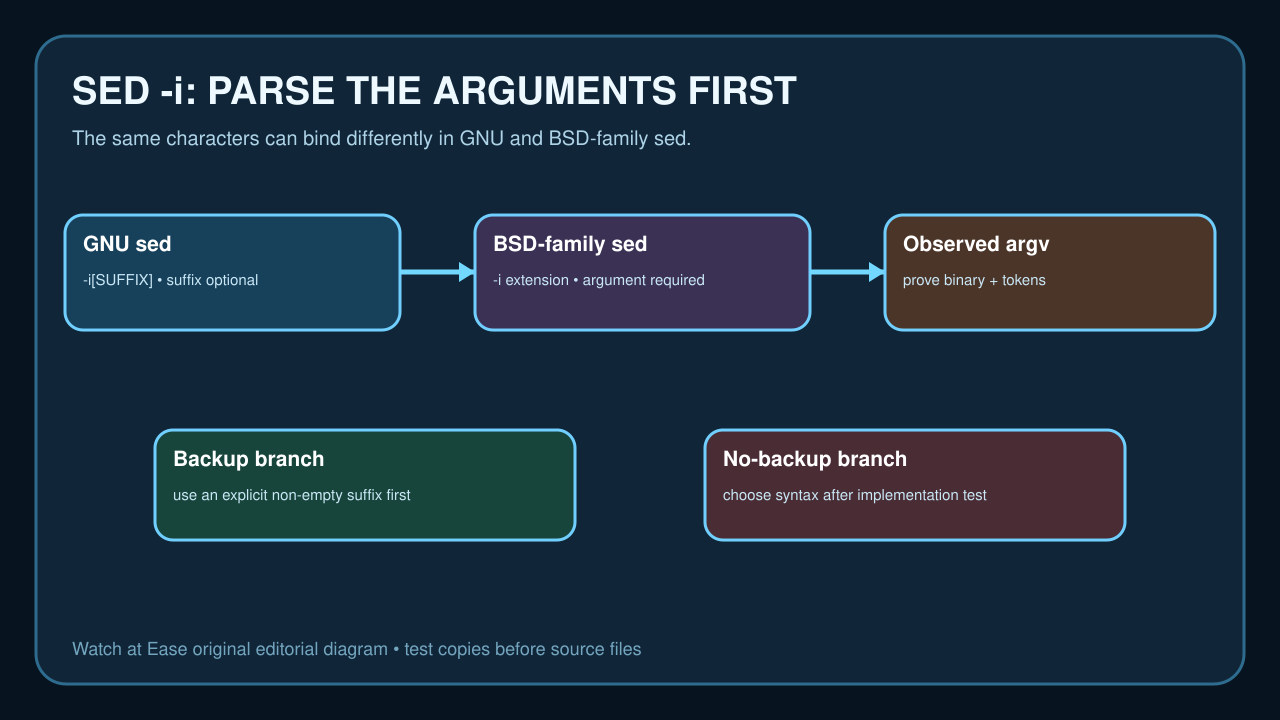
When sed -i works on Linux and fails on macOS, the important evidence is not just the visible command. GNU and BSD-family sed define the in-place suffix differently, and the shell decides which exact tokens reach the program.
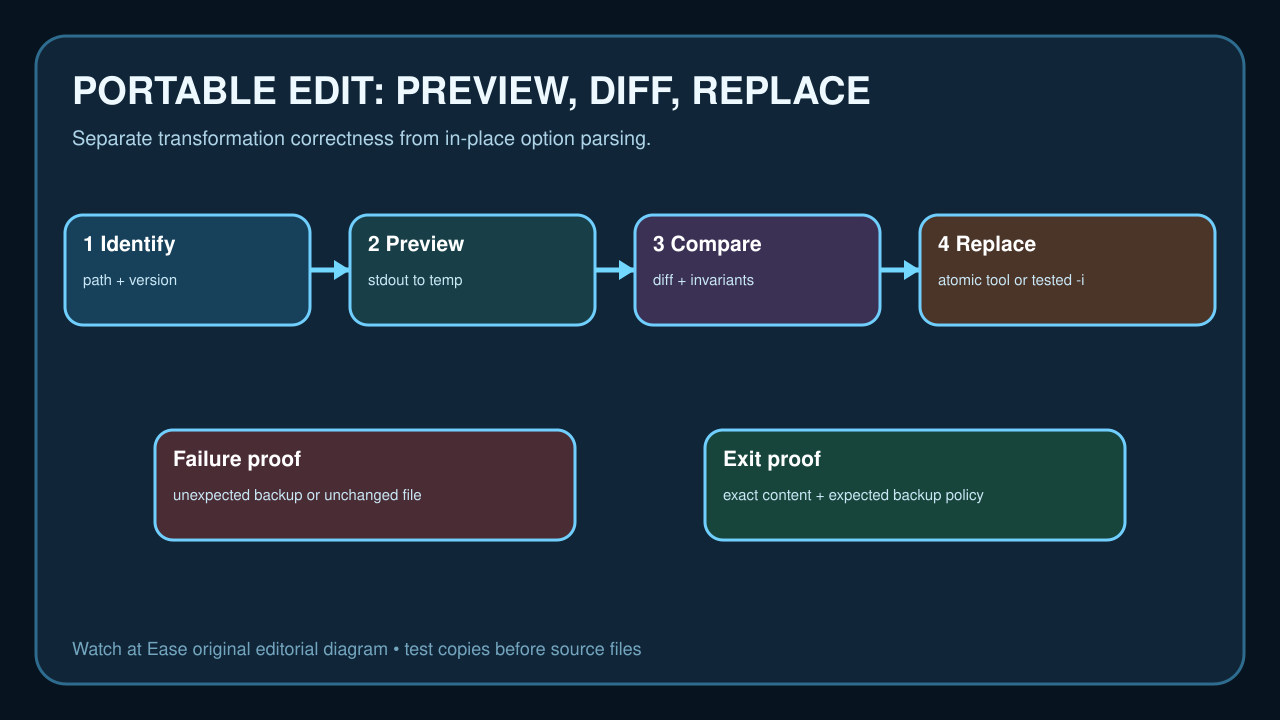
Preserve the source, identify the implementation, preview to stdout, and only then test an explicit backup or replacement branch. That order prevents a portability fix from becoming a destructive edit.
Capture the implementation and exact argument vector
Record the executable path, version output, operating system, shell, exact command and resulting filenames. Do not label every difference as a quoting bug: first prove which sed implementation parsed the arguments.
Expand shell variables and arrays before changing them. A command copied from Linux can reach BSD-family sed with different token boundaries even though the displayed line looks almost identical.
Separate the in-place suffix rules
GNU sed documents -i with an optional suffix. With no suffix it overwrites without a backup; with a suffix it renames the original as a backup. Because that argument is optional, grouping short options can change meaning: -Ei and -iE are not equivalent.
The FreeBSD manual documents -i followed by an extension. An empty extension suppresses the backup, while a non-empty value names it. Treat the extension as data with an observable output filename, not decorative punctuation.
Preview the transformation before in-place editing
Run the expression without -i against a disposable copy and redirect stdout to a new temporary file. Compare the output with the input, check line count and encoding, and verify that the intended pattern matched.
This isolates the sed program from replacement mechanics. If the preview is wrong, fix regular-expression mode, escapes, delimiters or newlines before testing any in-place syntax.
Choose a bounded portability strategy
For controlled environments, detect the implementation once and use a tested branch with an explicit backup suffix. For scripts that must be portable, generating a temporary output and replacing the file only after validation avoids depending on non-standard -i behavior.
Do not make a broad sed --version probe the only branch when another implementation rejects it. Prefer an implementation test whose failure is handled, an operating-system contract supplied by the build, or a standard temporary-file path.
Require an exit proof and safe rollback
Test files with no match, multiple matches, spaces in the path, a trailing newline and an existing backup name. Confirm the exact result, exit code and backup policy on every supported runner.
Keep the first rollout small. Success means the intended content changed, unrelated bytes stayed stable, and only the expected output and backup files exist. If any invariant fails, preserve the input and observed argument vector instead of retrying destructively.