テクノロジー · 実用ガイド
Python の「.pyc bad magic number」?runtime と source 境界を先に証明
cache 全削除や header 改変の前に、実際に読まれた file、実行中 interpreter、利用可能な source の有無を確認します。
cache 全削除や header 改変の前に、実際に読まれた file、実行中 interpreter、利用可能な source の有無を確認します。
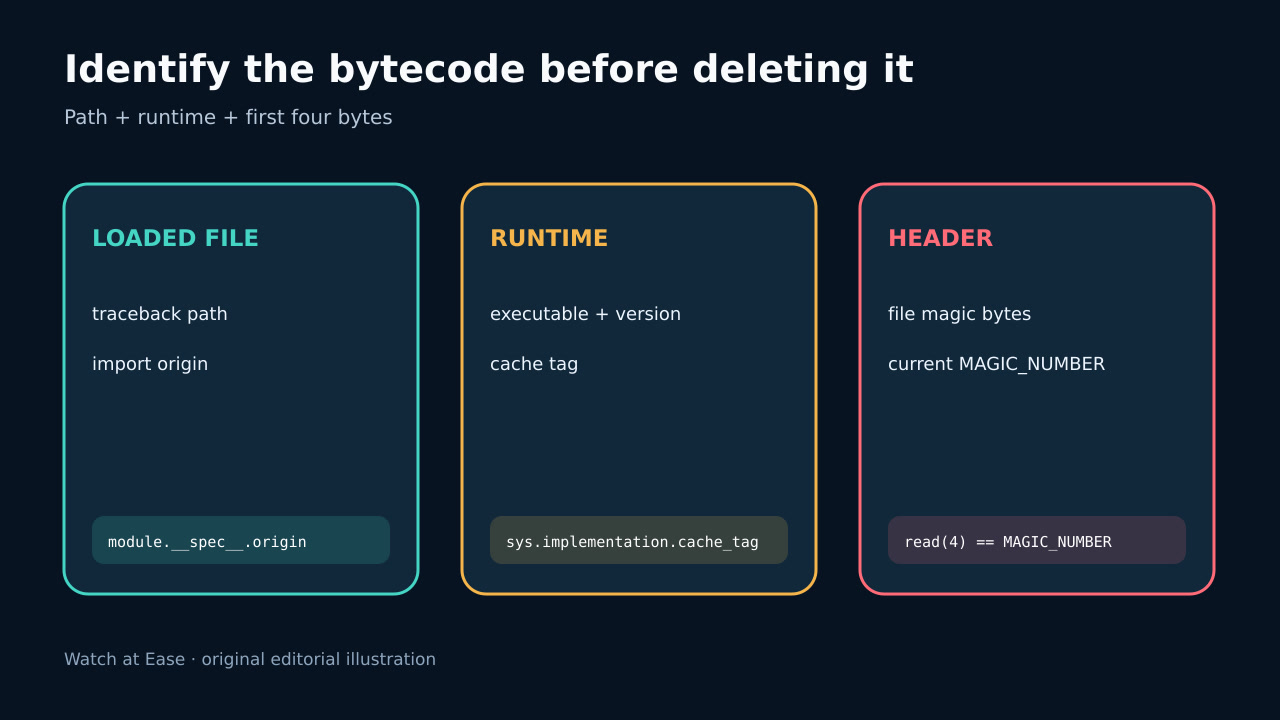
pyc header は interpreter 固有の magic bytes で始まります。 importlib.util.MAGIC_NUMBER が現在値を示します。
1. 失敗 file と interpreter を記録
cleanup 前に traceback、sys.executable、sys.version、cache_tag、working directory、import 環境変数、失敗 path を保存します。shell の python と service や IDE の interpreter は一致しない場合があります。
traceback と import discovery で exact file を特定し、sys.path、virtual environment、mount、deployment copy を確認します。error はその bytecode の不一致で、全 pyc の故障ではありません。
2. header を実行せず比較
suspect file を data として開き先頭4 bytes を読み、実際に失敗した interpreter の MAGIC_NUMBER と比較します。不信 bytecode を実行しません。
不一致は別 runtime 用と証明します。一致しても安全証明ではなく、残り header、marshal code、source relation は壊れ得ます。
3. source 有無で分類
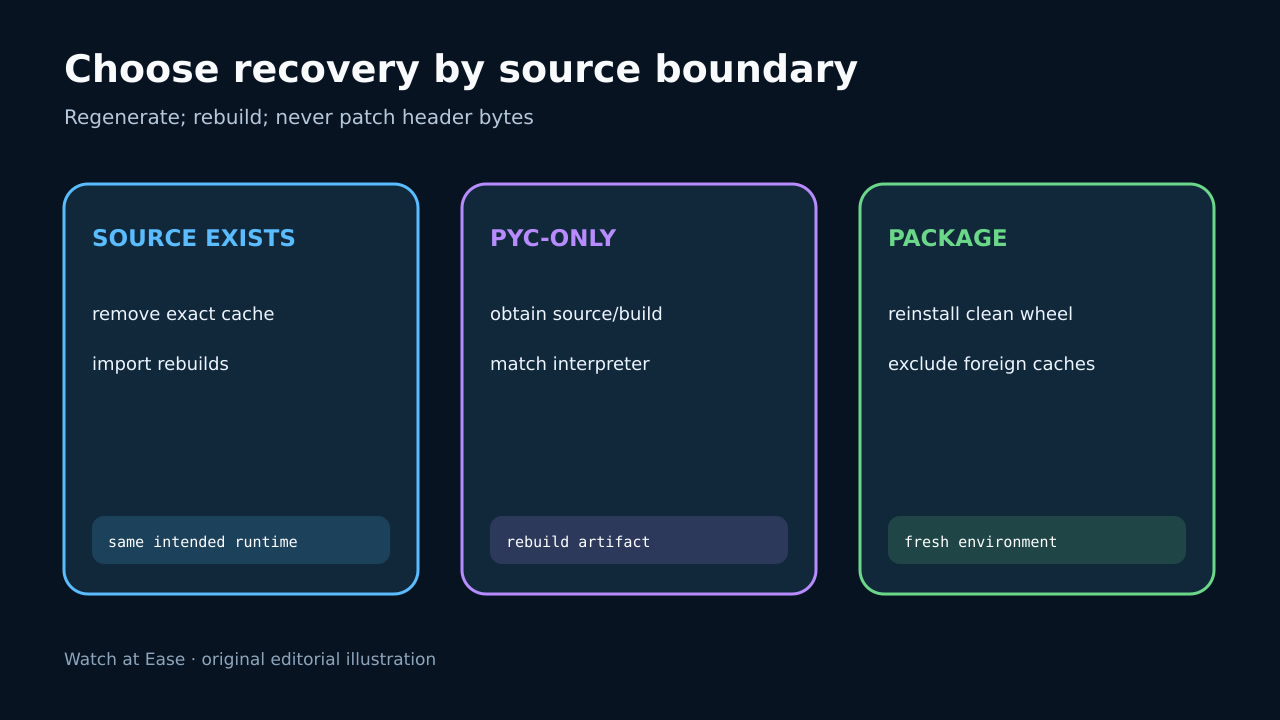
信頼できる .py があれば old pyc を証拠保存し、exact cache のみ削除して intended interpreter に再生成させ、書込み権限も確認します。
pyc-only では削除すると program 自体を失います。source または target runtime の rebuild を取得し、magic bytes だけを書き換えません。
4. 正しい artifact を再生成
installed package は metadata と照合し、trusted wheel/source から clean environment に再インストールします。PyPA は wheel が通常 pyc を含まず installer が生成すると説明します。
container/serverless は production runtime で clean rebuild し、host __pycache__ を除外し、upgrade 後に mount cache を共有しません。
5. import を検証して再発防止
real entry point を再起動し、executable、import origin、module version を確認し、新 process で代表 imports を試します。
path、old/current magic、runtime、source status、rebuild source、verification を記録し、foreign cache を拒否する clean-build test を追加します。