Technology · PRACTICAL GUIDE
Python says “bad magic number” in a .pyc? Prove the runtime and source boundary
Do not delete every cache or edit the header. First identify the exact file Python loaded, the interpreter that is running, and whether usable source exists.
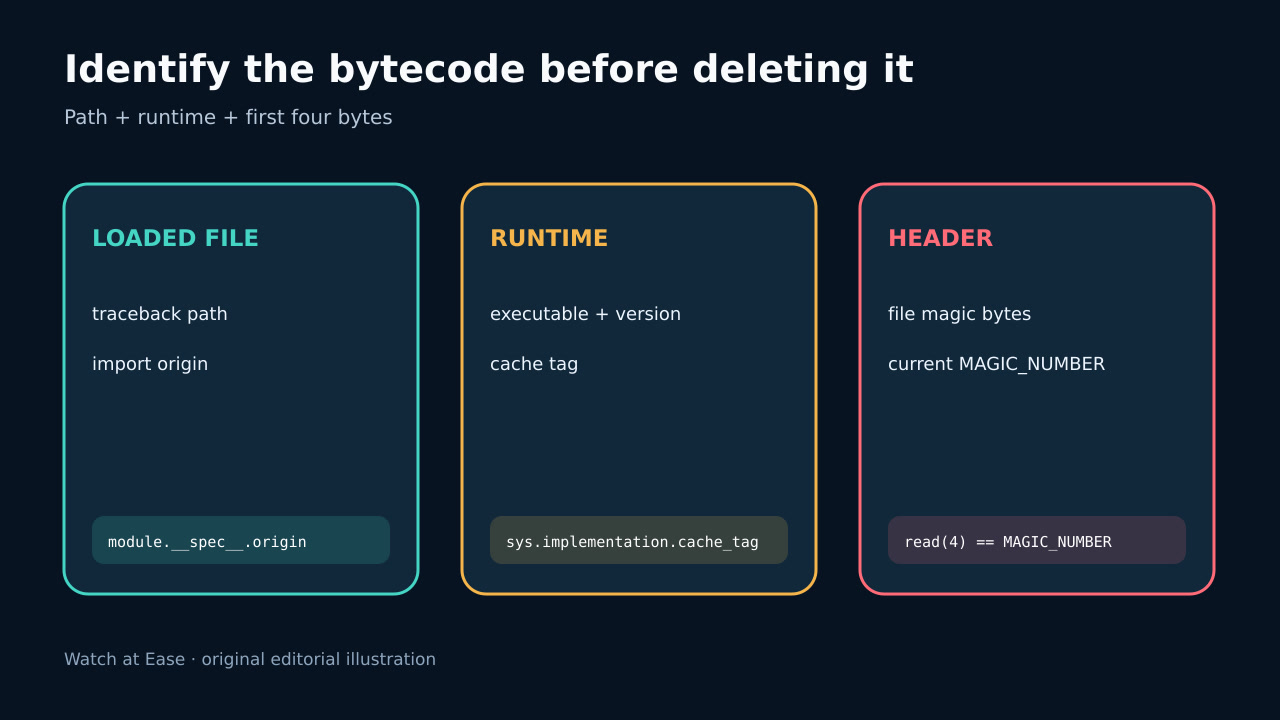
Do not delete every cache or edit the header. First identify the exact file Python loaded, the interpreter that is running, and whether usable source exists.
The pyc header begins with interpreter-specific magic bytes. importlib.util.MAGIC_NUMBER exposes the current interpreter value.
1. Capture the failing file and interpreter
Save the complete traceback before cleanup. Record sys.executable, sys.version, sys.implementation.cache_tag, the working directory, environment variables that affect imports, and the failing module path. A shell named python may not be the interpreter used by a service, IDE, task runner or embedded application.
Use import discovery or the traceback to locate the exact file. Check sys.path order, virtual-environment activation, mounted volumes and copied deployment directories. The error identifies incompatible bytecode; it does not prove every pyc on the machine is wrong.
2. Compare the header without executing it
Open the suspect file as data and read its first four bytes. Compare them with importlib.util.MAGIC_NUMBER from the interpreter that actually fails. Do not import or execute untrusted bytecode merely to inspect it.
A mismatch proves the file is not bytecode for this interpreter build. A match is not a safety or integrity certificate: the rest of the header, marshalled code or source relationship can still be invalid or corrupt.
3. Classify source-backed and pyc-only cases
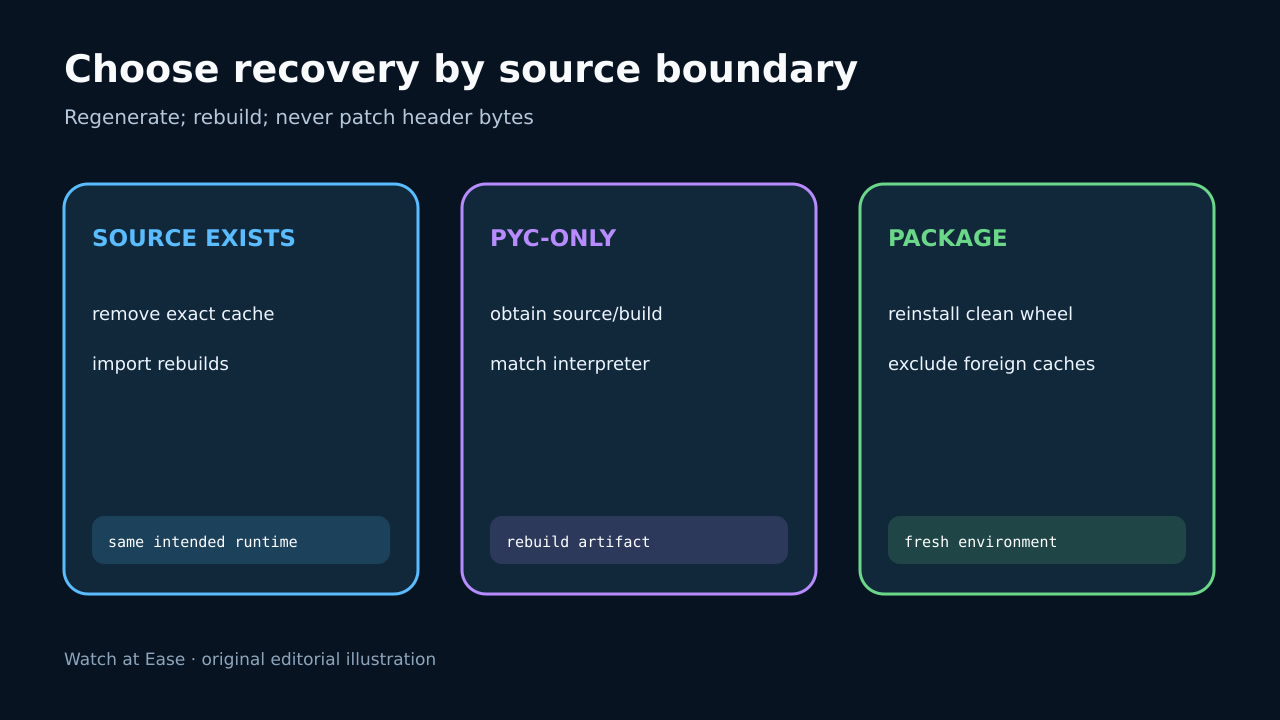
If a matching .py source file exists and is authoritative, preserve the old pyc for evidence, remove only the exact incompatible cache, and let the intended interpreter regenerate it. Confirm the process can write the cache directory; lack of a new pyc alone does not mean import failed.
If the deployment is pyc-only, deleting it removes the program rather than refreshing a cache. Obtain the source or rebuild output from the owner with the target interpreter. Do not change the magic bytes to force loading: bytecode opcodes and marshal format may also differ.
4. Regenerate or rebuild the correct artifact
For an installed package, compare the file with package metadata and rebuild or reinstall into a clean environment from a trusted wheel or source. PyPA explains that wheels normally omit pyc and installers generate it locally, so foreign cache files inside an artifact are a packaging clue.
For containers and serverless bundles, rebuild from a clean context under the exact runtime used in production. Exclude host __pycache__ directories from the build context, and do not reuse a mounted cache across interpreter upgrades.
5. Verify imports and prevent recurrence
Restart the real entry point and verify the same executable, import origin and module version. Confirm representative imports in a fresh process, then compare generated cache paths and tags with the intended runtime.
Record the failing path, old and current magic bytes, runtime identity, source status, rebuild source and verification. Add a clean-build test that rejects pyc-only or foreign-cache artifacts unless that compatibility is intentional and proven.