Technology · PRACTICAL GUIDE
pip says a wheel has multiple .dist-info directories? Inspect the archive before cleaning the environment
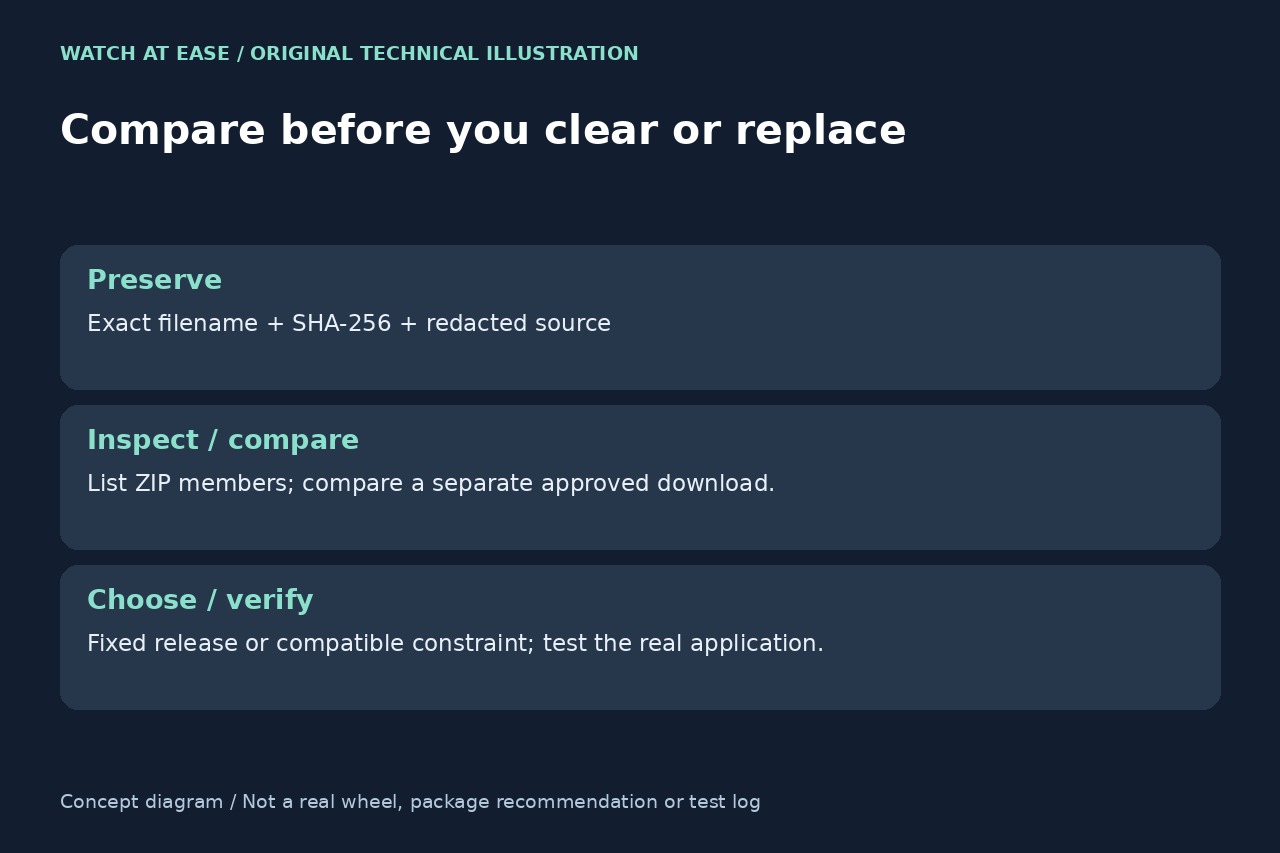
This validation error concerns the wheel being opened. Identify the exact artifact, inspect its ZIP members without extraction and compare a separate download before deleting installed metadata or clearing every cache.
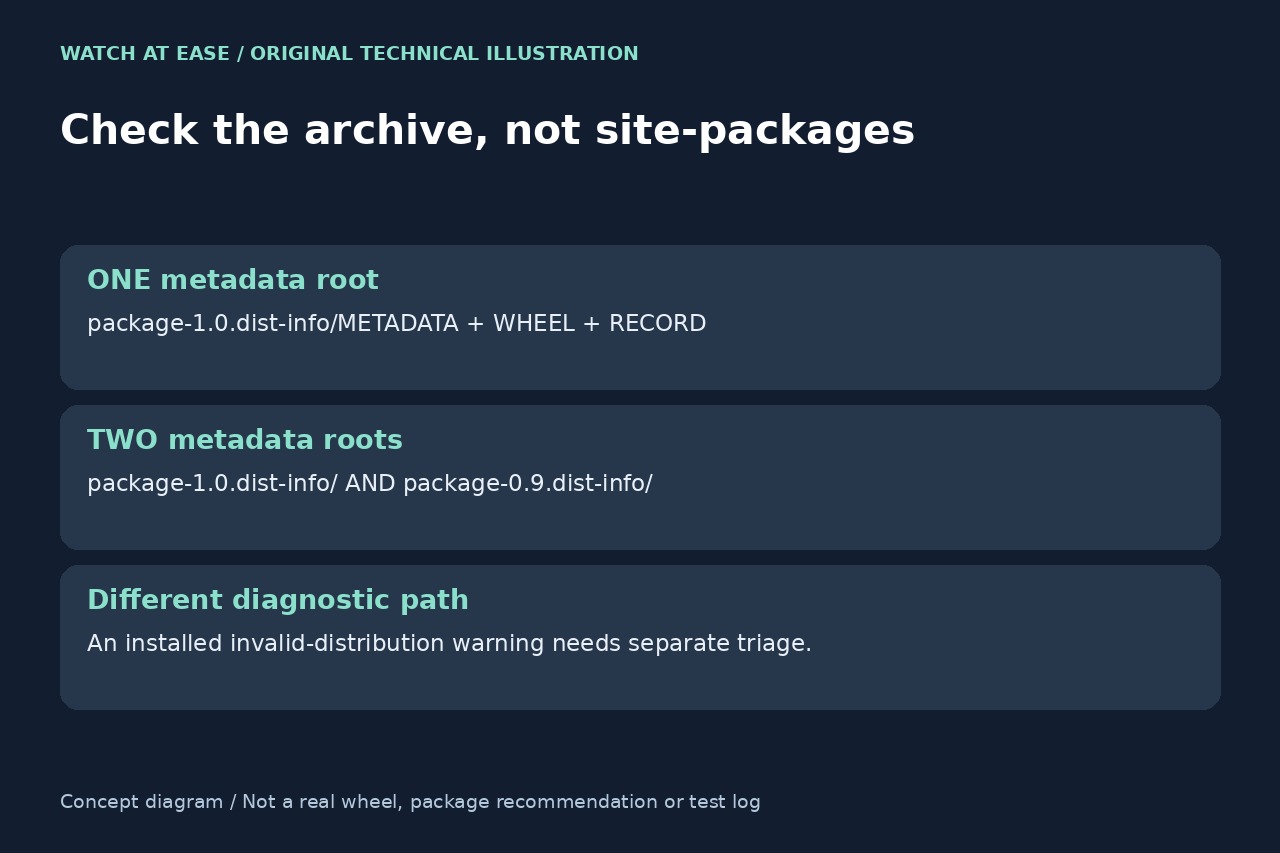
When pip reports an invalid wheel with multiple .dist-info directories, start with the named wheel, not by deleting directories in site-packages. The current pip implementation collects top-level names from the wheel ZIP and rejects more than one metadata directory. A different warning about an already installed invalid distribution is a separate diagnostic path.
Preserve the failing artifact and its identity
Save the full error, exact .whl filename, package/version requested, Python executable and python -m pip --version output. Record whether the file came from an index, a direct URL, a local wheelhouse or a wheel built from source. In a dependency resolution run, the failing package may be a dependency rather than the one you typed.
Keep a copy outside the active environment and record its SHA-256 with python -m pip hash followed by the quoted wheel pathname. Remove credentials from logs before sharing them. A filename alone cannot establish that a mirror, cached response and upstream release contain identical bytes.
List the ZIP without extracting or executing it
Use python -m zipfile -l followed by the quoted wheel pathname. Examine the first path component of member names and identify every distinct top-level name ending in .dist-info. Two files inside the same metadata directory are normal; two distinct metadata roots are the condition to investigate. Preserve this listing with the artifact hash.
An optional python -m zipfile -t check examines ZIP integrity. A passing CRC/header check does not make the wheel structurally acceptable to pip, prove its publisher or verify all RECORD hashes. Conversely, unreadable ZIP bytes need investigation before metadata repair. Do not extract an untrusted archive into site-packages to work around validation.
Compare one separately obtained wheel
Using the same interpreter and approved index, download the same package and version into an empty comparison directory with python -m pip download --no-deps --only-binary=:all: --no-cache-dir --dest wheel-check followed by the exact quoted requirement. This requests a compatible wheel without installing it; it can fail if no compatible binary exists. Substitute your real package and version rather than copying an unrelated historical pin.
Compare both artifact names, hashes and metadata-root listings. If the same bad bytes arrive again, clearing more local caches cannot fix those upstream bytes. If the copies differ, investigate the download route, mirror, build output and exact file selection before deciding which copy is trusted. A changed hash alone is not proof that either file is authentic.
Repair the release choice, then verify the actual application
A repeatedly malformed published wheel belongs with its maintainer or repository administrator. Provide the version, filename, redacted source, hash, metadata listing and interpreter/pip details. A corrected release or an explicit compatible constraint may be appropriate after checking the project's dependency requirements. Rebuilding from source is a separate toolchain task, not a universal one-line fix.
Do not delete one .dist-info tree from the ZIP and present the edited archive as the original release: wheel metadata and RECORD are coupled. Do not remove installed metadata merely because the incoming archive is bad. Test the chosen replacement in a disposable environment with the real requirements, run python -m pip check and perform the application's normal smoke test. Resolution success alone is not proof of application compatibility.