Technology · PRACTICAL GUIDE
rsync says Operation not permitted on a Mac? Match the failing path and launcher first
Code 23 is a partial-transfer summary. Separate source reads, destination writes and metadata changes, then test the actual Terminal, SSH or scheduled context before changing access.
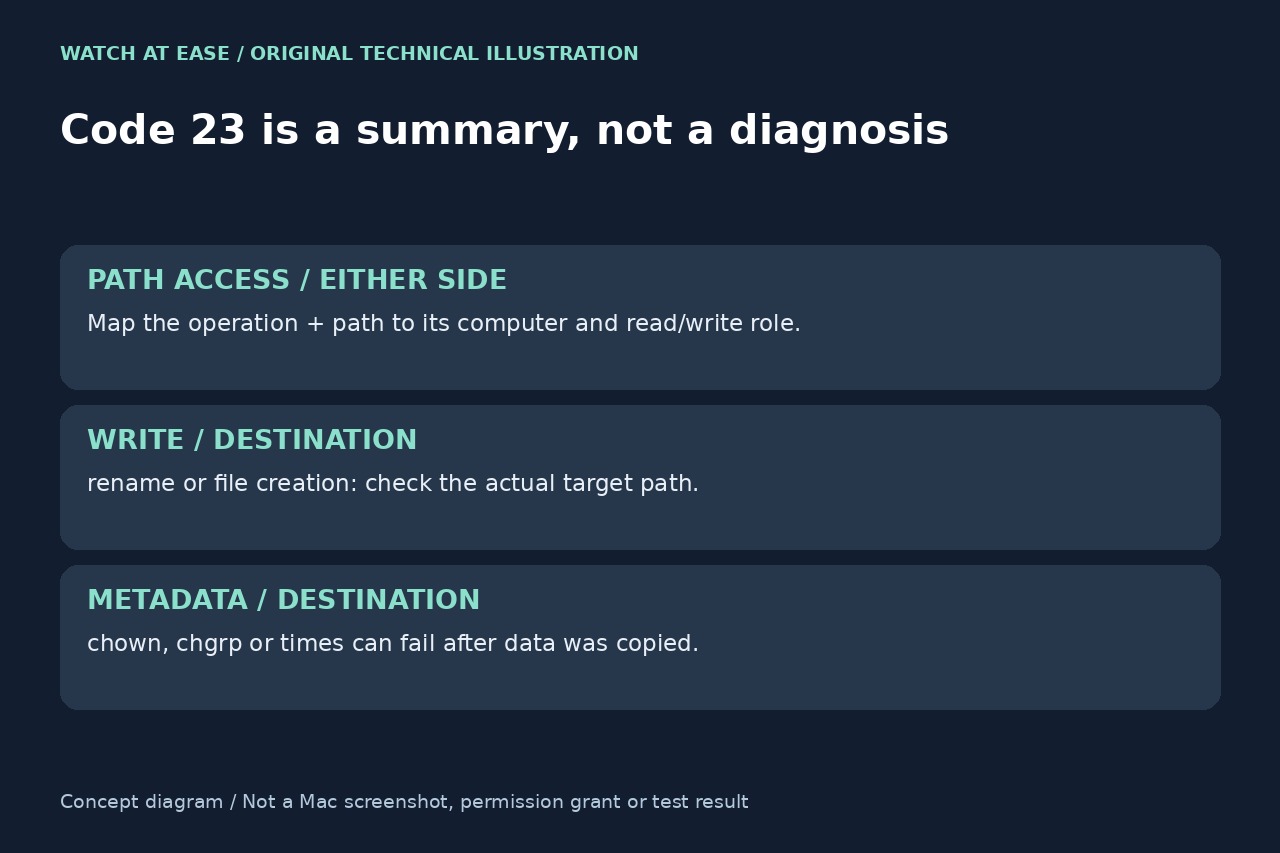
An rsync run ending with code 23 does not identify the permission that failed. The preceding operation and pathname matter: opening a source directory, renaming a destination file and setting its timestamp are different tasks. On a Mac, a successful Terminal test also does not establish that a scheduled job or a remote SSH process has the same privacy access.
Build a small failure ledger from the real log
For each error, record the operation, full path, source or destination role, computer and process context. An opendir message concerns directory access; for a failed open, use the full message and flags to determine whether it was reading or writing. The path can belong to either side; rename, chown, chgrp or failed-to-set-times messages concern different destination capabilities. A copied data file can still have an unresolved metadata failure.
Keep the complete rsync stderr and exit status instead of a wrapper’s final success message. Record command -v rsync, rsync --version, id and pwd in the actual job context on each relevant computer. Capture just these diagnostic values and redacted arguments rather than publishing an entire environment dump that may contain credentials. A newer rsync executable cannot by itself authorize a protected folder.
Identify the launcher and the side that needs access
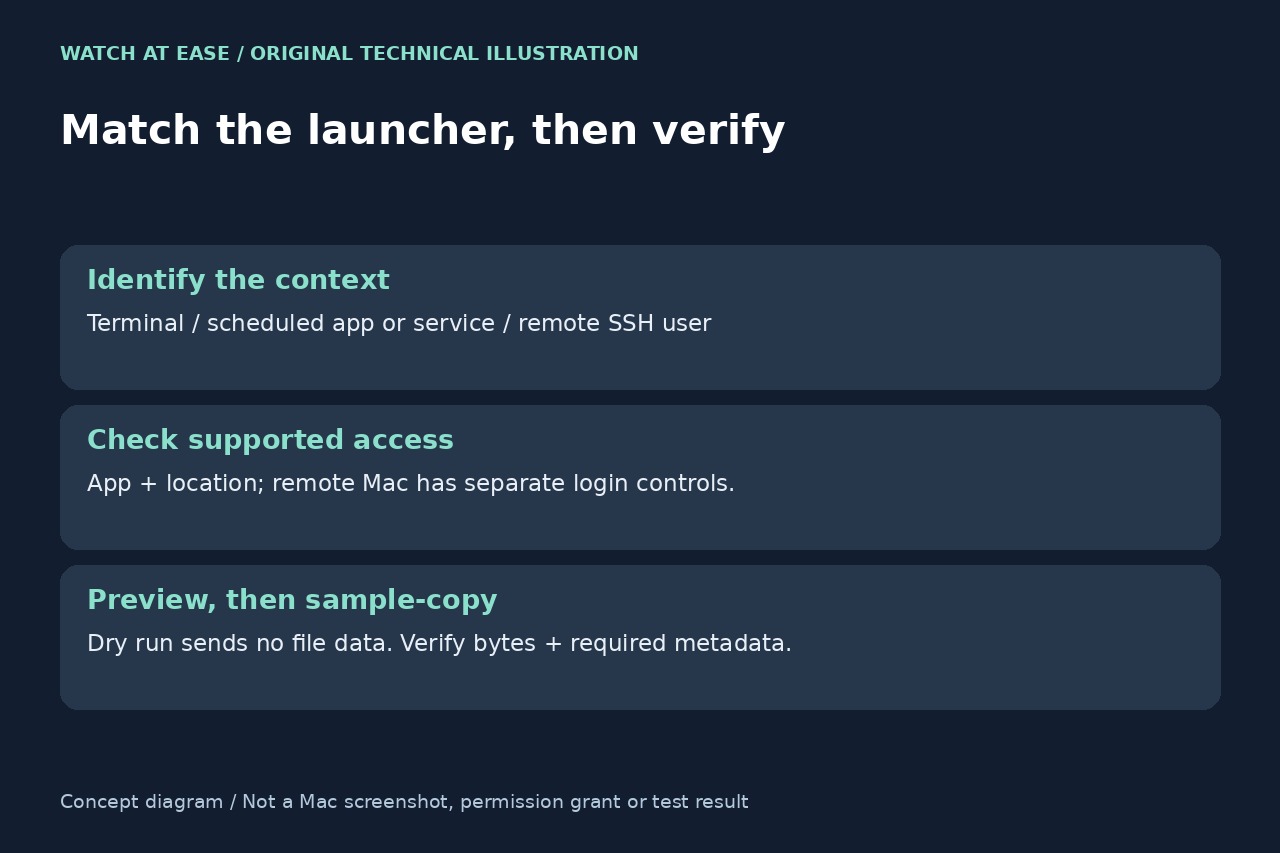
For an interactive local job, identify the actual terminal application. For a scheduled job, record the launching app or service, user, working directory and mounted paths; do not assume it inherits the interactive shell’s settings or grants. A successful manual run is a comparison result, not proof that the scheduled context has been fixed.
For a transfer over SSH, the remote rsync runs under the remote login’s user identity. If the denied path belongs to that remote Mac, changing only the local Terminal’s access cannot establish remote access. Distinguish an SSH transfer from an rsync daemon module, whose configured access is another path. Do not diagnose solely from a sender/receiver label without mapping the pathname to its machine.
Change only the supported access relevant to the finding
Apple documents per-app, per-location controls under System Settings → Privacy & Security → Files & Folders. Inspect the relevant app’s listed locations and grant only the access appropriate to the intended copy. For SSH access to a Mac, Apple separately documents General → Sharing → Remote Login, including the optional Allow full disk access for remote users setting and a list of permitted login users.
That remote option is broader access, not a mandatory repair for every code 23. If a managed Mac prevents the needed setting or the responsible app cannot be identified, take the failure ledger to its administrator. Do not compensate by disabling system protections, editing privacy databases or changing ownership recursively. Ordinary file ownership, destination filesystem limitations and requested metadata still need their own diagnosis.
Verify through the same context without deleting the only copy
After checking the installed version’s supported options, use a dry run with itemized changes on a narrowly selected test scope. Rsync documents that dry runs do not send actual file data, so a clean preview cannot prove all source reads, destination writes or metadata operations will succeed. Follow it with a real, non-deleting copy of disposable sample files through the same launcher and remote route.
Compare the sample bytes and any metadata your backup requires, then repeat the intended bounded job and inspect its complete log and status. A timestamp or ownership failure is not a complete archival backup merely because the file opens. Keep originals and known-good backups until the required scope is verified; do not add deletion or ignore-errors options to hide unresolved errors. This guide has not tested the reader’s Mac or claimed a universal privacy fix.