Technology · PRACTICAL GUIDE
Linux says “inotify watch limit reached”? Prove which process and limit failed before raising sysctls
ENOSPC from inotify can mean per-user instance exhaustion, per-user watch exhaustion, or a different queue-overflow condition. Attribute live descriptors and watched objects first, then narrow the scope or raise only the proven boundary.
ENOSPC from inotify can mean per-user instance exhaustion, per-user watch exhaustion, or a different queue-overflow condition. Attribute live descriptors and watched objects first, then narrow the scope or raise only the proven boundary.
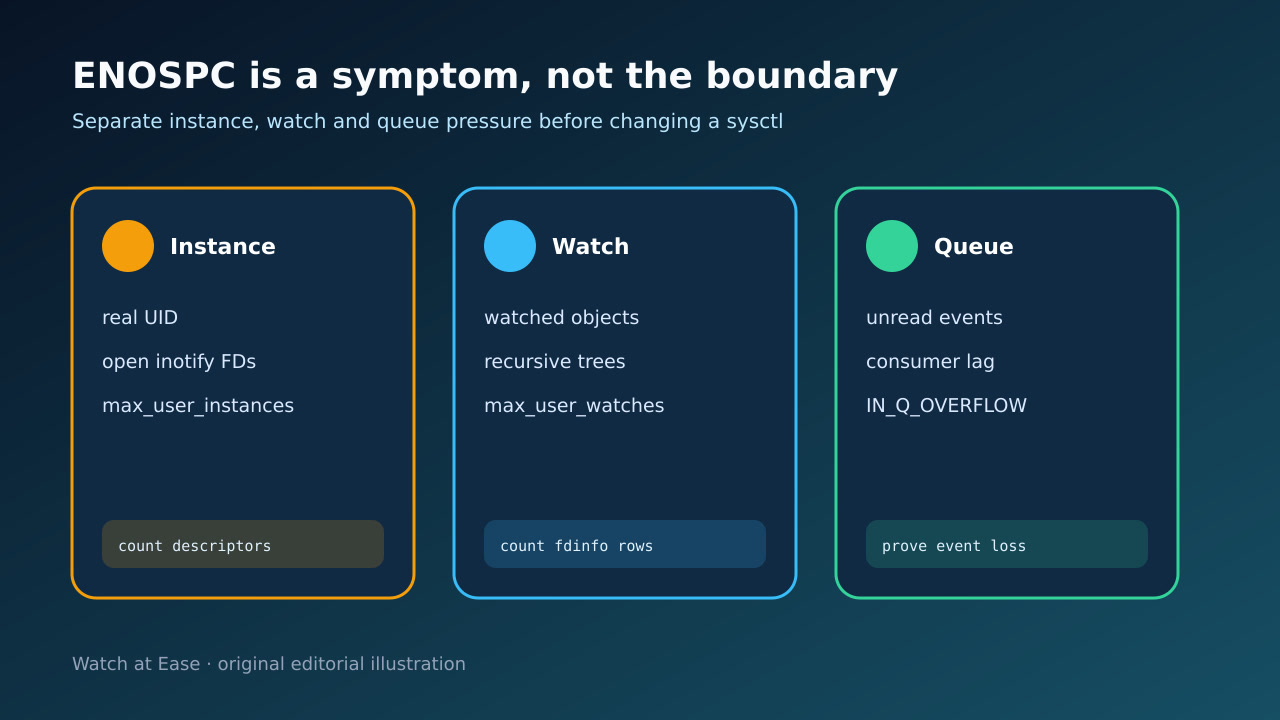
inotify accounts max_user_instances and max_user_watches per real user ID. max_queued_events limits events queued for a newly created inotify instance.
1. Freeze the caller and the accounting identity
Capture the complete ENOSPC message, program, PID, effective and real UID, container or service boundary, watched root and first timestamp before restarting anything. Record the current fs.inotify.max_user_instances, max_user_watches and max_queued_events values on the host that owns the kernel objects.
Do not assume disk capacity is involved just because the errno name is ENOSPC. Do not paste a popular sysctl value yet: these controls answer different questions and two processes under the same real UID can compete for the same per-user pool.
2. Separate instance, watch and queue boundaries
A failure while creating an inotify instance points toward the per-user instance ceiling. A failure while adding a watch points toward the per-user watch ceiling, but preserve the exact call path because libraries often hide which syscall failed.
Queue overflow is different: the instance already exists, events arrived faster than the consumer drained them, and the kernel reports IN_Q_OVERFLOW. Increasing max_user_watches cannot recover events that were already lost; the application must rescan or rebuild its view.
3. Attribute live ownership through fdinfo
Enumerate inotify file descriptors by PID and real UID, then inspect /proc/<pid>/fdinfo/<fd>. Count inotify rows to estimate watches for each descriptor and process; retain a small sample of wd, inode, device and mask fields instead of dumping sensitive path trees into a public ticket.
Compare the dominant process with its intended watch roots. Recursive tools may legitimately need many watches, but repeated dependency trees, generated output, bind mounts or restart loops can multiply them. Container PIDs may require host-side inspection and mapping to the real UID that owns the quota.
4. Repair the narrow cause with a rollback
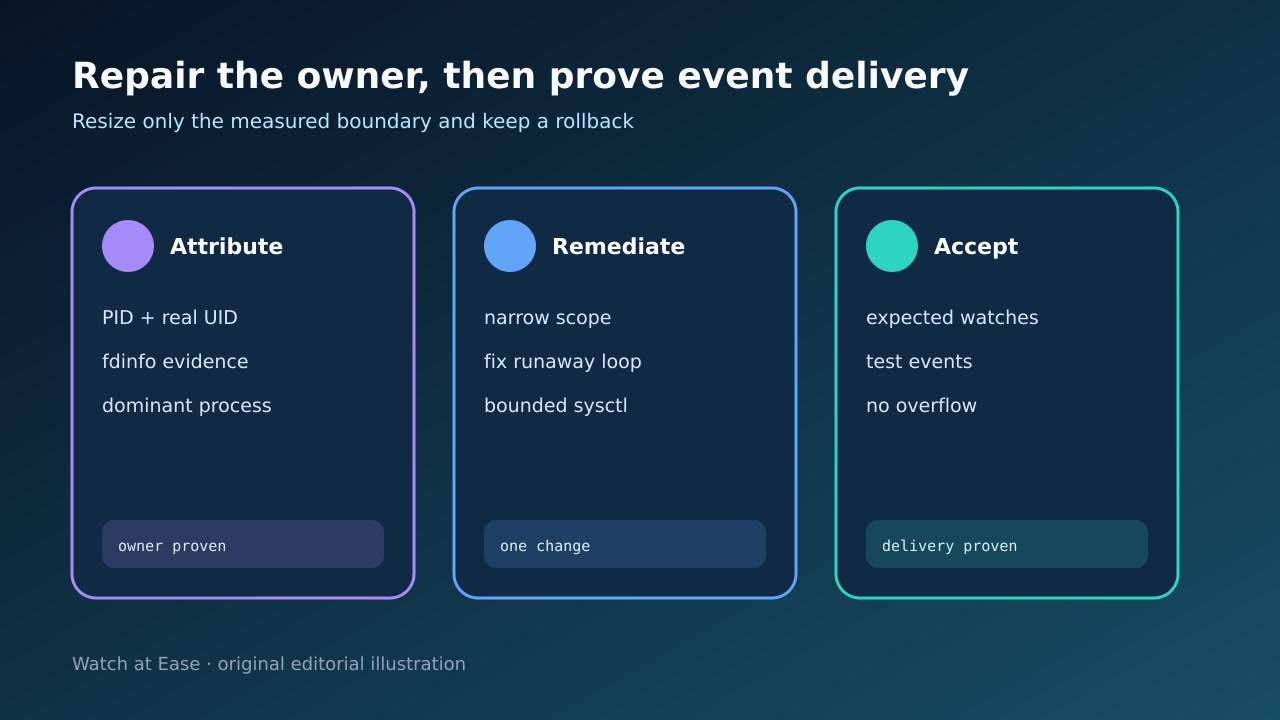
First remove duplicate watch roots, exclude generated or dependency directories when the tool supports it, and fix restart or initialization loops that leak instances. Restart only the identified process after preserving evidence; a reboot erases attribution and may provide only temporary relief.
If measured legitimate steady-state demand exceeds the proven limit, change only that setting through the system’s managed sysctl mechanism. Save the old value, the reason, the expected peak and a rollback trigger. Do not raise all three controls together or claim a universal safe number.
5. Prove watches and event delivery after restart
Start one controlled workload and record the new instance and watch counts for its real UID and PID. Confirm the count stabilizes near the expected scope instead of climbing after every rebuild or reconnect.
Create, modify, rename and delete representative files inside watched roots. Verify the application receives every class it depends on, no IN_Q_OVERFLOW appears, and unrelated users retain capacity. Revert the change if counts or missed events violate the documented acceptance gate.