Technology · PRACTICAL GUIDE
Linux says “Value too large for defined data type”? Prove which metadata field overflowed
The file may be healthy. Capture the failing binary and syscall, identify whether size, inode, blocks or filesystem counters exceed its ABI, then fix the program boundary and retest the original object.
The file may be healthy. Capture the failing binary and syscall, identify whether size, inode, blocks or filesystem counters exceed its ABI, then fix the program boundary and retest the original object.
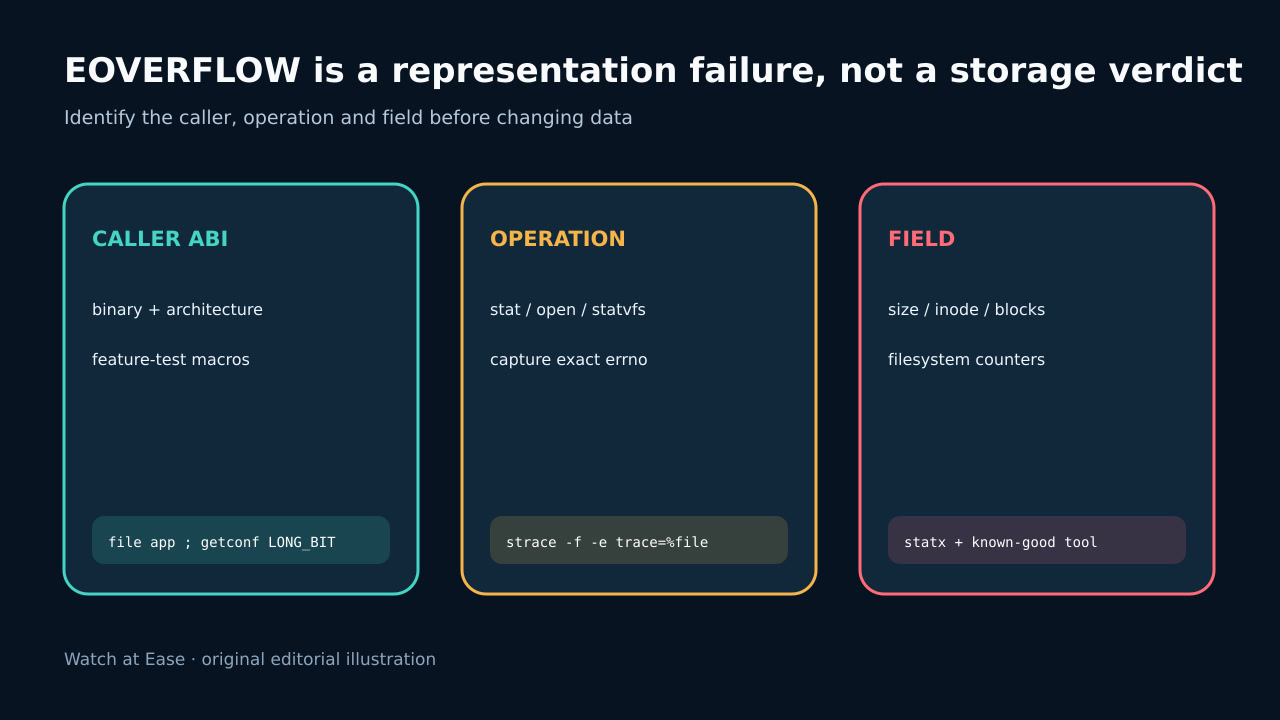
EOVERFLOW means a result cannot be represented in the caller-facing type. Linux stat can return EOVERFLOW for off_t, ino_t or blkcnt_t.
1. Freeze the exact caller and error
Save the complete command, stderr, exit status, binary path and version. Record the process architecture, container image, runtime library and mount namespace. A 64-bit host does not prove that an old compiler, helper or container binary uses 64-bit file fields.
Do not delete, truncate, copy or remount the named object first. EOVERFLOW means a value cannot be represented in the caller-facing type; it does not prove corruption, exhausted storage or an invalid pathname.
2. Prove the operation and metadata class
Trace the failing operation with a bounded syscall trace or an application debug log. Classify stat or open on one object separately from statfs or statvfs on a filesystem and from time conversion. Preserve the pathname and the exact errno 75 boundary.
For stat-family failures, Linux documents file size, inode number and allocated-block count as possible representation failures. For filesystem-statistics calls, block or file counters can be the field that does not fit. Do not assume size only.
3. Compare with a known-good interface
From the same namespace and mount, compare the path with a current known-good tool. Record file type, device, inode, size, allocated blocks and filesystem type. If the good tool succeeds while the application fails, the data path is readable and the caller interface is the leading boundary.
Inspect the failing executable with file and package metadata. Confirm whether it is 32-bit, statically linked, bundled in a legacy toolchain or using a compatibility wrapper. Container and WSL mounts can expose large inode values even when files are small.
4. Repair the program boundary, not the data
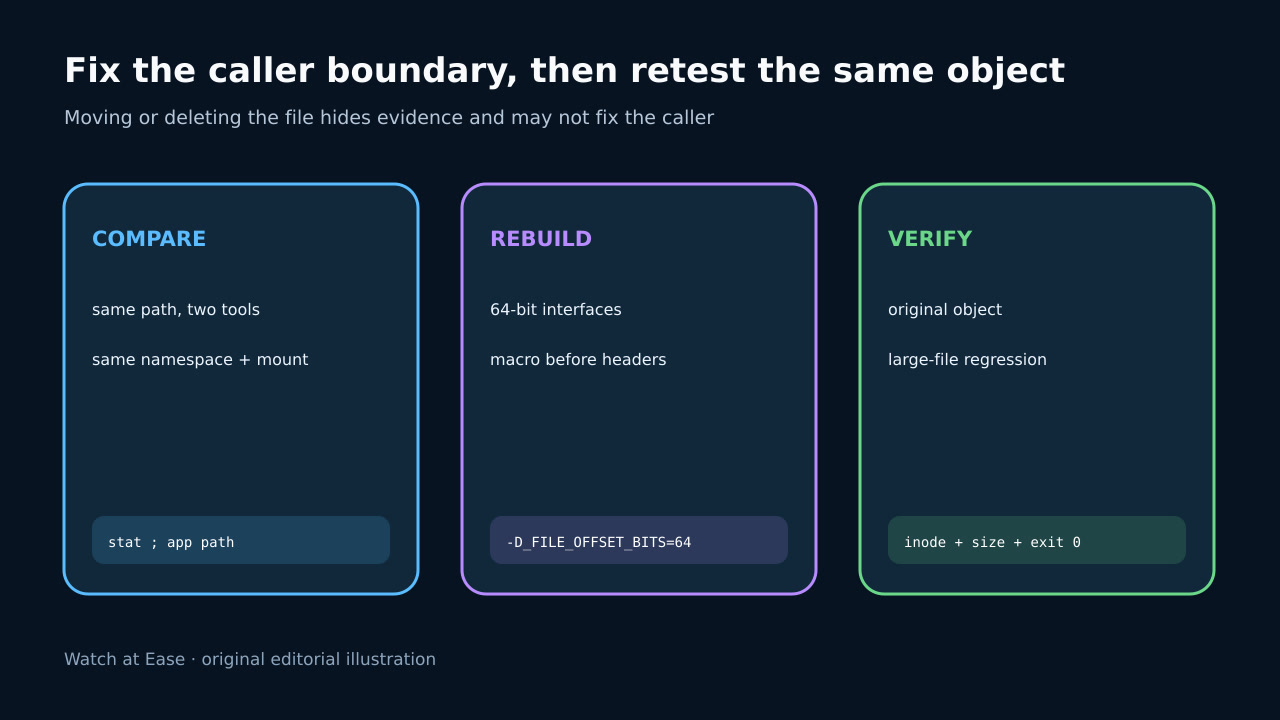
If you own the source, select the supported large-file interface consistently for the entire build. With glibc, _FILE_OFFSET_BITS=64 must affect declarations before dependent headers; mixed objects or plugins can still disagree. Rebuild and test rather than injecting a blind preload into production.
If you do not own the binary, install a maintained build for the correct architecture and ABI. Moving data to a filesystem that happens to allocate smaller inode values is a diagnostic comparison or temporary containment, not proof that the original filesystem is defective.
5. Verify the original object and prevent recurrence
Run the corrected program against the original unchanged object and a controlled boundary-size fixture. Verify the device, inode and size you tested match the evidence captured before remediation. Confirm the operation returns success and consumes the intended bytes.
Prevent recurrence by recording target architectures and feature-test macros in builds, rejecting legacy binaries during packaging, and adding large-file plus large-inode tests on every supported mount class. Keep the error, syscall, field class, binary provenance and final verification in the incident record.