Technology · PRACTICAL GUIDE
Git says untracked files would be overwritten by merge? Preserve and classify them first
Treat the refusal as a safety boundary. Copy the exact listed paths, prove what is tracked upstream and what is ignored locally, then choose a reversible move or stash before any targeted cleanup.
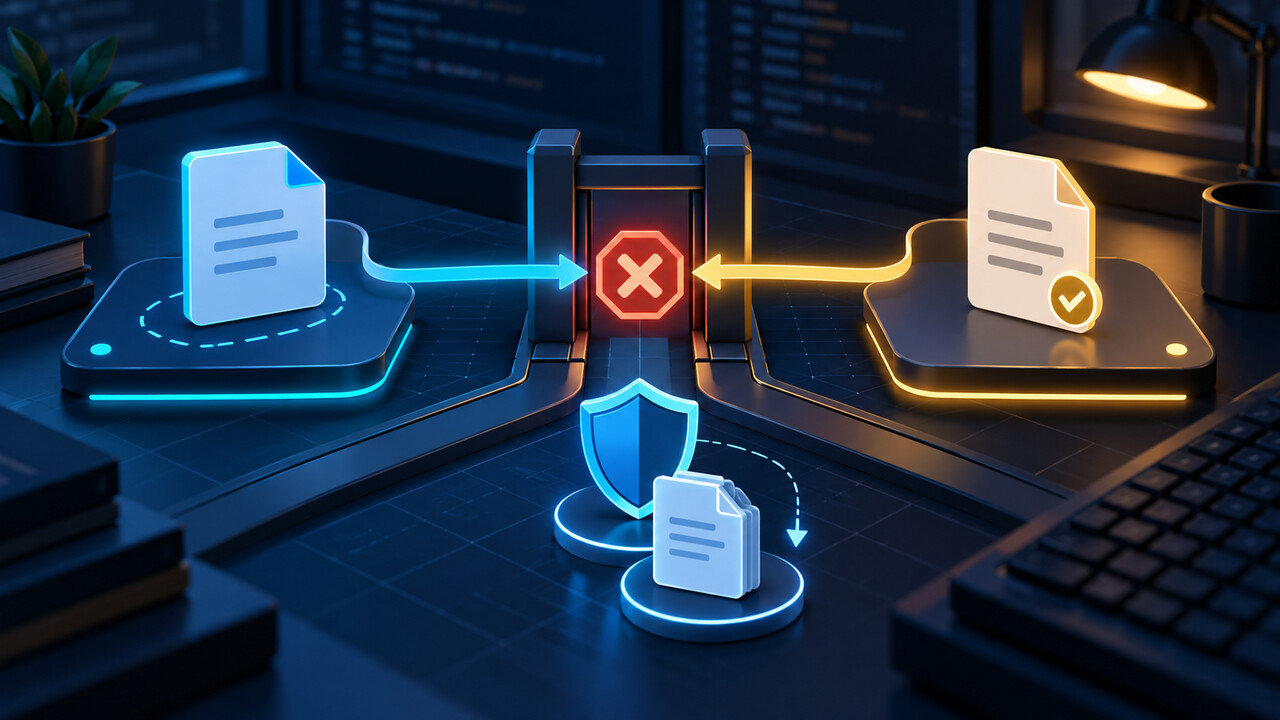
Git stops a merge, pull or checkout when writing an incoming tracked path would overwrite a local path that is not safely represented by the current index. The refusal protects bytes; it does not prove the local file is disposable or that one universal command is safe.
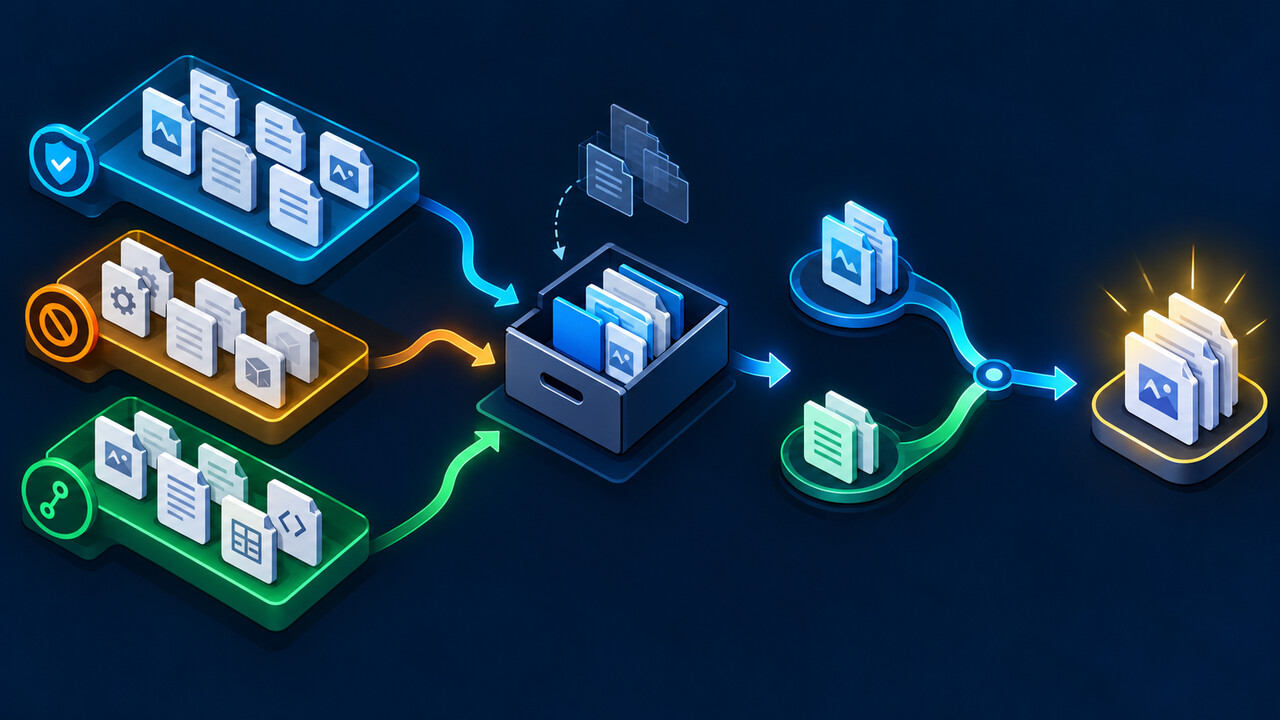
Start with an evidence ledger for every path printed by Git. Preserve the bytes outside the worktree, classify the current and incoming identities, and only then choose move, stash, add, targeted clean or an ownership decision.
1. Freeze the operation and preserve the listed paths
Copy the complete error and exact path list before running reset, checkout, clean, pull or another merge. Record git status --short --untracked-files=all, the current branch and HEAD, the command that failed, and the fetched target you intended to integrate.
Make an out-of-worktree copy of every listed path, including file mode and a checksum for important files. Check for nested .git entries, secrets, generated output, local configuration or irreplaceable work. A backup makes later classification reversible; it does not authorize publishing sensitive files.
2. Prove local status and incoming ownership path by path
From the repository top level, use git ls-files --error-unmatch -- path for current tracking, git ls-files --others --exclude-standard -- path for ordinary untracked paths, and add --ignored for ignored paths. git check-ignore -v -- path can identify the matching rule source.
After fetch, inspect the incoming tree without changing the worktree: git ls-tree -r --name-only <target> -- path shows whether the target commit owns that name. Treat file-versus-directory collisions, case-only names, sparse checkout, submodules and nested repositories as separate boundary cases.
3. Choose a reversible preservation branch
If the local path is valuable but should remain local, move the copied original outside the worktree and let the incoming tracked file land; then reconcile deliberately. If it belongs in version control, add and commit it only after confirming ownership and reviewing secrets. Do not create a throwaway commit merely to silence the message.
A plain git stash does not promise to include untracked paths. git stash push --include-untracked adds untracked files; git stash push --all also includes ignored files and then cleans them. Use a descriptive message, inspect the stash with git stash show --include-untracked, and prefer apply over pop until restoration has been verified.
4. Use clean only for proved-disposable paths
git clean removes untracked content. Start with git clean -n and an exact pathspec; read every proposed deletion. The -d option reaches untracked directories, -x includes ignored files, and -X removes only ignored files. Those switches expand or change scope, so they are not interchangeable shortcuts.
Git normally requires force before deletion and adds another safeguard around untracked nested repositories, but those protections are not a data classification system. Never turn a broad dry run into git clean -fdx because the output looks familiar. Preserve valuable bytes first and decide explicitly for each path.
5. Retry the original integration and verify the boundary
When the colliding names have been moved, stashed or intentionally removed, rerun the original merge, pull or checkout once. Verify the expected commit and inspect the incoming versions. Restore local-only material one path at a time, compare it with the incoming tracked file, and keep the backup until project checks pass.
Our isolated Git 2.39.2 fixture created a local untracked file whose path became tracked on the incoming branch. The merge stopped and the local checksum remained unchanged. This proves the safety boundary and preservation sequence, not sparse checkout, case-folding, submodules, nested repositories, Git LFS, IDE, CI or secret-management behavior.