Technology · PRACTICAL GUIDE
Docker says invalid reference format in PowerShell? Find the actual image argument first
A broken mount or line continuation can shift another token into the image slot. Check the shell version and argument boundaries before renaming images, changing tags or deleting Docker data.
An invalid reference format error does not prove that the image name you intended is invalid. Docker run expects options, then an image, then the container command. A PowerShell quoting or continuation problem can make a different token reach that image position. Diagnose the command boundary before rebuilding or cleaning anything.
Identify the shell and executable actually involved
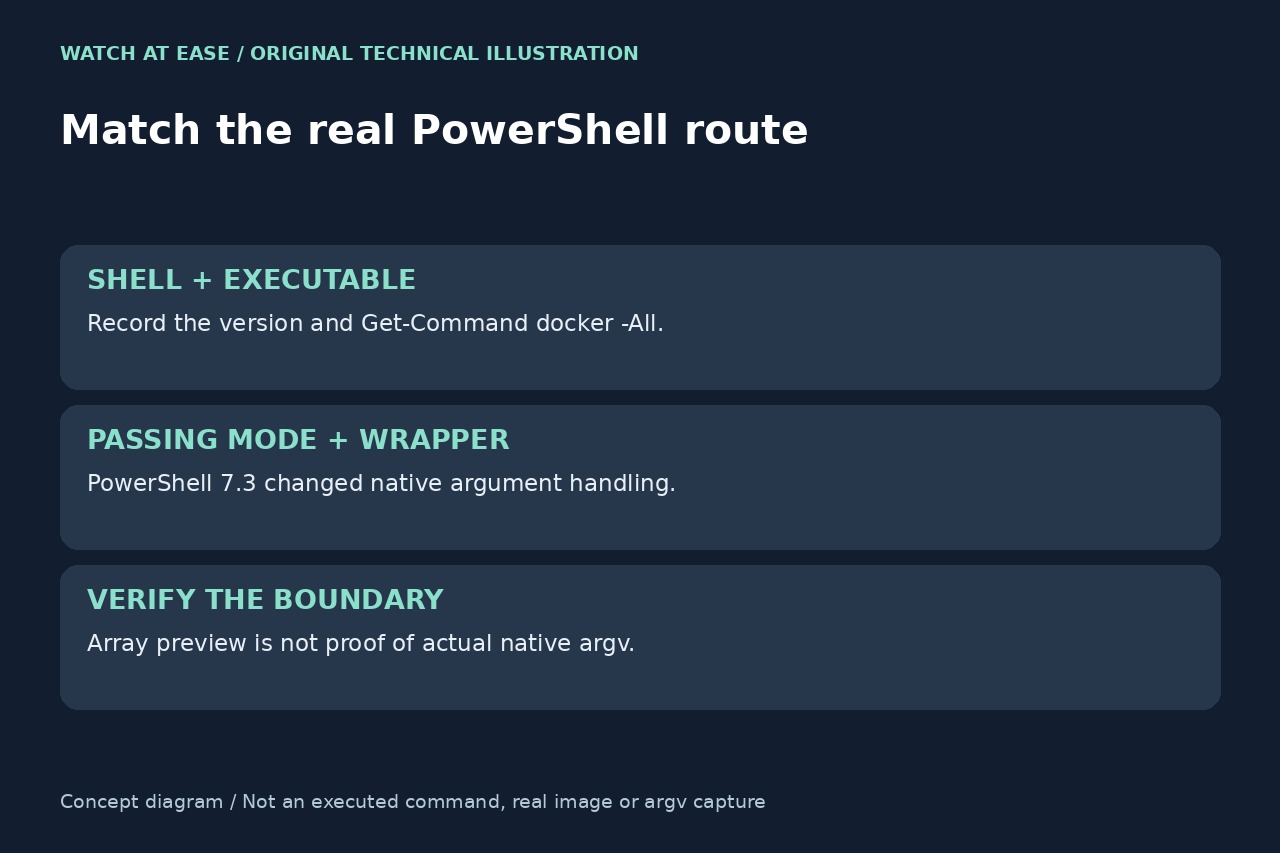
Record $PSVersionTable.PSVersion and Get-Command docker -All in the failing session. In PowerShell 7.3 or later, also record $PSNativeCommandArgumentPassing. Windows PowerShell 5.1 and newer PowerShell do not share all native quoting behavior; a missing preference variable is not evidence that Standard mode is active.
Preserve the exact error and a redacted copy of the command, including line endings. Distinguish PowerShell errors such as an unrecognized -v from Docker’s reference parser. Avoid publishing environment dumps, passwords or registry credentials while collecting evidence.
Make the image position visible without launching a container
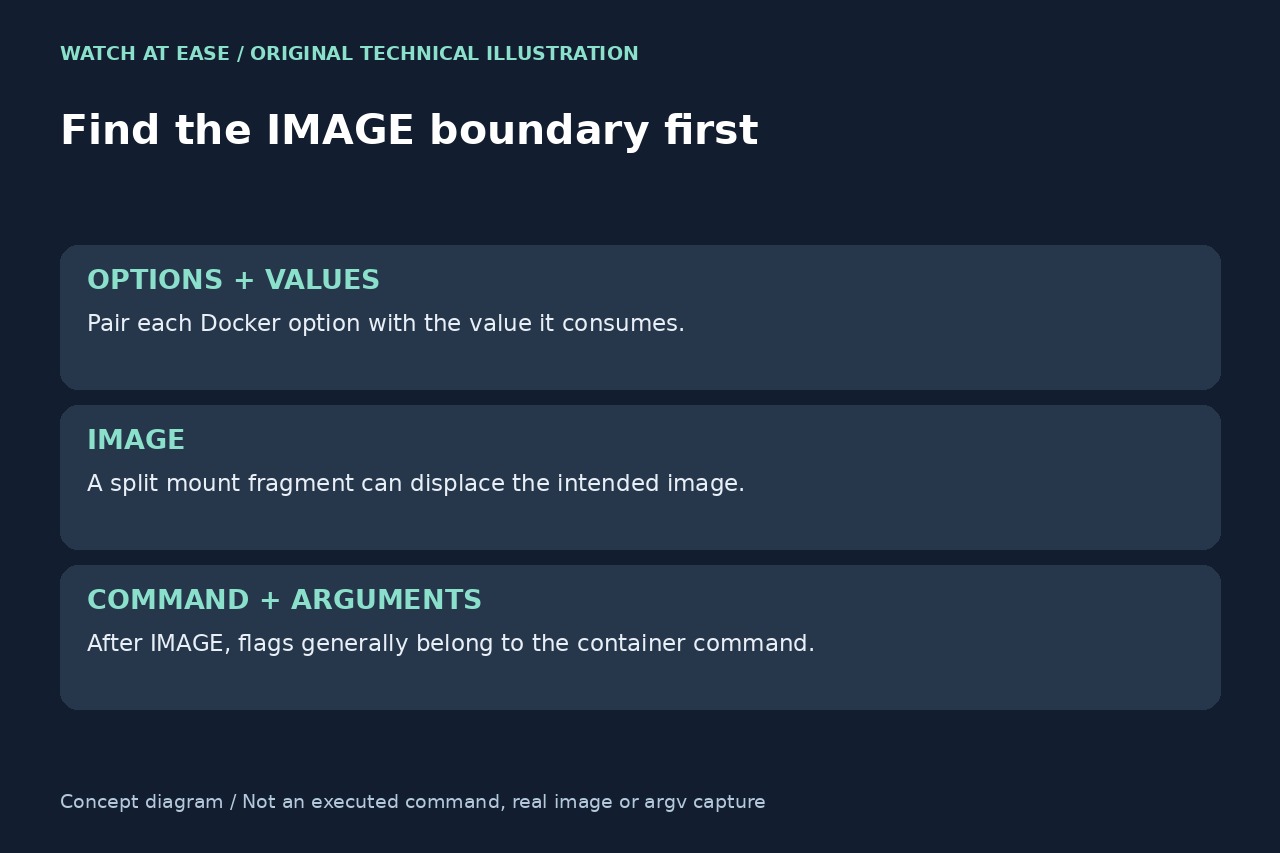
Use Docker’s documented order: docker run [OPTIONS] IMAGE [COMMAND] [ARG...]. Pair each option with its required value before locating IMAGE. A mount argument split into two strings can leave its remainder where an image was expected. Flags placed after IMAGE are generally arguments to the container command, not Docker configuration.
For a non-executing illustration, assign $image = 'example.com/team/app:Release_1' and $dockerArgs = @('run','--rm',$image), then inspect $dockerArgs one item at a time. This placeholder is syntax only, not a published image. Add the real command’s redacted option/value pairs individually. Do not invoke docker merely to print the array; the preview still does not prove what a native executable receives.
Rebuild quoting for the current PowerShell context
Retype a minimal command on one line to remove copied continuation and typography errors. PowerShell uses a backtick for explicit continuation, and a trailing space after it breaks that continuation. A Bash backslash or cmd.exe caret is not an interchangeable PowerShell continuation. Keep an argument containing spaces together rather than quoting only one fragment of a mount expression.
Microsoft documents Legacy, Standard and Windows native-passing modes, with changed handling from PowerShell 7.3. Do not globally switch modes as a first repair. The --% stop-parsing token also limits ordinary variable expansion and ends at a newline or pipe; it is not a universal fix for dynamic paths. A .cmd wrapper can introduce another parser that direct docker.exe does not use.
Validate the reference, then verify the intended operation
Once the image token is established, compare it with the publisher’s exact reference. Use forward slashes between repository path components. The canonical grammar limits repository path letters to lowercase, but tags have a different grammar and may contain uppercase letters. Do not lowercase the entire reference, change its tag or remove a digest simply to suppress an error.
If argument delivery is still unclear, use a trusted argument-inspection tool with synthetic, non-secret values in the same shell and wrapper route; Microsoft’s documentation illustrates TestExe. Then perform only the intended approved Docker operation and inspect its result. Parser success does not prove a mount’s correctness, registry access or application health. No Windows PowerShell or Docker run was tested for this guide; deleting images, volumes or credentials does not repair tokenization.