Technology · PRACTICAL GUIDE
Export digiKam keywords to CSV without flattening the tag lists
A vocabulary export and a per-file keyword table are different results. Keep ExifTool’s JSON arrays, the input filename and the metadata namespace together before making CSV rows.
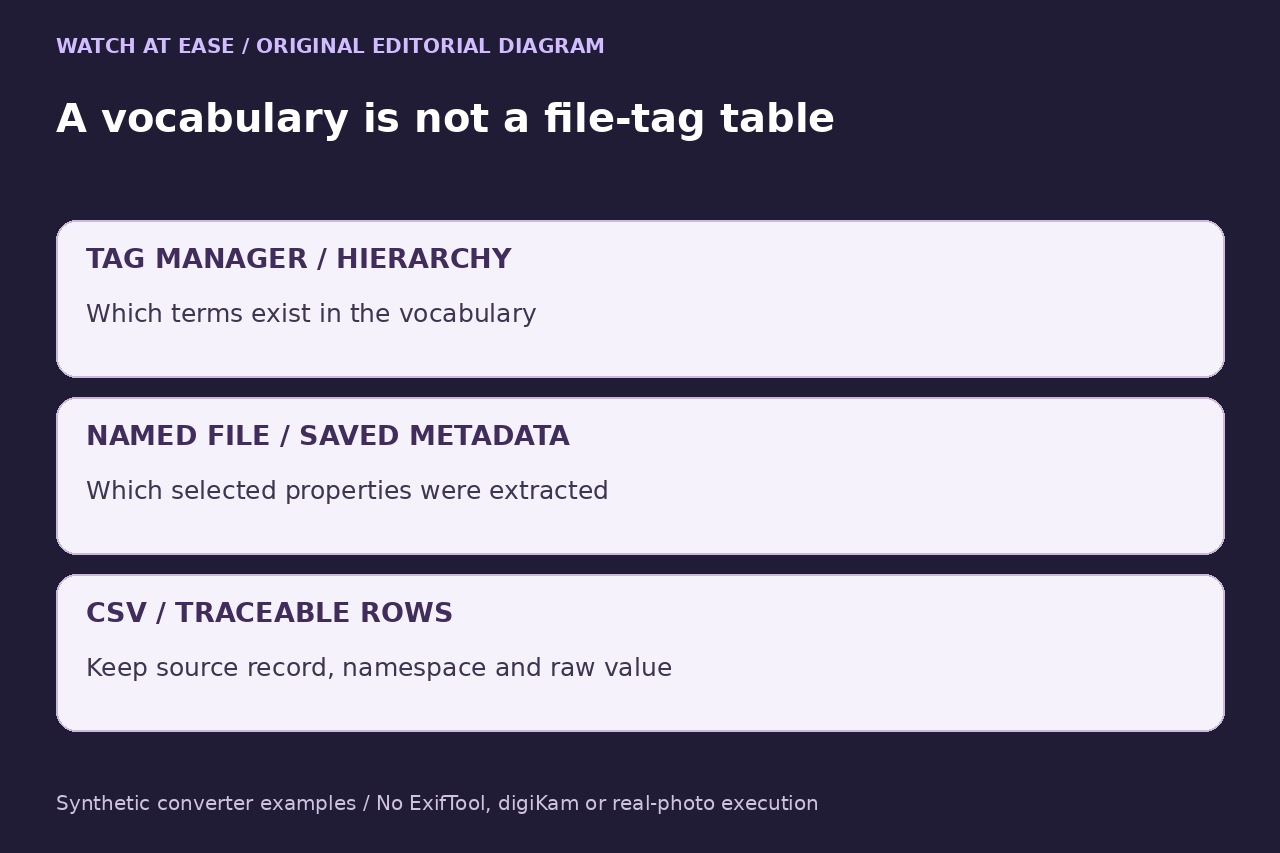
If you need a spreadsheet showing which saved keyword values came from which file, start with file metadata rather than a screenshot of the tag tree. digiKam’s current Tag Manager can export a tag hierarchy, but that vocabulary is not a table of every file’s assignments. Database-only changes are outside the file-reading method below.
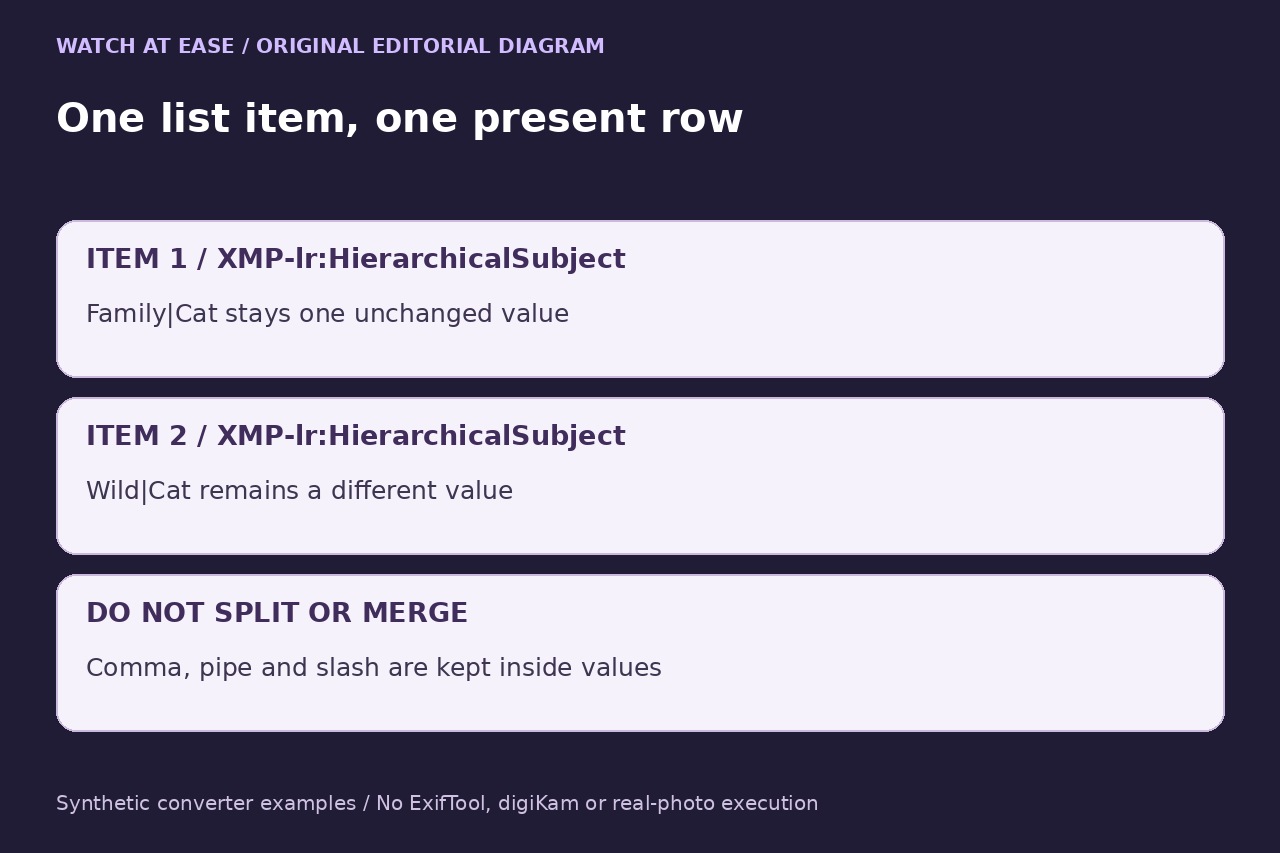
The bounded converter here gives each extracted list item its own CSV row and retains the namespace. It never splits commas, pipes or slashes inside a value, combines competing metadata fields or modifies photographs. It is an export for inspection, not a complete digiKam backup or an automatic metadata repair.
Choose the evidence you actually want
Compare a known file with its digiKam display before scaling up. If expected keywords exist only in the database, stop: reading the file cannot export them. Resolve the database-versus-file state through your established backup and synchronization process; this recipe does not automatically write metadata or alter the database.
An explicitly named .xmp file is a separate input. SourceFile then identifies that sidecar, not an automatically matched photograph. If you export both an image and its sidecar, retain both records and compare them; do not silently merge or choose a winner. A saved selection-list XML is another kind of evidence and does not supply these keyword values.
Extract arrays with a read-only ExifTool command
Use your installed ExifTool and start with one known input copy. In a Linux Bash terminal, choose fresh output filenames outside the photo folder, replace the input path and run the following command. It requests only two named XMP properties; it neither assigns tags nor imports a CSV/JSON file.
exiftool -j -G1 -struct -XMP-lr:HierarchicalSubject -XMP-digiKam:TagsList -- "/path/to/input.jpg" > metadata.json 2> metadata-errors.txt
Check the command’s exit status, stderr and resulting JSON before conversion. Investigate warnings or errors rather than suppressing them; routine file-count summaries are not themselves an error. Keep -j -G1 -struct and omit -sep, which would join list items. Current documentation states that -struct also keeps a one-item XMP list as an array. The two fields may differ, and a missing field does not establish that the photograph has no tags.
Convert the saved JSON, preserving every list item
Save the complete following program as metadata_to_tag_rows.py in a working folder. It is one physical line containing explicit backslash escapes for the internal line breaks; preserve the quotes and escapes intact. It reads only metadata.json, validates all records before creating a new output, refuses an existing output and reads every CSV field back. Unknown fields, duplicate JSON keys, non-array lists and non-string values stop conversion.
exec('"""Convert a bounded ExifTool JSON export to traceable tag rows; no image writes."""\nimport csv\nimport json\nimport sys\nfrom pathlib import Path\n\nGROUPS = (\'XMP-lr:HierarchicalSubject\', \'XMP-digiKam:TagsList\')\nHEADER = [\'source_record\', \'SourceFile\', \'tag_group\', \'status\', \'item_index\', \'tag_value\']\n\ndef unique_object(pairs):\n result = {}\n for key, value in pairs:\n if key in result:\n raise ValueError(\'Duplicate JSON key; retain the original export\')\n result[key] = value\n return result\n\ndef convert(input_path, output_path):\n data = json.loads(Path(input_path).read_text(encoding=\'utf-8-sig\'), object_pairs_hook=unique_object)\n if not isinstance(data, list):\n raise ValueError(\'Expected the JSON array from the stated ExifTool command\')\n rows = []\n present = 0\n for record_number, record in enumerate(data, 1):\n if not isinstance(record, dict) or not set(record) <= {\'SourceFile\', *GROUPS}:\n raise ValueError(\'Unexpected fields, warning or error; inspect the JSON and stderr\')\n source = record.get(\'SourceFile\')\n if not isinstance(source, str) or not source:\n raise ValueError(\'Expected a nonempty SourceFile string\')\n for group in GROUPS:\n if group not in record:\n rows.append([str(record_number), source, group, \'absent\', \'\', \'\'])\n continue\n values = record[group]\n if not isinstance(values, list) or any(not isinstance(value, str) for value in values):\n raise ValueError(\'Expected string arrays; recheck -j -G1 -struct without -sep\')\n if not values:\n rows.append([str(record_number), source, group, \'empty\', \'\', \'\'])\n for index, value in enumerate(values, 1):\n rows.append([str(record_number), source, group, \'present\', str(index), value])\n present += 1\n with open(output_path, \'x\', encoding=\'utf-8-sig\', newline=\'\') as output:\n writer = csv.writer(output)\n writer.writerow(HEADER)\n writer.writerows(rows)\n with open(output_path, encoding=\'utf-8-sig\', newline=\'\') as output:\n if list(csv.reader(output)) != [HEADER] + rows:\n raise ValueError(\'Readback mismatch; discard this output, retain the JSON\')\n print(f\'{len(data)} source records; {present} present list items; {len(rows)} data rows checked\')\n\nif __name__ == \'__main__\':\n if len(sys.argv) != 3:\n raise SystemExit(\'Usage: python3 metadata_to_tag_rows.py metadata.json tags.csv\')\n convert(sys.argv[1], sys.argv[2])\n')
Run python3 metadata_to_tag_rows.py metadata.json tags.csv with a new CSV name. The six columns are source_record, SourceFile, tag_group, status, item_index and tag_value. Present rows each contain one unchanged extracted item; absent or empty placeholders retain the file/property boundary. Repeated filenames, duplicate list values and empty-string items are not deduplicated. Item order records this JSON’s extraction order, not a semantic priority or guaranteed XMP Bag ordering.
Check the table and keep the scope visible
Import the CSV as UTF-8 with a comma separator and double-quote text qualifier. Set all six columns to Text and disable formula evaluation and automatic date/number conversion. Check a comma-containing value, two equal leaf names under different hierarchies, both metadata fields and an expected missing field against the JSON. Count parsed rows, not physical lines: a field can contain a newline.
The displayed program passed six valid synthetic JSON cases and eight invalid cases on Python 3.12.14; six attempts to replace an existing output were refused. These tests covered Unicode, quotes, newlines, duplicate values, repeated filenames and absent/empty distinctions. We did not run ExifTool, digiKam, real image metadata, Windows or macOS. If writing or readback fails, discard the partial CSV and retain the original JSON. No full-library, face-region, image-sidecar reconciliation or large-collection guarantee is made.