Technology · PRACTICAL GUIDE
cp says “preserving times … Operation not permitted”? Prove the metadata contract first
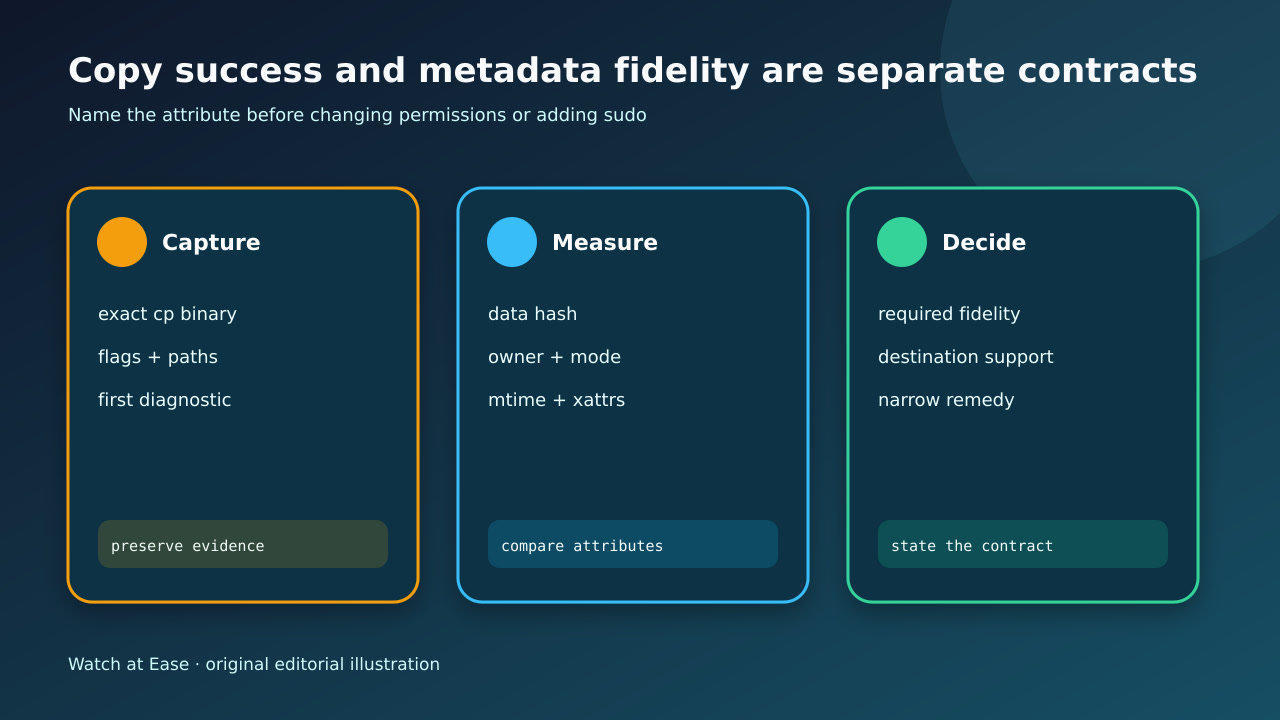
The file data may have copied even though one metadata update failed. Capture the exact binary, target object and first rejected attribute; then decide whether timestamps, ownership, mode, ACLs or xattrs are actually required before adding sudo or dropping preservation.
The file data may have copied even though one metadata update failed. Capture the exact binary, target object and first rejected attribute; then decide whether timestamps, ownership, mode, ACLs or xattrs are actually required before adding sudo or dropping preservation.
A successful data write does not prove that cp preserved timestamps, ownership, mode, ACLs, security context or extended attributes.
1. Freeze the exact copy and target
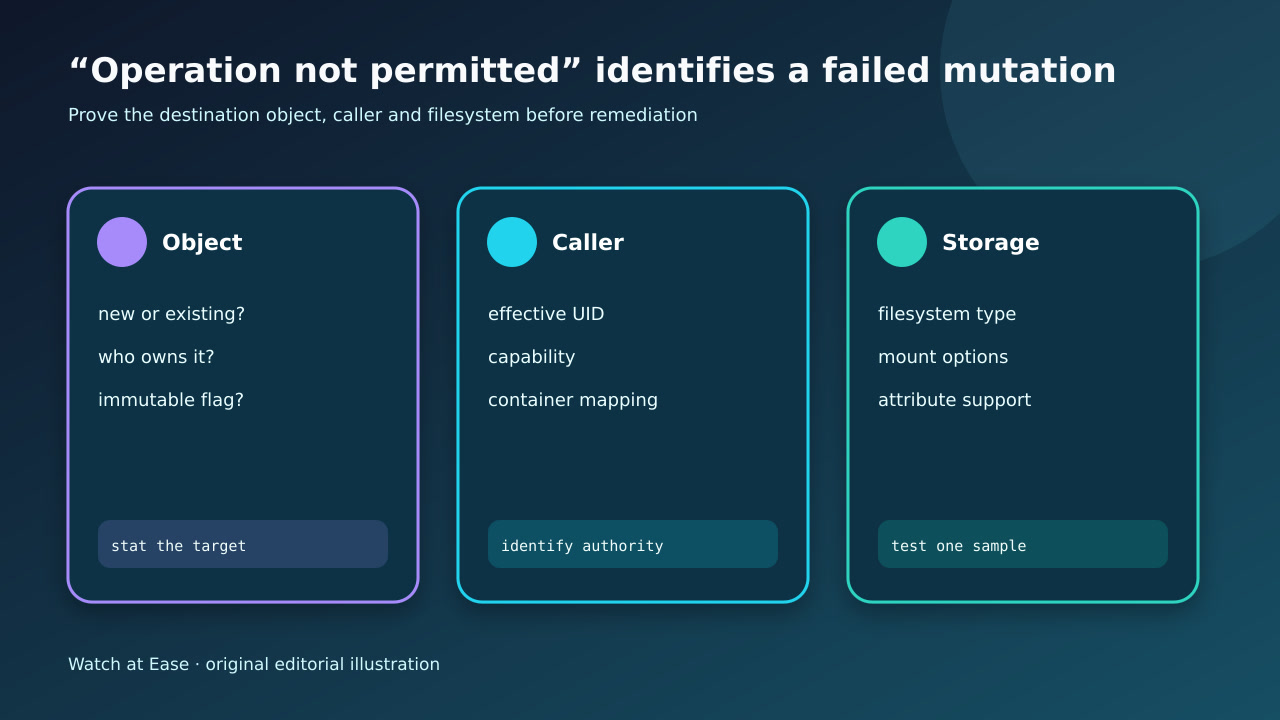
Save the exact command, cp executable and version, effective user, source and destination, exit status and first unfiltered diagnostic. Record whether the target existed before the run and who owned it.
Do not rerun immediately with sudo, overwrite the only destination or redirect stderr away. Those changes can hide whether the failure was a timestamp, owner, mode, context or xattr mutation.
2. Compare bytes and attributes separately
Hash or byte-compare one non-sensitive sample, then collect a machine-readable stat for source and target: file type, size, owner, group, mode, atime and mtime with timezone/precision. Inspect ACLs, xattrs and security labels only when the stated use requires them.
Build a small matrix of requested, supported and observed attributes. A good content hash with a new mtime may be acceptable for transfer but invalid for incremental backup, reproducible build input or legal archive.
3. Classify authority versus storage support
Identify the actual cp implementation because BusyBox and GNU option syntax differ. Resolve the destination filesystem type and mount options, then repeat with a disposable file owned by the caller.
If a fresh caller-owned target preserves time but an existing target does not, investigate ownership or immutable flags. If both fail, test destination support, read-only state, ID mapping or security policy. A sudo success is a clue about authority, not automatic permission to use it.
4. Choose a narrow, declared remedy
If timestamps are required and supported, copy to a caller-owned new object or arrange reviewed ownership and write authority. If an attribute is irrelevant and unsupported, omit exactly that attribute and record the loss. Use an archive or filesystem-native tool when several attributes must survive.
Do not use broad chmod/chown, global security-policy changes or recursive sudo to fix one unexplained diagnostic. Never claim FAT-like storage preserved Unix ownership merely because names and bytes arrived.
5. Verify the copy against its real purpose
Repeat the exact intended workflow on a representative sample. Verify content and every required attribute after closing and reopening the destination; include timezone and timestamp precision in the comparison.
Accept only when the required matrix passes, the exit policy distinguishes allowed attribute loss from new failures, and rollback is clear. If the destination cannot meet the contract, change the container or destination instead of relabeling the copy as faithful.