Technology · NEWS EXPLAINER
Windows 11 Photos is being rebuilt: who gets it first, and what stays local
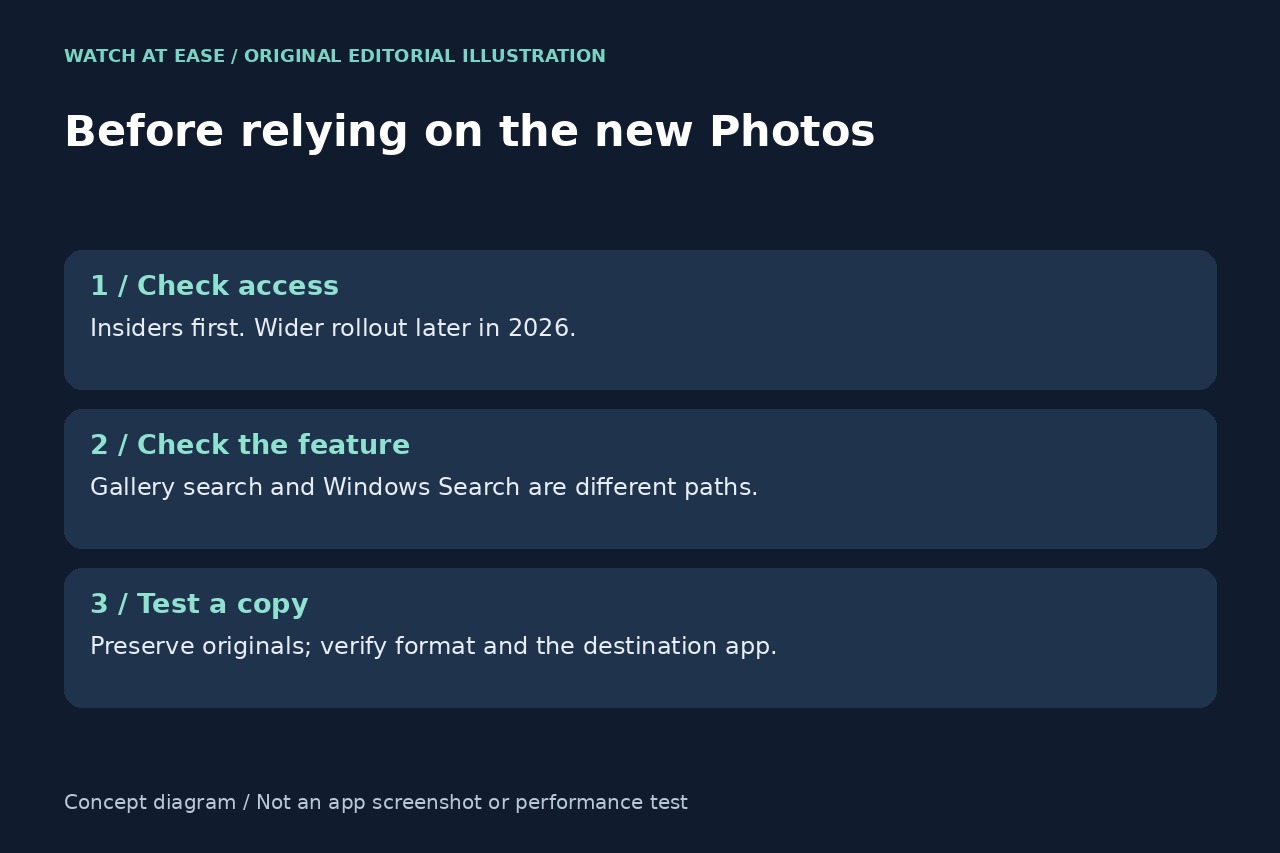
The redesigned Gallery, Editor and Viewer start with Windows Insiders. Check cloud downloads and feature requirements before treating a combined gallery as a complete offline photo library.
Microsoft announced a redesigned Photos app on October 15, with a combined Gallery, rebuilt Editor and lighter Viewer. Distribution starts with Windows Insiders; broader Windows 11 availability is planned later in 2026. For people with pictures split between a PC, OneDrive and iCloud, the useful question is which collection they can actually open, search and edit on their own machine.
A common gallery does not make every photo local
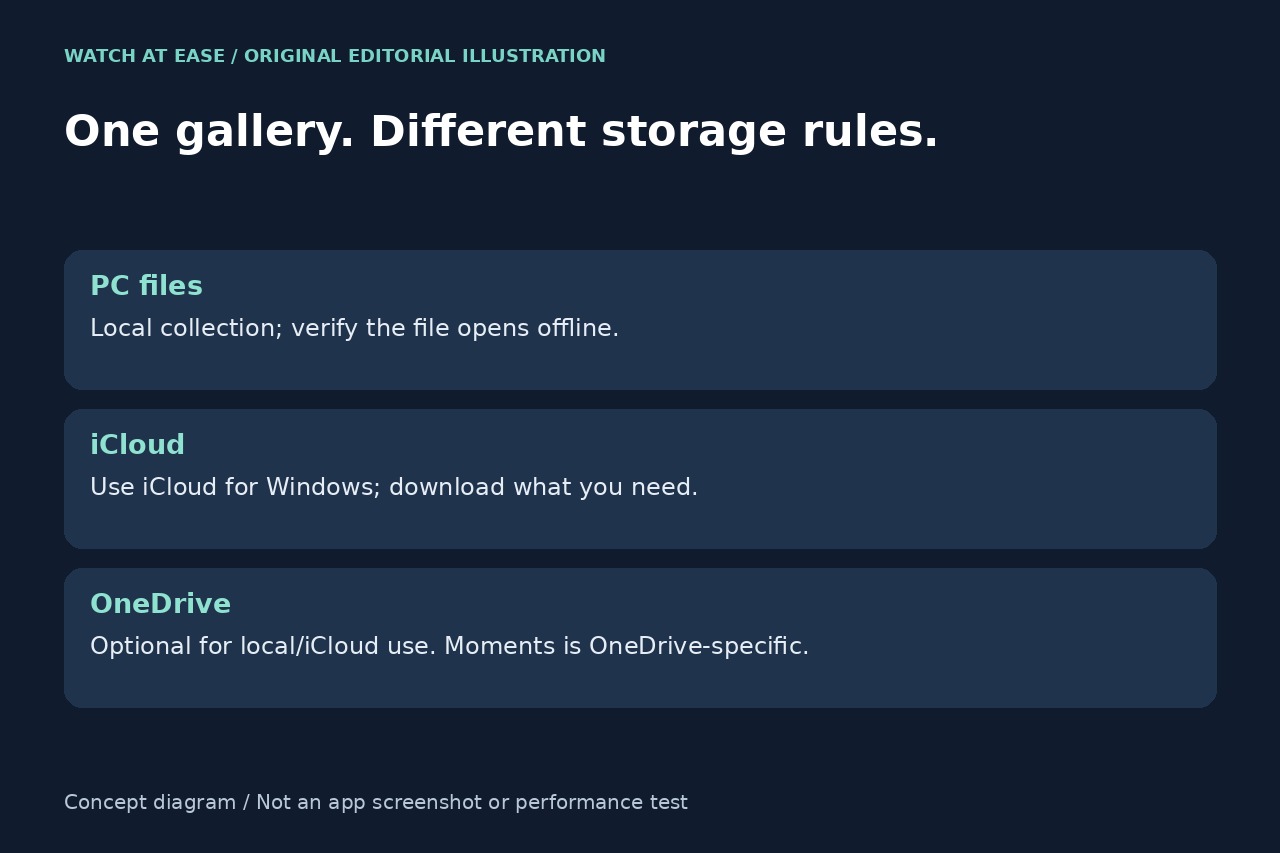
The Gallery brings local, OneDrive and iCloud photos and videos into one interface. Microsoft says local and iCloud content can still be used without signing in to OneDrive. Its Moments memories, however, concern the OneDrive collection. A reader who wants only a local viewer therefore need not interpret this announcement as an instruction to move a library into Microsoft's cloud.
Before a trip, select a small test set from each storage location. With the network disconnected, check that the intended pictures open at the detail needed for editing. This is an editorial verification step, not a test we performed on the new app. Seeing an item in a combined library is a different question from having its usable file on the PC.
iCloud still has its own setup and download choices
Apple’s dated April 30, 2025 support article explains the Windows access path: enable iCloud Photos through iCloud for Windows, then use File Explorer or iCloud.com to download the files. In File Explorer, select iCloud Photos and double-click a picture or video to download and view it; Ctrl supports selecting several items.
The browser route is separate: sign in at iCloud.com/photos, select the required items and use the download control. This provider-specific documentation is useful context for the new combined Gallery, not proof that Microsoft has delivered the redesign to a particular PC. Choose the pictures needed for a trip and confirm the downloaded copies before relying on offline access.
Separate app features from hardware-dependent search
The new Gallery’s natural-language search and the improved Windows Search mentioned alongside it should not be treated as one universal entitlement. Microsoft’s announcement limits the latter’s local Pictures Library support to compatible hardware. The announcement does not justify promising the same search experience on every PC.
If an ordinary PC receives the new Photos interface but does not reproduce a search demonstrated on another device, record the exact app feature, storage location, PC model and query before assuming the library is broken. Gallery, Editor and Viewer are also separate parts of the experience; obtaining one visible change does not prove every announced capability has arrived.
Treat speed numbers as test results, and protect originals
Microsoft reports a 25% faster Editor launch, a 15% faster Viewer startup average and improvements of up to 30% for HEIC images. Its footnote compares controlled measurements against Photos version 2026.11060 across x64 and ARM64 devices and says actual performance varies. These figures are not our benchmark, and the HEIC maximum should not become a promise for every image.
The Editor adds original-format HEIC and WebP saving, HDR editing and broader Relight availability. For a first trial, work on copies and compare the saved file's format, dimensions and appearance in the destination app. Keep originals until that check is complete. The announcement provides no exact general-release date, so an unchanged app today is not by itself evidence of a failed installation.