Travel · NEWS EXPLAINER
United’s app adds Japanese and yen support: what travelers should check
United has launched a Japanese-language app experience with yen pricing and local point-of-sale support. Travelers should update the app, verify the final currency and itinerary, and keep the booking confirmation.
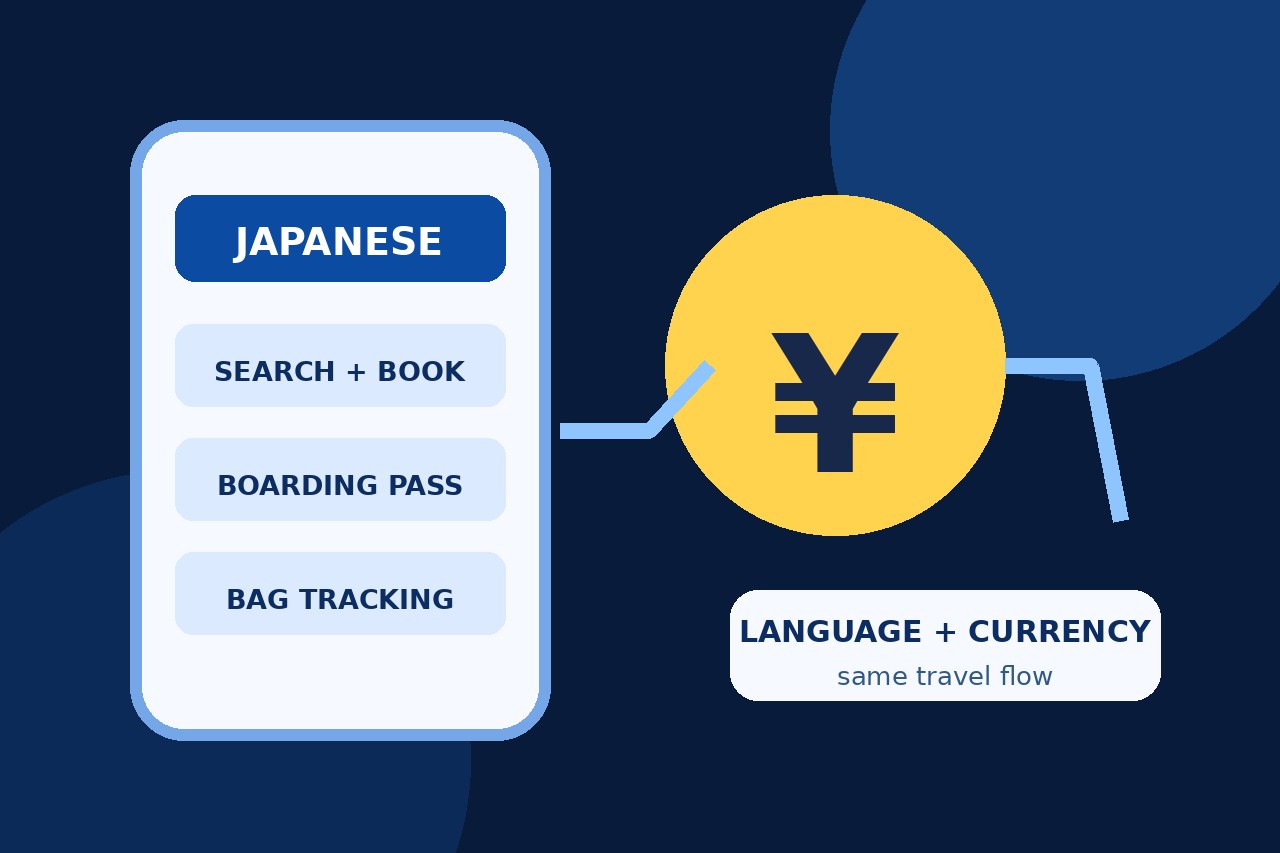
United’s mobile app is now available in Japanese, with yen currency support and local point-of-sale capabilities for customers in Japan. The October 16 rollout covers booking and day-of-travel tools, but users should still verify the final total, payment method and confirmation before relying on the new flow.
What changed on October 16
United released a Japanese-language version of its mobile app on October 16, adding yen currency support and local point-of-sale capabilities for customers in Japan. The airline says the localized flow covers searching and booking, check-in, boarding passes, bag tracking, real-time flight updates, U.S. connection guidance and arrival management.
How to get the Japanese interface
TRAICY reports that the app automatically displays Japanese when an iPhone or Android device is set to Japanese. Travelers should install the latest app version, close and reopen it, and verify that the booking and trip-management screens have switched before relying on the interface at the airport. The earlier app offered English and Spanish, so this is a new full-language option rather than a browser translation.
What yen support does—and does not—prove
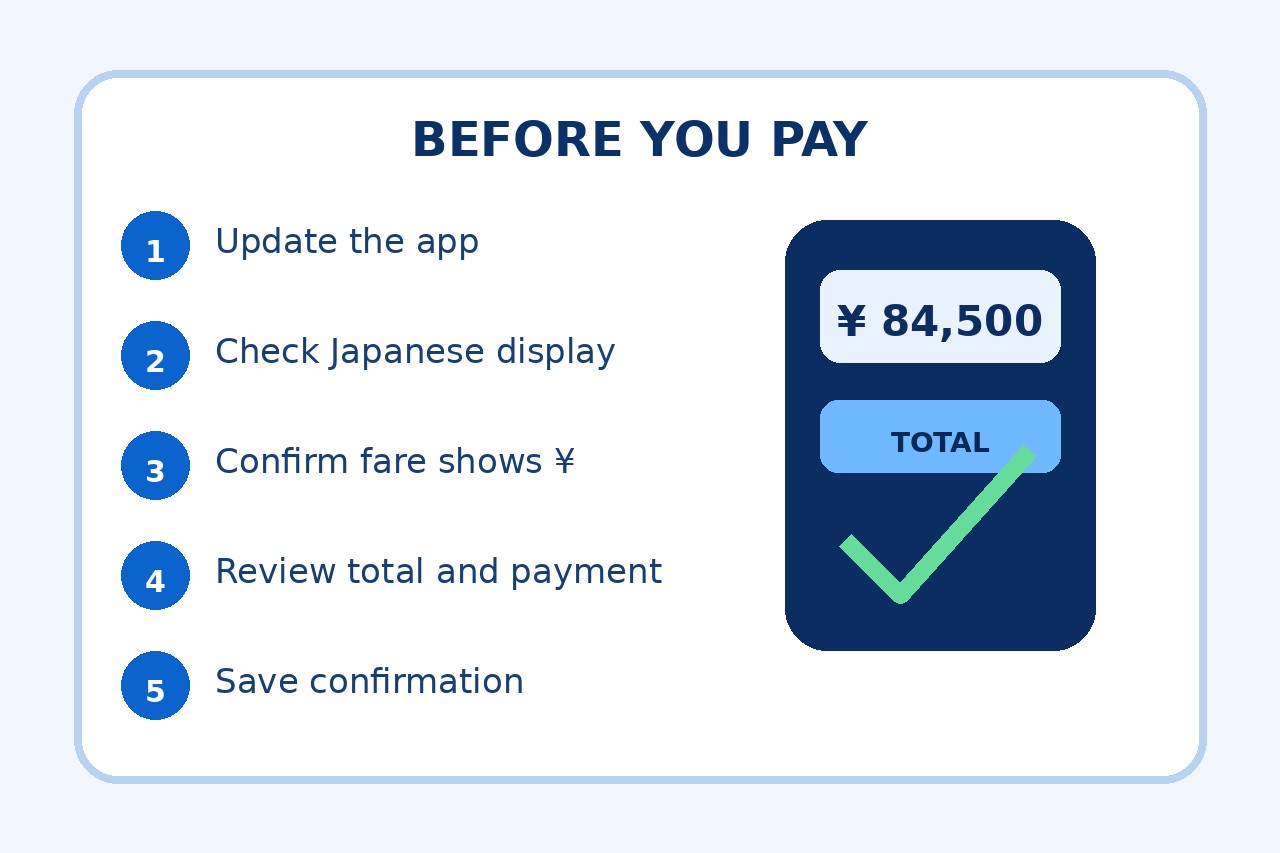
The announcement says fares can be displayed and payments can be handled in yen through a local point of sale. That reduces currency ambiguity, but it does not guarantee that every itinerary, optional service or card will behave identically. Before purchase, confirm the final currency symbol, total, itinerary and payment method on the checkout screen; after payment, save the confirmation and check the charge shown by the card issuer.
A safer first-use checklist
Update the app from the official store and make sure the phone language is Japanese. Search the intended route, confirm that the fare and final total display in yen, and review any bag or seat charges before paying. Keep the confirmation number and email, then confirm that the trip appears under the same MileagePlus account. At the airport, retain a screenshot or wallet copy of the boarding pass in case connectivity is limited.