기술 · 실용 가이드
Syncthing 충돌 파일이 너무 많나요? 삭제·병합 전에 전부 감사하세요
읽기 전용 Python 감사 도구가 문서화된 .sync-conflict 복사본을 추정 원본과 짝지어 양쪽 SHA-256을 계산하고 identical, different, base-missing으로 분류합니다. 삭제, 이름 변경, 병합은 전혀 하지 않습니다.
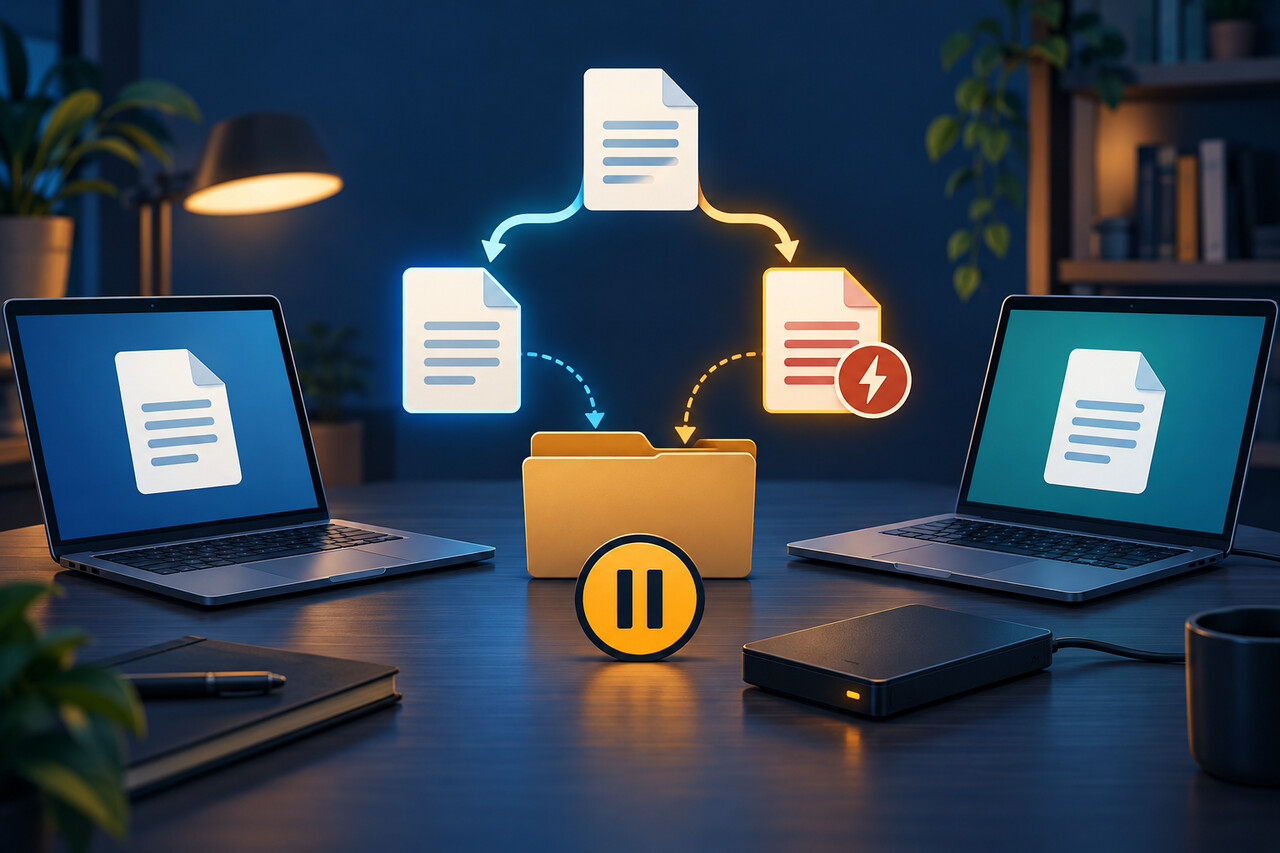
Syncthing은 안전하게 조정할 수 없는 동시 변경을 발견하면 충돌 복사본을 남깁니다. 파일명의 날짜, 시간, 장치 ID는 단서일 뿐 어느 내용을 보존해야 하는지 증명하지 않습니다. 삭제하거나 이름을 바꾸기 전에 접근 가능한 모든 장치에서 해당 폴더 동기화를 멈추고 편집을 중단한 뒤, 동기화 트리 밖에 별도 백업을 만들고 읽기 전용 목록을 작성해야 합니다.
충돌 파일명이 말해 주는 것과 말해 주지 않는 것
현재 Syncthing 문서의 형식은 `report.sync-conflict-20261011-102030-DEVICE.docx`와 같습니다. 시간과 장치 접미사는 복사본 식별에 도움이 되지만 Syncthing은 스프레드시트, 데이터베이스, 사진, 메모의 내용을 이해하지 못합니다. 더 최신 시각이 더 나은 내용을 뜻하지 않으며 충돌 파일은 다른 장치로 전파될 수 있습니다. 한 장치에서 서둘러 삭제하는 것은 전체 검토가 아닙니다.
가장 안전한 첫 단계는 Syncthing 밖에서 진행합니다. 편집을 멈추고 모든 접근 가능한 장치에서 폴더를 일시 중지하며 동기화 트리 밖에 전체 사본을 만듭니다. 아래 감사는 파일 바이트만 읽고 Syncthing 데이터베이스를 조회하거나 수정하지 않습니다.
삭제 버튼 대신 세 가지 상태 사용
각 충돌 복사본은 `identical`, `different`, `base-missing`으로 분류됩니다. `identical`은 충돌 복사본과 추정 원본의 SHA-256이 같고, `different`는 두 일반 파일이 모두 있지만 바이트가 다르며, `base-missing`은 접미사가 없는 예상 파일이 일반 파일로 존재하지 않는 상태입니다. 이는 증거 라벨이지 자동 처리 명령이 아닙니다.
동일하더라도 상대 경로와 백업을 먼저 확인합니다. 내용이 다르면 파일을 만든 응용 프로그램에서 형식에 맞게 비교합니다. 원본이 없으면 충돌 복사본이 마지막 한 부일 수 있으므로 불필요한 파일로 취급하면 안 됩니다.
테스트된 읽기 전용 감사 실행
다음 내용을 `syncthing_conflict_audit.py`로 저장합니다. Python 표준 라이브러리만 사용하고 심볼릭 링크를 건너뛰며 연결된 디렉터리를 따라가지 않고, 지정하면 동기화 트리 밖에 목록을 씁니다. ```python #!/usr/bin/env python3 """Inventory Syncthing conflict copies without changing any files. The tool pairs filenames of the form ``name.sync-conflict-YYYYMMDD-HHMMSS-DEVICE.ext`` with their likely base file, hashes both when possible, and emits a CSV or JSON manifest. """ from __future__ import annotations import argparse import csv import hashlib import json import os import re import sys from dataclasses import asdict, dataclass from pathlib import Path from typing import Iterable, TextIO CONFLICT_RE = re.compile( r"^(?P<stem>.+)\.sync-conflict-" r"(?P<date>\d{8})-(?P<time>\d{6})-" r"(?P<device>[^./\\]+)(?P<suffix>\.[^/\\]+)?$" ) @dataclass(frozen=True) class AuditRow: conflict_path: str base_path: str status: str conflict_sha256: str base_sha256: str conflict_bytes: int base_bytes: int | None conflict_timestamp: str modified_by: str def parse_conflict_name(name: str) -> tuple[str, str, str] | None: """Return (base filename, compact timestamp, device ID), if recognized.""" match = CONFLICT_RE.match(name) if not match: return None suffix = match.group("suffix") or "" base_name = f"{match.group('stem')}{suffix}" timestamp = f"{match.group('date')}T{match.group('time')}" return base_name, timestamp, match.group("device") def sha256_file(path: Path, chunk_size: int = 1024 * 1024) -> str: digest = hashlib.sha256() with path.open("rb") as handle: while chunk := handle.read(chunk_size): digest.update(chunk) return digest.hexdigest() def find_conflicts(root: Path) -> Iterable[Path]: """Yield regular conflict files in deterministic order; do not follow links.""" found: list[Path] = [] for directory, dirnames, filenames in os.walk(root, followlinks=False): dirnames.sort() for filename in sorted(filenames): candidate = Path(directory, filename) if parse_conflict_name(filename) and candidate.is_file() and not candidate.is_symlink(): found.append(candidate) yield from sorted(found) def audit(root: Path) -> list[AuditRow]: root = root.resolve() rows: list[AuditRow] = [] for conflict in find_conflicts(root): parsed = parse_conflict_name(conflict.name) assert parsed is not None base_name, timestamp, device = parsed base = conflict.with_name(base_name) conflict_hash = sha256_file(conflict) conflict_size = conflict.stat().st_size if base.is_file() and not base.is_symlink(): base_hash = sha256_file(base) base_size: int | None = base.stat().st_size status = "identical" if conflict_hash == base_hash else "different" else: base_hash = "" base_size = None status = "base-missing" rows.append( AuditRow( conflict_path=str(conflict.relative_to(root)), base_path=str(base.relative_to(root)), status=status, conflict_sha256=conflict_hash, base_sha256=base_hash, conflict_bytes=conflict_size, base_bytes=base_size, conflict_timestamp=timestamp, modified_by=device, ) ) return rows def write_json(rows: list[AuditRow], output: TextIO) -> None: json.dump([asdict(row) for row in rows], output, ensure_ascii=False, indent=2) output.write("\n") def write_csv(rows: list[AuditRow], output: TextIO) -> None: fieldnames = list(AuditRow.__dataclass_fields__) writer = csv.DictWriter(output, fieldnames=fieldnames) writer.writeheader() writer.writerows(asdict(row) for row in rows) def build_parser() -> argparse.ArgumentParser: parser = argparse.ArgumentParser( description="Create a read-only manifest of Syncthing .sync-conflict files." ) parser.add_argument("root", type=Path, help="Folder to scan recursively") parser.add_argument("--format", choices=("csv", "json"), default="csv") parser.add_argument( "--output", type=Path, help="Manifest path; omit to write to standard output", ) return parser def main(argv: list[str] | None = None) -> int: args = build_parser().parse_args(argv) if not args.root.is_dir(): print(f"error: not a directory: {args.root}", file=sys.stderr) return 2 rows = audit(args.root) output: TextIO if args.output: args.output.parent.mkdir(parents=True, exist_ok=True) output = args.output.open("w", encoding="utf-8", newline="") else: output = sys.stdout try: if args.format == "json": write_json(rows, output) else: write_csv(rows, output) finally: if args.output: output.close() print( f"Scanned {args.root}: {len(rows)} conflict file(s); no files changed.", file=sys.stderr, ) return 0 if __name__ == "__main__": raise SystemExit(main()) ```
PowerShell이나 터미널에서 `python syncthing_conflict_audit.py "/동기화-폴더" --output "/안전한-위치/syncthing-conflicts.csv"`를 실행합니다. JSON은 `--format json`을 추가합니다. 출력 파일을 진단 중인 동기화 폴더 안에 두면 새 변경이 생기므로 피하세요.
목록을 과도하게 해석하지 않기
`status`로 정렬하고 `base-missing`을 먼저 확인합니다. 열기 전에 독립 백업으로 복사하세요. `different`는 원래 응용 프로그램에서 비교합니다. 텍스트는 diff 도구를 사용할 수 있지만 문서, 사진 카탈로그, 메모 데이터베이스, 압축 파일은 형식별 검사나 내보내기가 필요합니다. 병합 또는 선택 결과를 검증할 때까지 둘 다 보존합니다.
`identical`의 같은 SHA-256은 감사 시점에 두 일반 파일의 바이트가 같다는 뜻일 뿐입니다. 삭제 허가는 아닙니다. 상대 경로를 확인하고 파일을 다시 쓰는 응용 프로그램을 닫은 뒤 동기화를 중지한 채 작은 단위로 처리합니다.
장치 접미사와 시각은 승자를 고르지 않는다
문서화된 충돌 이름은 Syncthing이 복사본을 만든 시각과 어느 장치의 변경이 그 이름으로 이동했는지를 보여 줍니다. 시계 오차, 응용 프로그램 저장 방식, 이후 수동 복사 때문에 타임스탬프가 오해를 낳을 수 있습니다. 내용 비교와 메타데이터 단서를 분리하고 파일 형식에 내부 기록이 있다면 함께 확인합니다.
충돌이 다시 생기면 여러 장치의 동시 편집, 열린 파일을 재작성하는 응용 프로그램, 장치 시계, 데이터베이스형 파일의 동시 사용을 조사합니다. 증상을 반복 삭제하는 것보다 원인을 고치는 것이 중요합니다.
앞으로 버전 관리를 쓰되 한계를 기억하기
Syncthing 버전 관리는 폴더와 장치별로 설정합니다. 공식 문서에 따르면 다른 장치에서 받은 변경은 보관하지만 같은 장치에서 만든 로컬 변경은 보관하지 않습니다. 복구 계층은 추가되지만 완전한 백업이 아니며 응용 프로그램 기록이나 독립 백업을 대신하지 않습니다.
해결과 원인 수정이 끝나면 한 장치부터 다시 시작해 예상 파일 집합을 확인한 뒤 다른 장치를 단계적으로 연결합니다. 감사 목록을 백업과 함께 보관해 검토한 경로와 해시 기록으로 남기세요.