テクノロジー · 実用ガイド
Syncthingの競合ファイルが大量にある?削除・統合の前に全件を監査
読み取り専用のPython監査で、文書化された .sync-conflict コピーを推定元ファイルと対応させ、双方のSHA-256を計算し、identical・different・base-missingに分類します。削除、改名、統合は一切行いません。
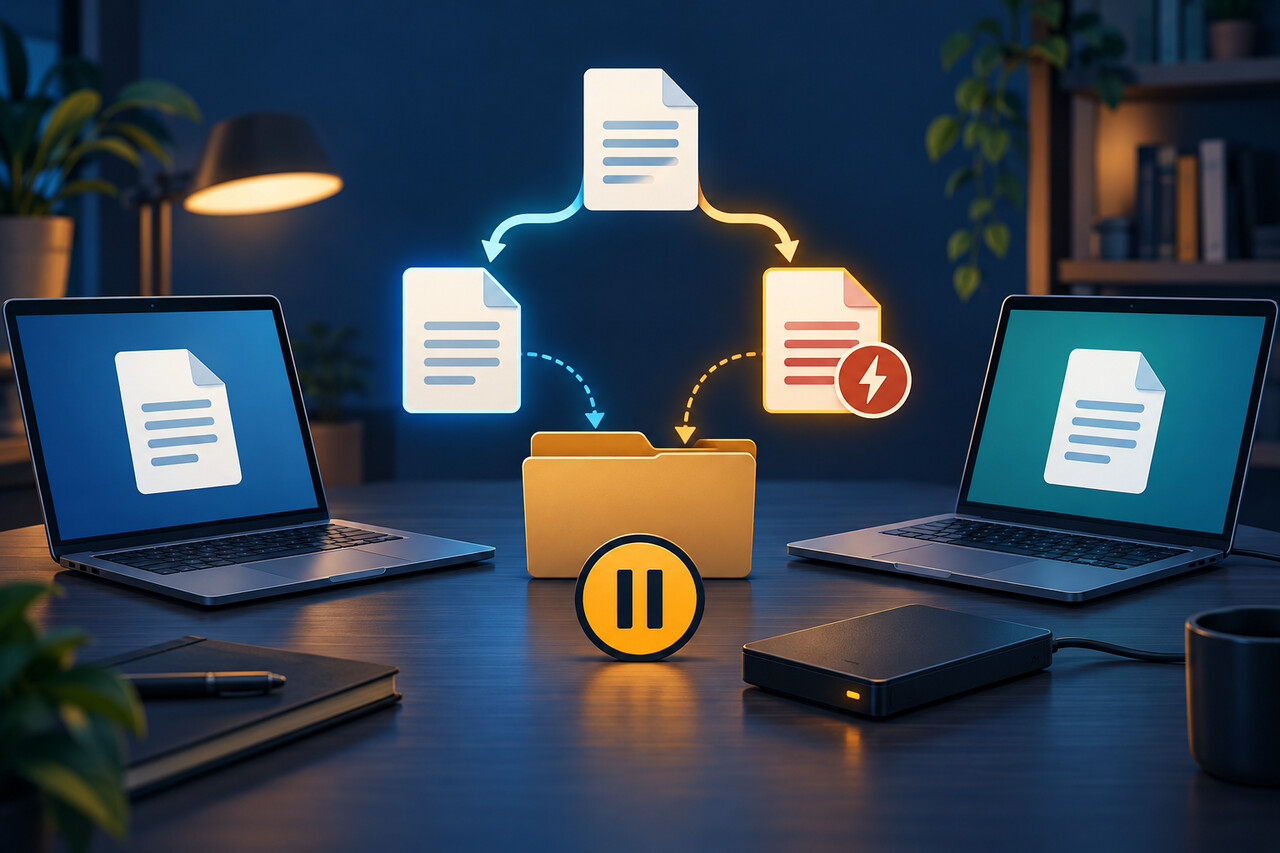
Syncthingは、安全に調停できない同時変更を検出すると競合コピーを残します。ファイル名の日付、時刻、デバイスIDは手掛かりですが、どの内容を残すべきかは証明しません。削除や改名の前に、到達できる全デバイスで対象フォルダーを一時停止し、編集をやめ、同期ツリー外へ独立バックアップを作ってから読み取り専用で棚卸しします。
競合名で分かることと分からないこと
現行文書の形式は `report.sync-conflict-20261011-102030-DEVICE.docx` のようなものです。時刻とデバイス接尾辞はコピーの識別に役立ちますが、Syncthingは表計算、データベース、写真、ノートの中身を理解しません。新しい時刻が正しい内容を意味するわけではなく、競合ファイルは他デバイスへ伝播することもあります。1台だけで急いで削除しても、全体確認にはなりません。
最初の安全策はSyncthingの外で行います。編集を止め、到達できる全デバイスでフォルダーを一時停止し、同期ツリー外へ完全なコピーを作ります。下の監査はファイルのバイトだけを読み、Syncthingのデータベースを照会・変更しません。
削除ボタンではなく三つの状態を使う
各コピーを `identical`、`different`、`base-missing` に分類します。`identical` は推定元ファイルと競合コピーのSHA-256が一致、`different` は両方が通常ファイルとして存在するもののバイトが異なる状態、`base-missing` は接尾辞なしの予想ファイルが通常ファイルとして存在しない状態です。いずれも証拠ラベルであり、自動処理の命令ではありません。
一致していても相対パスとバックアップを確認します。異なる場合は作成元アプリケーションで形式に応じて比較します。元ファイルがない場合、競合コピーが最後の1部かもしれないため、不要物として扱ってはいけません。
テスト済みの読み取り専用監査を実行
次を `syncthing_conflict_audit.py` として保存します。Python標準ライブラリだけを使い、シンボリックリンクを無視し、リンク先ディレクトリをたどらず、指定すれば同期ツリー外へ一覧を書き出します。 ```python #!/usr/bin/env python3 """Inventory Syncthing conflict copies without changing any files. The tool pairs filenames of the form ``name.sync-conflict-YYYYMMDD-HHMMSS-DEVICE.ext`` with their likely base file, hashes both when possible, and emits a CSV or JSON manifest. """ from __future__ import annotations import argparse import csv import hashlib import json import os import re import sys from dataclasses import asdict, dataclass from pathlib import Path from typing import Iterable, TextIO CONFLICT_RE = re.compile( r"^(?P<stem>.+)\.sync-conflict-" r"(?P<date>\d{8})-(?P<time>\d{6})-" r"(?P<device>[^./\\]+)(?P<suffix>\.[^/\\]+)?$" ) @dataclass(frozen=True) class AuditRow: conflict_path: str base_path: str status: str conflict_sha256: str base_sha256: str conflict_bytes: int base_bytes: int | None conflict_timestamp: str modified_by: str def parse_conflict_name(name: str) -> tuple[str, str, str] | None: """Return (base filename, compact timestamp, device ID), if recognized.""" match = CONFLICT_RE.match(name) if not match: return None suffix = match.group("suffix") or "" base_name = f"{match.group('stem')}{suffix}" timestamp = f"{match.group('date')}T{match.group('time')}" return base_name, timestamp, match.group("device") def sha256_file(path: Path, chunk_size: int = 1024 * 1024) -> str: digest = hashlib.sha256() with path.open("rb") as handle: while chunk := handle.read(chunk_size): digest.update(chunk) return digest.hexdigest() def find_conflicts(root: Path) -> Iterable[Path]: """Yield regular conflict files in deterministic order; do not follow links.""" found: list[Path] = [] for directory, dirnames, filenames in os.walk(root, followlinks=False): dirnames.sort() for filename in sorted(filenames): candidate = Path(directory, filename) if parse_conflict_name(filename) and candidate.is_file() and not candidate.is_symlink(): found.append(candidate) yield from sorted(found) def audit(root: Path) -> list[AuditRow]: root = root.resolve() rows: list[AuditRow] = [] for conflict in find_conflicts(root): parsed = parse_conflict_name(conflict.name) assert parsed is not None base_name, timestamp, device = parsed base = conflict.with_name(base_name) conflict_hash = sha256_file(conflict) conflict_size = conflict.stat().st_size if base.is_file() and not base.is_symlink(): base_hash = sha256_file(base) base_size: int | None = base.stat().st_size status = "identical" if conflict_hash == base_hash else "different" else: base_hash = "" base_size = None status = "base-missing" rows.append( AuditRow( conflict_path=str(conflict.relative_to(root)), base_path=str(base.relative_to(root)), status=status, conflict_sha256=conflict_hash, base_sha256=base_hash, conflict_bytes=conflict_size, base_bytes=base_size, conflict_timestamp=timestamp, modified_by=device, ) ) return rows def write_json(rows: list[AuditRow], output: TextIO) -> None: json.dump([asdict(row) for row in rows], output, ensure_ascii=False, indent=2) output.write("\n") def write_csv(rows: list[AuditRow], output: TextIO) -> None: fieldnames = list(AuditRow.__dataclass_fields__) writer = csv.DictWriter(output, fieldnames=fieldnames) writer.writeheader() writer.writerows(asdict(row) for row in rows) def build_parser() -> argparse.ArgumentParser: parser = argparse.ArgumentParser( description="Create a read-only manifest of Syncthing .sync-conflict files." ) parser.add_argument("root", type=Path, help="Folder to scan recursively") parser.add_argument("--format", choices=("csv", "json"), default="csv") parser.add_argument( "--output", type=Path, help="Manifest path; omit to write to standard output", ) return parser def main(argv: list[str] | None = None) -> int: args = build_parser().parse_args(argv) if not args.root.is_dir(): print(f"error: not a directory: {args.root}", file=sys.stderr) return 2 rows = audit(args.root) output: TextIO if args.output: args.output.parent.mkdir(parents=True, exist_ok=True) output = args.output.open("w", encoding="utf-8", newline="") else: output = sys.stdout try: if args.format == "json": write_json(rows, output) else: write_csv(rows, output) finally: if args.output: output.close() print( f"Scanned {args.root}: {len(rows)} conflict file(s); no files changed.", file=sys.stderr, ) return 0 if __name__ == "__main__": raise SystemExit(main()) ```
PowerShellまたは端末で `python syncthing_conflict_audit.py "/同期フォルダー" --output "/安全な場所/syncthing-conflicts.csv"` を実行します。JSONには `--format json` を追加します。出力を診断中の同期フォルダー内に置くと新しい同期変更になるため避けてください。
一覧を過大解釈しない
`status`で並べ替え、まず`base-missing`を確認します。開く前に独立バックアップへコピーします。`different`は作成元アプリで比較し、テキストなら差分ツール、オフィス文書、写真カタログ、ノートデータベース、アーカイブなら各形式に適した確認や書き出しを使います。統合・選択結果を検証するまで両方を残します。
`identical`の一致は、監査時点で二つの通常ファイルのバイトが同じという意味だけです。削除許可ではありません。相対パスを確認し、自動保存するアプリを閉じ、同期を止めたまま小さな単位で解決します。
デバイス接尾辞と時刻は勝者を決めない
文書化された競合名は、コピー作成時刻と、どのデバイスの変更がその名前へ移されたかを示します。時計のずれ、アプリの保存方法、その後の手動コピーで時刻は誤解を招きます。内容比較とメタデータは分け、形式内に履歴があればそれも確認します。
競合が再発する場合は、複数端末の同時編集、開いている間にファイルを書き直すアプリ、端末時計、データベース型ファイルの並行利用を調べます。症状の削除を繰り返すより、原因を直すことが重要です。
今後はバージョニングを使えるが限界もある
Syncthingのバージョニングはフォルダーごと、デバイスごとに設定します。公式文書では、他デバイスから受信した変更を保存しますが、同じ端末で行われたローカル変更は保存しません。回復層にはなりますが、完全なバックアップでも、アプリ内履歴や独立バックアップの代替でもありません。
解決と原因修正が終わったら、まず1台を再開して期待どおりのファイル集合を確認し、他の端末を段階的に戻します。監査一覧をバックアップと保管し、確認したパスとハッシュの記録にします。