Technology · PRACTICAL GUIDE
sudo says “unable to resolve host”? Trace the local hostname through NSS first
Prove the runtime hostname, exercise its real NSS lookup path, identify the configuration owner, then repair one layer and verify sudo again.
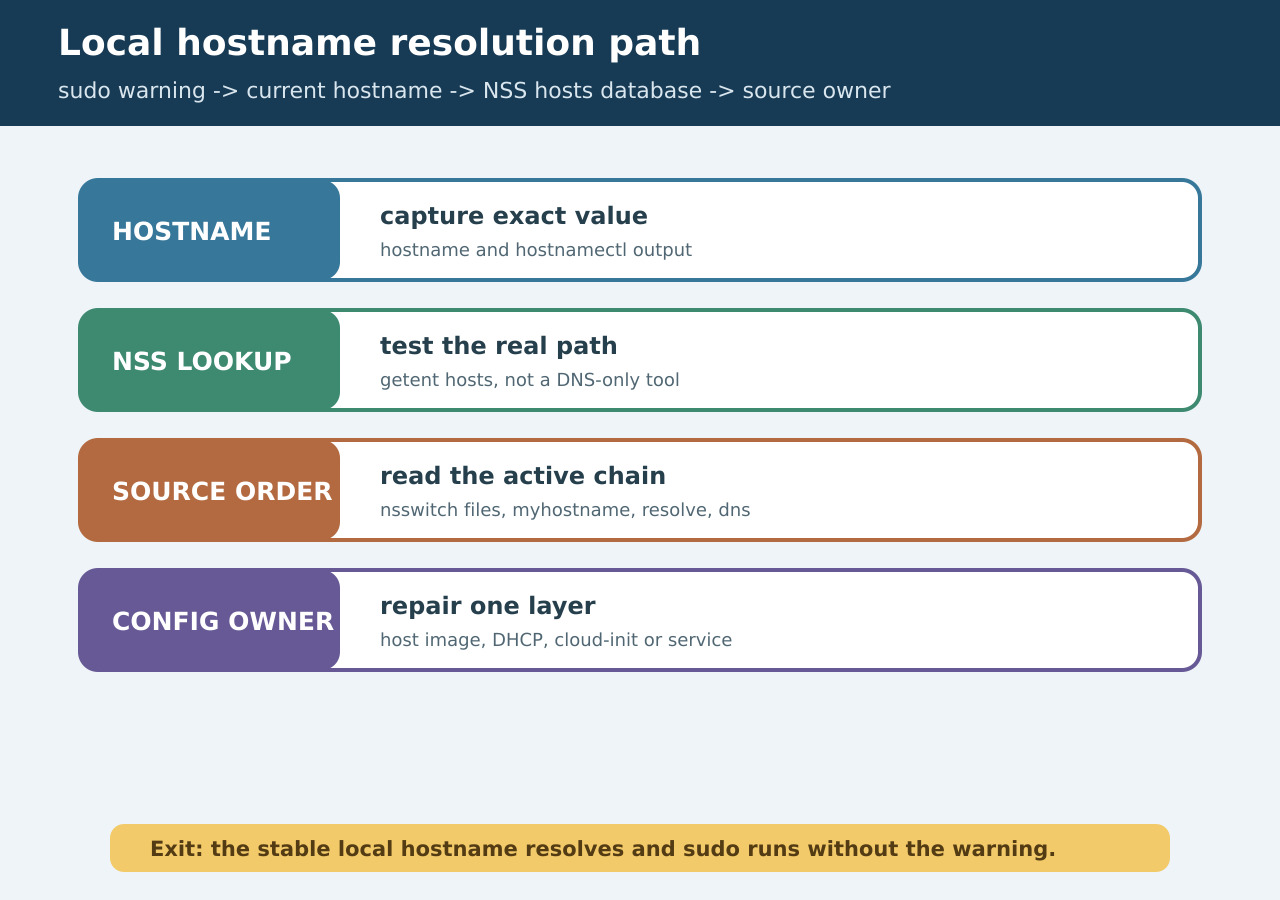
The warning says the machine could not resolve its own current hostname through the configured host database. It does not by itself prove Internet DNS is broken. Preserve the exact name and trace the same lookup path applications use before editing files.
Freeze the exact local identity
Record the literal name in the sudo warning, hostname output, hostnamectl status when available, boot/image identity and whether the environment is a host, container or CI runner. Do not normalize case, add a domain or guess which file is wrong yet.
Exercise the real hosts database
Run getent hosts with the exact current hostname and, when address families matter, getent ahosts. These calls follow the configured NSS path. A DNS-only tool such as host or dig can disagree because it may bypass local files and NSS modules.
Read the active source order
Inspect the hosts line in /etc/nsswitch.conf. Record the order and control tokens for files, myhostname, resolve, dns or other modules. Then inspect only the source that should answer the local name. A missing files result is different from a missing NSS module or a DNS-only failure.
Identify the persistent owner
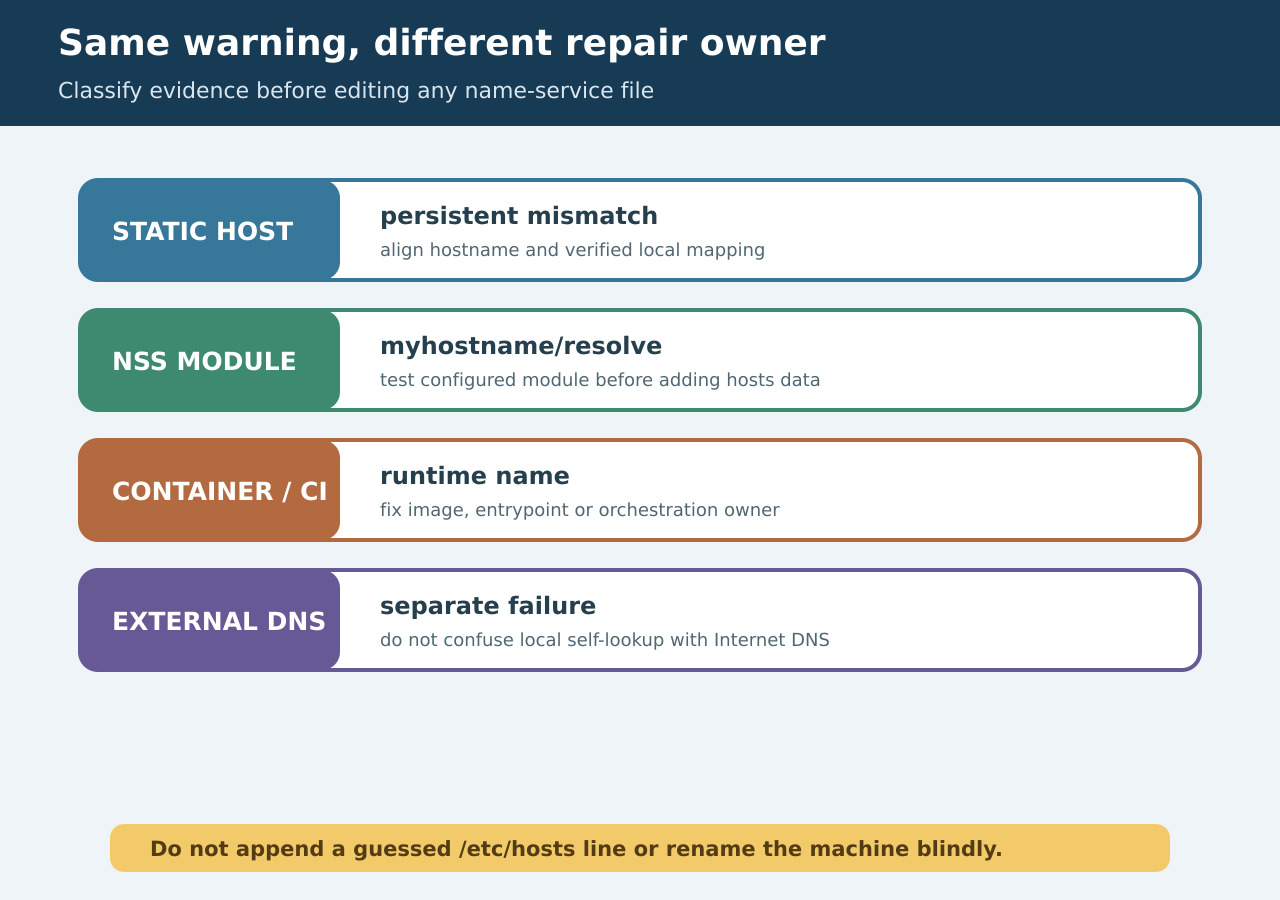
For a static Debian-style machine, compare the runtime hostname with the persistent hostname and verified local mapping. For cloud images, DHCP, NetworkManager, cloud-init, systemd-hostnamed, containers or orchestration, identify which layer regenerates the name or files. Edit the owner, not its temporary output.
Repair one bounded layer
Correct one verified mismatch or module configuration. Preserve localhost entries and valid aliases; do not append a guessed address or rename the host globally just to silence sudo. In ephemeral containers or CI, fix the image, entrypoint or runtime host mapping so the change survives the next start.
Prove closure without mixing DNS
Repeat hostname and getent, then run a harmless sudo validation and the original command. Reboot or recreate only when the owning layer requires it, and repeat after that lifecycle event. Test external DNS separately so local self-resolution and Internet reachability do not mask each other.